OpenMOSS · 5B · MOSS-Image-SFT

Run MOSS-Image on iPhone, iPad, and Mac: Text on Signs in Many Languages
MOSS-Image is a model from OpenMOSS that puts words inside the picture, whether that is the label on a jar or the name painted over a shop door. It writes more than English. In our tests, signs in Chinese, Japanese, Korean, Russian, Spanish, and French came out exactly as written. It runs on a 12 GB iPhone or iPad and on a Mac with 16 GB or more. Every device runs its 4-step mode, and the Mac adds a Quality mode that runs 50 steps and takes much longer.
- Parameters
- 5B
- License
- Apache License 2.0
- Download
- 11.01 GB
MOSS-Image runs in Private Diffusion, a local AI image generator for iPhone, iPad, and Mac. Every model in the app is trained with quantization aware distillation (QAD) to stay near-lossless at a fraction of its full size. Download it once inside the app.


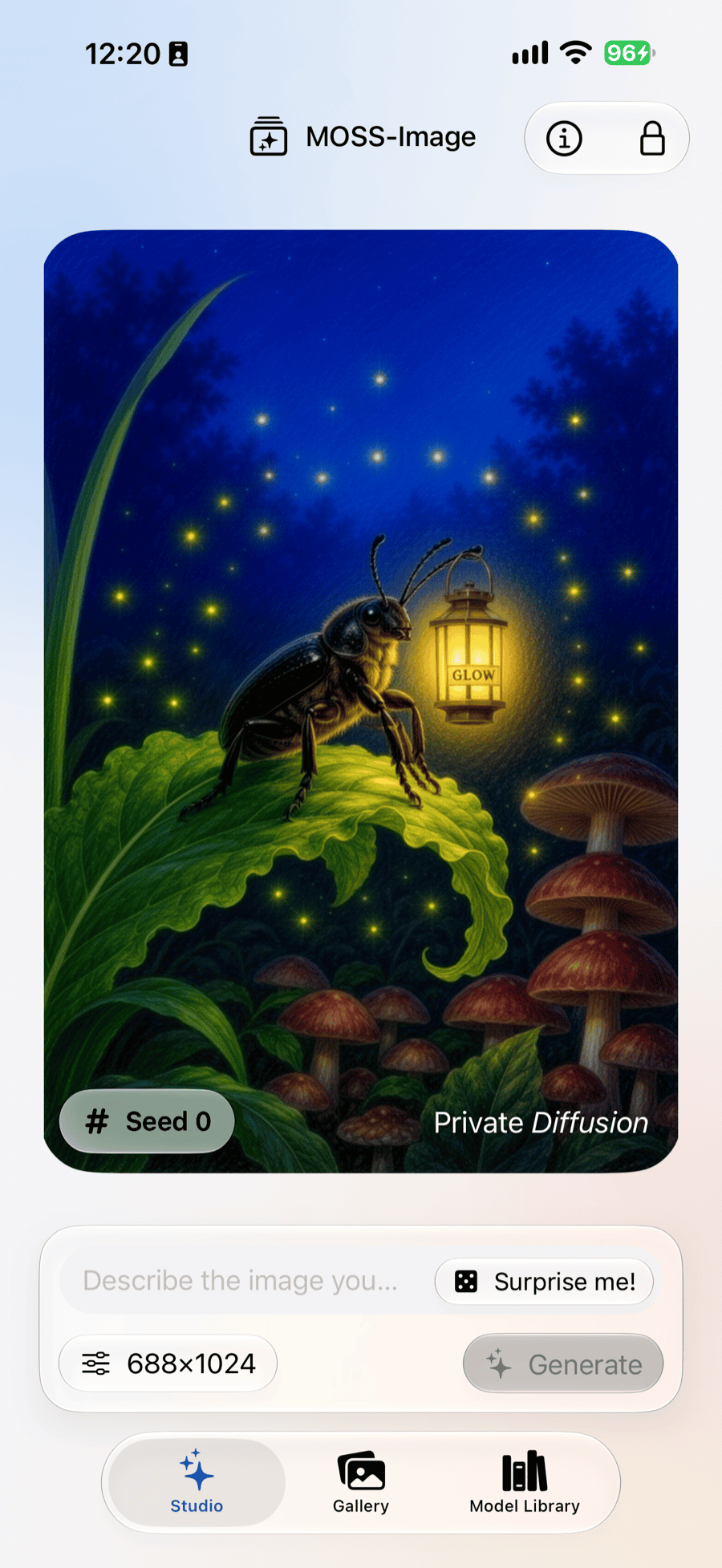
MOSS-Image Requirements: Will It Run on My Device?
iPhone
Needs a 12 GB iPhone
iPhone 17 Pro and 17 Pro Max, iPhone 18 Pro and 18 Pro Max, iPhone Air, and iPhone Duo.
iPad
Needs a 12 GB iPad
iPad Air (M4), any iPad Pro (M5), or an iPad Pro (M4) with 1 TB or 2 TB of storage.
Mac
Needs a Mac with 16 GB or more
Any Apple Silicon Mac configured with 16 GB or more.
MOSS-Image Specs
Download
- Download Size
- 11.01 GB10.87 GB when Flux.2 Klein 4B, ERNIE Image Turbo, or Mage Flow Turbo is already installed
Model
- Maker
- OpenMOSS
- Based On
- MOSS-Image-SFT
- Parameters
- 5B
- Quantization
- Trained INT4 (QAD)
- License
- Apache License 2.0Covers the model itself, not the pictures you make with it. Nothing in it asks anything of your images.
Generation
- Steps
- 4 (6 at XL); 50 in Quality, Mac only
- Upscaler
- Off · 1.5x · 2x
- Negative Prompt
- No
- Rewrite Prompt
- No
- Output Sizes
- S · 512 pxEvery device
- M · 768 pxEvery device
- L · 1024 pxEvery device
- XL · 1536 px24 GB
MOSS-Image Examples and Prompts
30 of 30 prompts

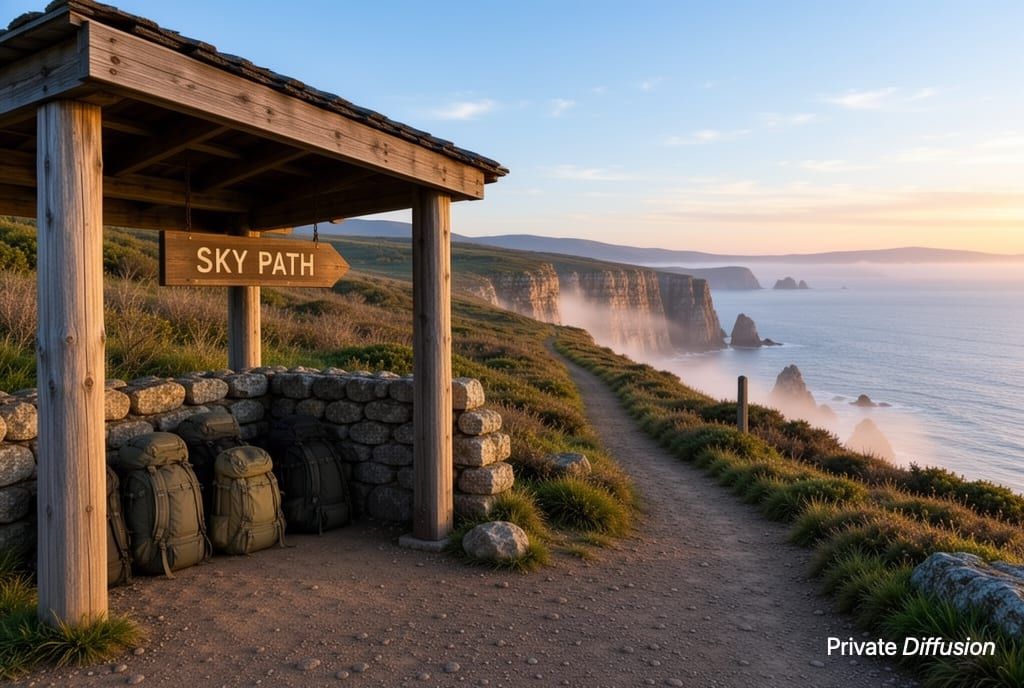
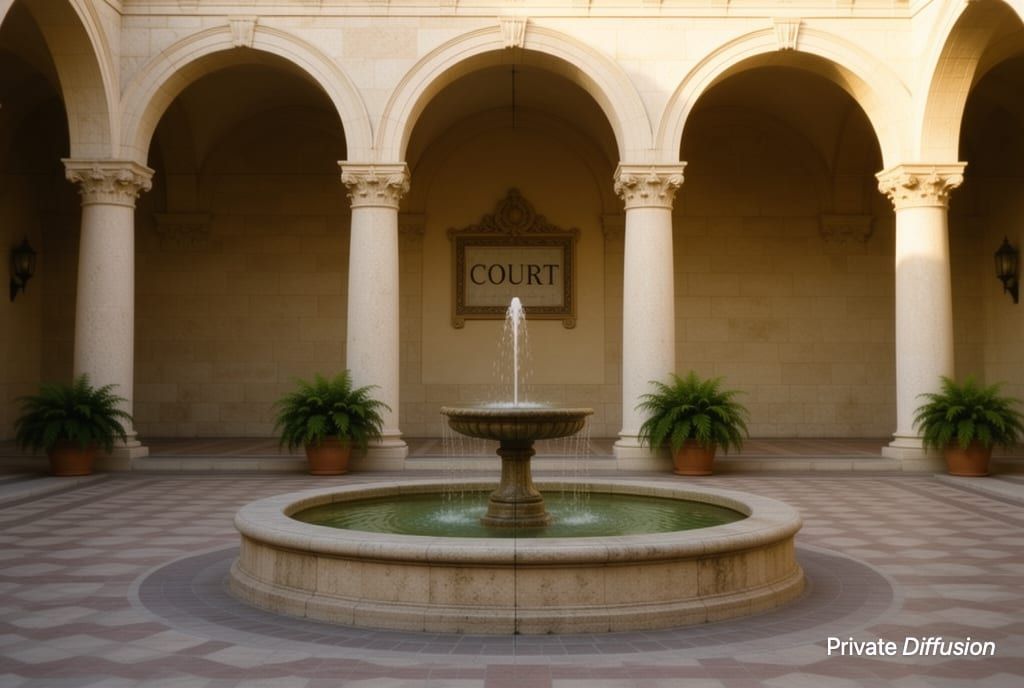
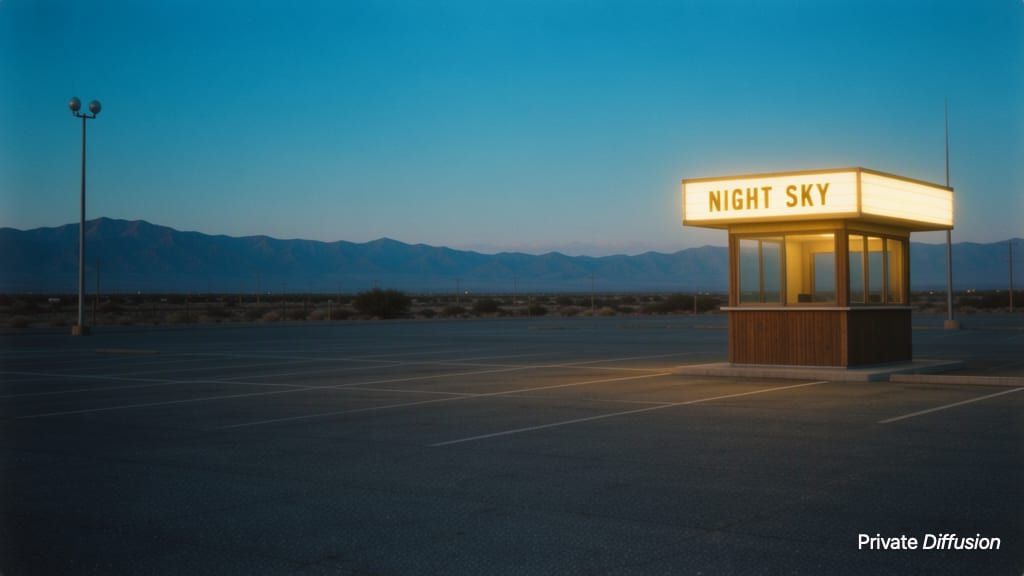
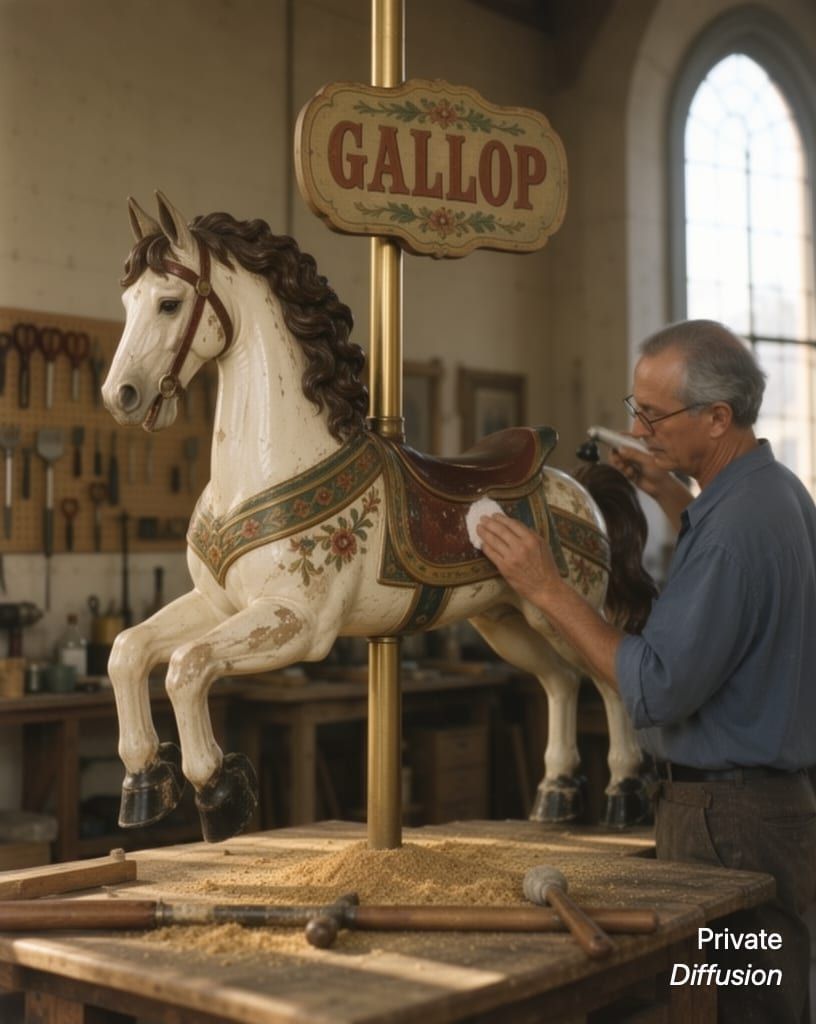

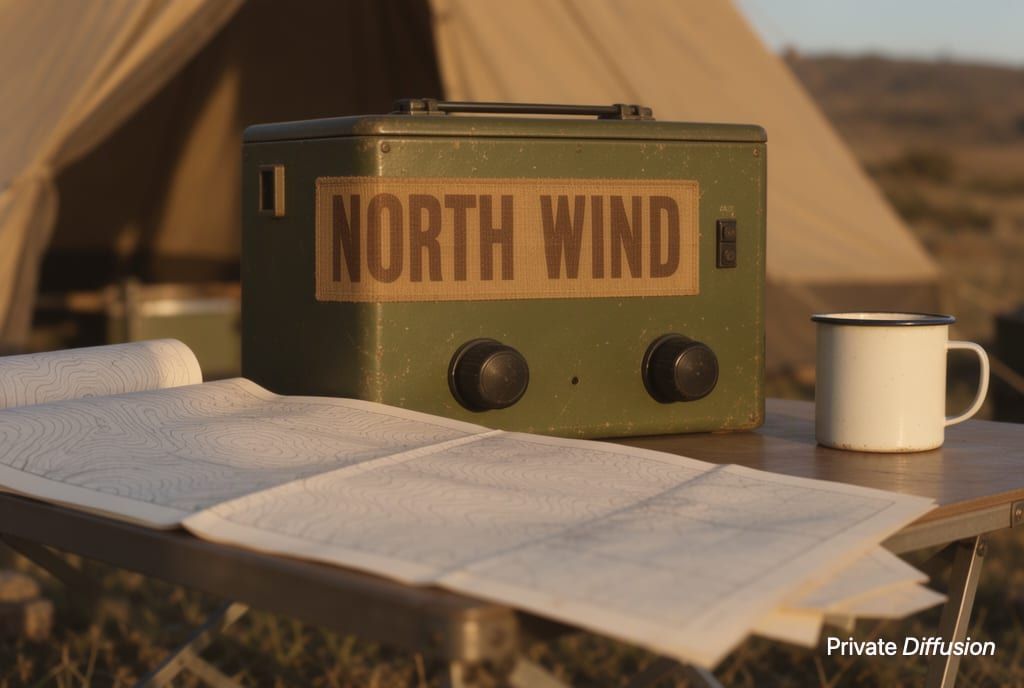

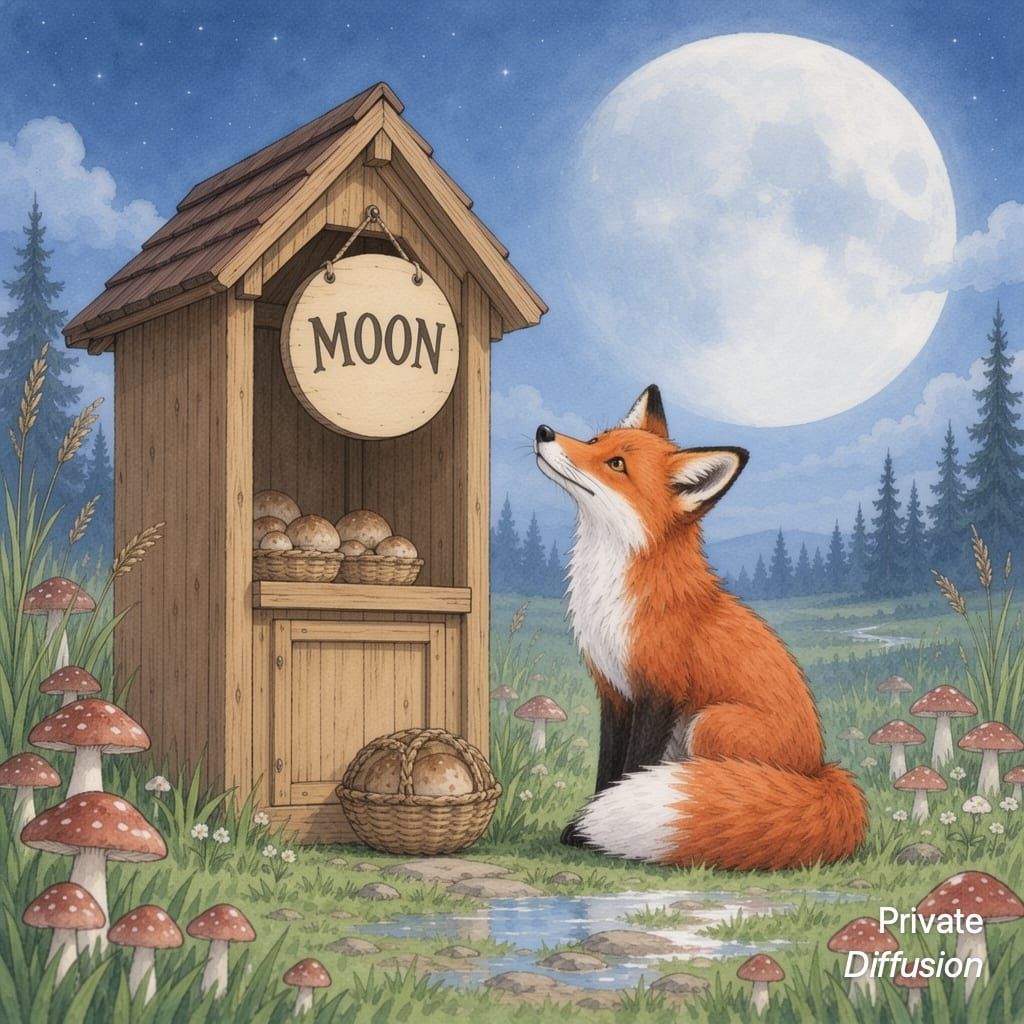
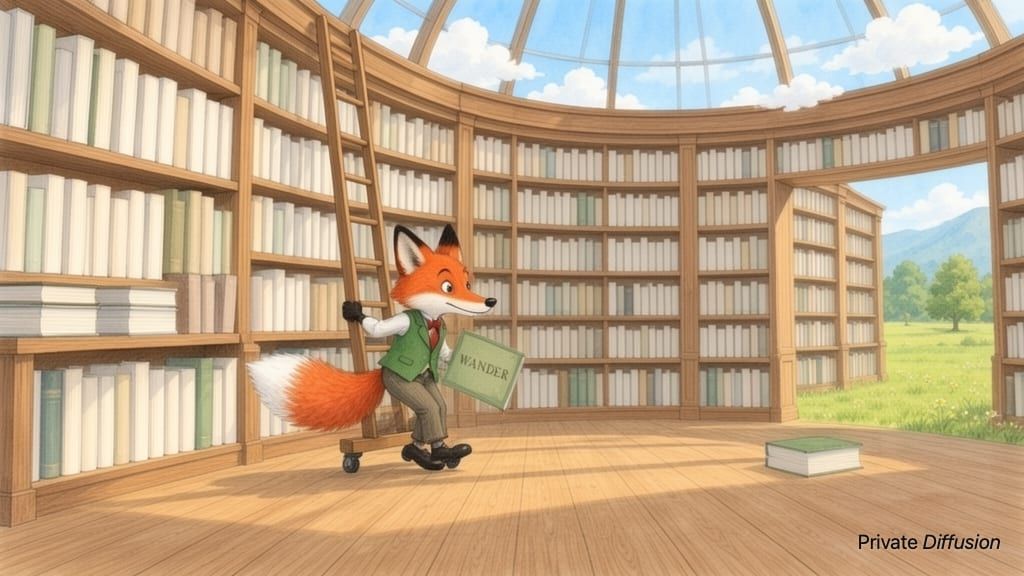

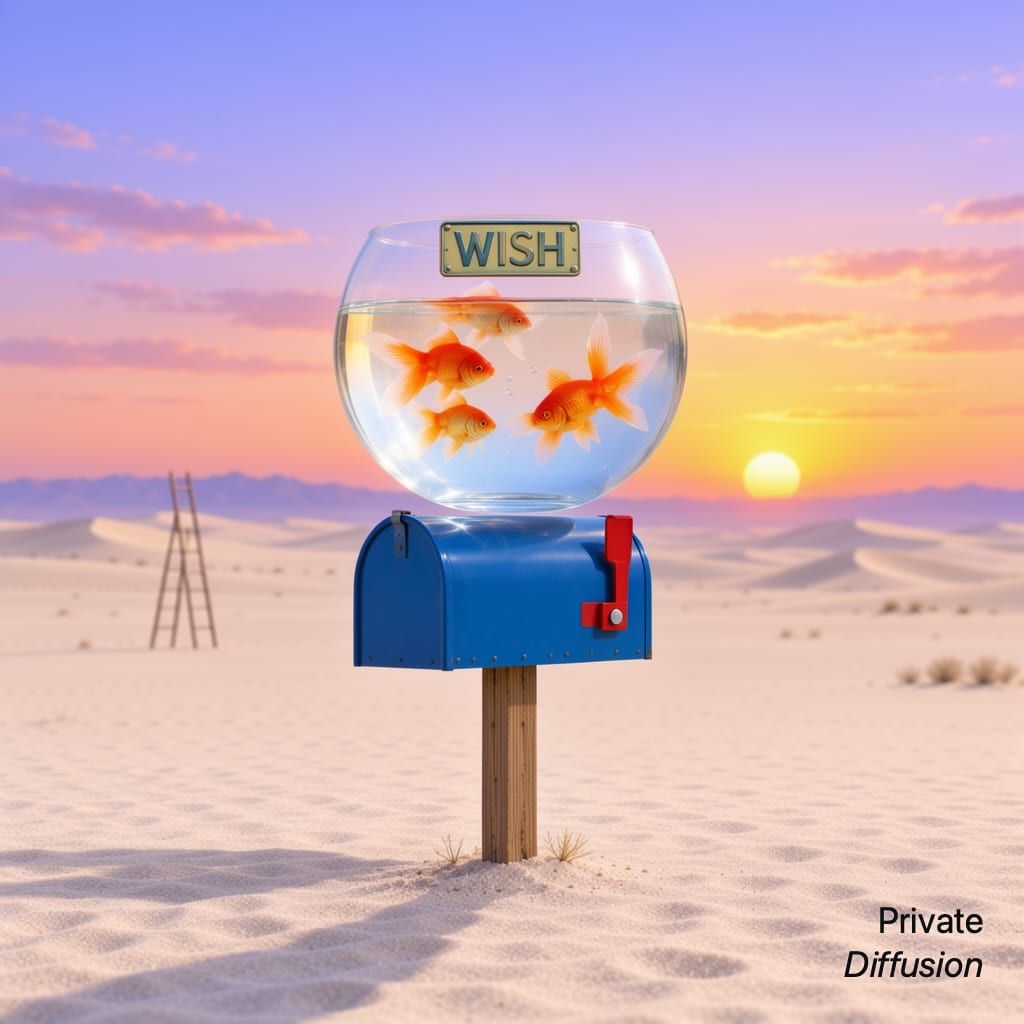
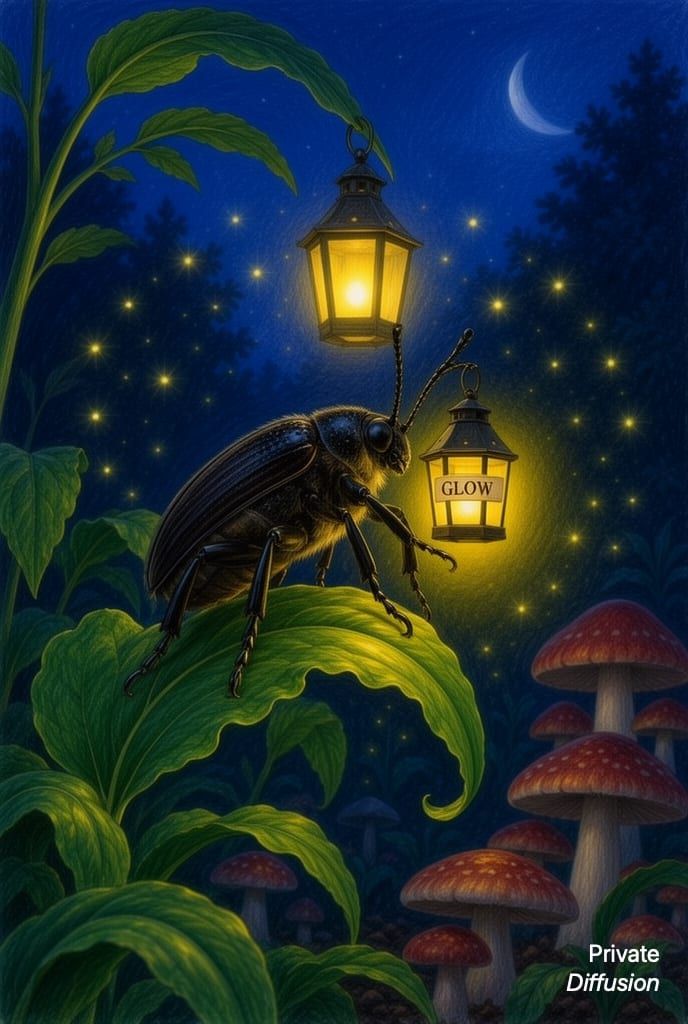
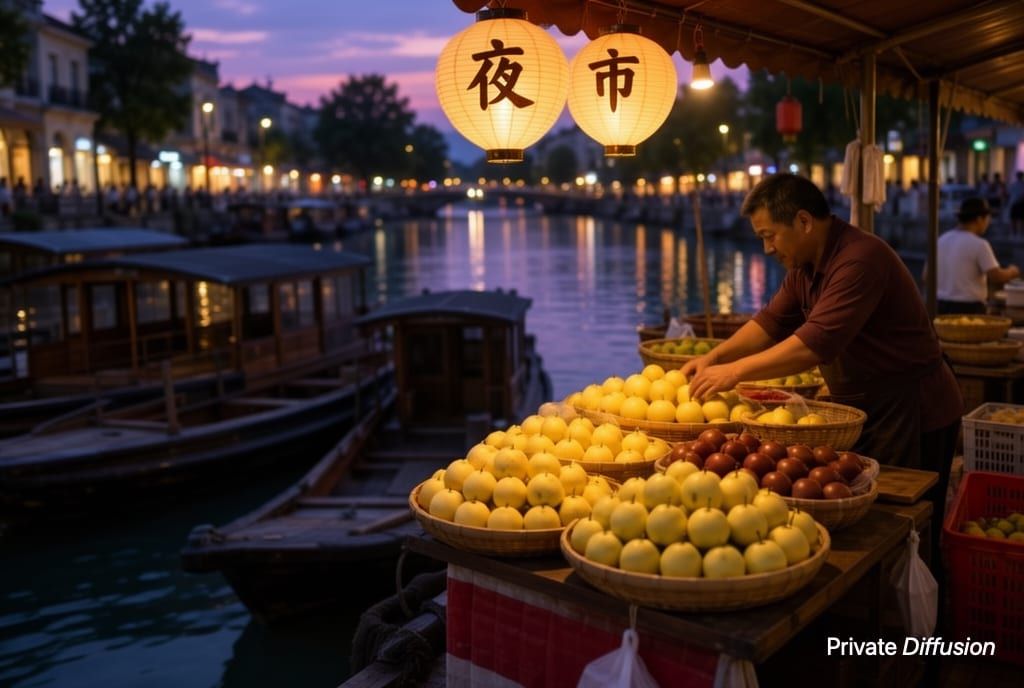
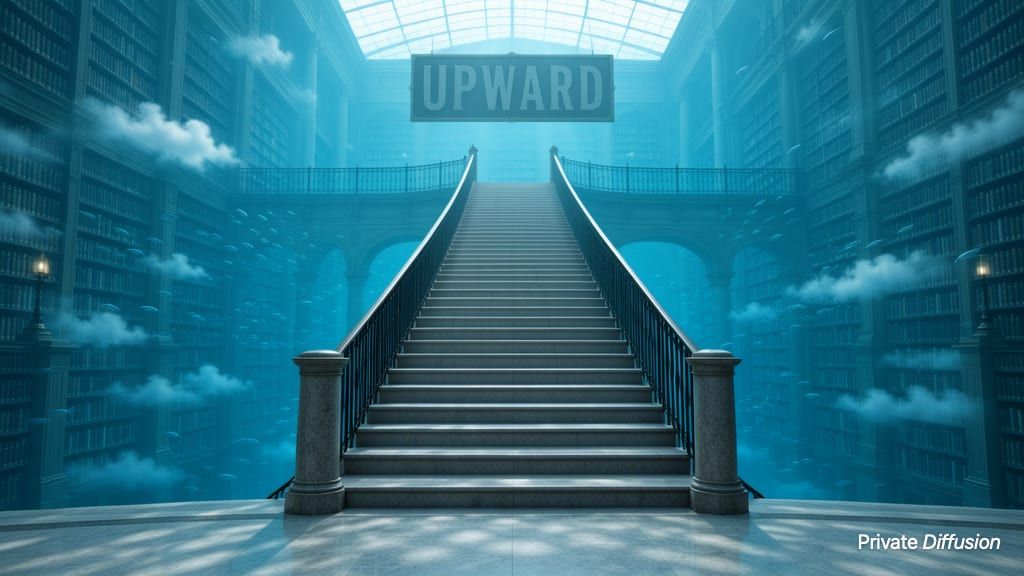
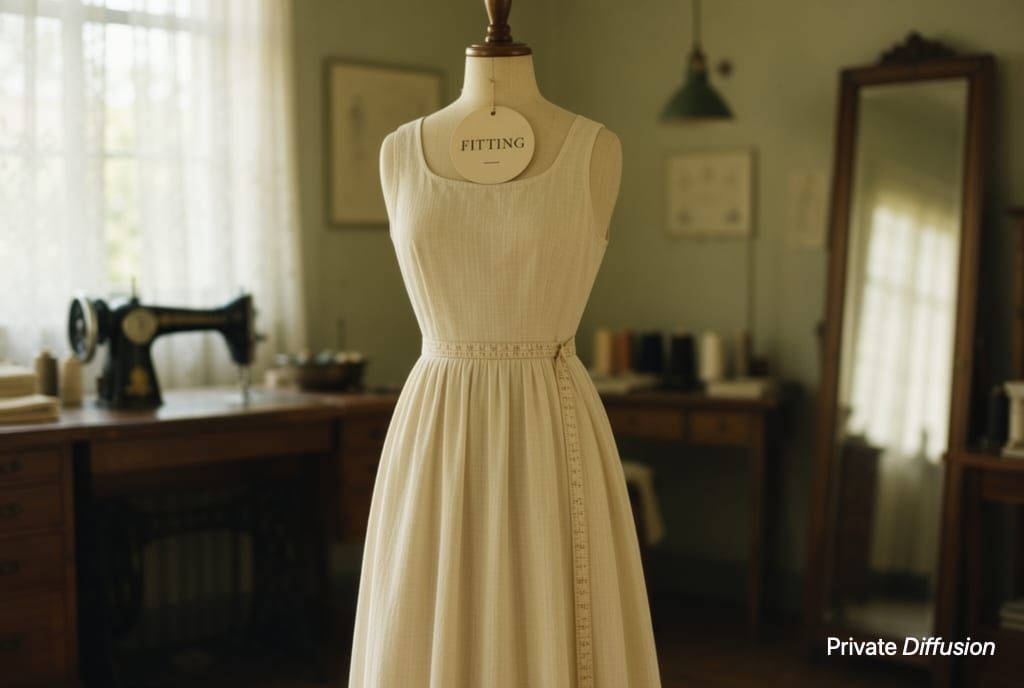


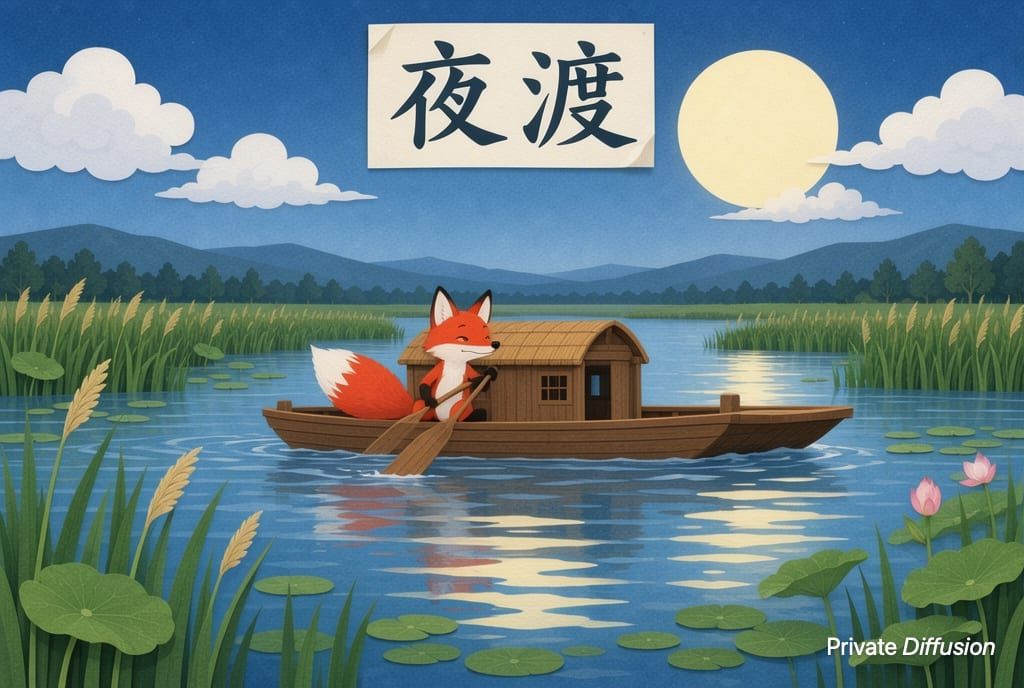
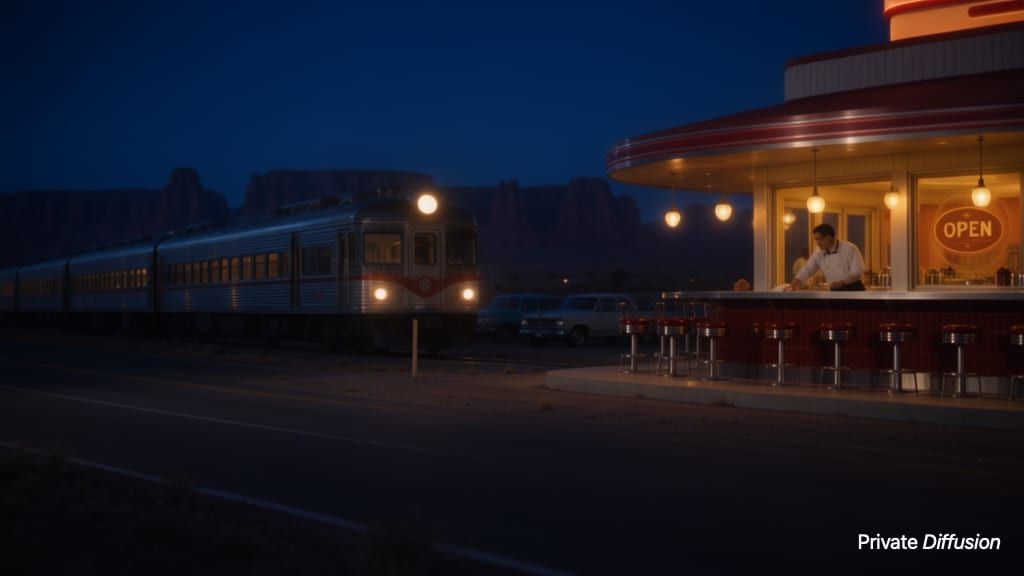
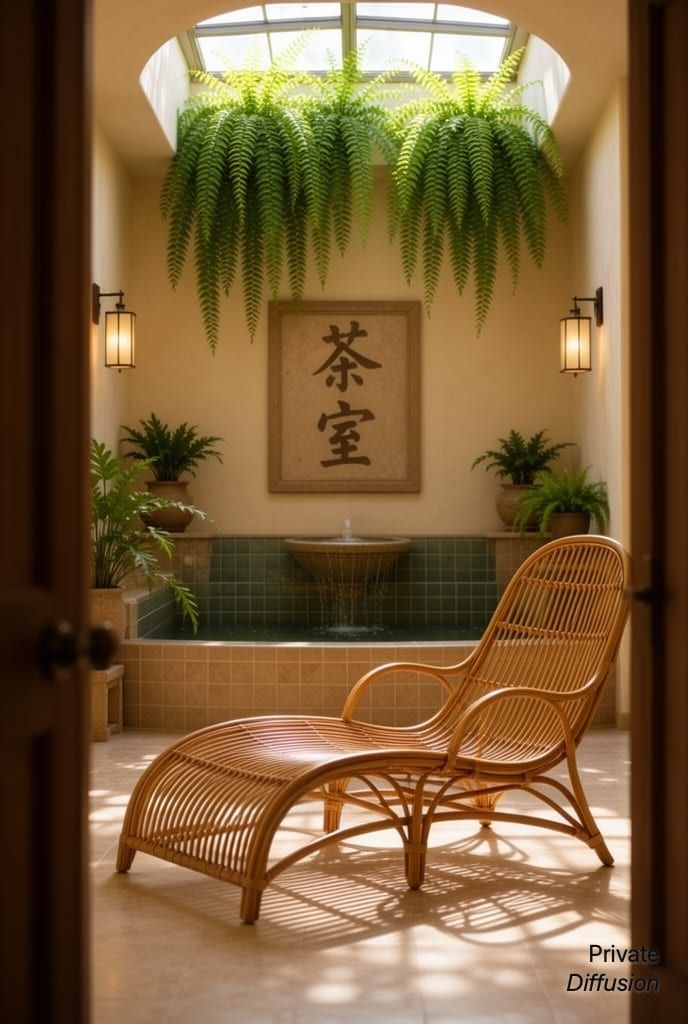
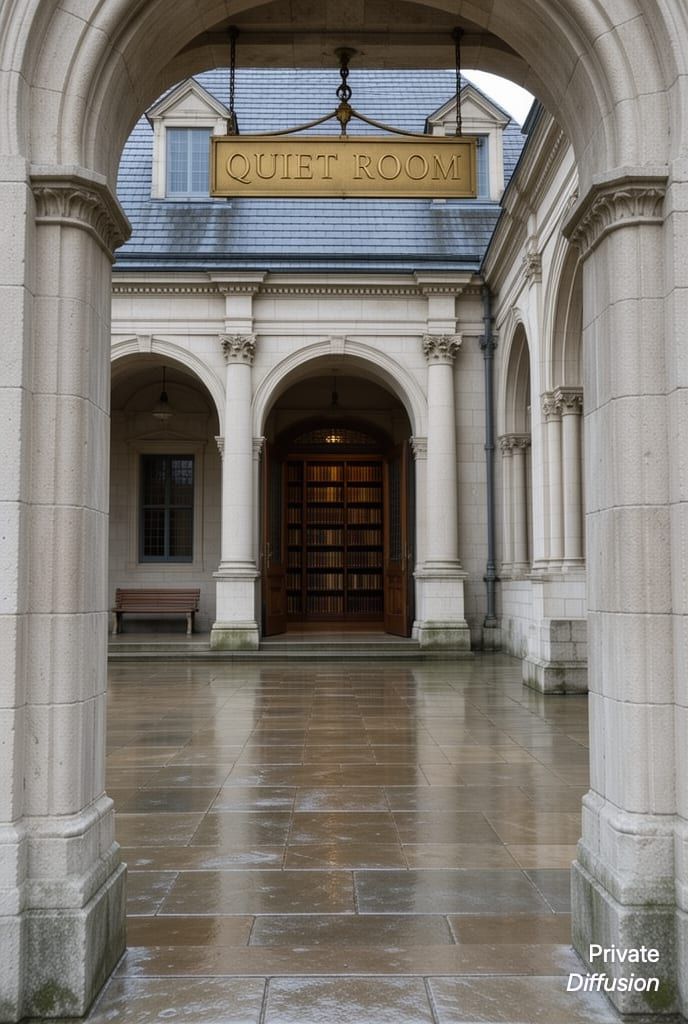

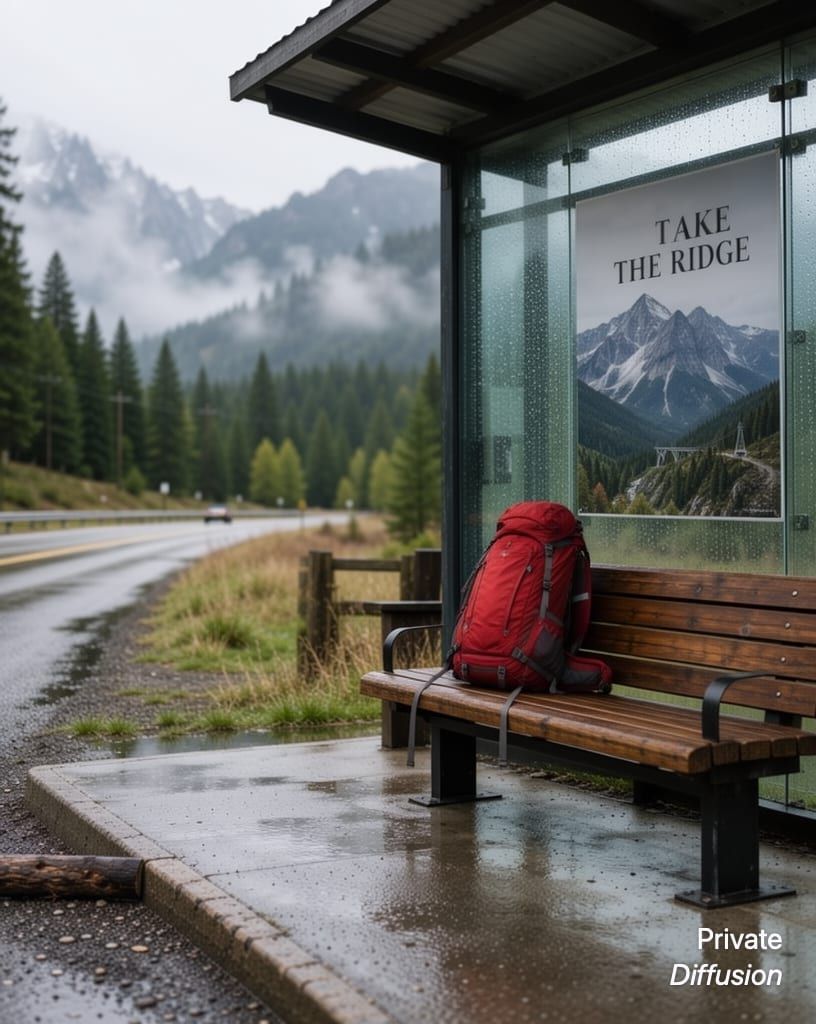
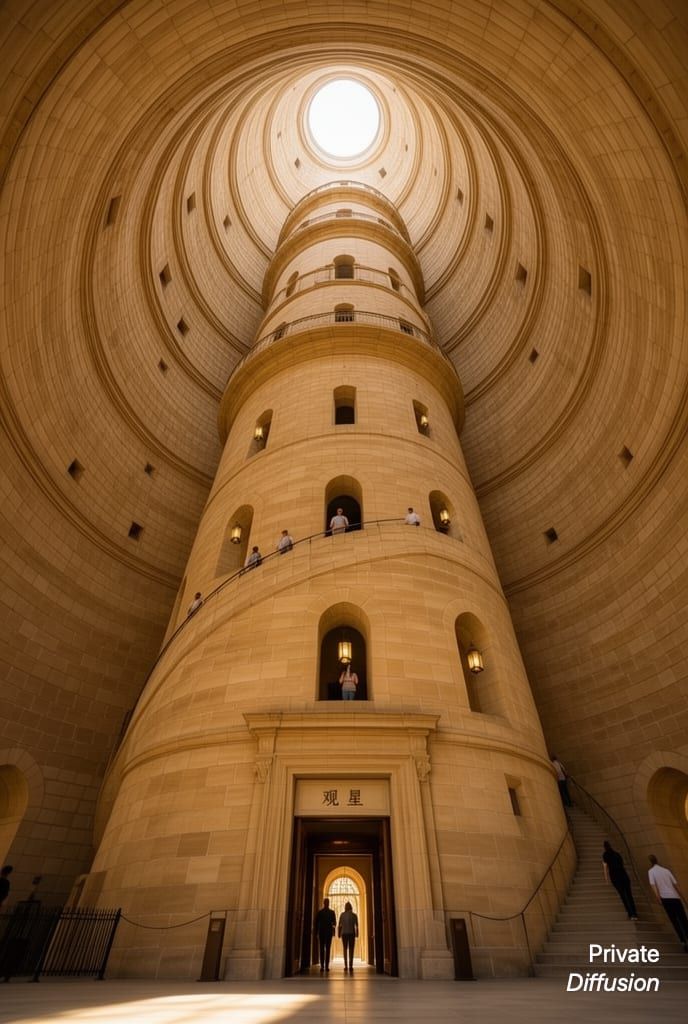
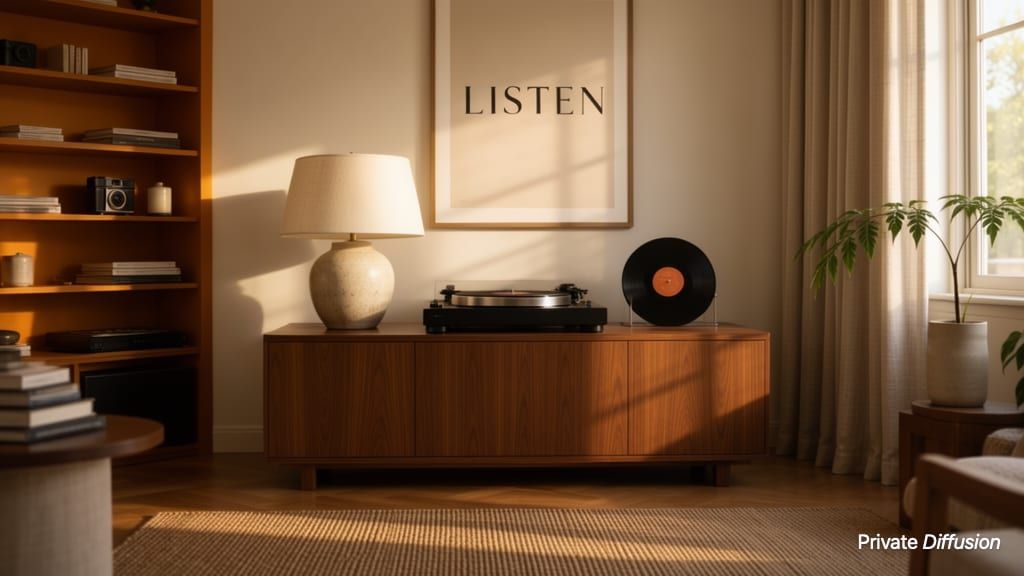
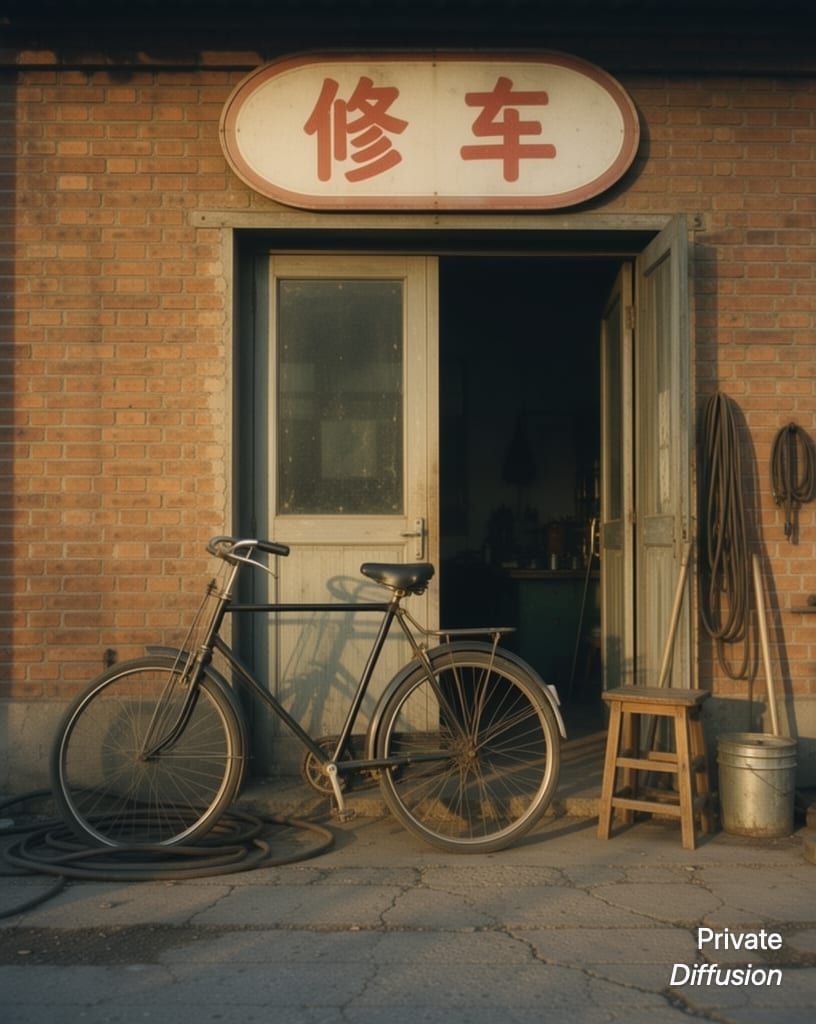
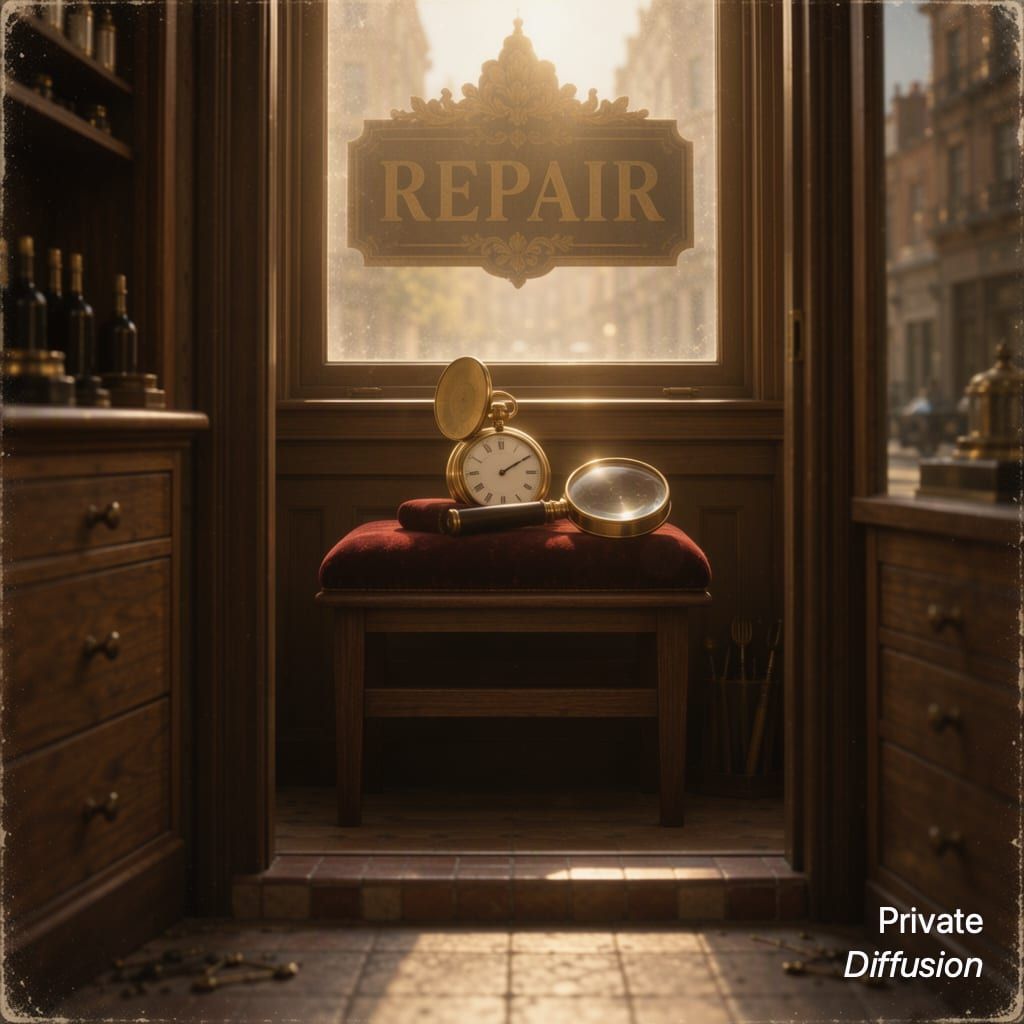
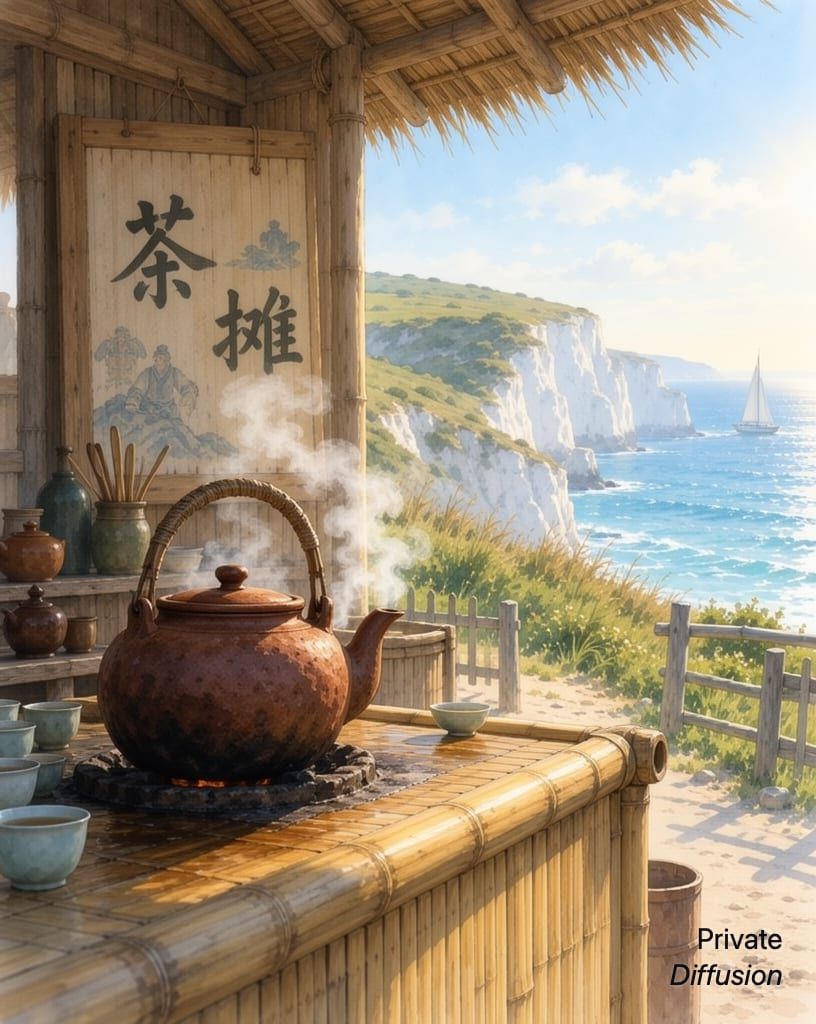
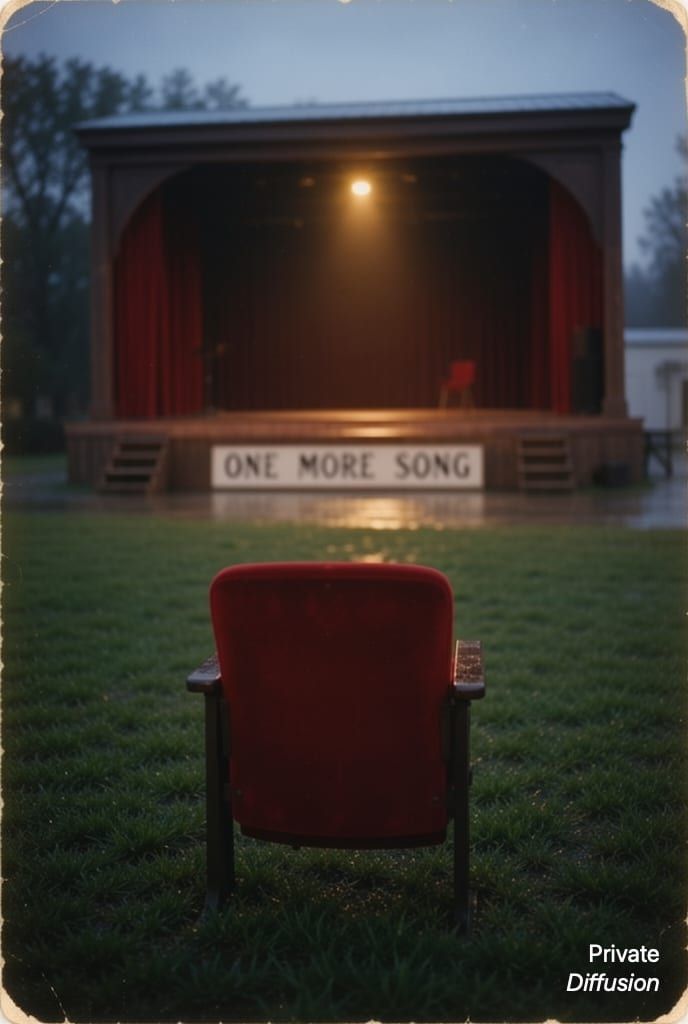
What MOSS-Image Is Good At
OpenMOSS made it as a fine-tune of MOSS-Image-Base, and its model card says the fine-tune groups text more clearly. The 4-step mode comes from an adapter that downloads with the model and runs four steps at every size but XL, where it runs six. iPhone and iPad need the adapter, and a Mac without it runs Quality. We ship the image model and its text encoder at INT4, and it draws the finished picture through the same decoder as Flux.2 Klein 4B, so its images will not match the upstream release pixel for pixel.
Pick It For
- A short line of text inside the picture, such as a shop sign, a poster title, or the label on a jar
- Lettering beyond English, such as a teahouse name in Chinese or a shop sign in Korean
- A Quality mode on the Mac that runs 50 steps for the most detail and reads a negative prompt
Know Before You Download
- On iPhone and iPad it runs only the 4-step mode; Quality is Mac only, runs 50 steps, and takes much longer
- The negative prompt works only in Quality on the Mac, and there is no Rewrite Prompt
- In the 4-step mode, small secondary text, such as a menu under the sign, can come out wrong, and it can add words you did not ask for
- Accuracy depends on the script: Hindi and Thai came out wrong in our tests, and rarer accented letters can lose a mark
- A prompt over the 512-token limit is refused, not cut, so shorten it and generate again
- Not available on 8 GB iPhones or iPads, and the XL size needs a Mac with 24 GB
How to Run MOSS-Image on iPhone, iPad, and Mac
- Pre-order Private Diffusion on the App Store; it downloads itself on release day.
- Open Downloads in the app and tap MOSS-Image. It is a single 11.01 GB download with nothing to configure.
- Pick MOSS-Image in Studio, describe the picture, and generate. It runs on your own device, so there is no queue.
Questions About MOSS-Image
Yes, on an iPhone with 12 GB of memory: the iPhone 17 Pro and 17 Pro Max, the iPhone 18 Pro and 18 Pro Max, the iPhone Air, and the iPhone Duo. Other supported iPhones have 8 GB and cannot hold MOSS-Image.
11.01 GB, or 10.87 GB when Flux.2 Klein 4B, ERNIE Image Turbo, or Mage Flow Turbo is already installed. It downloads once inside the app from Private Diffusion's own server and picks up where it left off after an interruption. On iPhone and iPad the download keeps going with the app closed; on a Mac, quitting the app stops it, and it resumes at the next launch. You can delete it to reclaim the space and fetch it again later.
Describe the scene in plain sentences, then put the words you want in the picture inside quotation marks and say where they go, as in a wooden sign over the door that reads "THE RED FOX". Ask for one short, prominent piece of text, because in the 4-step mode smaller lines around it can come out garbled. You can write the prompt in another language, but OpenMOSS recommends English, which has the most training data. For a sign in Japanese or Russian, keep the prompt in English and put the exact words in quotation marks. Keep the prompt under 512 tokens, about 2,000 characters: MOSS-Image refuses a longer prompt instead of cutting it, so you shorten it and generate again.
Apache License 2.0: Covers the model itself, not the pictures you make with it. Nothing in it asks anything of your images.
Yes. After the one-time download, MOSS-Image works without a connection. It turns your prompt into a finished image on the device, and you never sign in.
Run MOSS-Image on your own device.