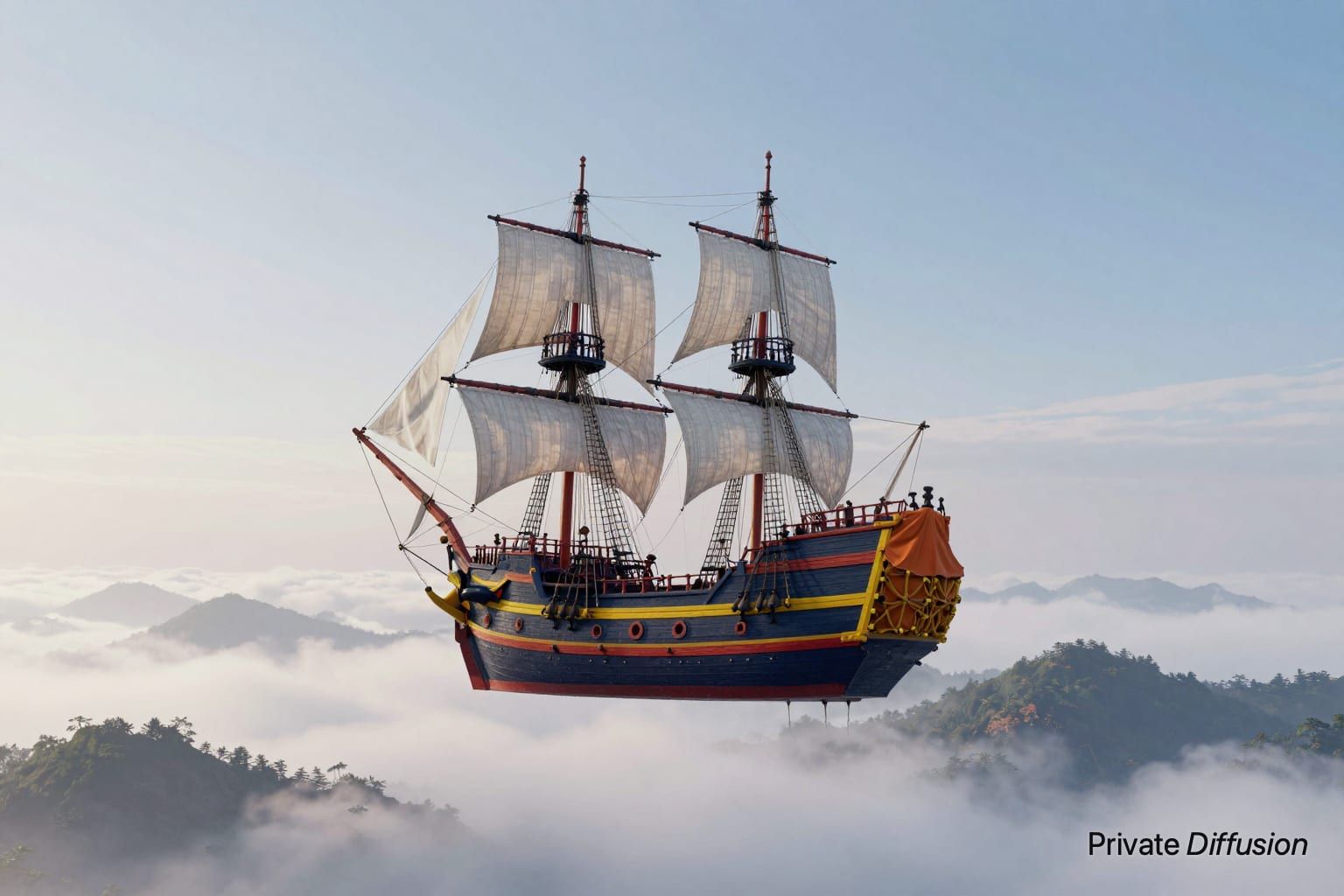
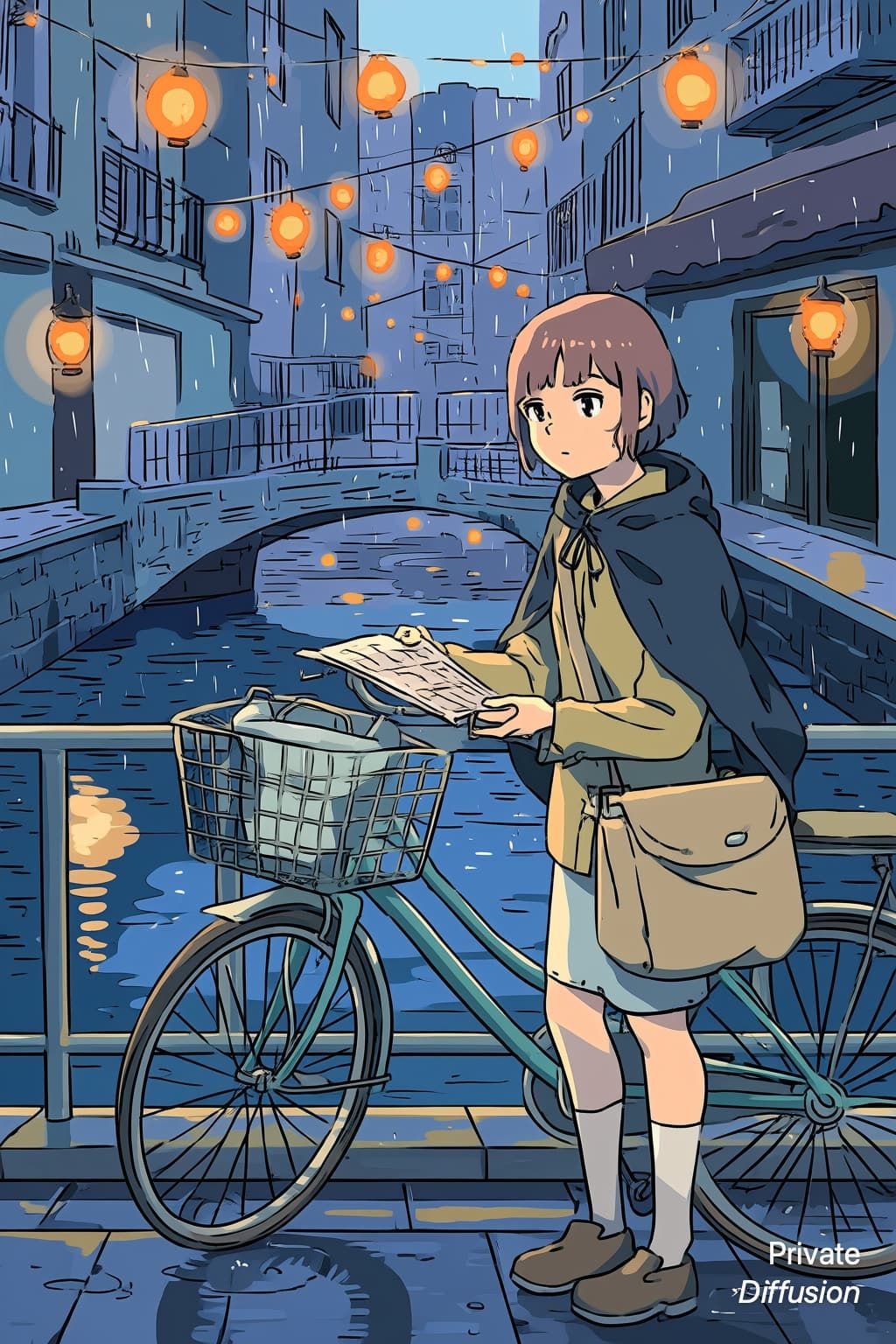
Browse by Subject and Style
31 hubs. Each one lists every prompt in it, with the model that made each picture.
Latest Prompts
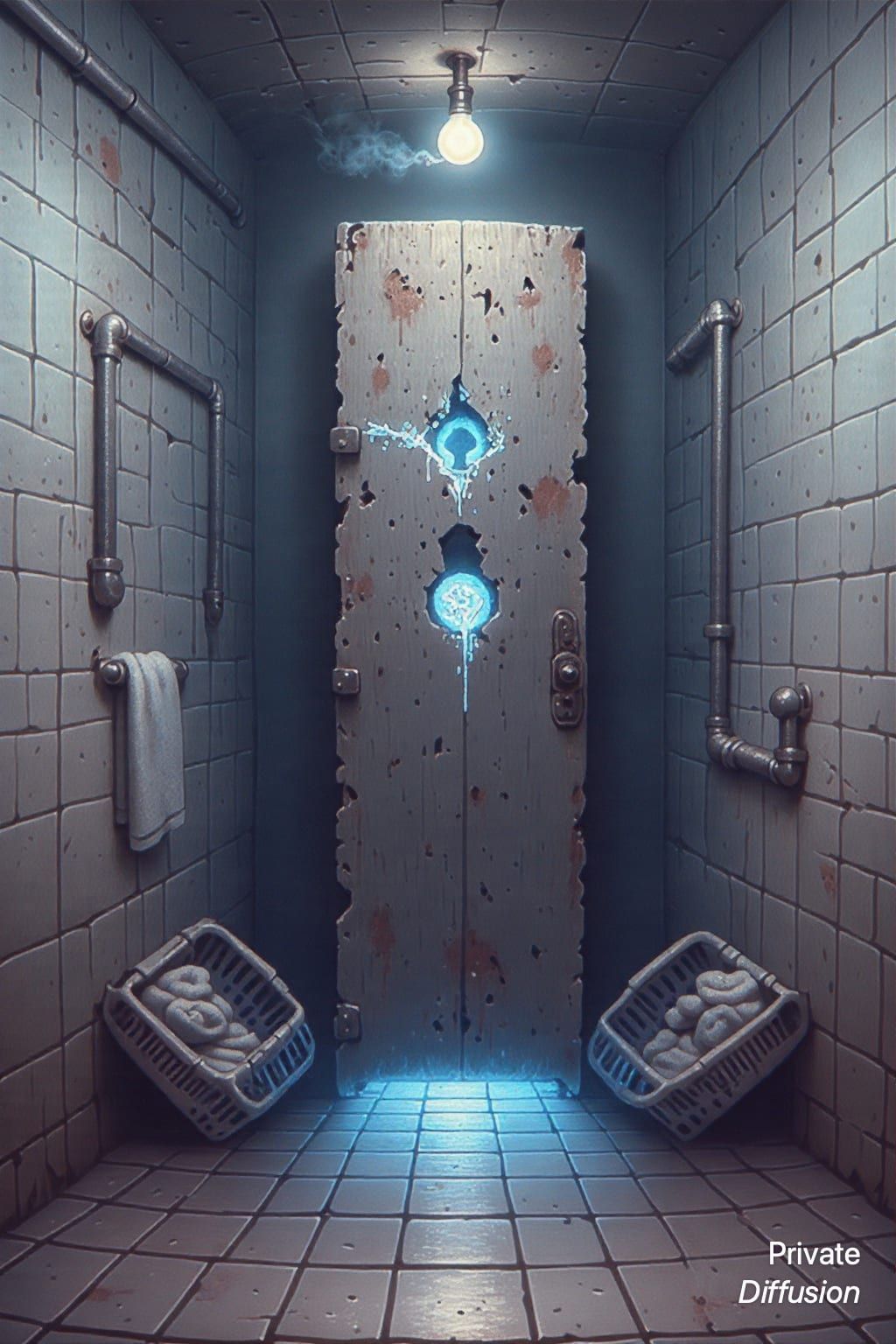
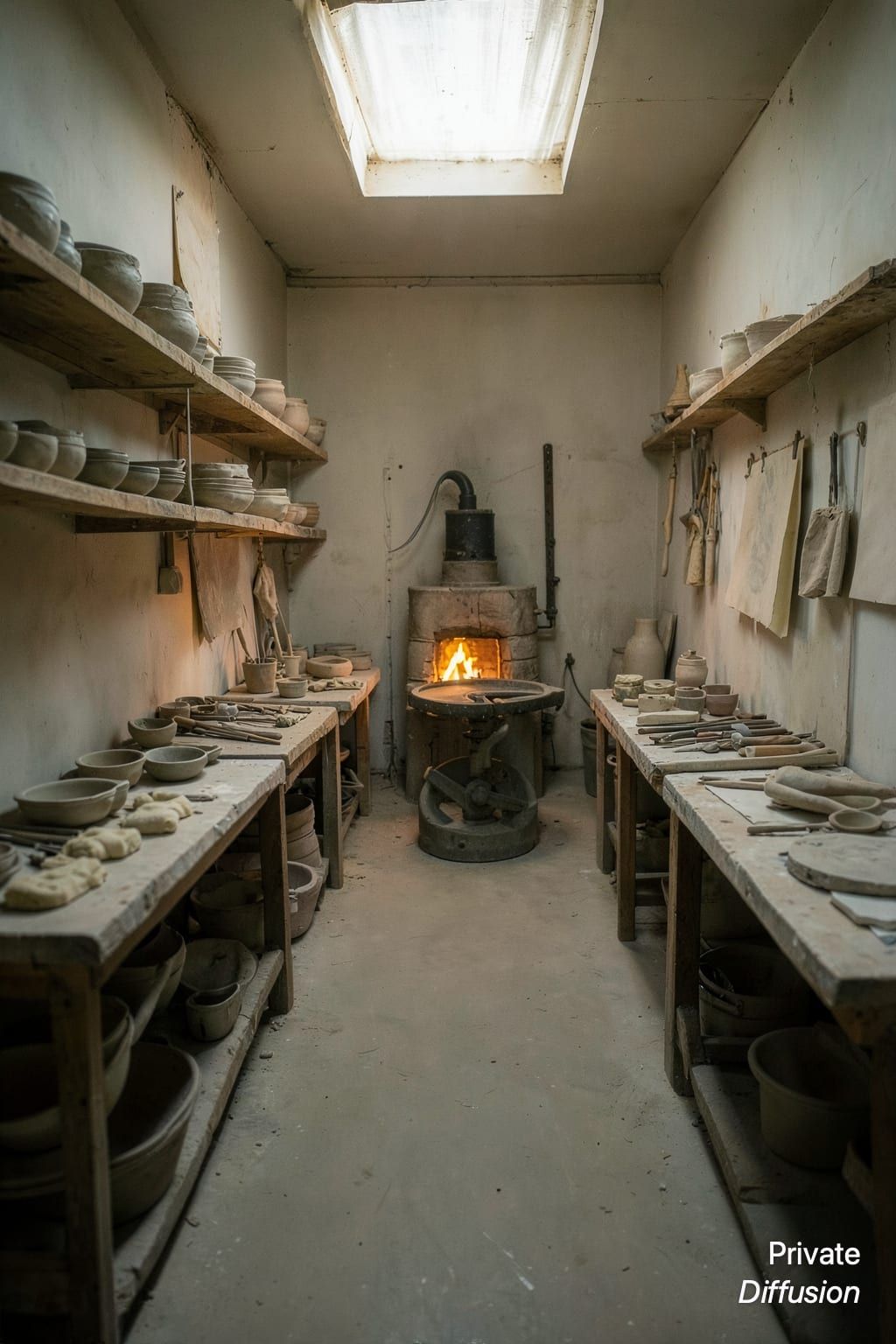
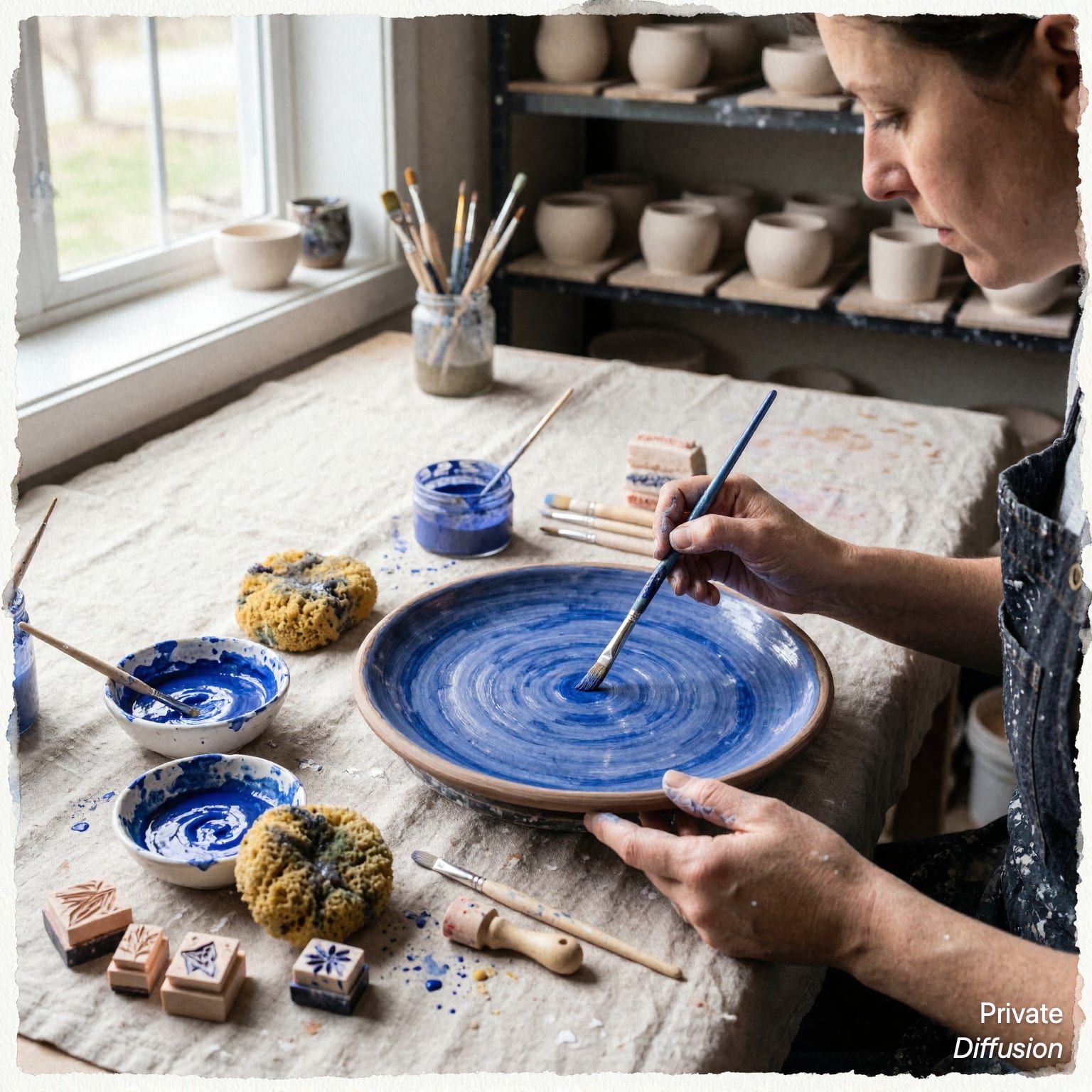
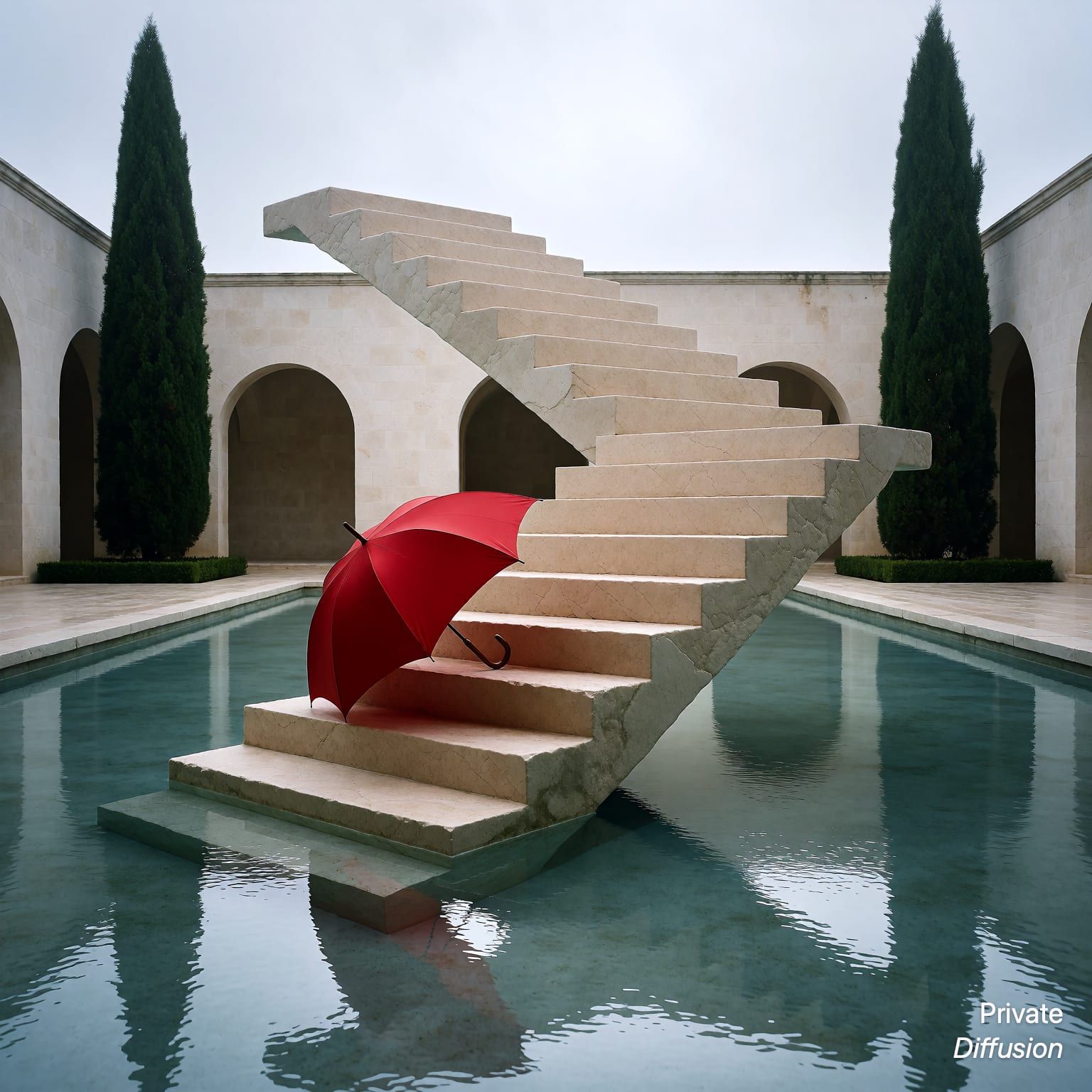
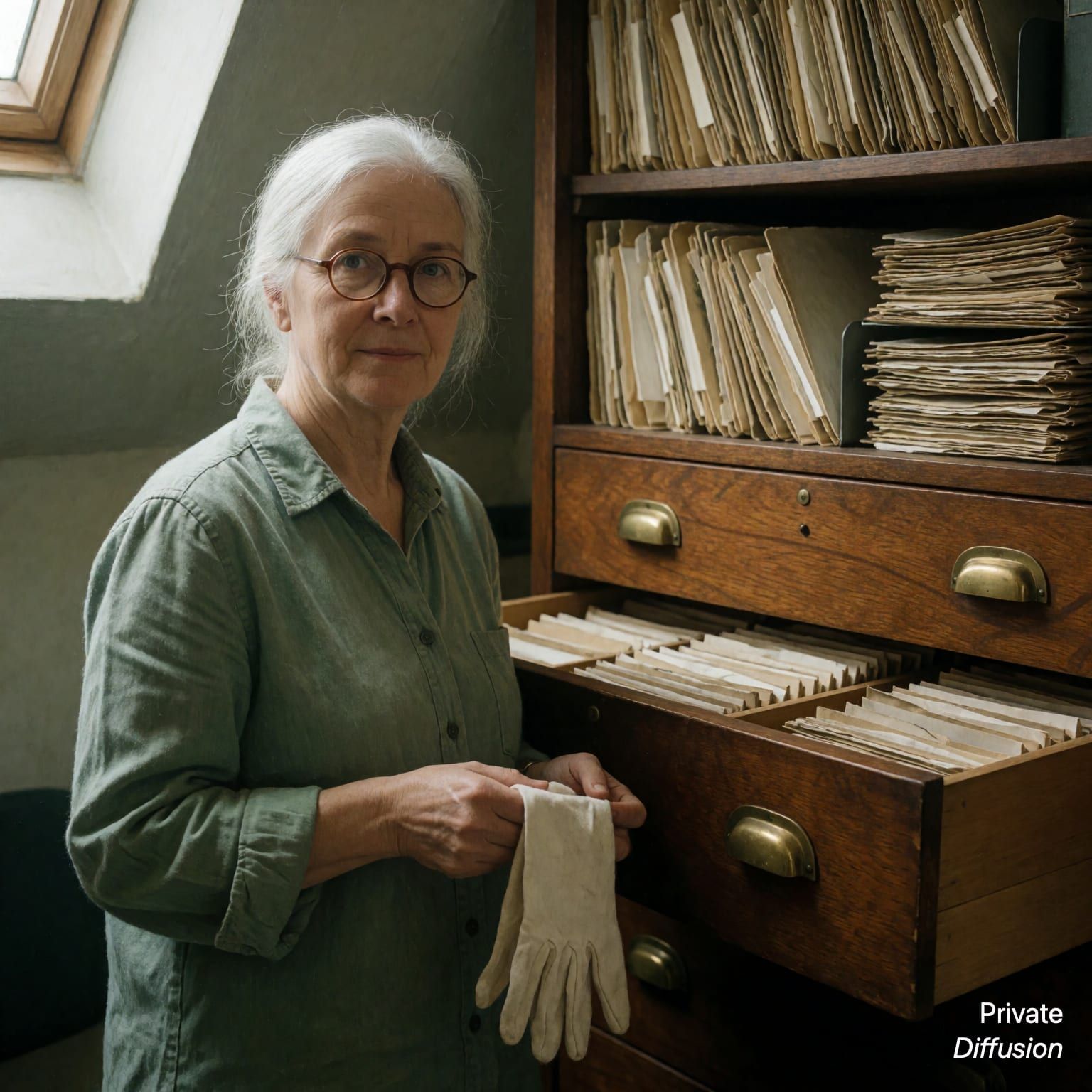
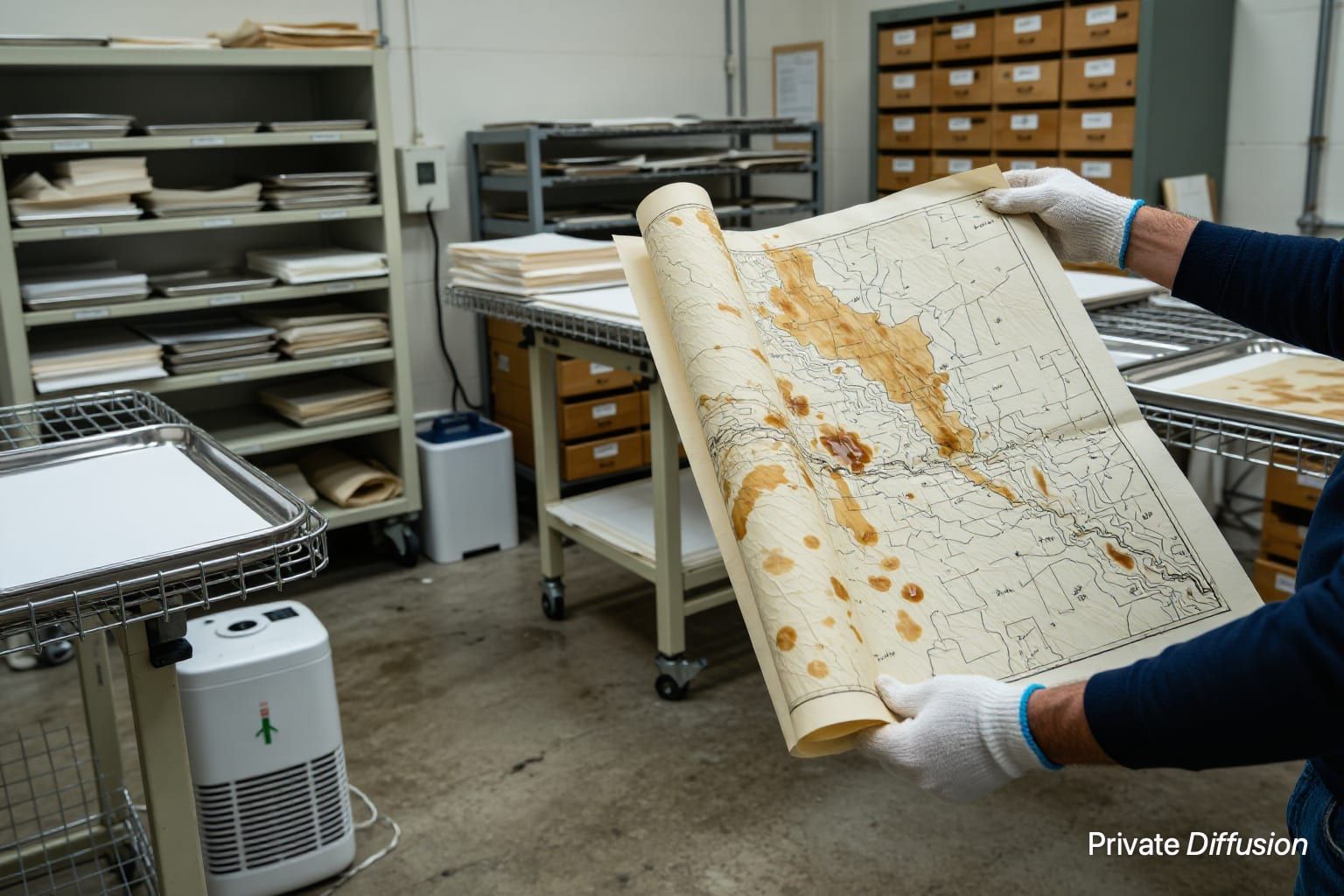
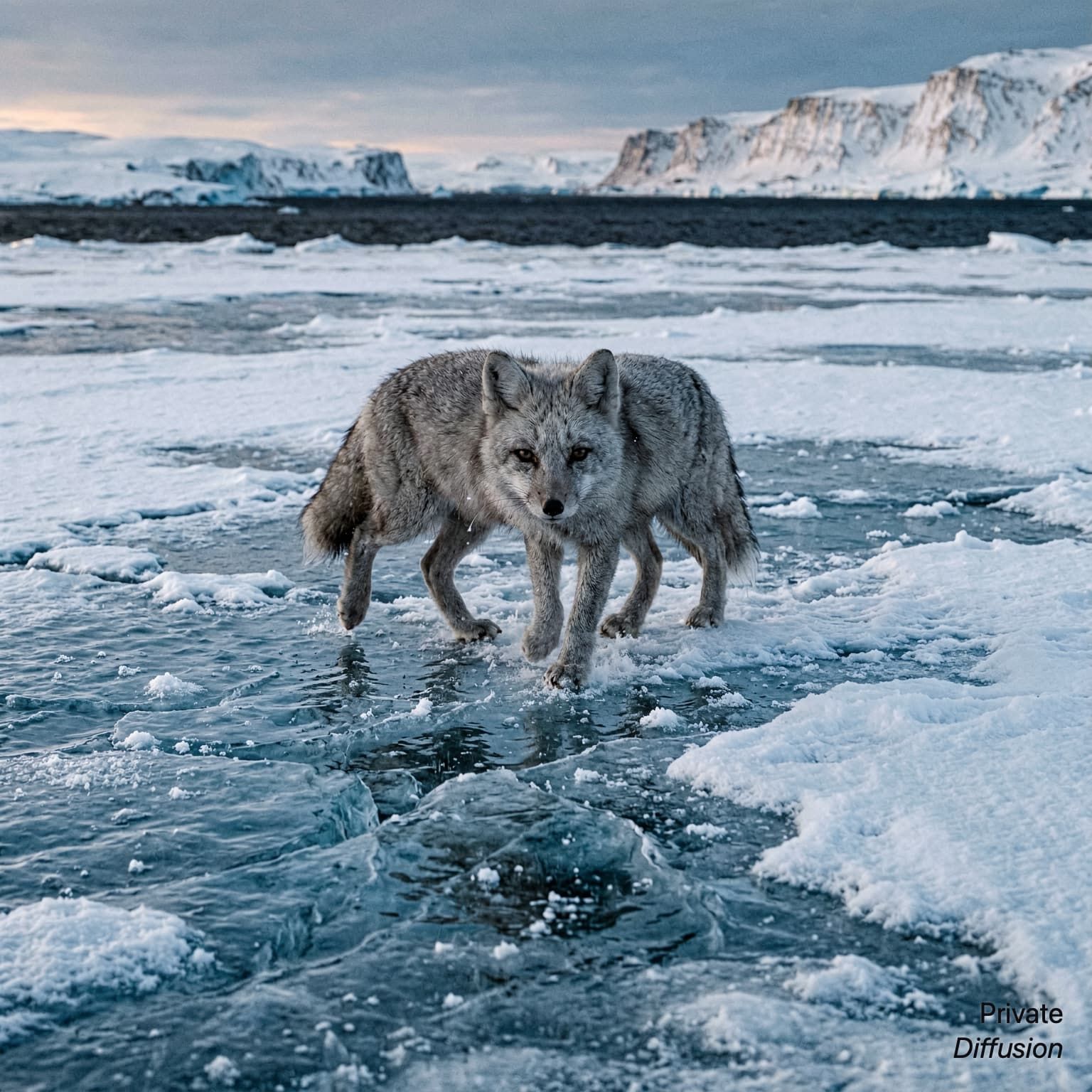
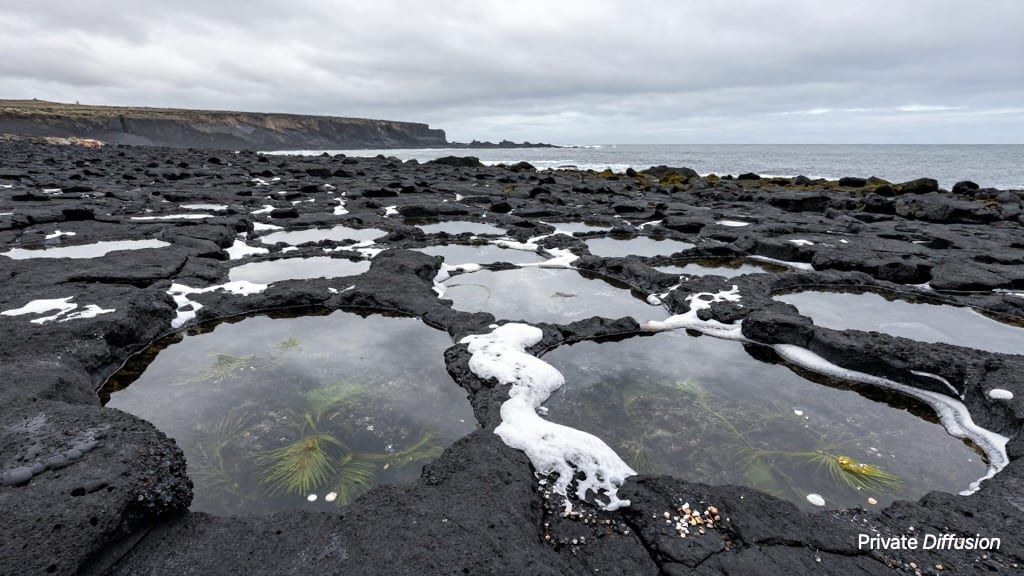
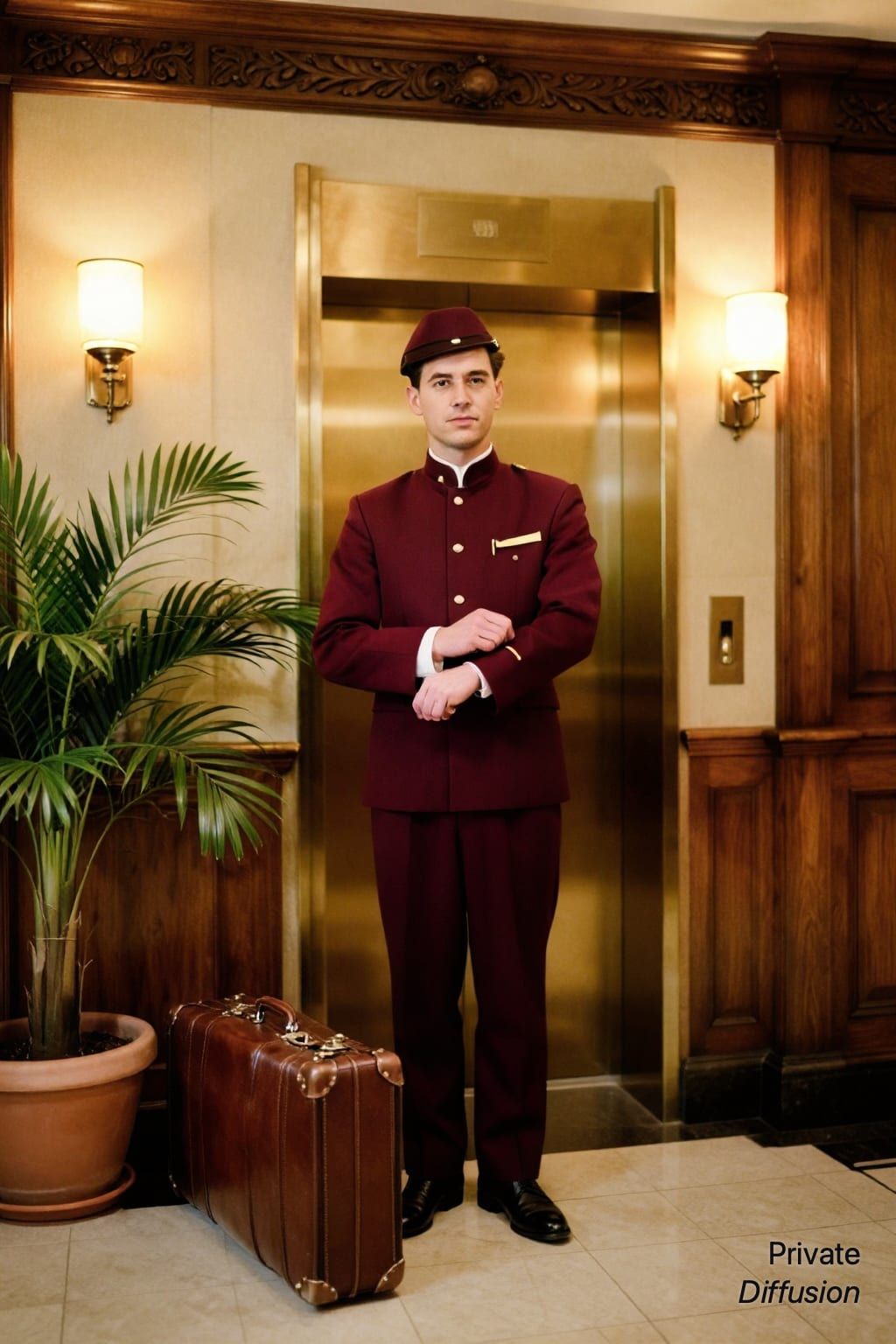
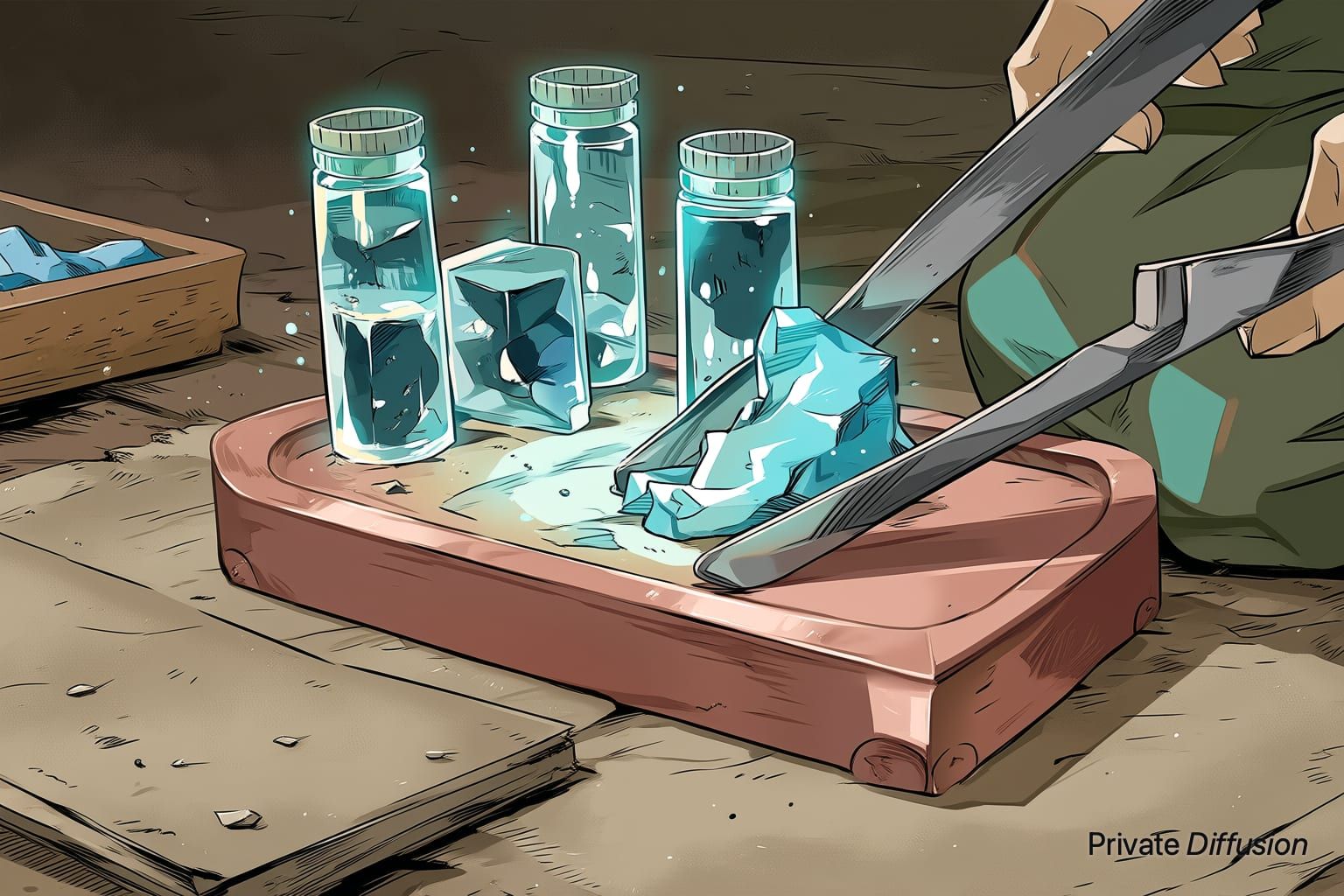
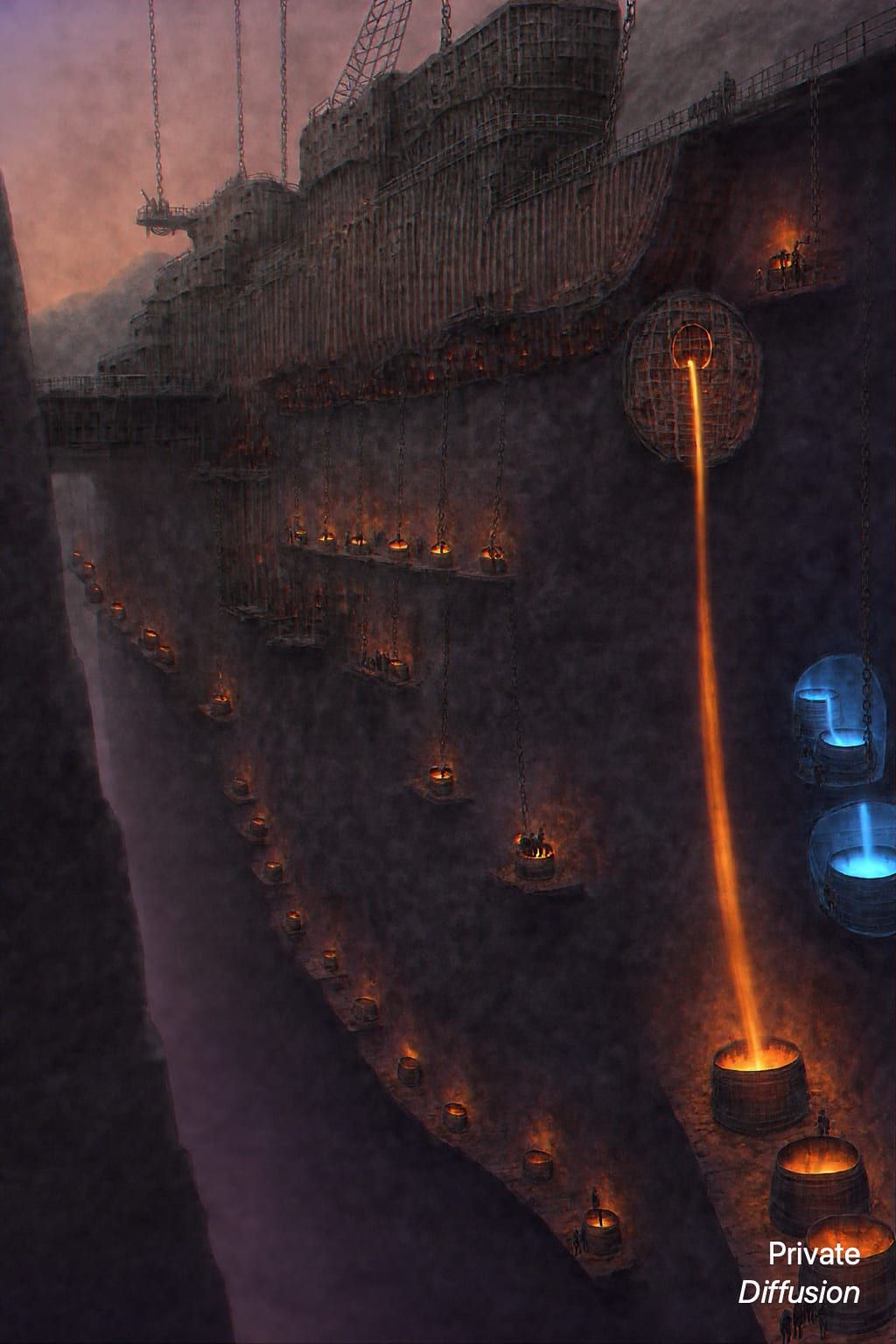
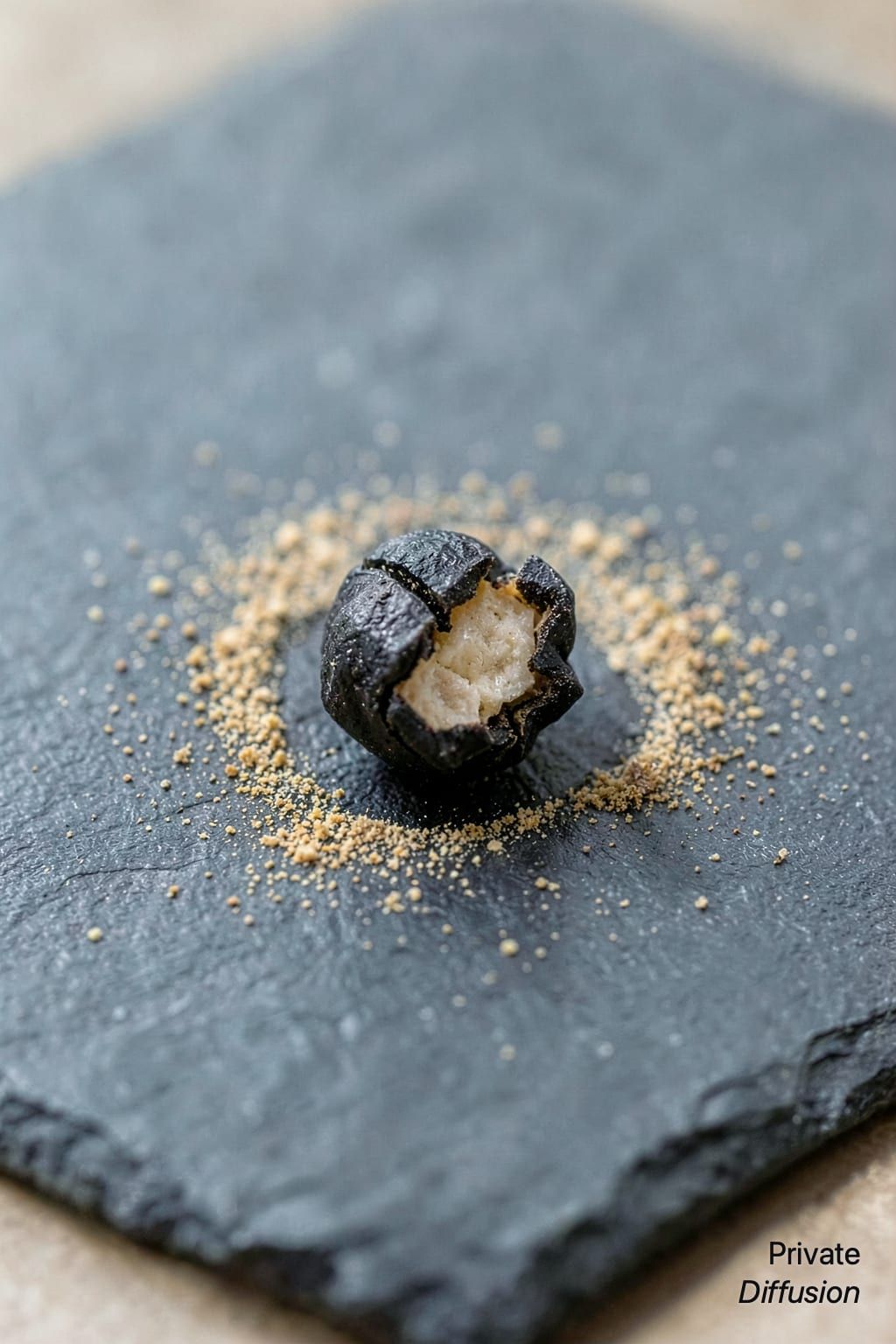
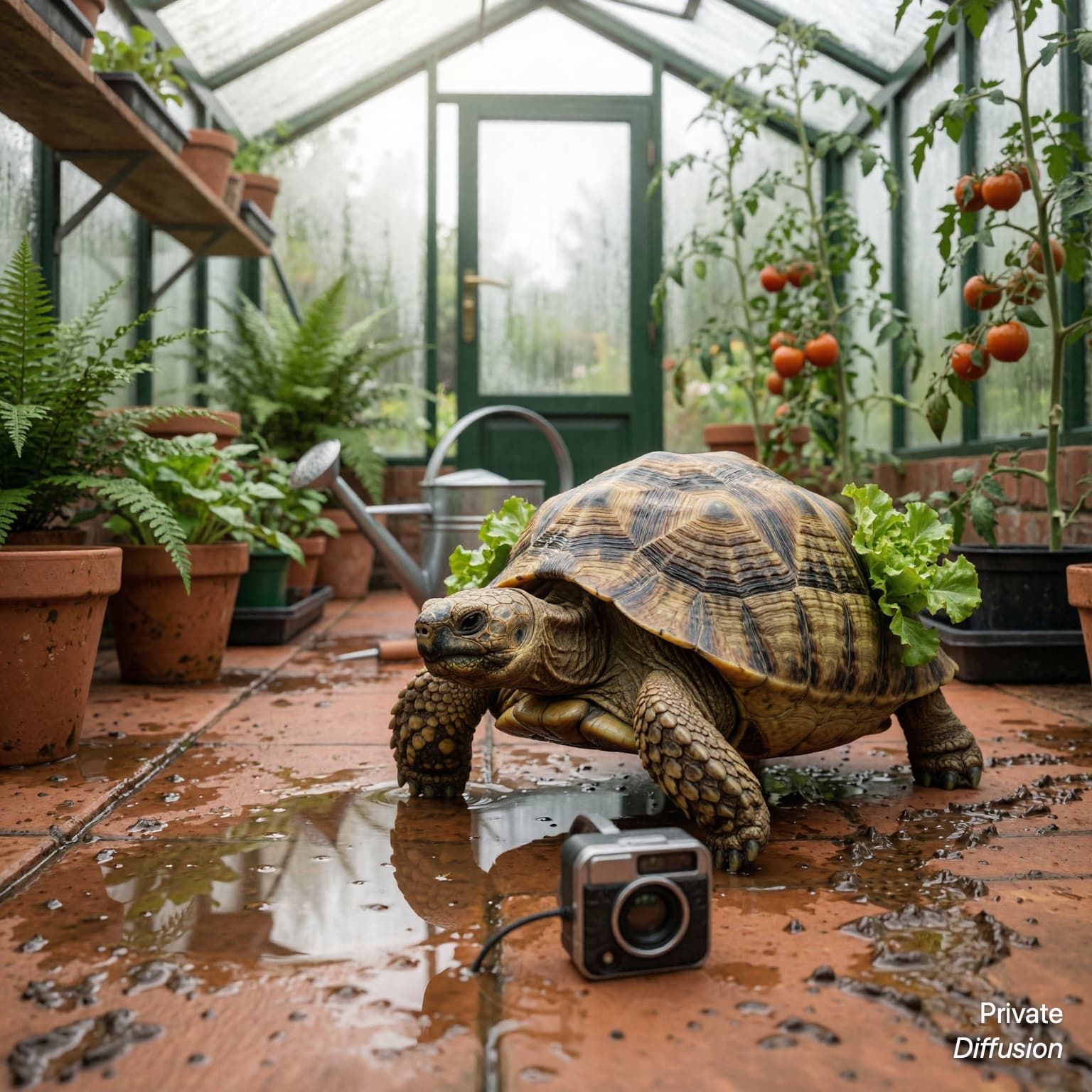
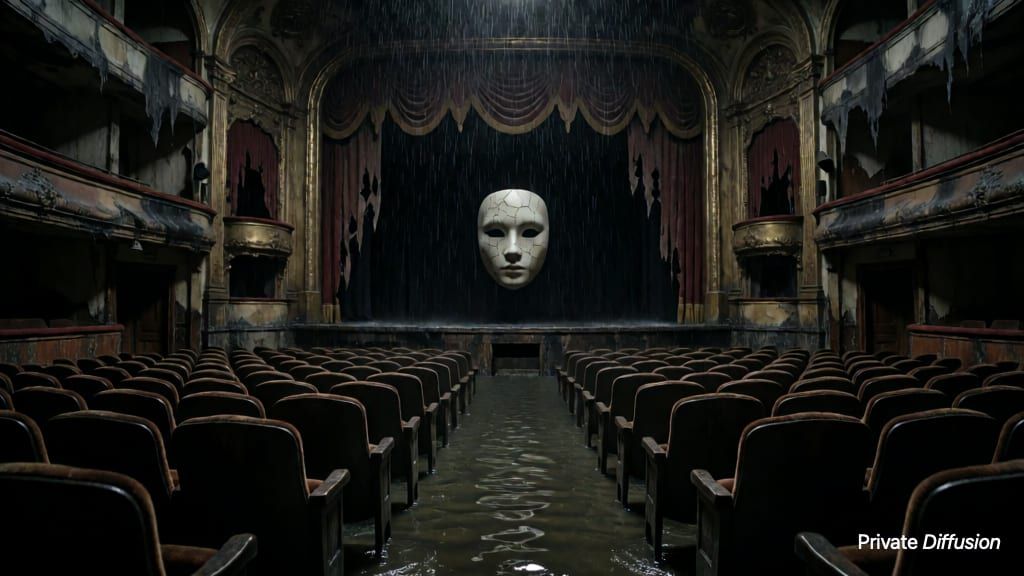
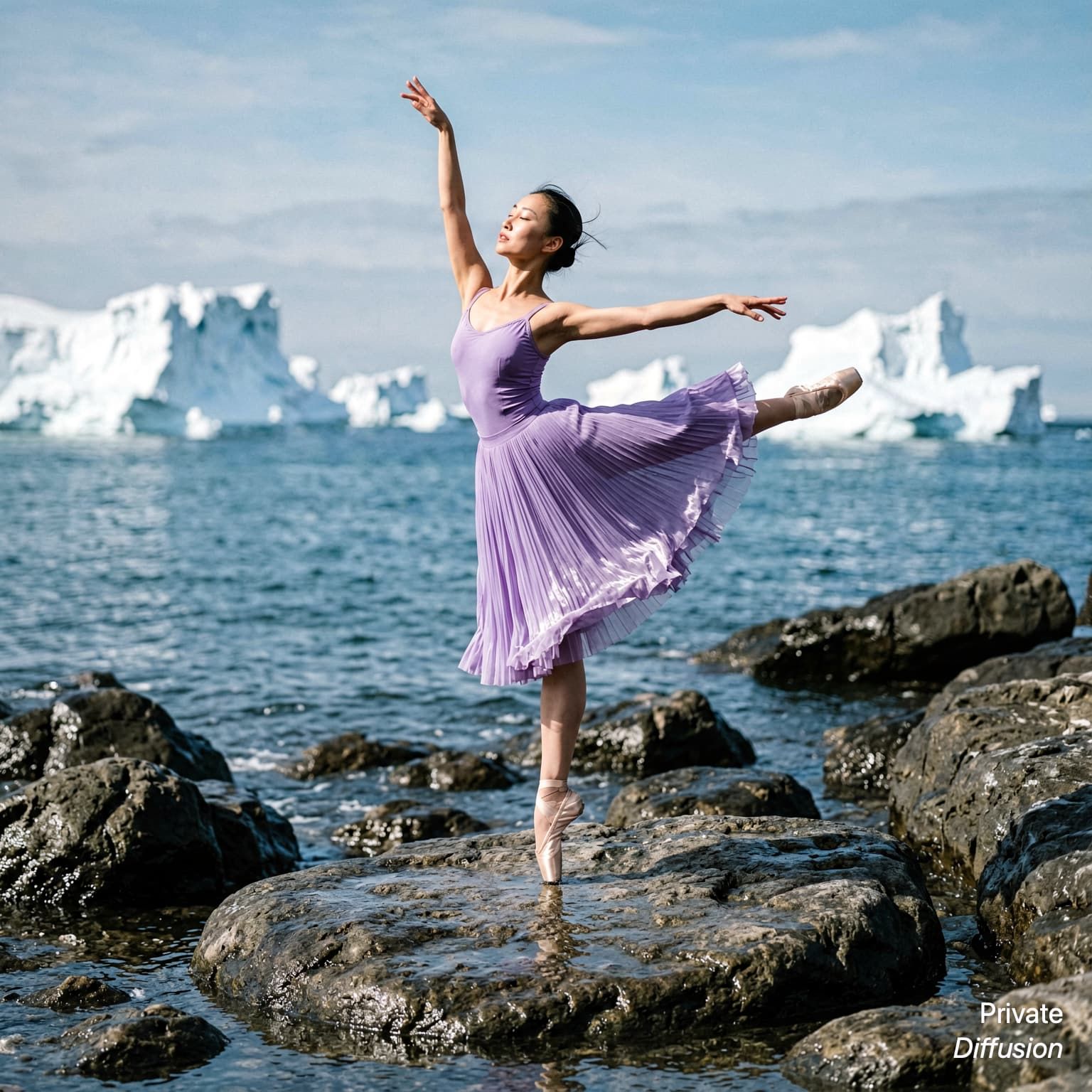
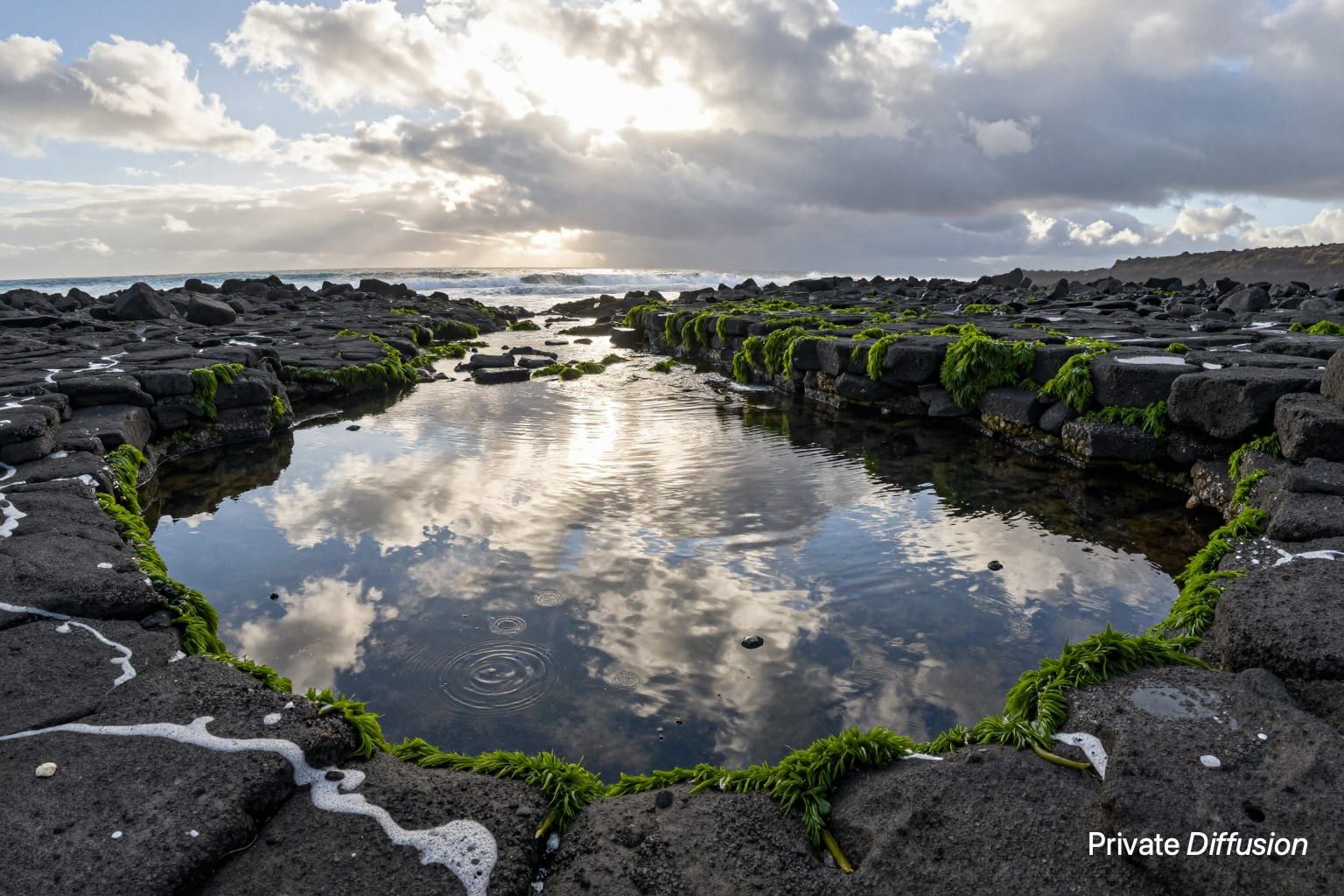
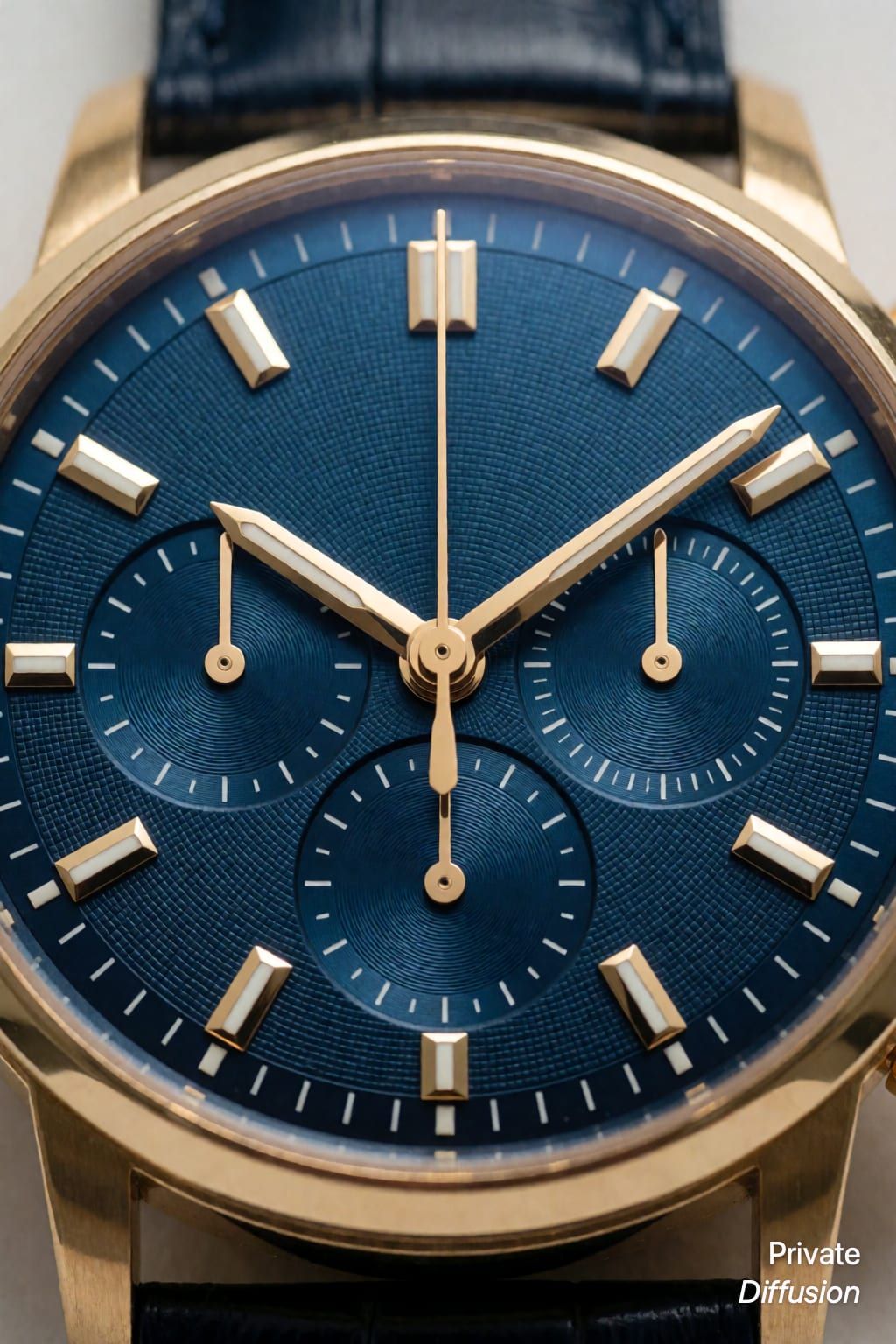
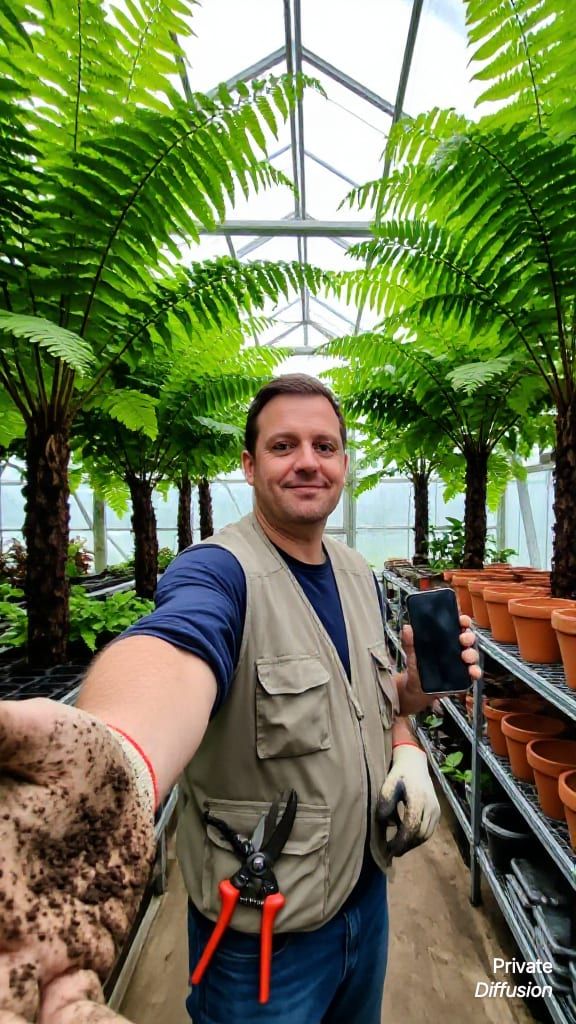
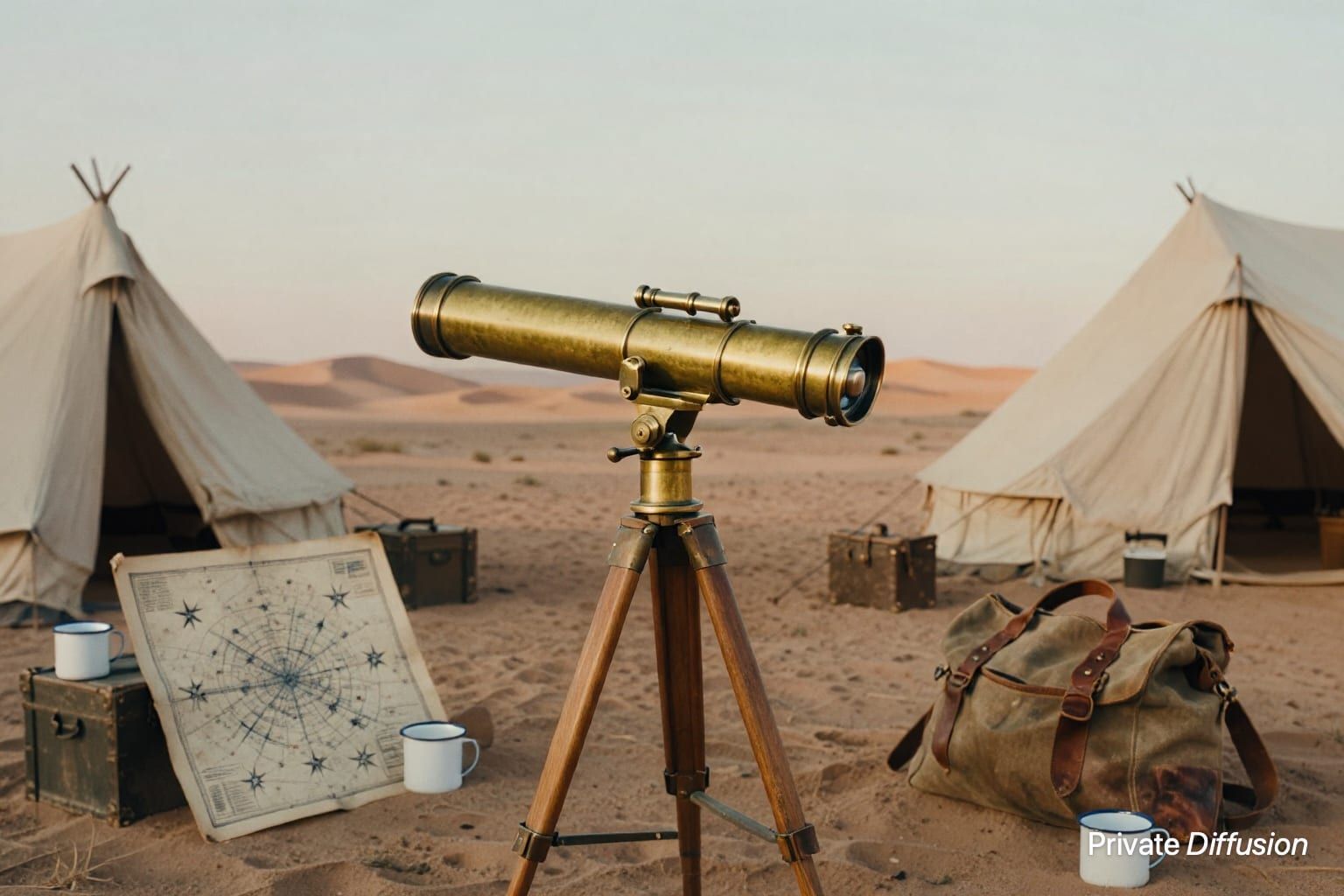
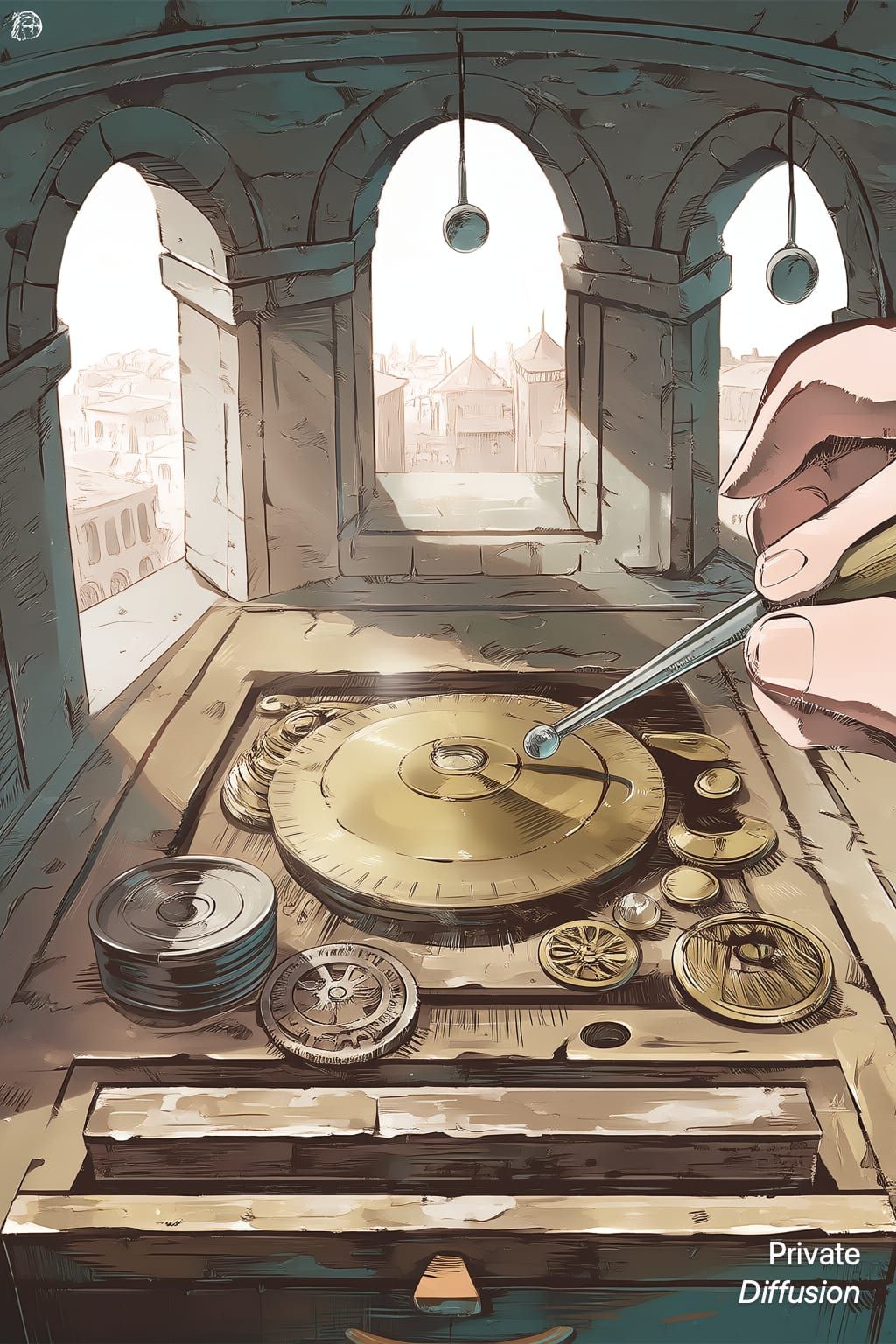
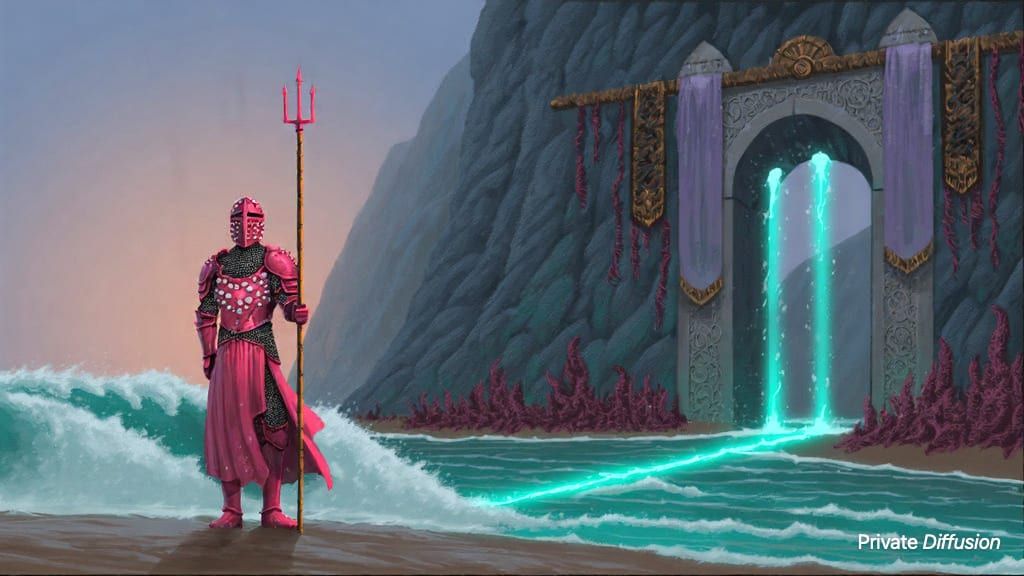
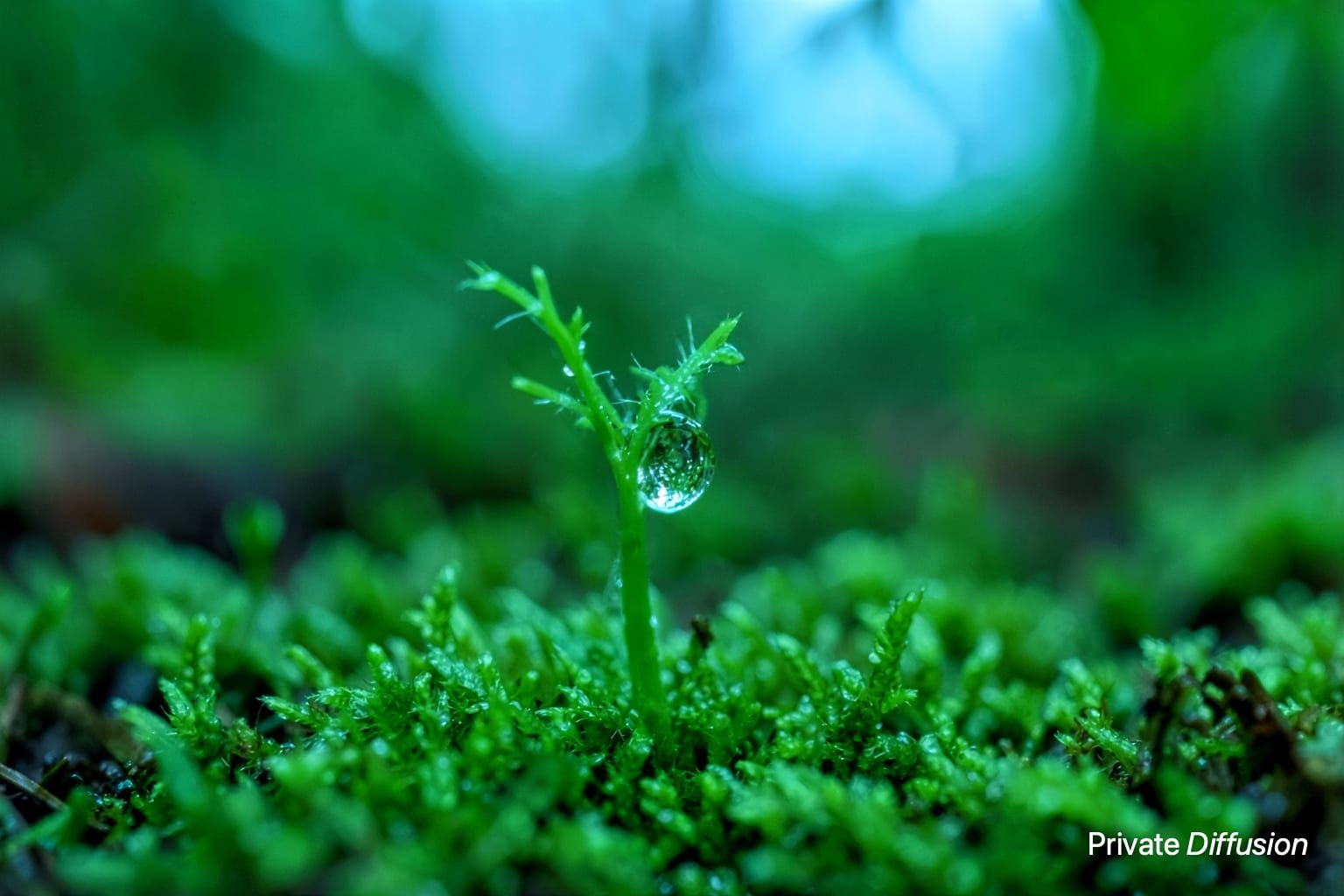
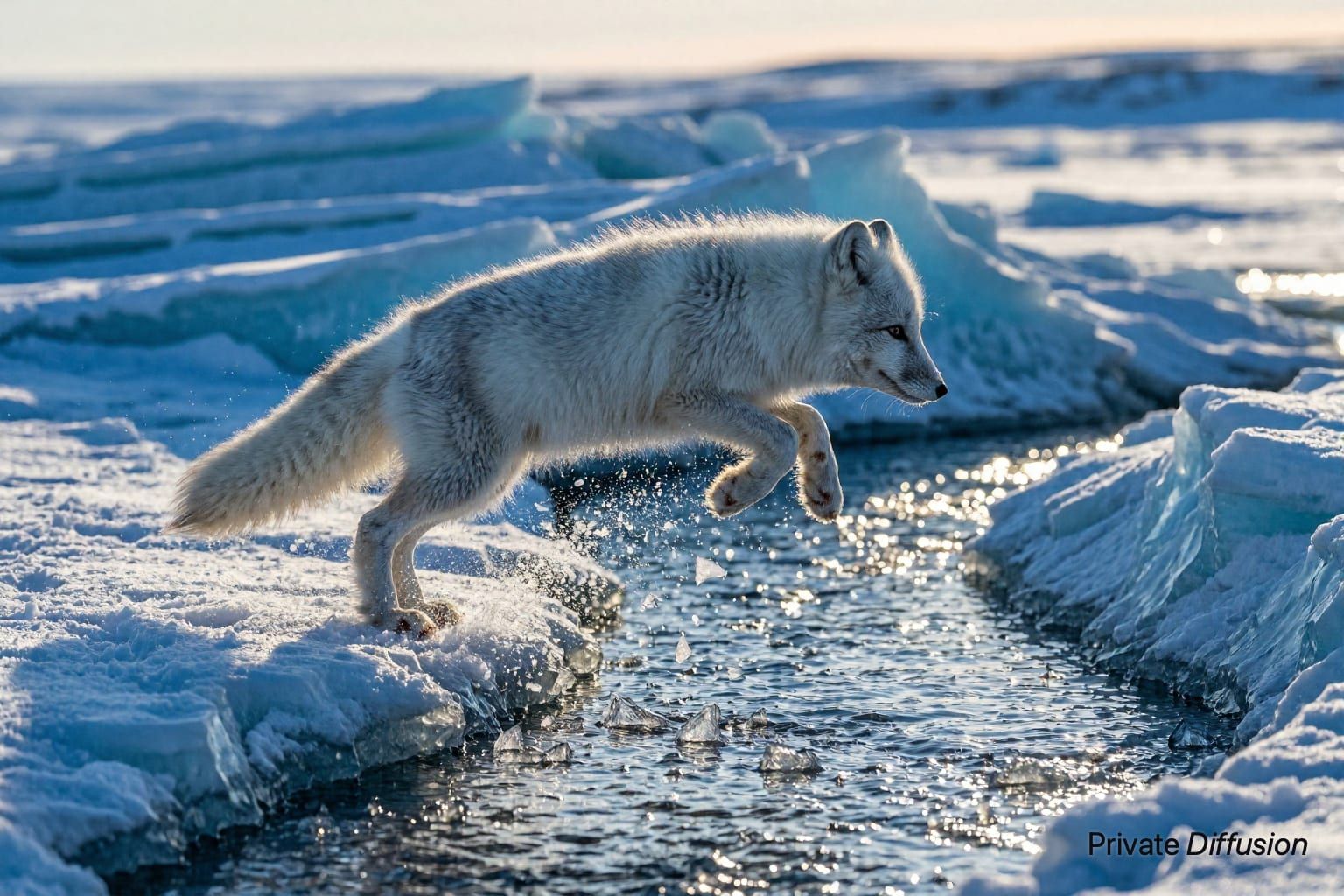
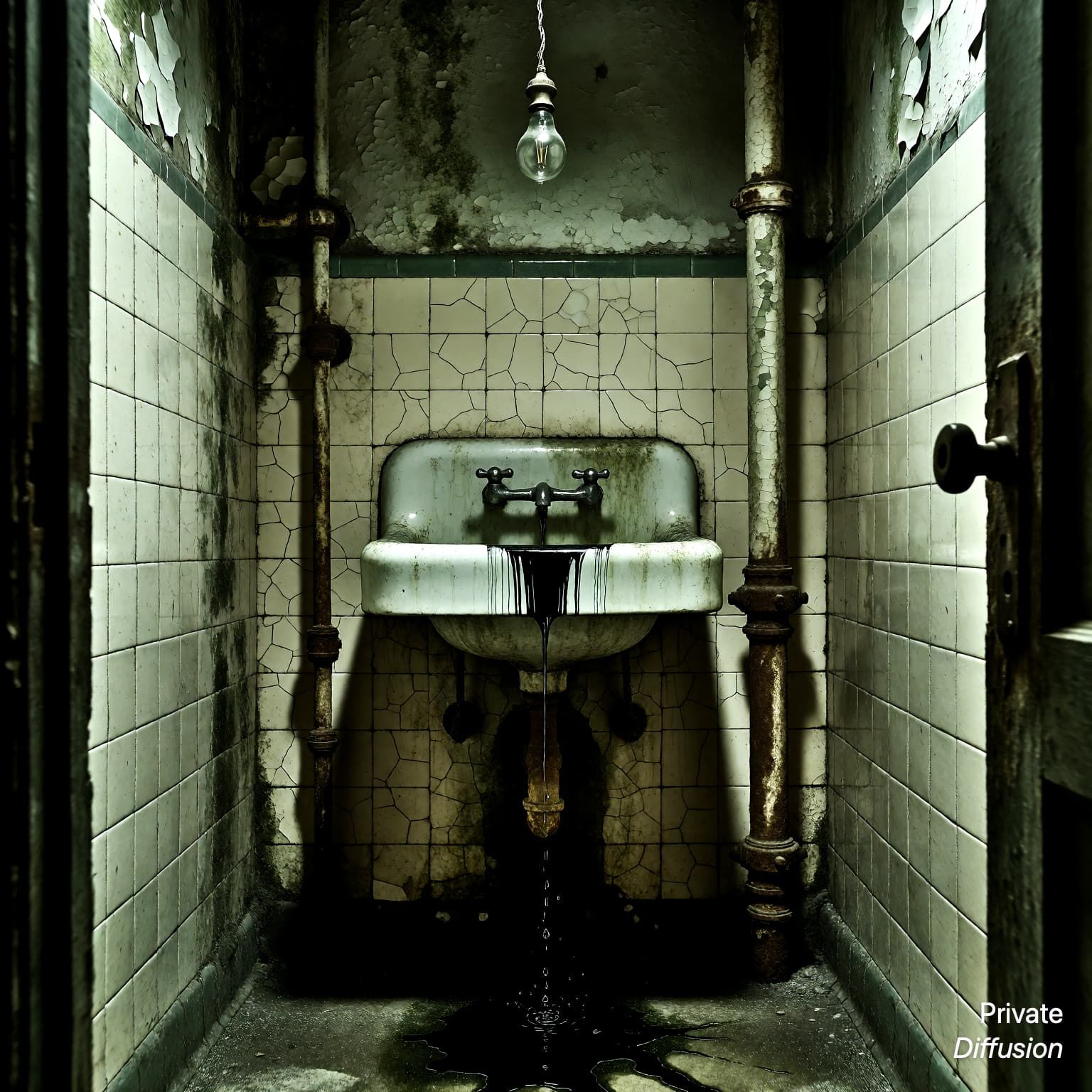
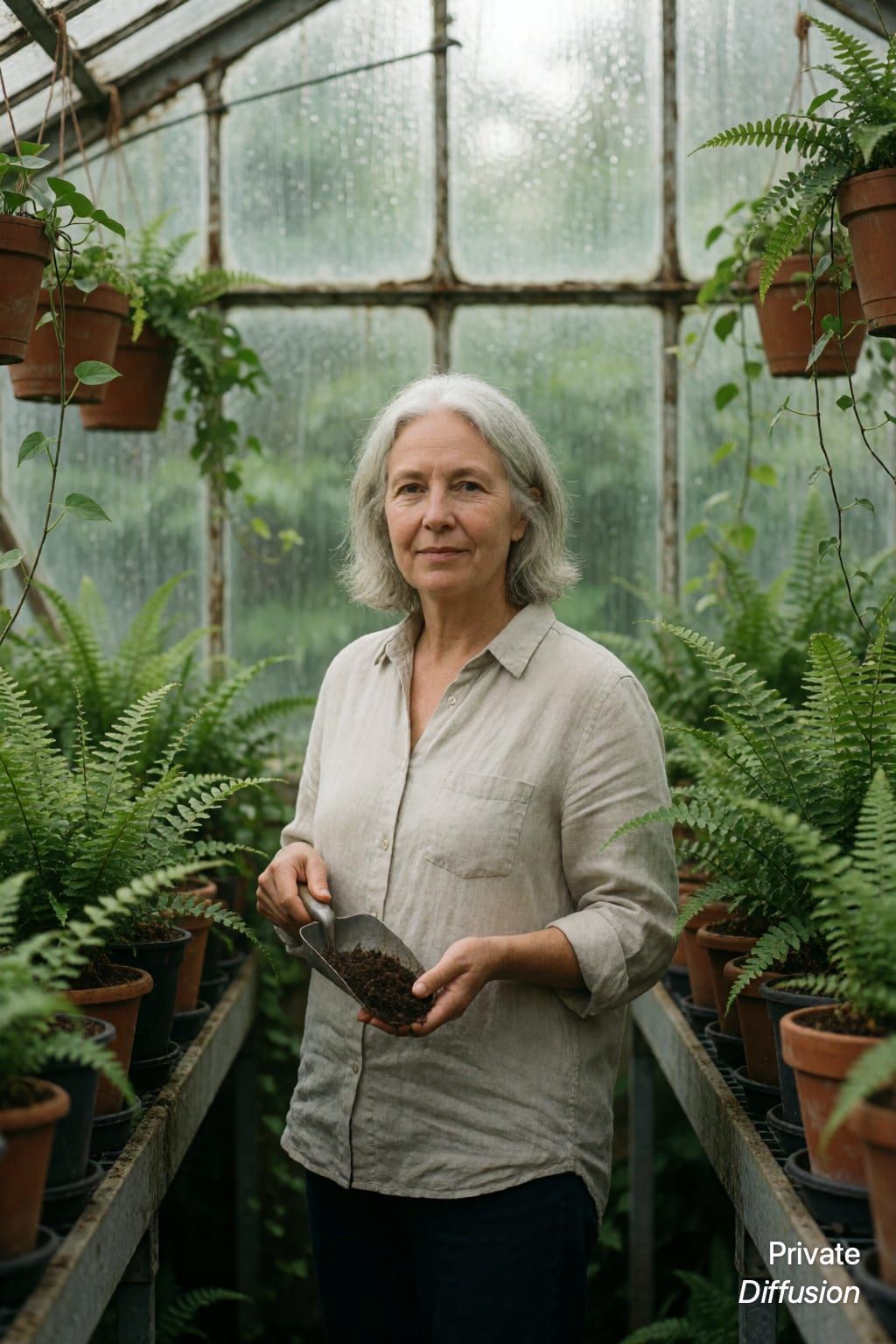
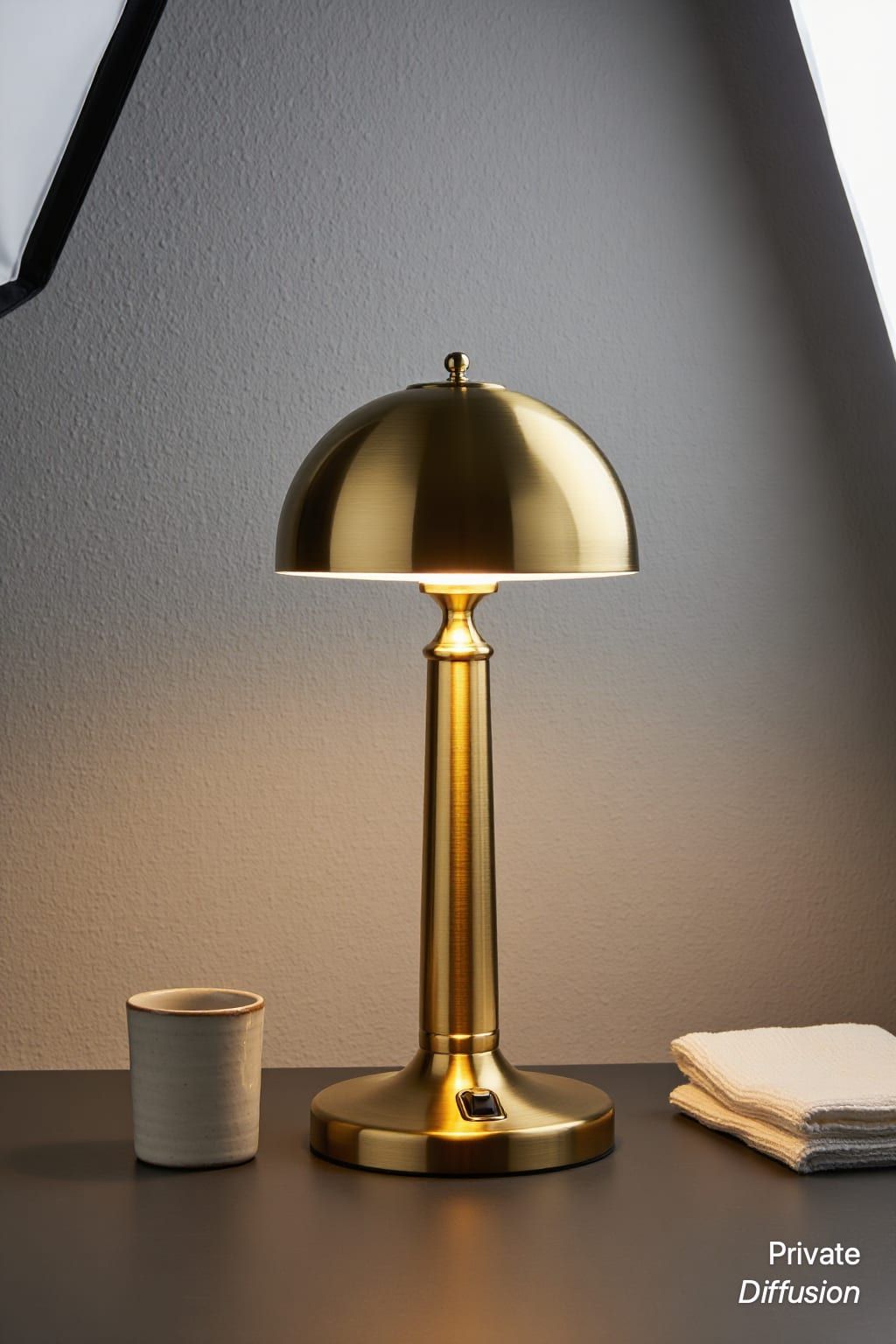
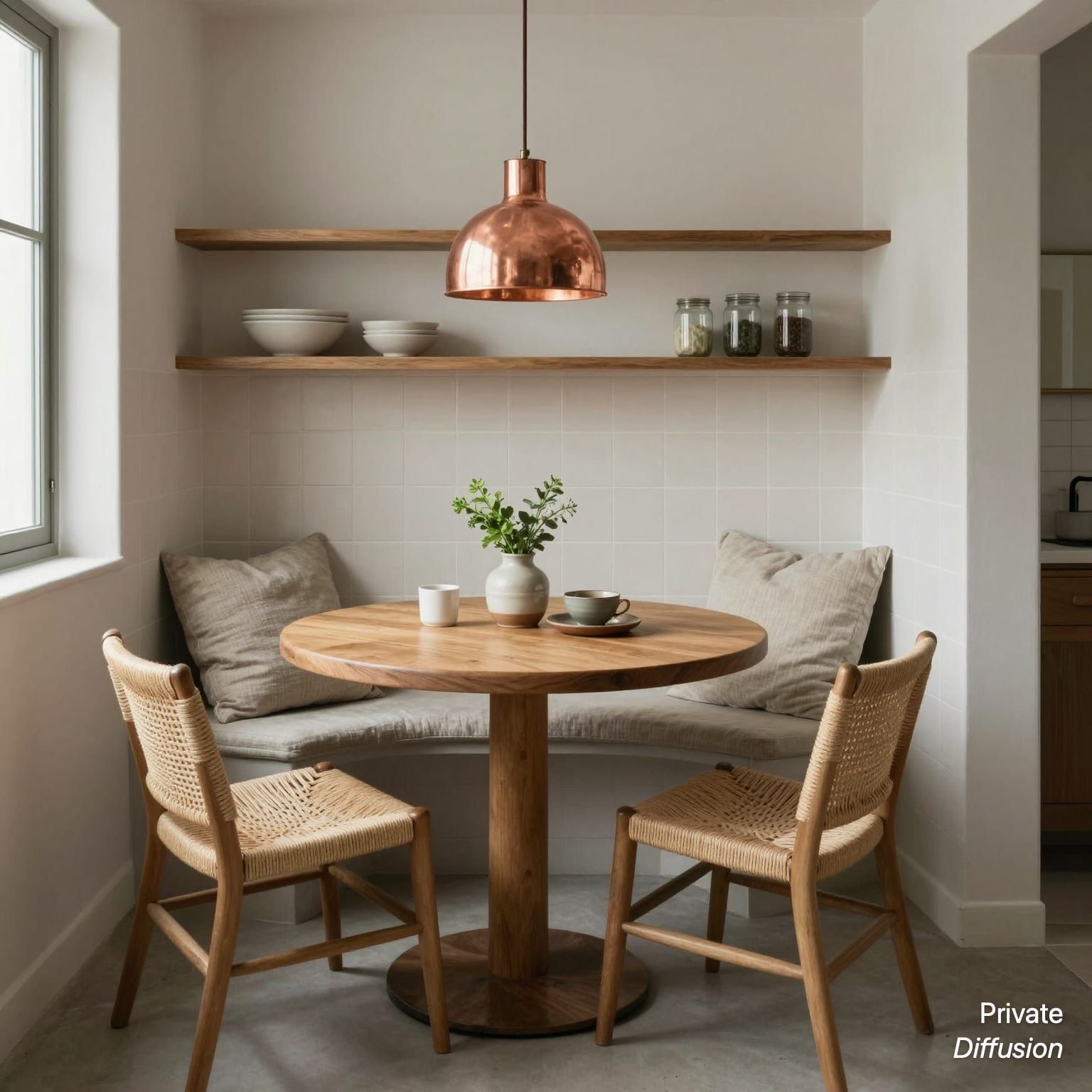
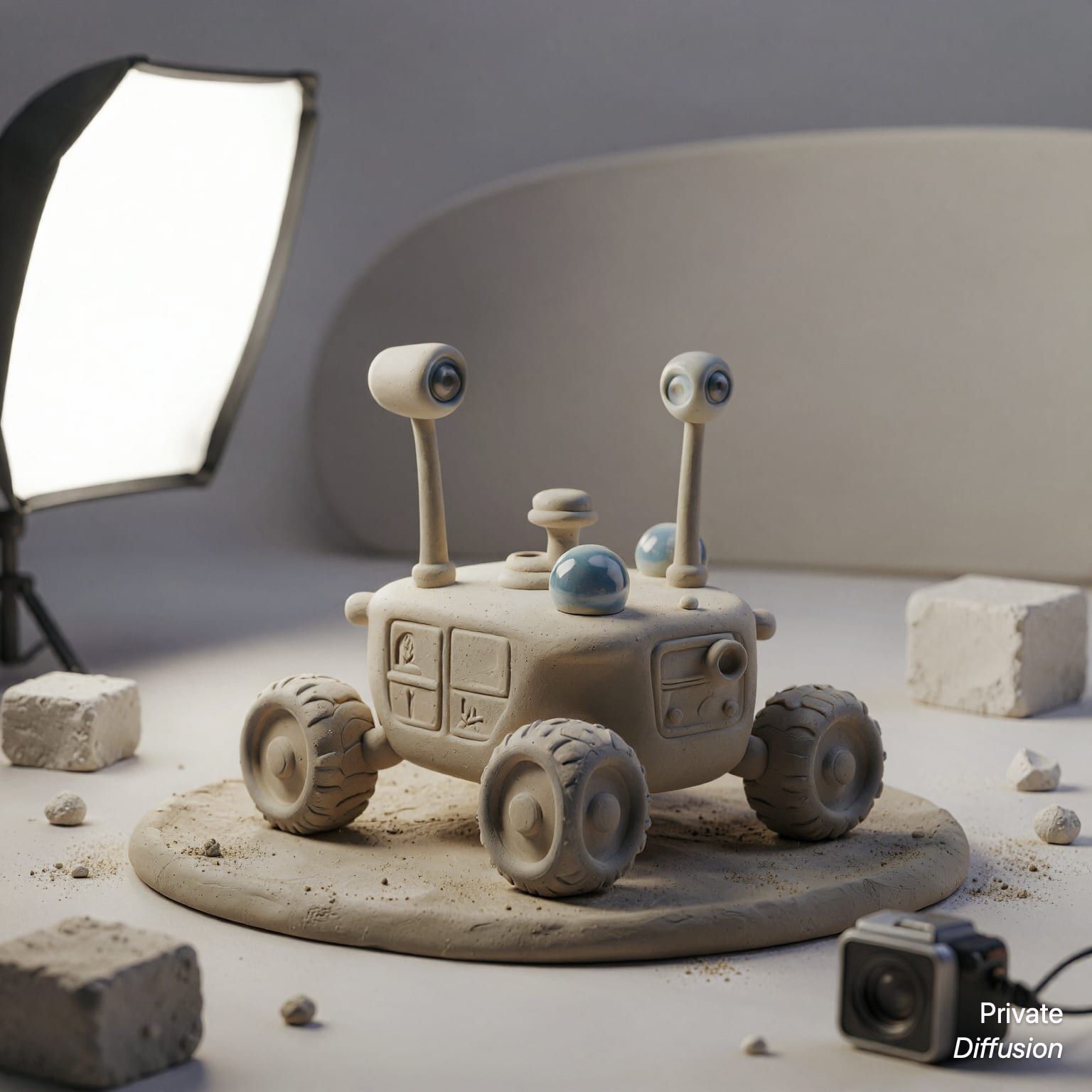
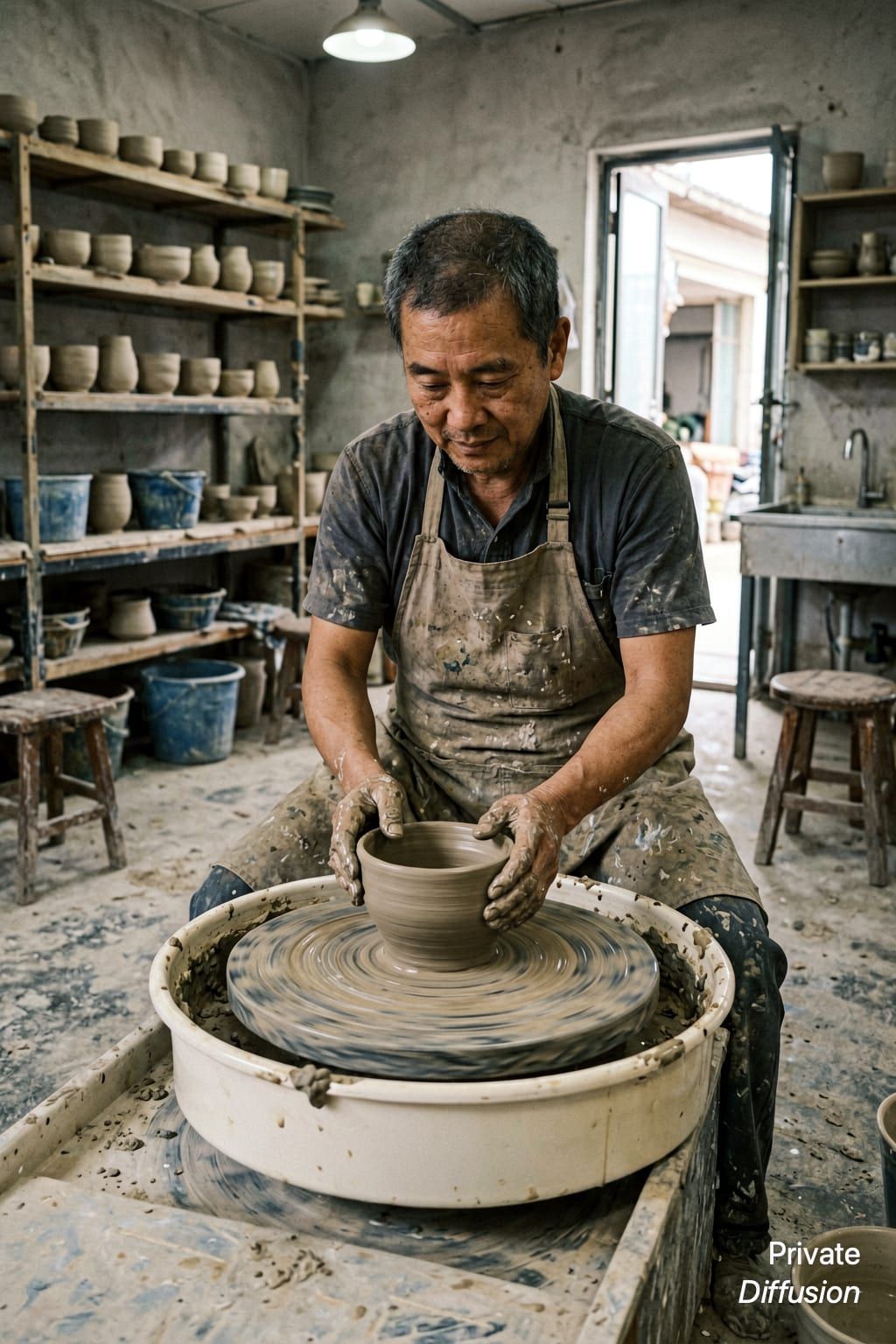
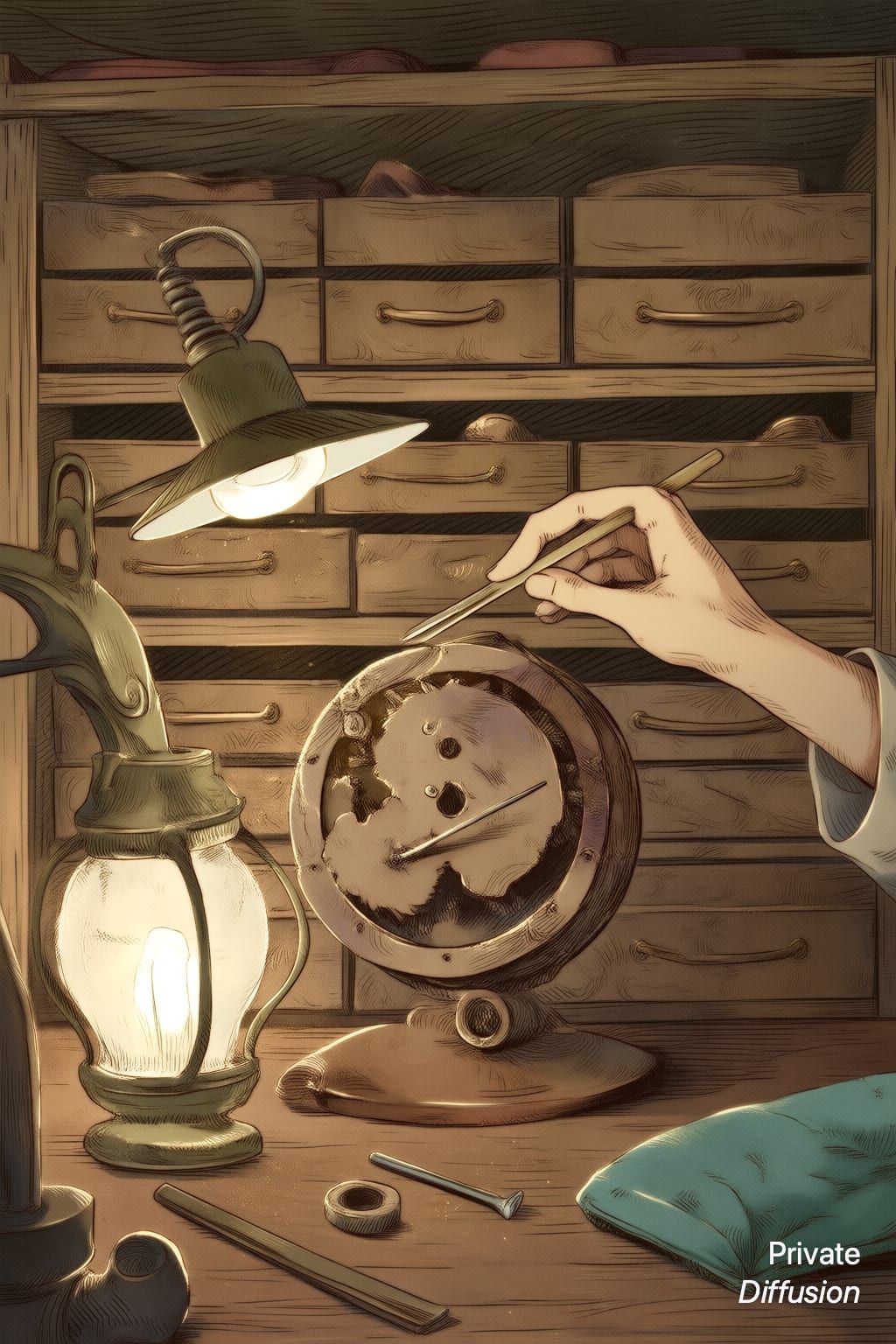
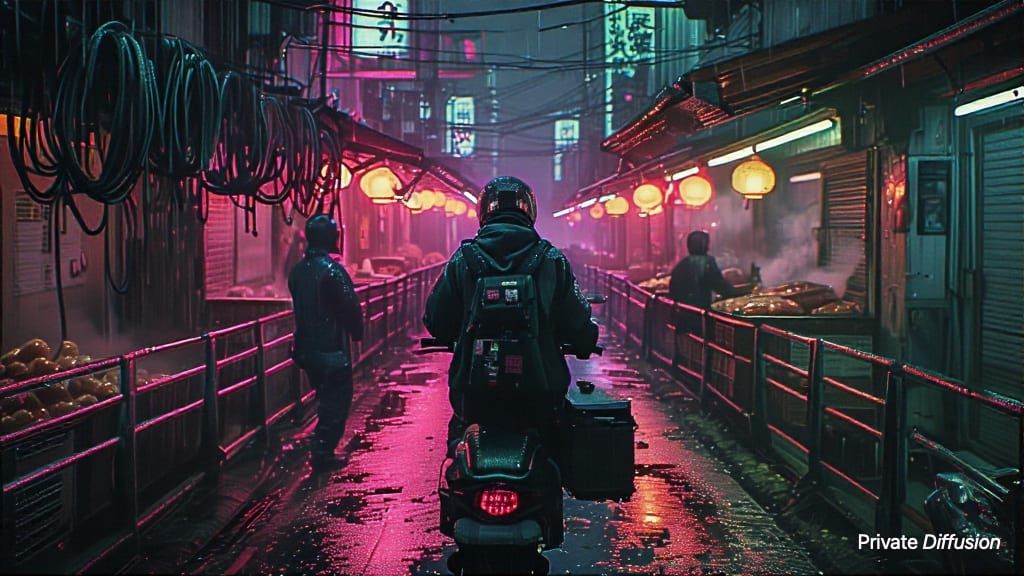
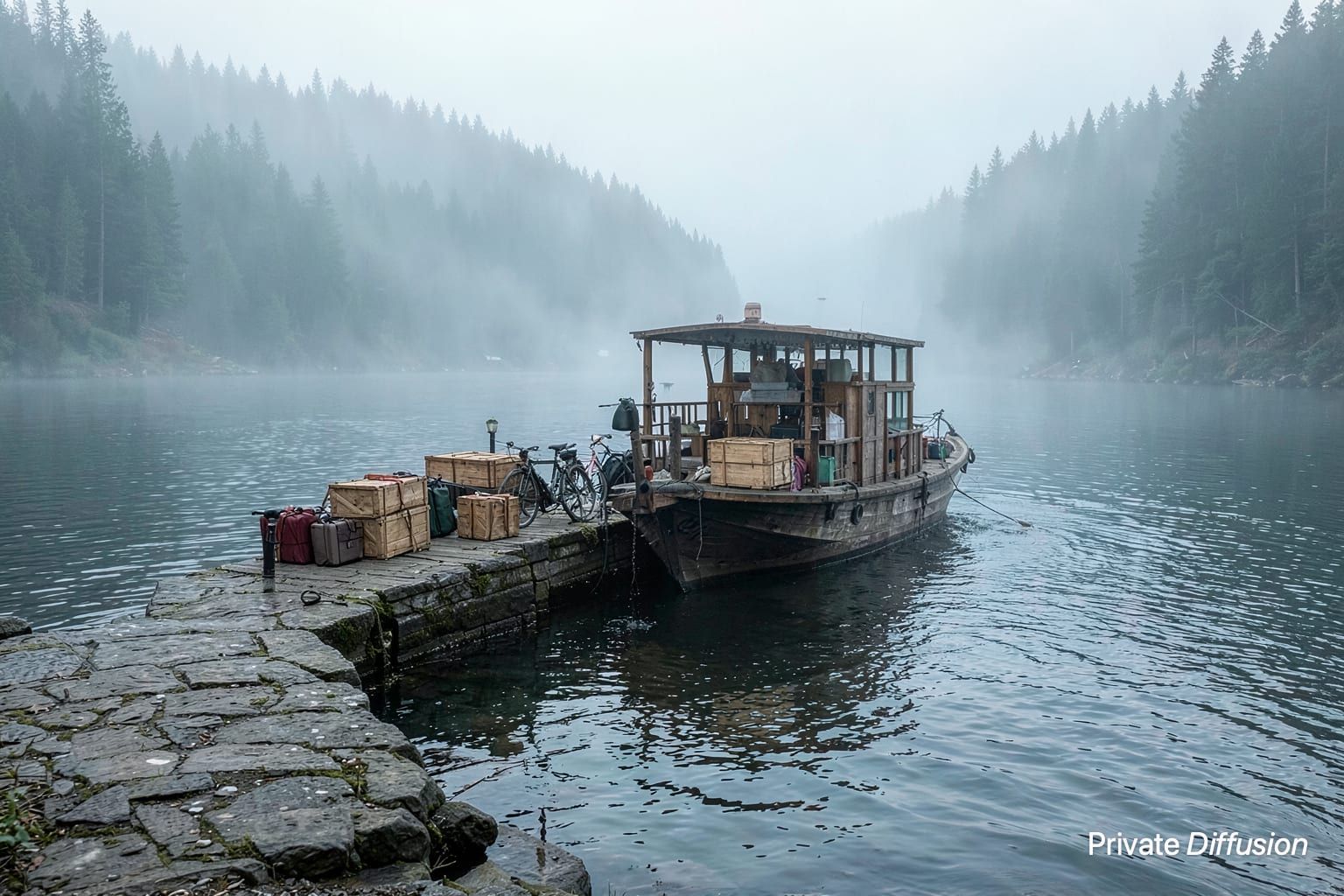
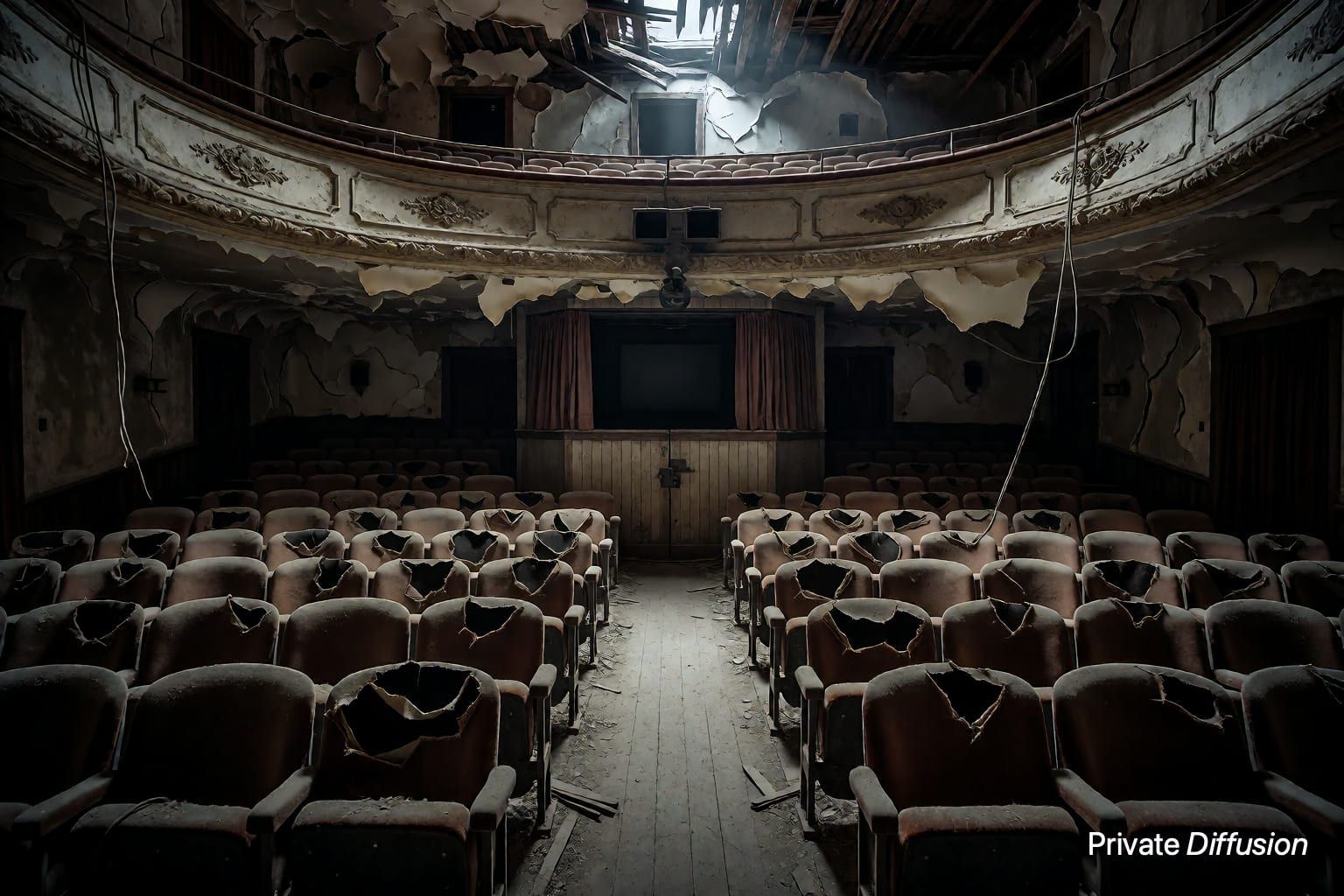
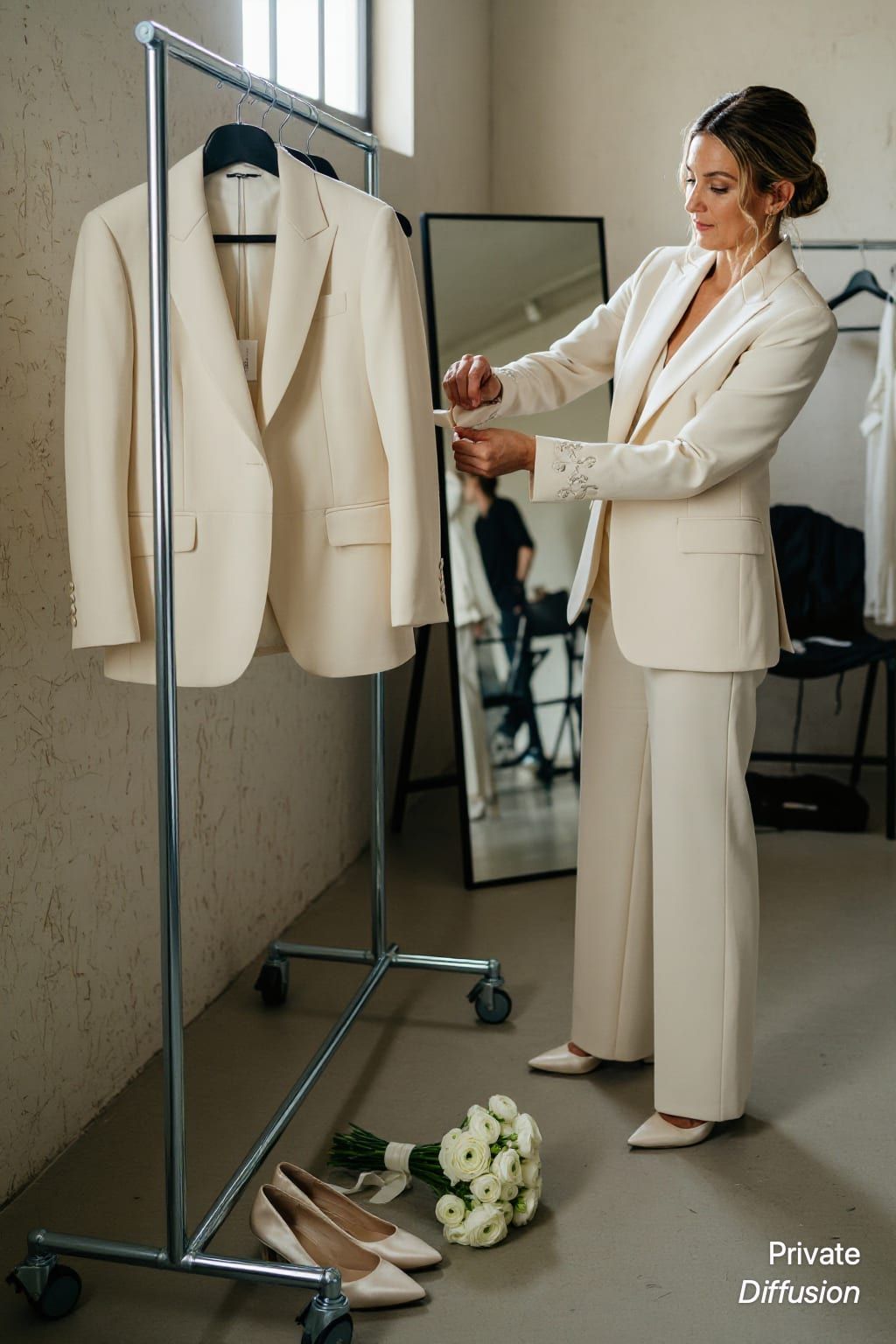
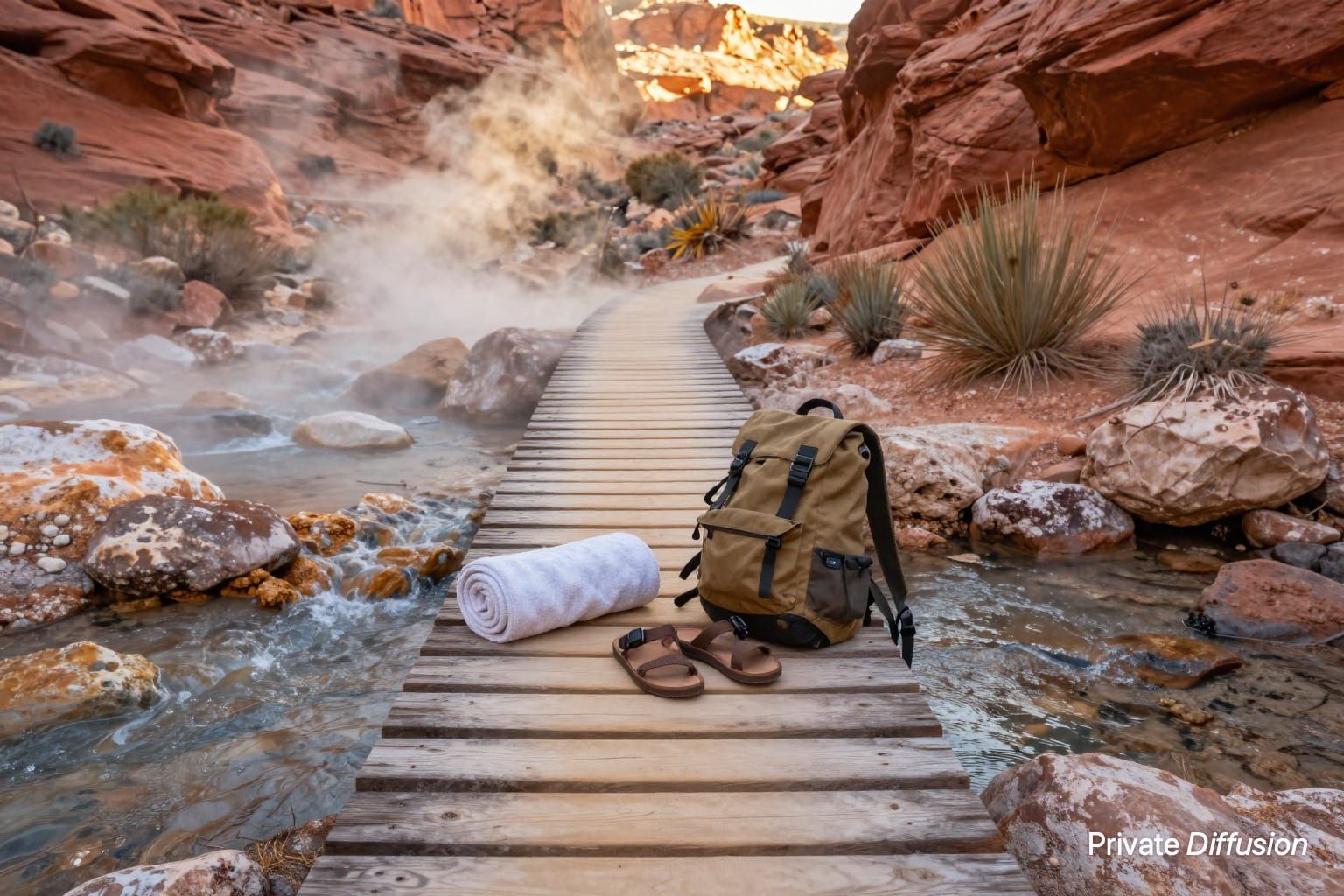
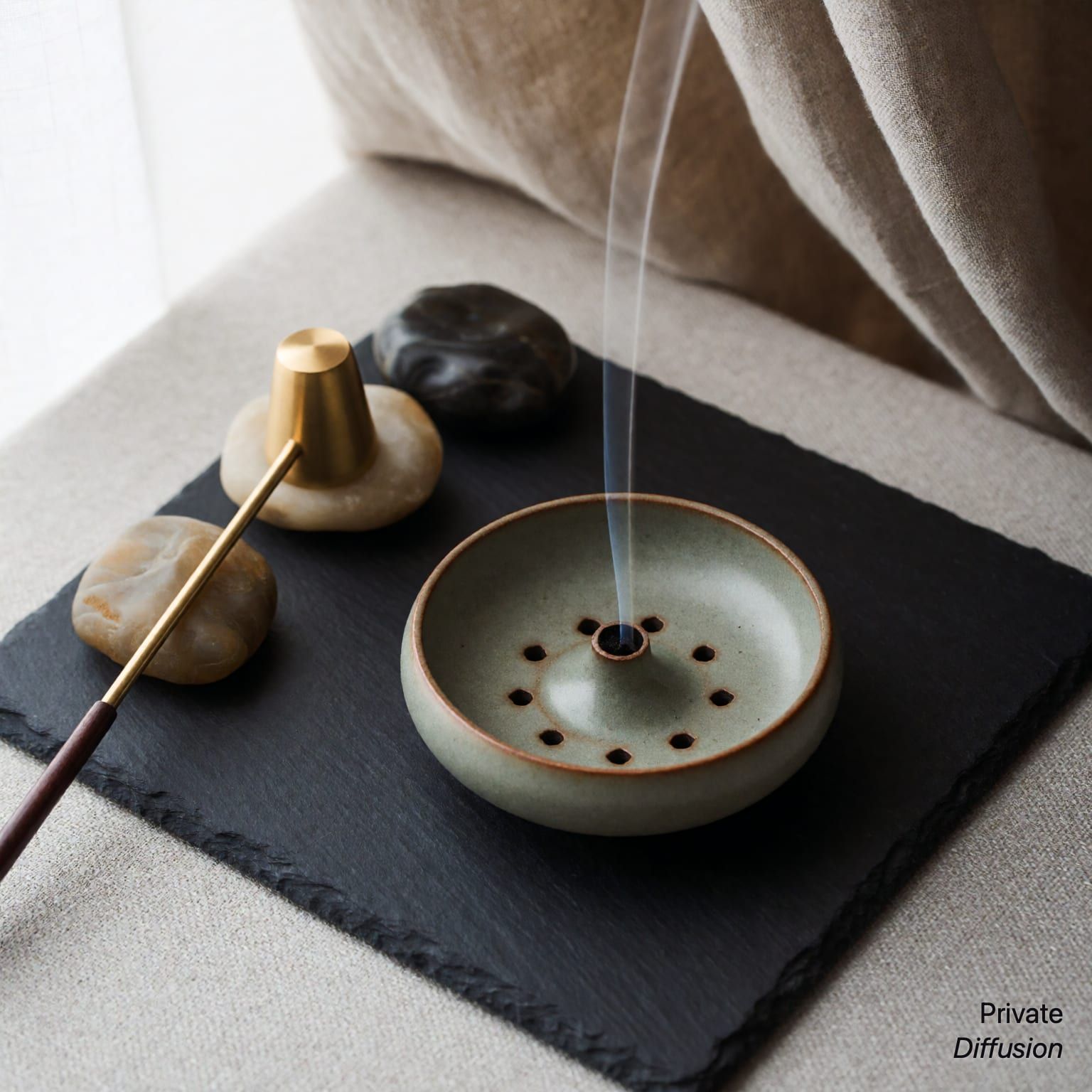
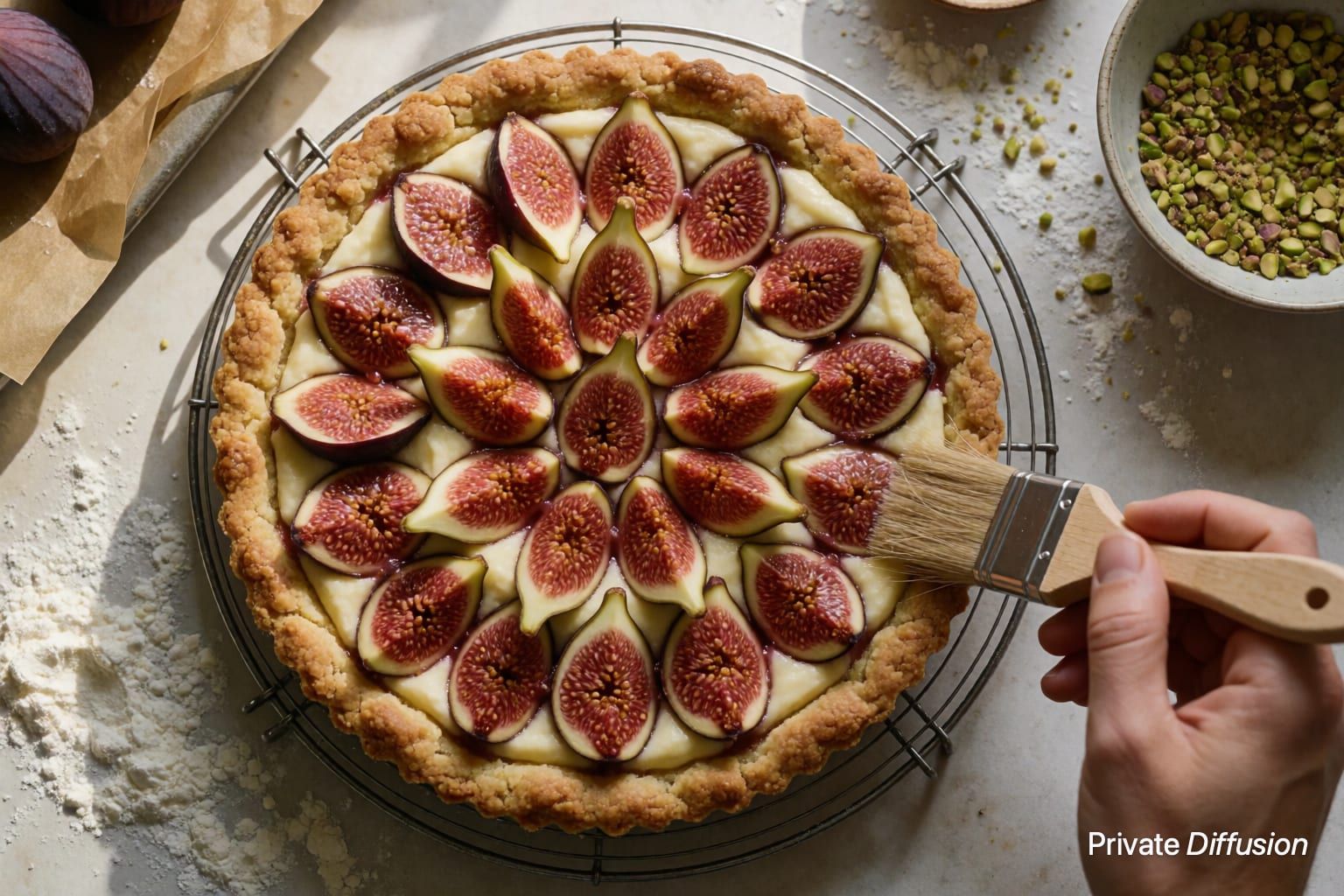
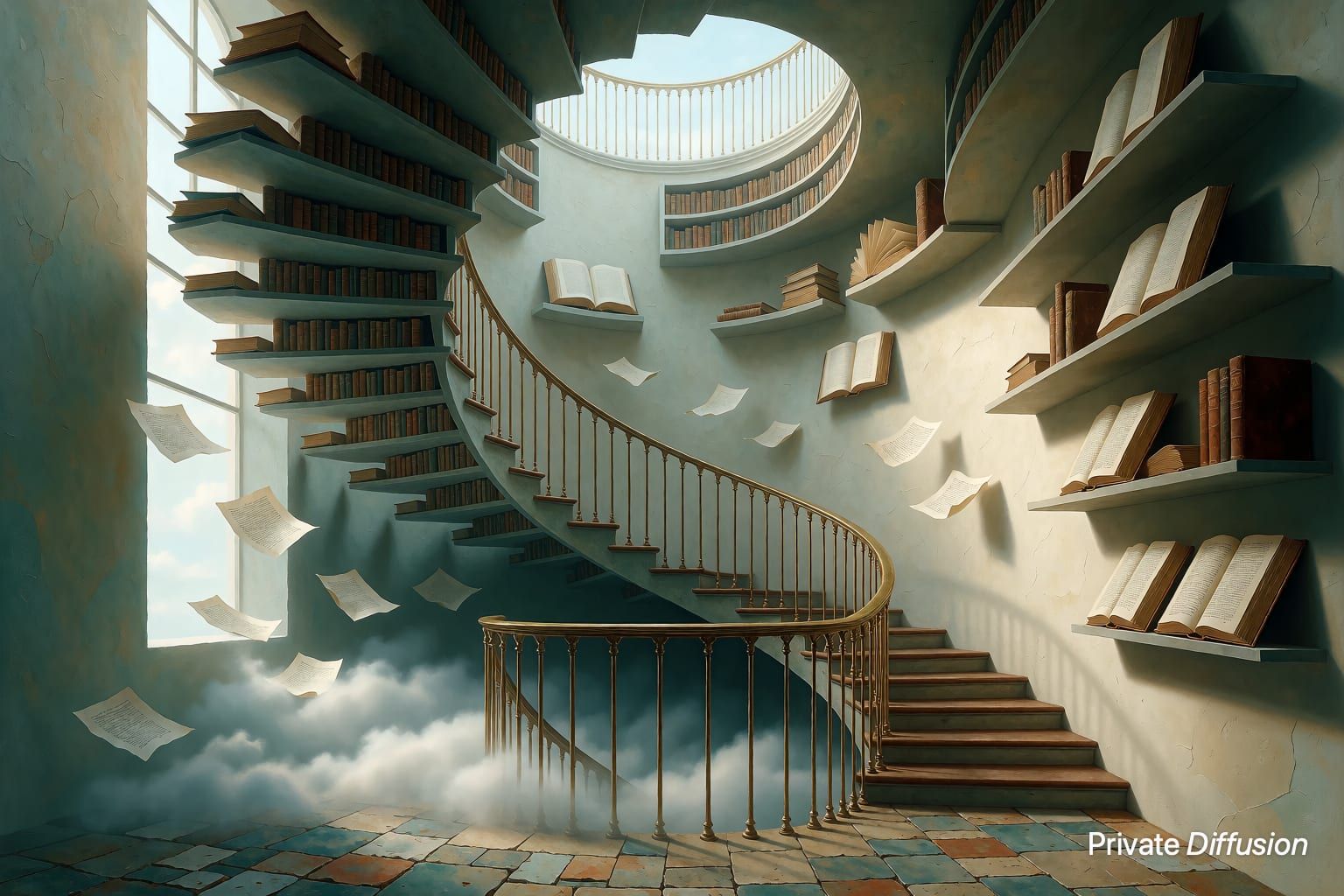
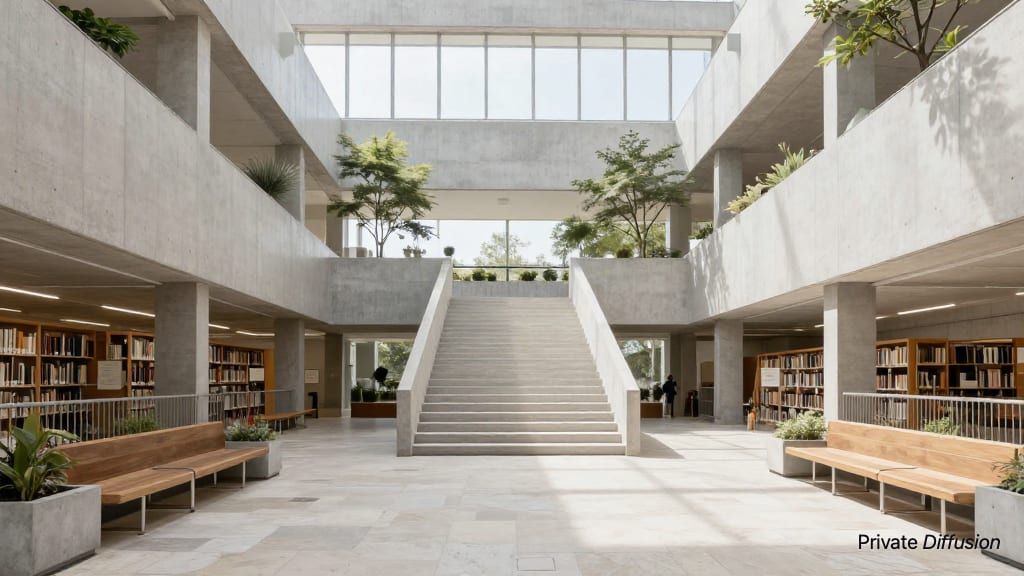
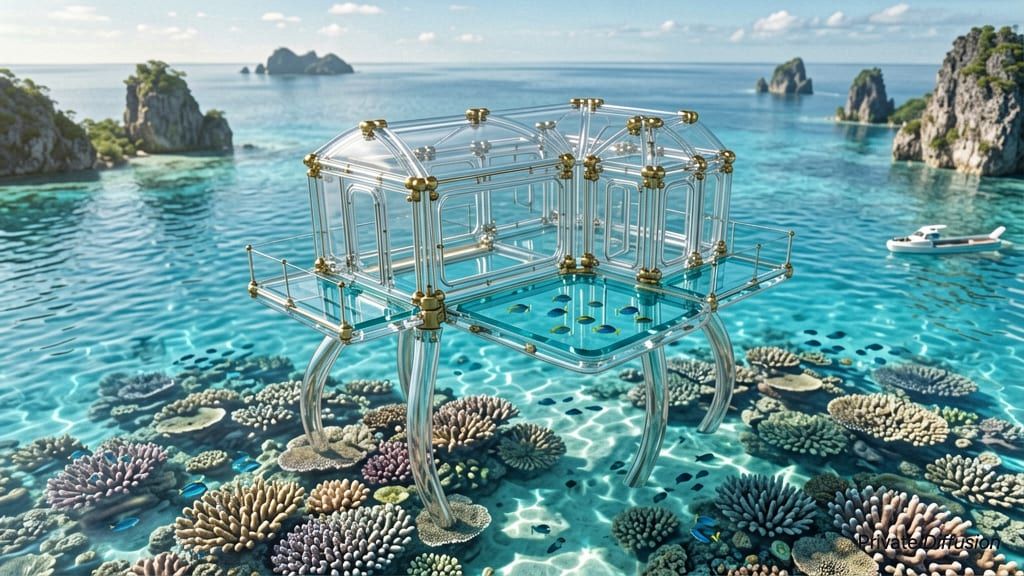
Those are the 36 newest. The hubs above list all 282; the search box finds any of them by subject, material, or model.
Browse by Model
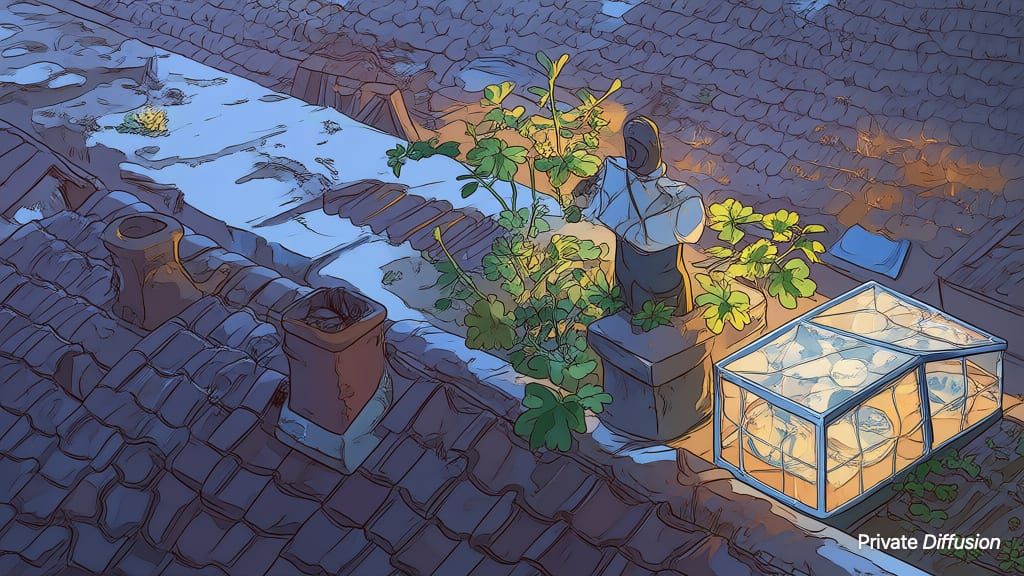
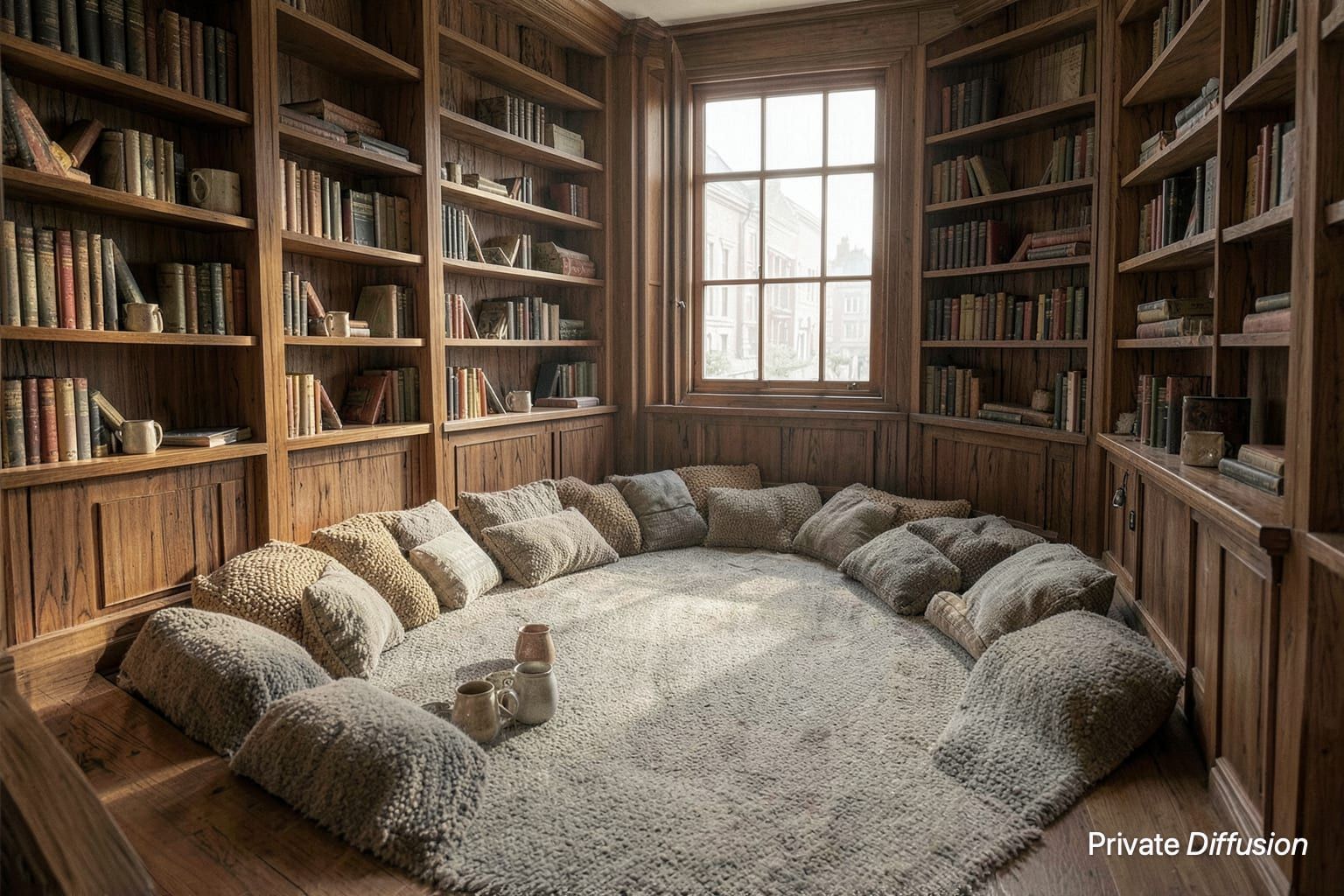

How to Use These Prompts
- What does the seed do?
- The seed is the starting noise the model refines into a picture. The same prompt, model, size, steps, and seed give the same image again on the same kind of device, so every page here prints the seed next to the prompt. Change the seed and keep everything else to get a sibling of the same scene.
- Will the same prompt and seed give me the same image?
- Yes, on the same kind of device, when the model, the size, the steps, and the seed match the ones printed on the page and the prompt goes in word for word. A different size changes the picture, because the noise is laid out differently, and an iPhone or iPad can land on a slightly different image than the Mac these were made on. Every page lists the Studio settings to match.
- What is a negative prompt, and which models take one?
- A negative prompt names what to keep out of the frame: readable text, logos, extra limbs. Five models in Private Diffusion take one: Flux.2 Klein 4B, Z-Image-Turbo, Juggernaut Z Fast, Chroma1-Flash, and Kroma Turbo. Pages for those models print the negative prompt when one was used.
- How are these prompts written?
- Subject and action first, then the camera (height, lens, crop), then the light, then the medium or the finish. None asks for readable text, and none names a brand. Copy the shape as much as the words: change the subject, keep the camera and the light, and the model does the rest.
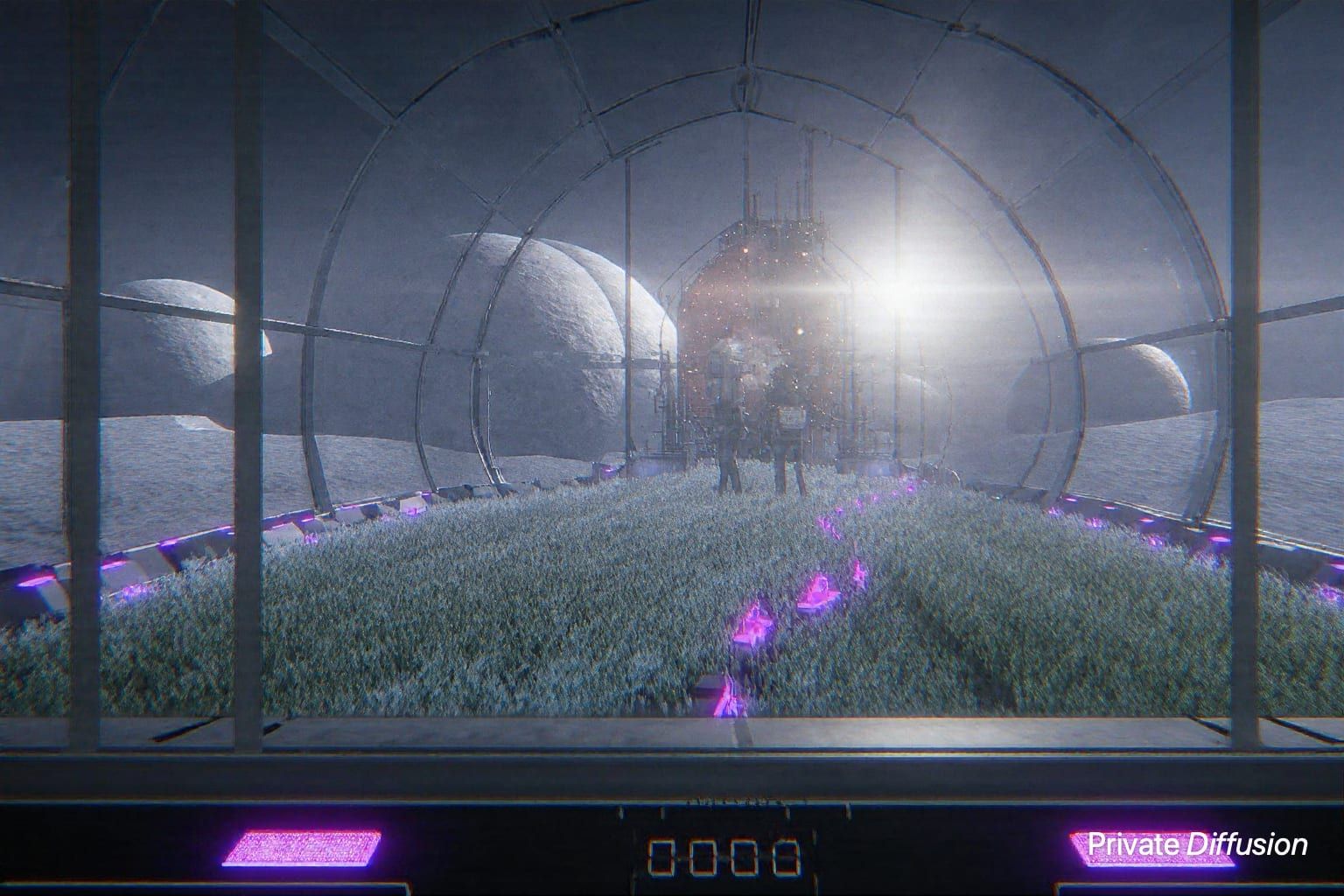
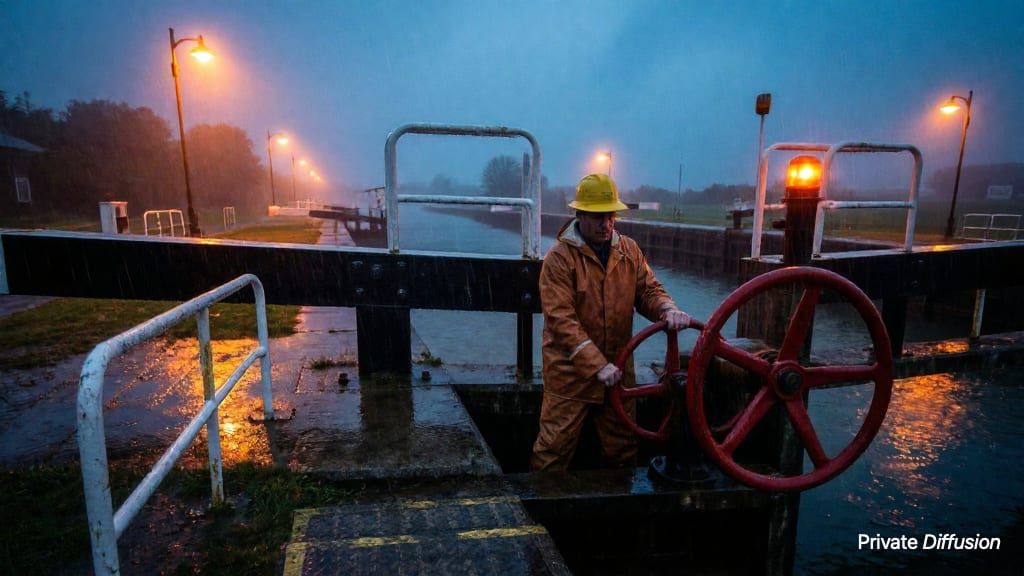
Every image on this page came out of Private Diffusion, a local AI image generator for iPhone, iPad, and Mac. Download a model once inside the app, type a prompt, and the picture forms on your own screen. Nothing you type or generate leaves the device.

