Private by default
Generate AI Images Locally on iPhone, iPad, and Mac. Nothing Leaves Your Device.
Ten models run entirely on Apple Silicon, including Krea 2 Turbo on iPad and Mac. No account, no cloud, and your prompts never leave your device.
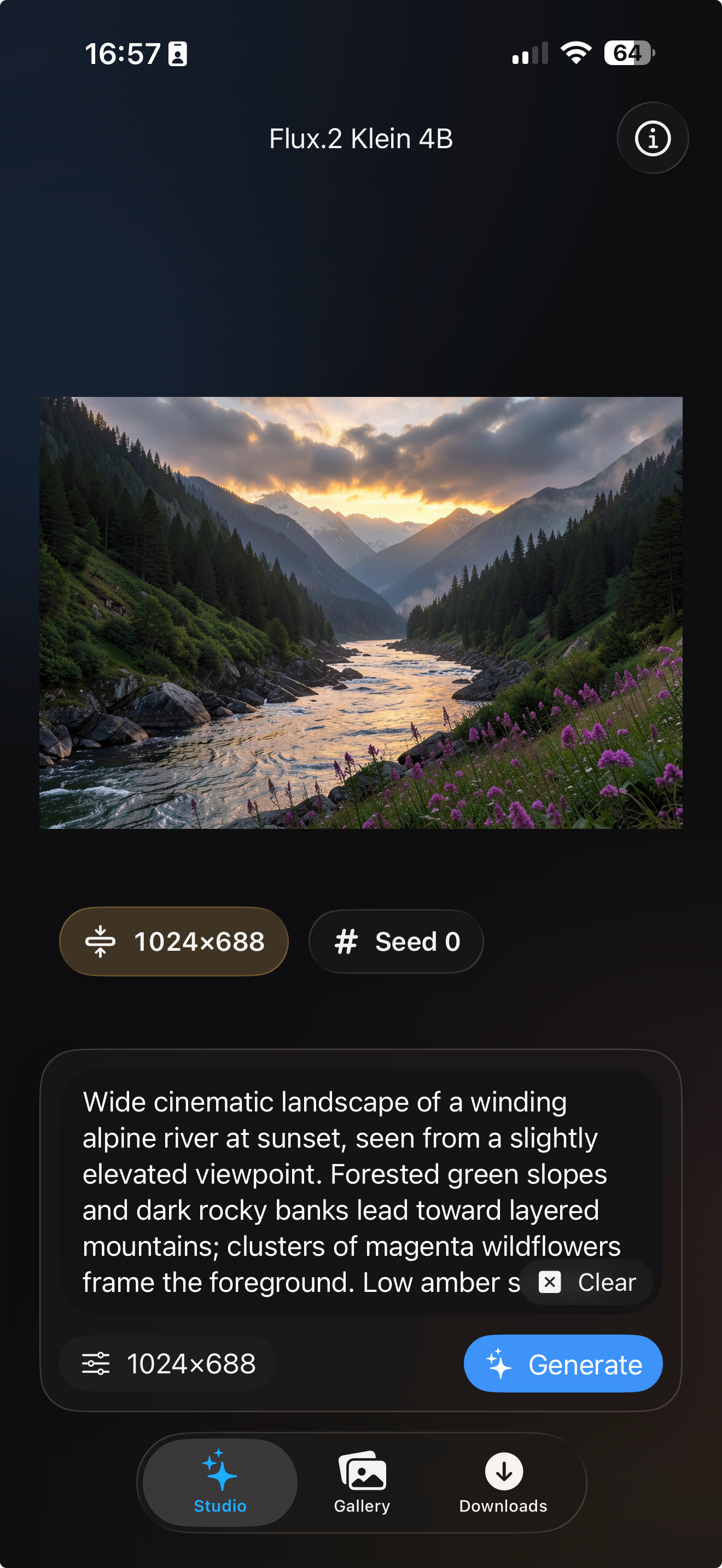
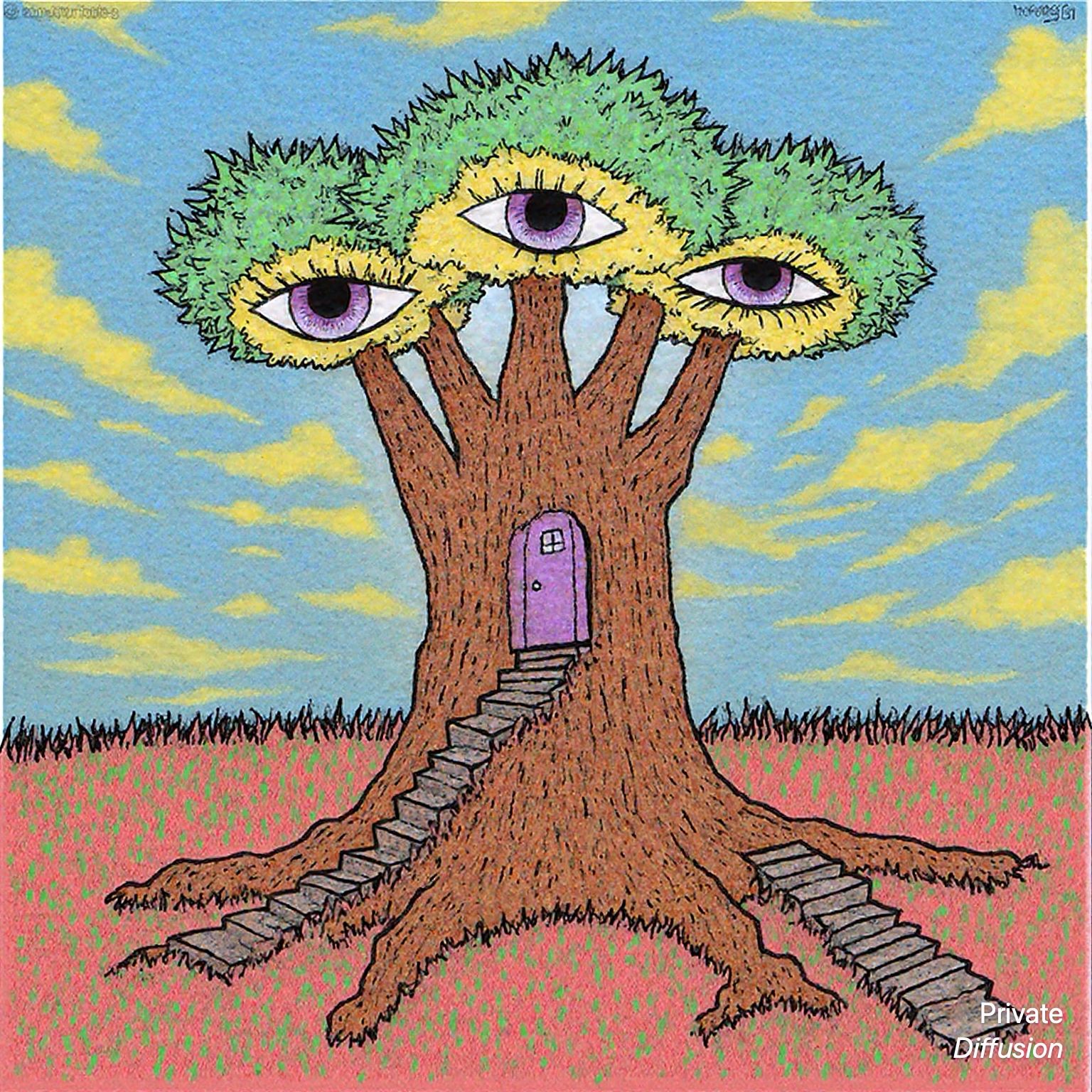
Made with Private Diffusion
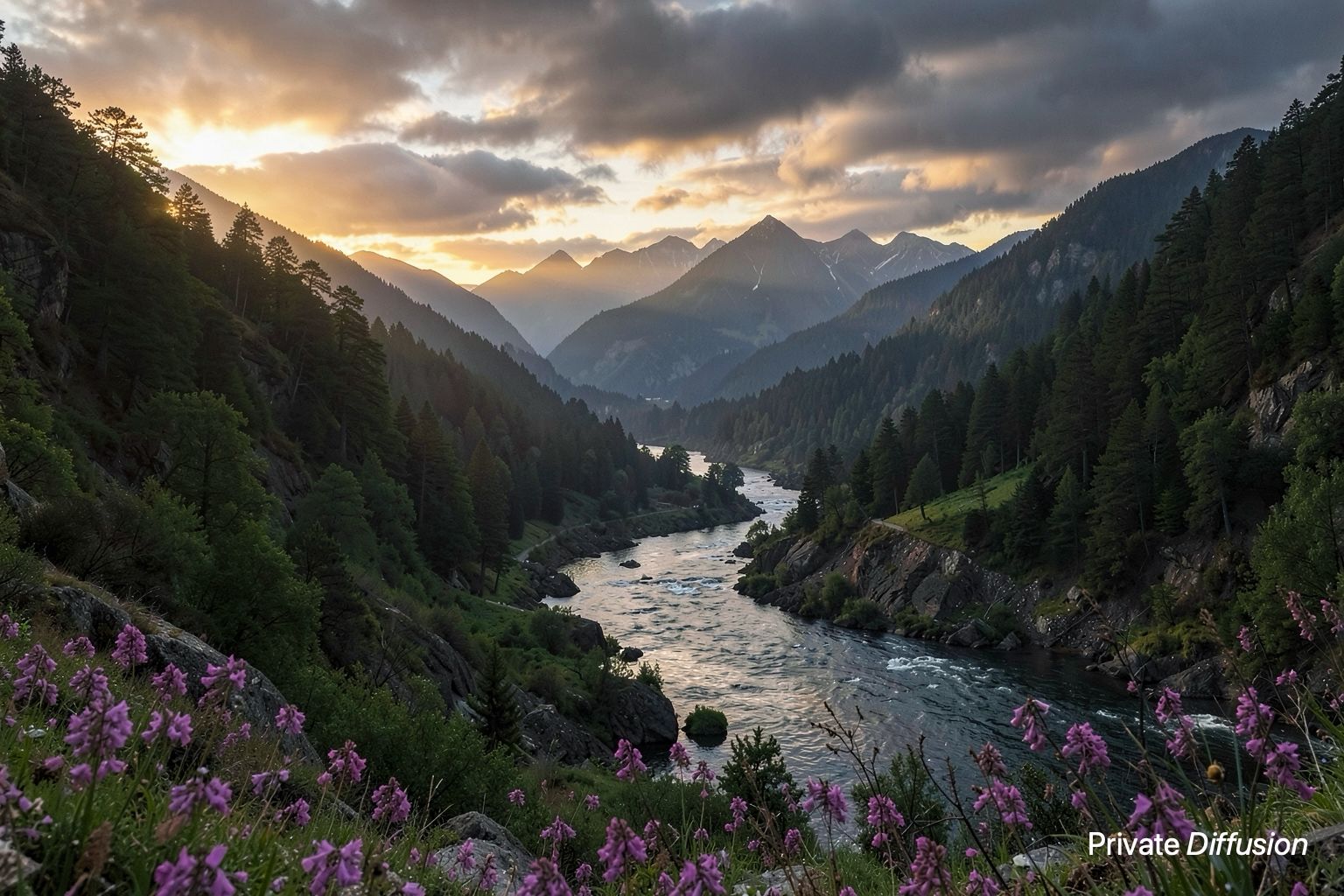
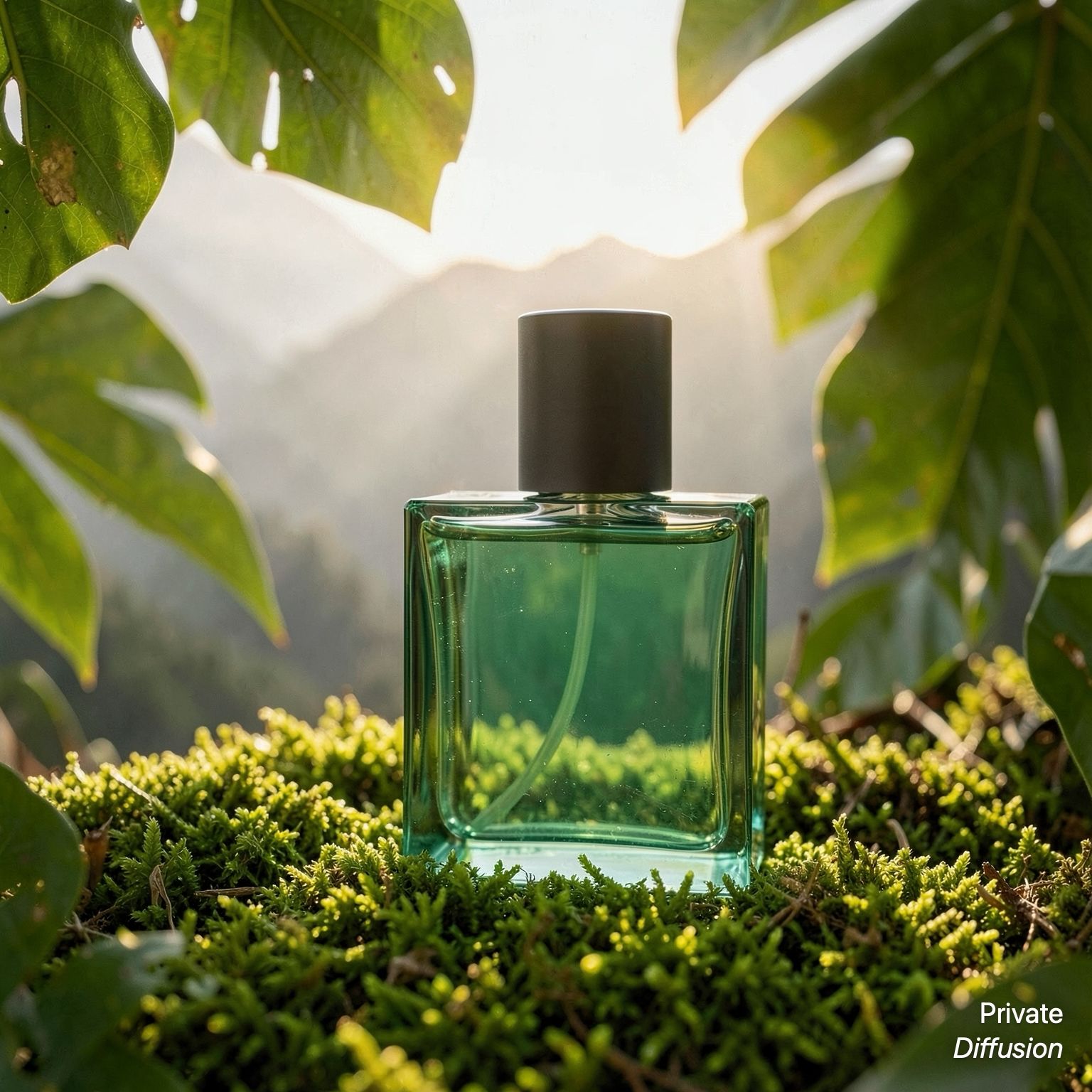
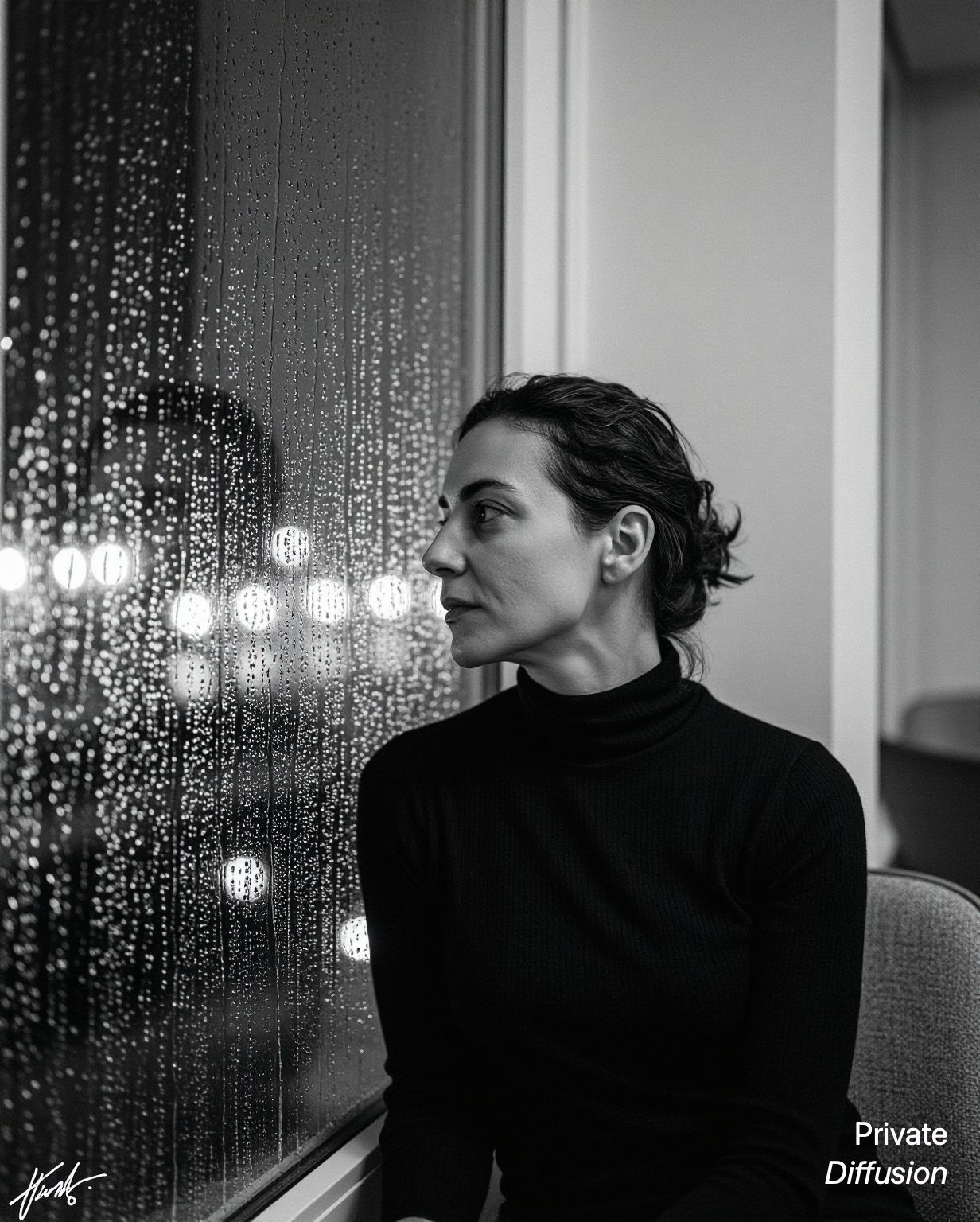
Eight models. Eight images generated entirely on Apple devices.




Start With an Idea. Keep Control of the Result.
Create in Studio
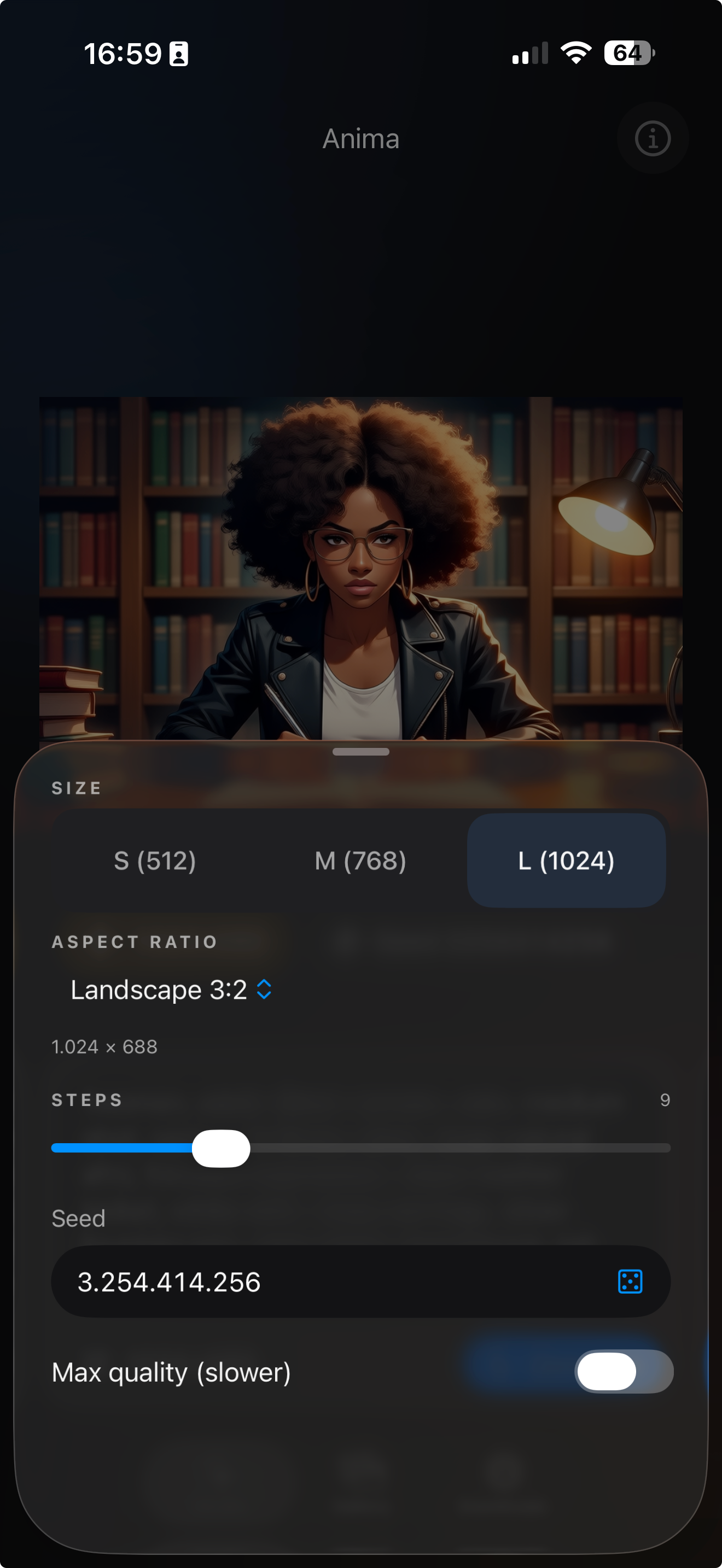
Choose a model, describe the image, and watch it take shape on your device.
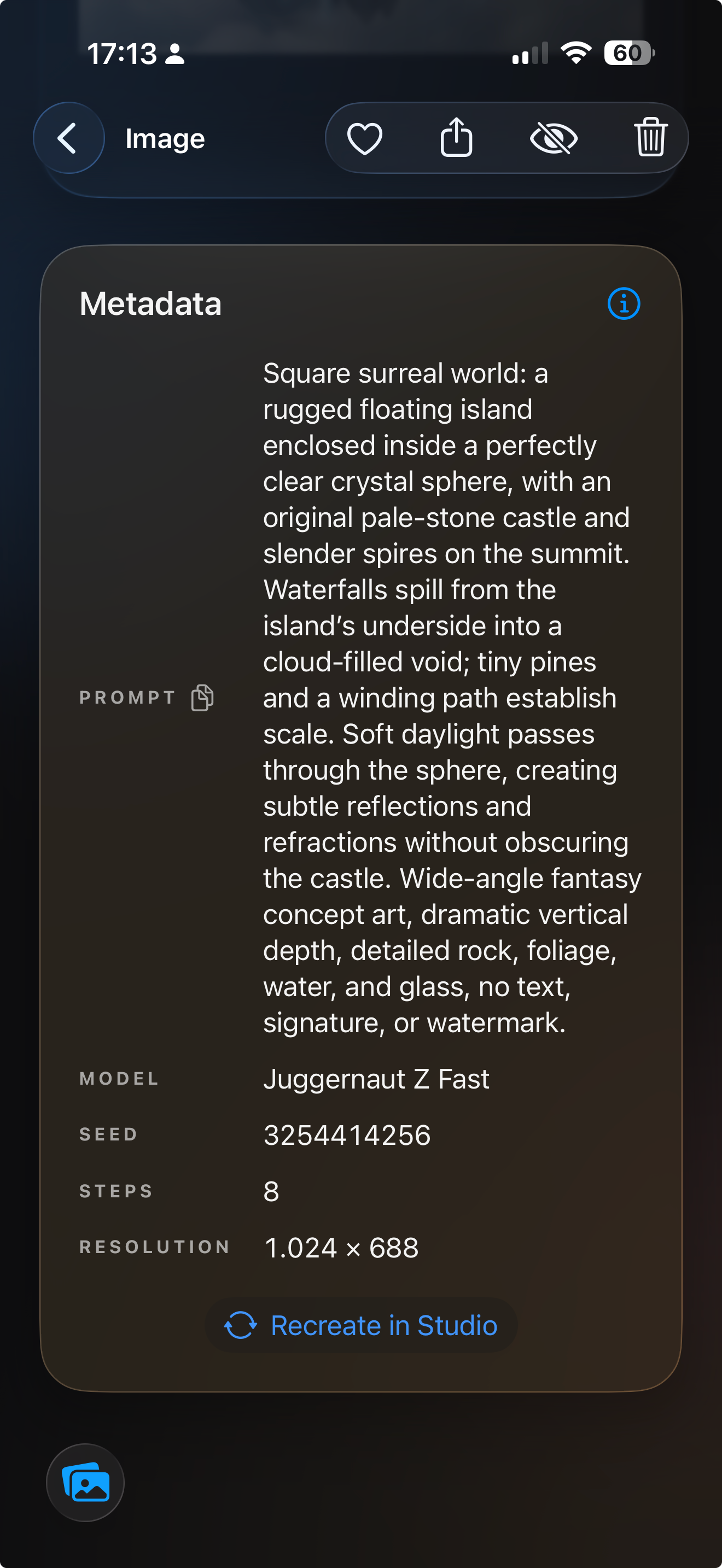
Revisit Every Choice
Keep the model, prompt, seed, size, and timing behind each image, then send it back to Studio.
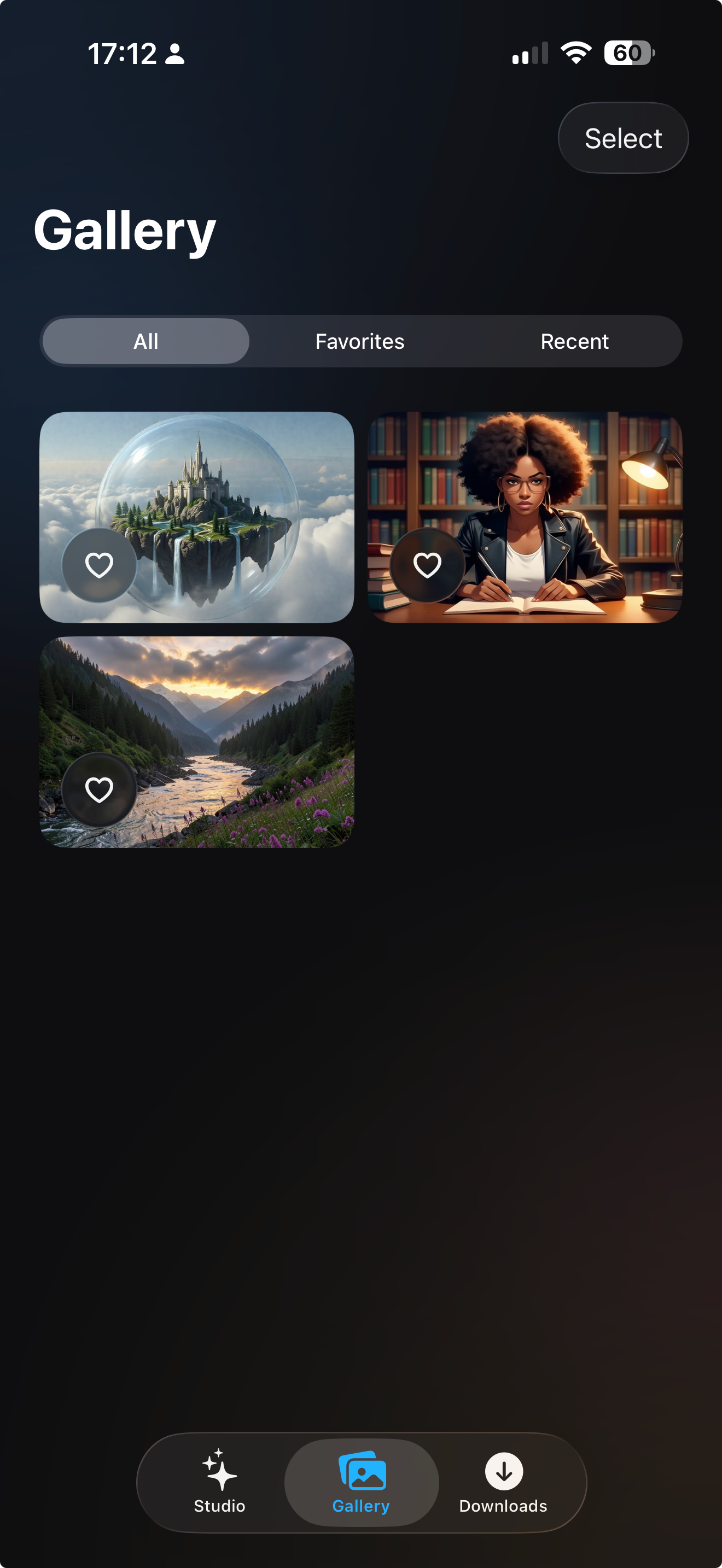
Keep Your Work Close
Favorite, hide, export, or privately sync your gallery through iCloud.
Private by Default
Private Diffusion is a private AI image generator: generation happens on your device, and nothing touches Numen's servers.
- On-device generationYour prompt and the complete generation process stay on your Apple device.
- No trackingThe app has no tracking or analytics SDK and declares no collected data types.
- Local suggestionsPersonalized suggestions use saved prompt text, never image pixels. Turn them off or reset them at any time.
- Private iCloud syncGallery sync is optional and uses your private iCloud, not a Numen server.
- No Numen accountOpen the app and create. There is no Numen profile or image-generation account.
Ten Models. One Private Studio.
An on-device AI image generator for every style - pick the look and speed that fit the image you want.
Requires iOS, iPadOS, or macOS 26.4 and Apple Silicon. Model availability depends on memory.
- AnimaAnime-style generation that runs on the lightest supported device tier.8 GB device tier
- RecommendedFlux.2 Klein 4BThe recommended starting point for most images.8 GB device tier
- Mage Flow TurboFlagship-quality images in four steps.12 GB device tier
- Krea 2 TurboHigh-fidelity images at turbo speed.16 GB iPad or Mac
- Kroma TurboStronger prompt adherence via classifier-free guidance.16 GB iPad or Mac
- Z-Image-TurboHigher-detail results on supported devices.12 GB iPhone, 8 GB iPad, or Mac
- Juggernaut Z FastA photorealistic Z-Image fine-tune by RunDiffusion.12 GB iPhone, 8 GB iPad, or Mac
- ERNIE Image TurboStrong prompt adherence with an on-device prompt enhancer.16 GB iPad or Mac
- Chroma1-FlashNegative prompts, and a latent upscaler that reaches 4x.16 GB iPad or Mac
- Boogu Image TurboLarge-model generation in four steps.16 GB iPad or Mac
Join the TestFlight Beta
Enter your Apple ID email, confirm the message we send, and your invite follows. Free during the beta.
No Numen account. Optional gallery sync uses your private iCloud. Free during the TestFlight beta.Read the privacy policy
Questions
Getting Started
You need iOS, iPadOS, or macOS 26.4 and Apple Silicon: a recent high-performance iPhone, an iPad with at least 8 GB of memory, or any Apple Silicon Mac. Every model needs at least 8 GB of memory.
Yes. You download a model once; after that, Private Diffusion is an offline AI image generator - everything runs on your device. No account, no sign-in, no server.
Between about 2.5 GB (Anima) and 12.9 GB (Boogu Image Turbo) each. Downloads continue in the background even when the app is closed, and you can delete any model to reclaim space and download it again later.
Models are gated by memory. Anima and Flux.2 Klein 4B run on 8 GB devices; Mage Flow Turbo, Z-Image-Turbo, and Juggernaut Z Fast need a 12 GB iPhone (the Z-Image models also run on an 8 GB iPad); Krea 2 Turbo, ERNIE Image Turbo, Chroma1-Flash, and Boogu Image Turbo need an iPad or Mac with 16 GB or more.
Creating
Seven aspect ratios, three output sizes on most models (plus an extra-large tier on high-memory devices), seed control everywhere, a latent upscaler up to 4x, negative prompts on four models, and an on-device Rewrite Prompt enhancer on four models. Each model page lists exactly what it supports.
No. Private Diffusion generates images from text prompts.
Yes. On iPhone and iPad, generation continues in the background and finishes even if you switch apps. On Mac, you get a notification when your image is ready. A live preview shows the image forming step by step.
Yes. Every image keeps its prompt, model, seed, size, steps, and upscale factor, and Recreate in Studio restores all of it in one tap. The same seed and settings reproduce the image.
Privacy
No. After a model downloads, Private Diffusion makes no app-code network calls. There is no analytics SDK, no crash reporter, and the privacy manifest declares zero collected data types.
On your device. If you turn on gallery sync, images sync through your own private iCloud database - Numen has no server and no access.
Three layers: Incognito Mode keeps new generations out of your gallery entirely, the Hidden tab locks images behind optional Face ID or Touch ID, and you can hide the Hidden tab itself. In Incognito Mode, a privacy cover also shields the screen in the app switcher.
Generation happens on your device; no cloud service reviews your prompts. If your device's system-level Sensitive Content Warning is on, potentially sensitive images are blurred until you tap Show - nothing is blocked or deleted, and the setting lives in iOS and macOS Settings, not in the app.
Sharing Your Images
HEIC, at high quality. Save to Photos - the app can only add images, it never reads your library - or share, copy, or export to a file on Mac.
Exports carry a Private Diffusion wordmark in the lower-right corner. Images stay clean inside the app - the mark is added only when an image leaves it.
Yes. Exports embed AI-provenance metadata - the prompt, model, seed, and settings - following industry provenance standards, so an image can always be traced back to how it was made and recreated. Worth knowing before you share an image publicly.
The images you generate are yours. Most models permit commercial use; Krea 2 Turbo outputs may be used commercially only while your total annual revenue is under one million US dollars - above that, Krea requires an enterprise license. Mage Flow Turbo has no published license yet. Each model page summarizes the license on record.
Beta and Launch
Enter your Apple ID email in the signup form and confirm the email we send; your TestFlight invite follows. Free during the beta.
Pre-order is coming to the App Store. Until then, the TestFlight beta is the way in - and it keeps running until launch.
Private Diffusion is free during the TestFlight beta. Launch pricing has not been decided.
The app ships in English today. Prompts are free-form text - describe your image in whatever words feel natural.