The Draw Things alternative for people who want the picture.
You wanted a picture. You got a pipeline.
Draw Things gives you 248 models, 20 samplers, and a setting for nearly everything. That's a lot of power, and a lot of decisions before the first image. Private Diffusion ships a curated set of models, each trained to hold its quality, and runs every one your iPhone, iPad, or Mac has the memory for. You type what you want, and you get it.


The Short Version
Private DiffusionRetrained after shrinking, so the small model answers like the original
Draw ThingsCompressed after training, shipped as is
Private DiffusionGPU and Neural Engine, every model
Draw ThingsGPU; Neural Engine only for select models
Private DiffusionCollects no data, not even crash reports
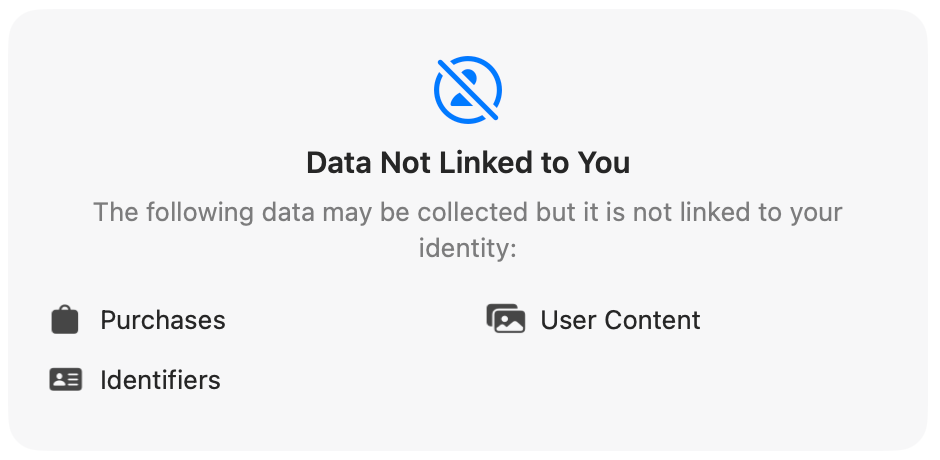
Draw ThingsPurchases, User Content, Identifiers, per its App Store label
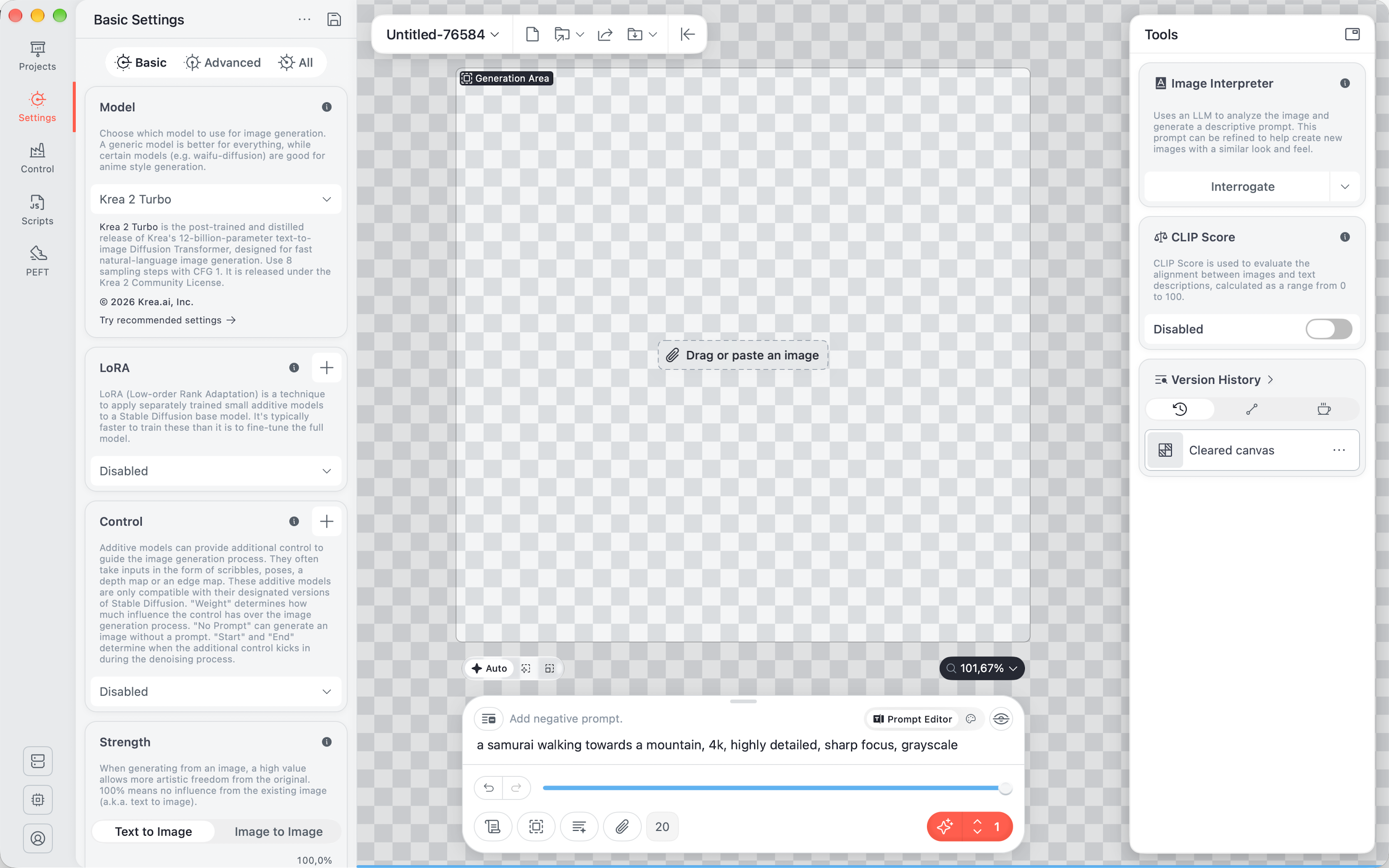
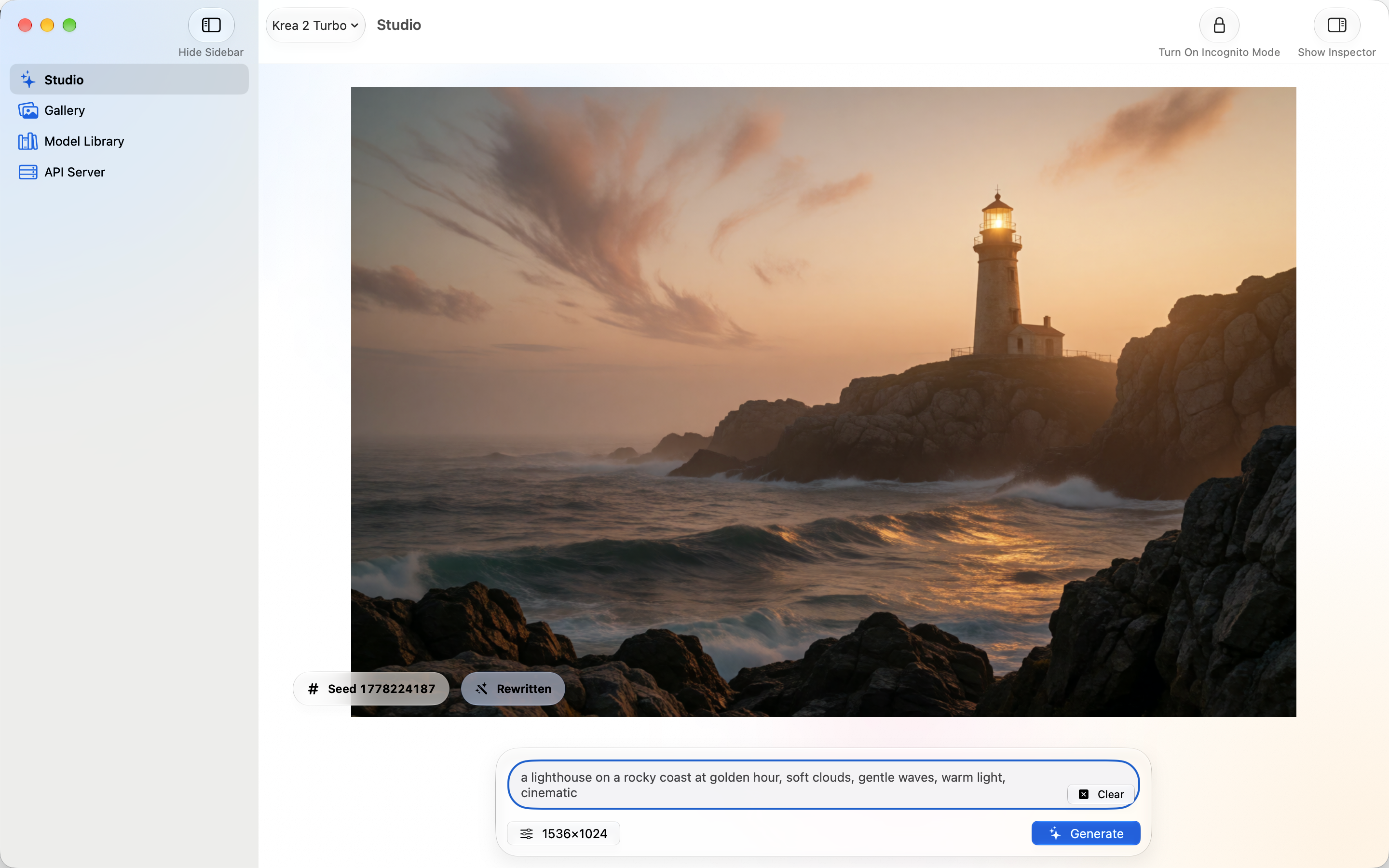
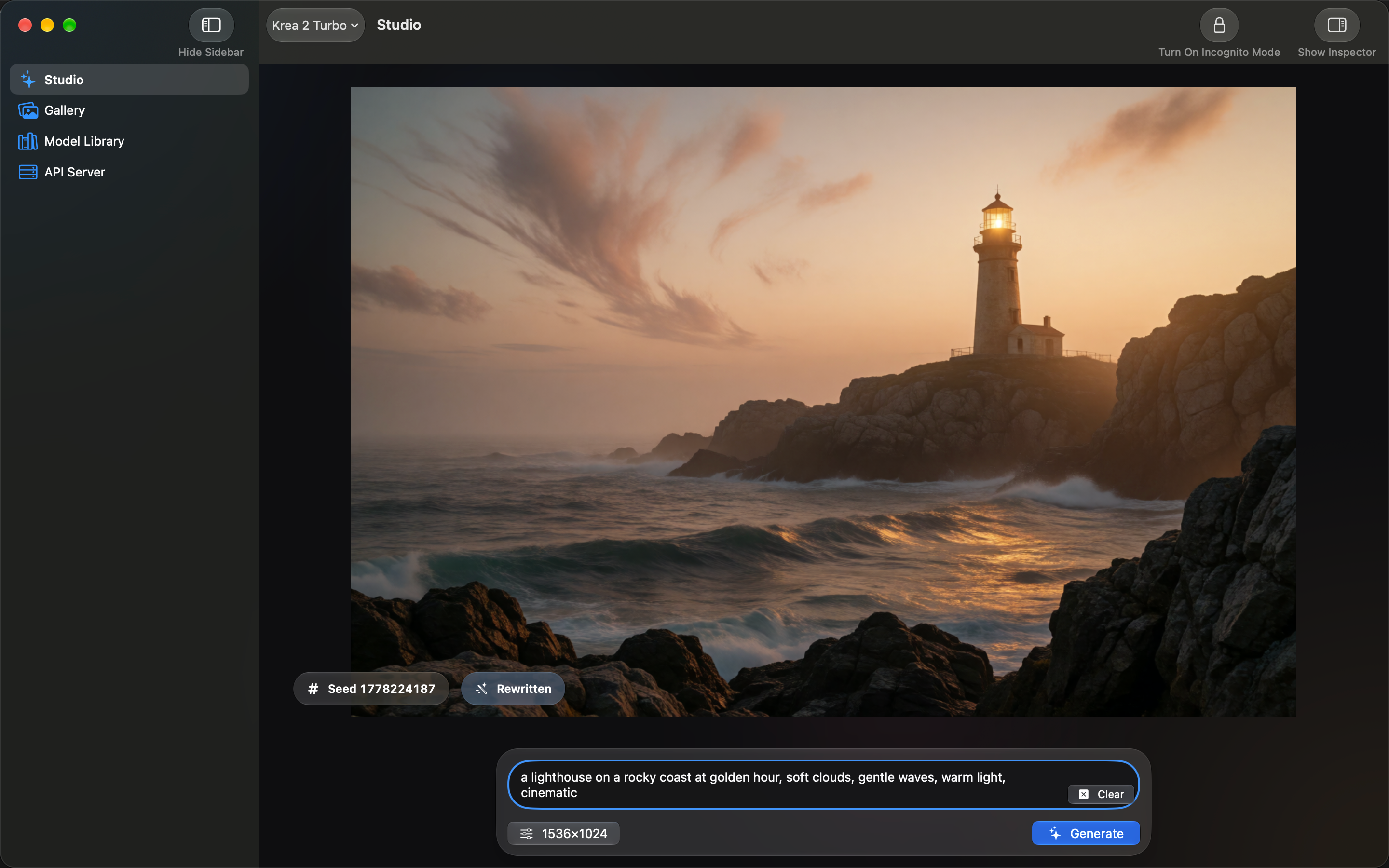
Private DiffusionNative Swift on iPhone, iPad, and Mac, with Liquid Glass
Draw ThingsA Mac Catalyst build of its iPad app
Better Pictures From Smaller Models
Every model is retrained after it's shrunk, so the small version on your device answers the way the full-size original would.
How it works
To fit an image model on a phone, you have to shrink its weights. Draw Things does that after training: it compresses the full-precision weights and ships them without retraining, and its default Krea 2 download is an 8-bit file. We take one more step. Every one of our models is quantization-aware distilled (QAD): we shrink the weights to 4 bits (6 on Anima and Mage Flow Turbo), then keep training the small model against the full-size original until it answers the same way. The training comes after the compression, so it gets to repair what the compression bent.
SourcesNVIDIA: how quantization-aware training and distillation work
Full-Size Original
The model as its makers trained it, too big for a phone.
Shrunk to Fit
The weights are cut to a few bits each so the whole model fits on your device.
Retrained Against the Original
The small model keeps training until it answers the way the full-size one does.
- Private Diffusion
- Private Diffusion ships the retrained model.
- Draw Things
- Draw Things compresses the full-precision weights after training and ships them without retraining.
Faster, Because Both Processors Work
Private Diffusion puts the GPU and the Neural Engine to work together, and you never have to find a setting to make that happen.
How it works
The diffusion model runs on the GPU through MLX, Apple's own machine learning framework, and it uses the Neural Accelerators built into the GPU on M5 and M6, A19 Pro, and A20 Pro. Core ML hands the live preview, the final decode, and the upscaler to the Neural Engine, except for a few of the largest decodes, which come out cleaner on the CPU. On iPhone 18 Pro and Macs with Ultra chips, large images decode across both Neural Engines. Draw Things uses the Neural Engine too, but by default only for its 8-bit S models, and only on some chips. Its default Krea 2 download never touches it. Our 4-bit weights also move half the bytes per step of that 8-bit default, and image generation spends most of its time waiting on memory, so fewer bytes means less waiting.
SourcesApple Newsroom: M6 and M5 Ultra, a Neural Accelerator in each GPU coreApple: iPhone 18 Pro tech specs, A20 Pro GPU with Neural Accelerators
Private Diffusion
- GPUUsed
- Neural EngineUsed
Draw Things
- GPUUsed
- Neural EngineSelect models only
Nothing Collected, Not Even Your Purchases
Private Diffusion collects no data at all, while the App Store label for Draw Things lists Purchases, User Content, and Identifiers.
How it works
Every App Store app has to declare what it collects. The privacy label for Draw Things lists Purchases, User Content, and Identifiers as data it may collect, not linked to your identity. Its optional Cloud Compute also runs generations on its servers once you sign in. Private Diffusion collects nothing. It never asks for an account, ships without an analytics SDK or a crash reporter, and makes every image on your device. If you're signed in to iCloud, your gallery syncs to your own private iCloud, never to a server of ours.
SourcesDraw Things App Store listing and privacy label, version 26.1008.0
A Real Mac App, Built the Way Apple Builds Them
Private Diffusion is a native Swift app with Liquid Glass on iPhone, iPad, and Mac, built to Apple's Human Interface Guidelines.
How it works
On the Mac, Draw Things is a dated Mac Catalyst app: a Catalyst build of its iPad app, with the iPad interface carried over to the desktop. Private Diffusion is written in Swift for macOS 26.4 and later, with Liquid Glass, menu bar commands, keyboard shortcuts, and the App Sandbox and hardened runtime switched on. It follows Apple's Human Interface Guidelines to the T, on every device it runs on.
SourcesDraw Things for Mac binary, version 1.20260716.0: LC_BUILD_VERSION platform 6 (Mac Catalyst)
Which One Is for You
Pick Draw Things If
- You want 248 models and every sampler within reach
- You train your own LoRAs
- You want a setting for every stage of the pipeline
Pick Private Diffusion If
- You want the picture, not the pipeline
- You want an app that collects nothing, not even purchases
- You want a native Mac, iPhone, and iPad app that follows Apple's guidelines
Private Diffusion and Draw Things Side by Side
Compare all three
Draw Things Alternative FAQ
For people who want an image rather than a workflow, Private Diffusion. It runs a curated set of models on Apple Silicon Macs with macOS 26.4 or later, retrains each model after shrinking it so the quality holds, uses the GPU and the Neural Engine together, and collects no data. Draw Things is still the better pick if you want hundreds of models and control over every setting.
Draw Things for Mac is a Mac Catalyst build of its iPad app, so it brings the iPad interface to the desktop. It is sandboxed and runs on macOS 12.4 or later. Private Diffusion is a native Swift app for macOS 26.4 and later, with Liquid Glass, menu bar commands, and keyboard shortcuts.
Yes. Draw Things runs on iPhone, iPad, and Mac, and so does Private Diffusion. The difference is what happens after you open it: Draw Things asks you to pick from 248 catalog entries and tune the settings, while Private Diffusion gives you models already matched to your device. Bigger models need more memory: Krea 2 Turbo needs an iPad or Mac with 16 GB, while Anima and Flux.2 Klein 4B run on any supported iPhone.
Draw Things is a legitimate app from Draw Things, Inc., sandboxed on the Mac and sold through the App Store. Its App Store privacy label says it may collect Purchases, User Content, and Identifiers for app functionality, not linked to your identity, and its optional Cloud Compute runs generations on its servers after you sign in. Private Diffusion collects no data, and every image is made on your device.
Make the Picture, Skip the Pipeline
Every model trained to hold its quality, on the iPhone, iPad, or Mac you already own. There's no account to make, and nothing you create is sent to us.