lodestones · 12B · Krea 2 Turbo fine-tune
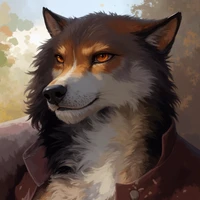
Run Kroma Turbo on iPad and Mac: Krea 2 Turbo With Negative Prompts
Kroma Turbo is for images that follow your prompt closely, with a negative prompt to keep things out of the picture. lodestones built it on Krea 2 Turbo and added guidance, which costs extra time per image, and it runs on a 16 GB iPad or Mac.
- Parameters
- 12B
- License
- Krea 2 Community License (as a Krea 2 Turbo fine-tune)
- Download
- 12.08 GB
Kroma Turbo runs in Private Diffusion, a local AI image generator for iPhone, iPad, and Mac. Every model in the app is trained with quantization aware distillation (QAD) to stay near-lossless at a fraction of its full size. Download it once inside the app.


Kroma Turbo Requirements: Will It Run on My Device?
iPhone
Not available on iPhone
Not offered on iPhone at any memory size.
Try Flux.2 Klein 4B on iPhoneiPad
Needs a 16 GB iPad
iPad Pro (M4 or M5) with 1 TB or 2 TB of storage.
Mac
Needs a Mac with 16 GB or more
Any Apple Silicon Mac configured with 16 GB or more.
Kroma Turbo Specs
Download
- Download Size
- 12.08 GB12.77 GB on an iPad or Mac with 18 GB or more, which also gets both Krea 2 adapters, though Kroma Turbo uses only the 4-step one; 7.89 GB, or 8.58 GB with the adapters, when the shared Krea 2 text encoder is already installed
- Text Encoder Shared With
- Krea 2 Turbo
Model
- Maker
- lodestones
- Based On
- Krea 2 Turbo fine-tune
- Parameters
- 12B
- Quantization
- Trained INT4 (QAD)
- License
- Krea 2 Community License (as a Krea 2 Turbo fine-tune)Kroma Turbo is built on Krea 2 Turbo, and the Krea 2 Community License covers what is built on it. The same threshold applies: commercial use while your company-wide revenue over the trailing twelve months stays under one million US dollars, and an enterprise license from Krea at or above that.
Generation
- Steps
- 8-12 (adjustable, default 10); 4-step adapter on 18 GB+ iPad and Mac, on by default
- Upscaler
- Off · 2x
- Negative Prompt
- Yes
- Rewrite Prompt
- Yes
- Output Sizes
- S · 512 pxEvery device
- M · 768 pxEvery device
- L · 1024 pxEvery device
- XL · 1536 px24 GB
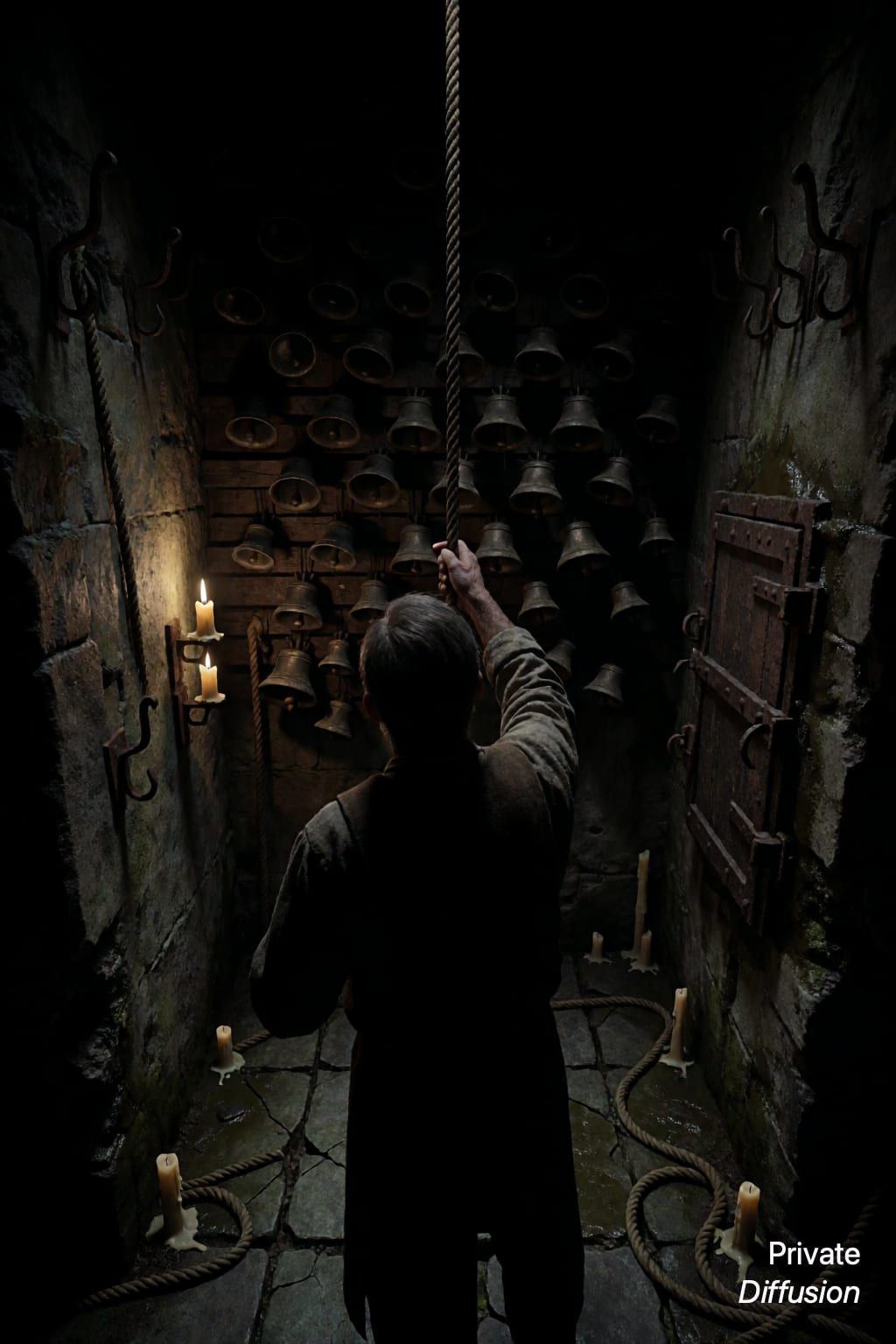
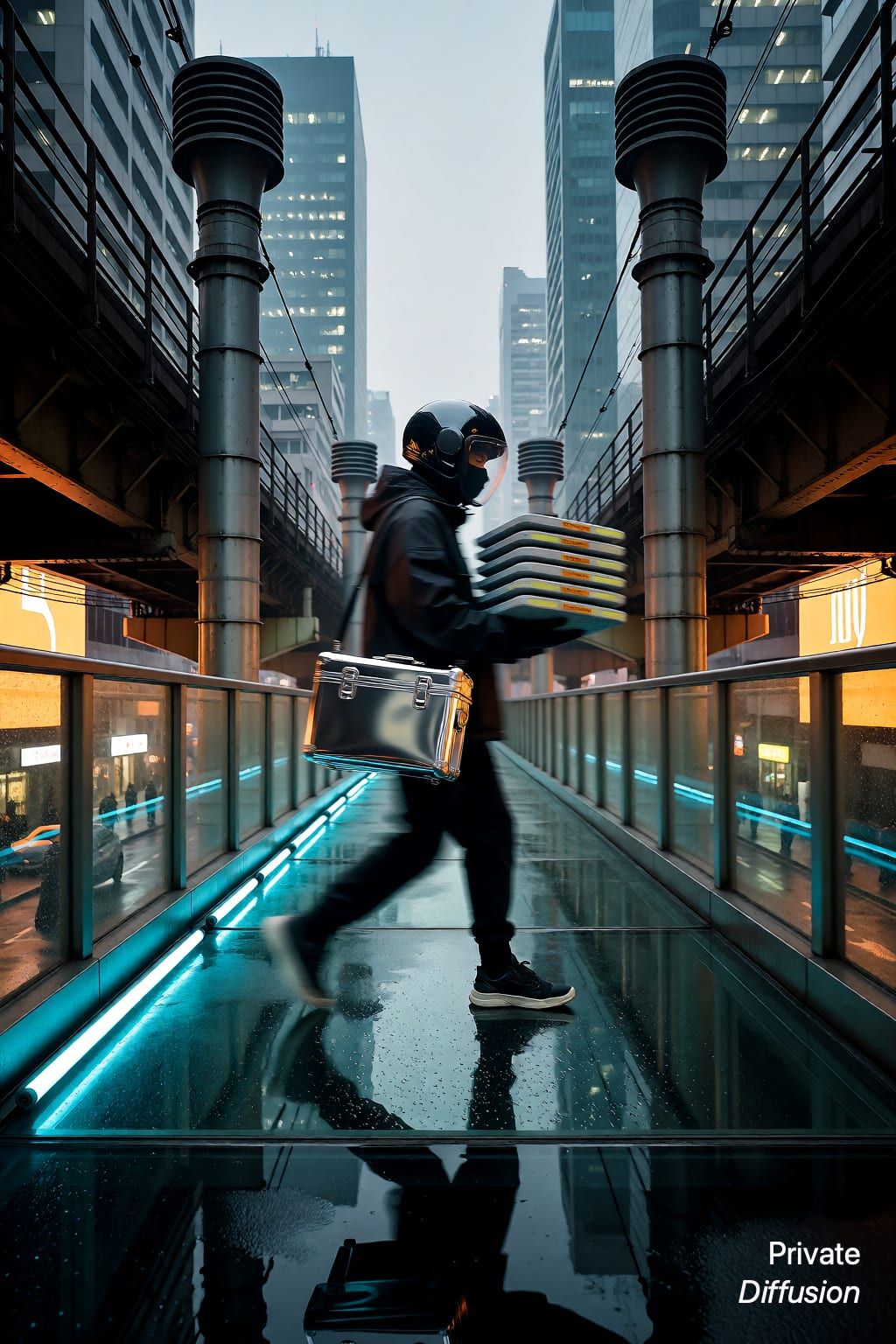
Kroma Turbo Examples and Prompts
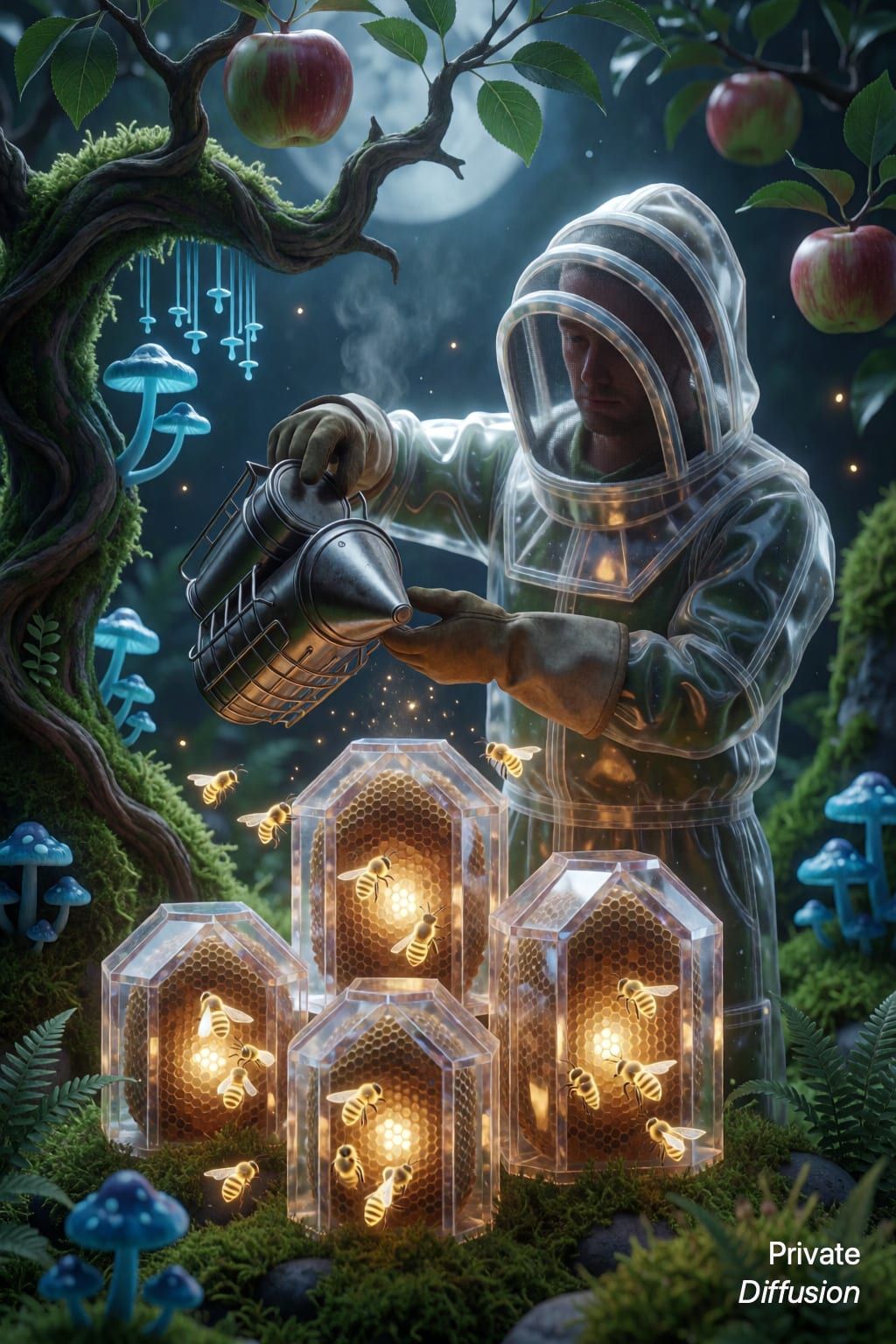
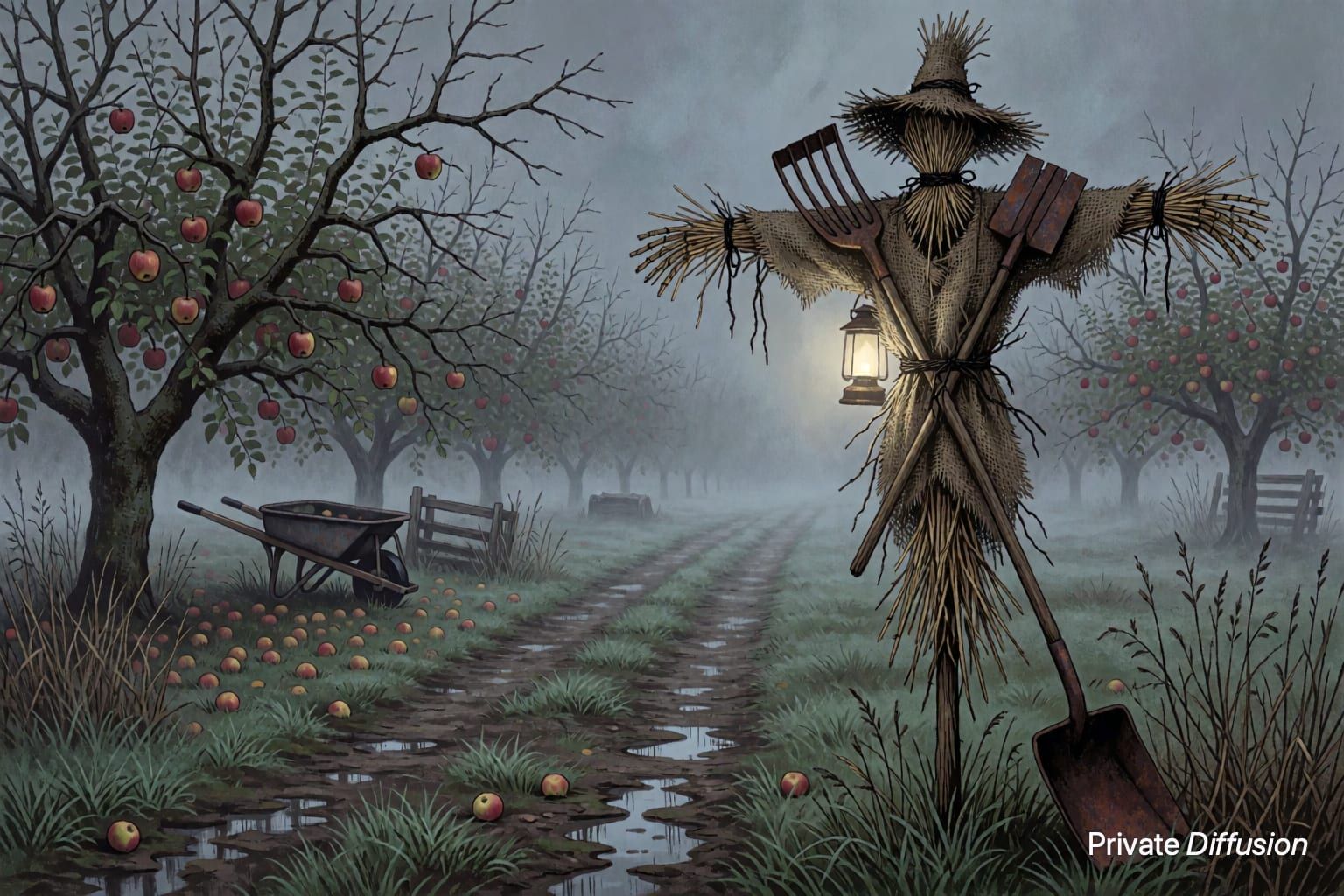
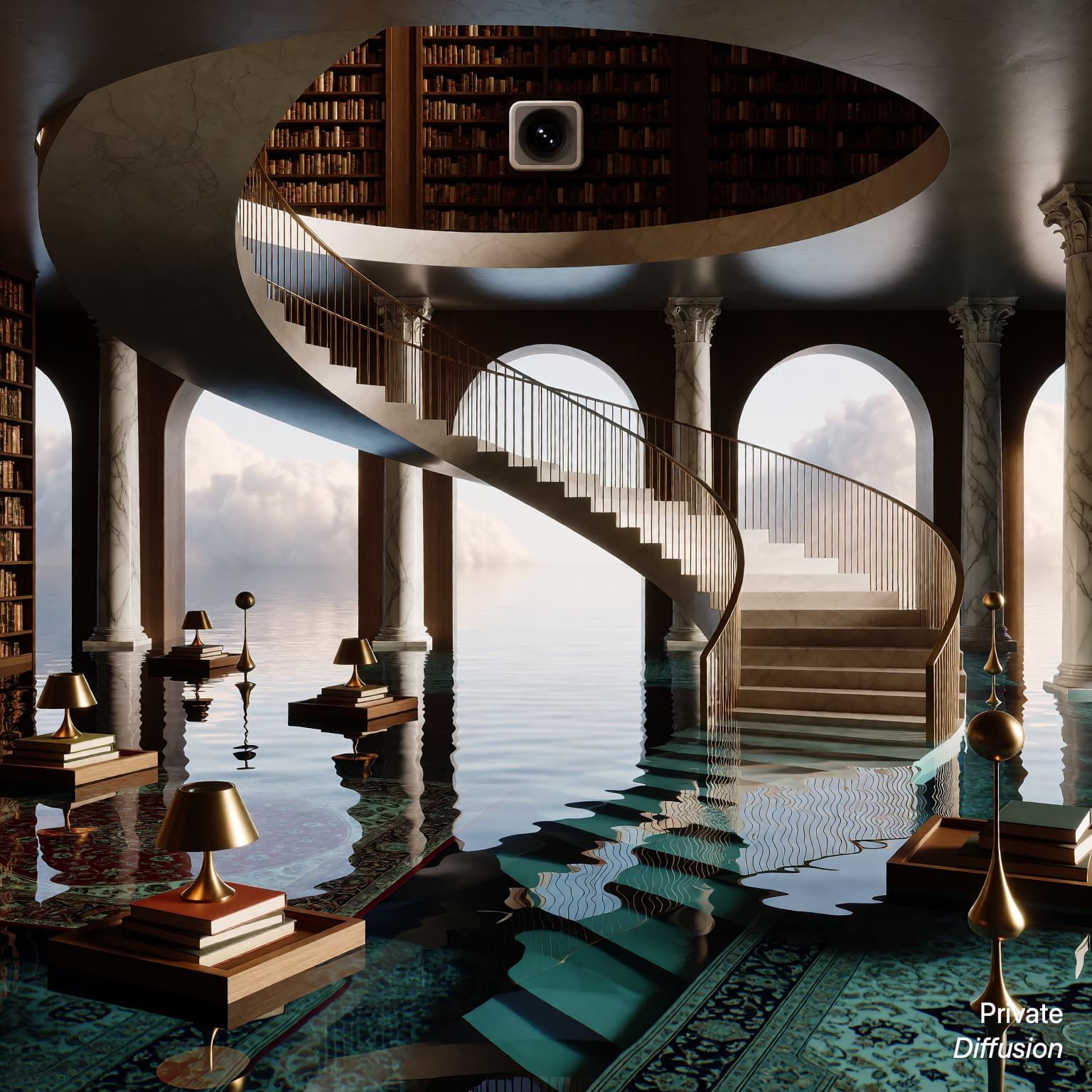
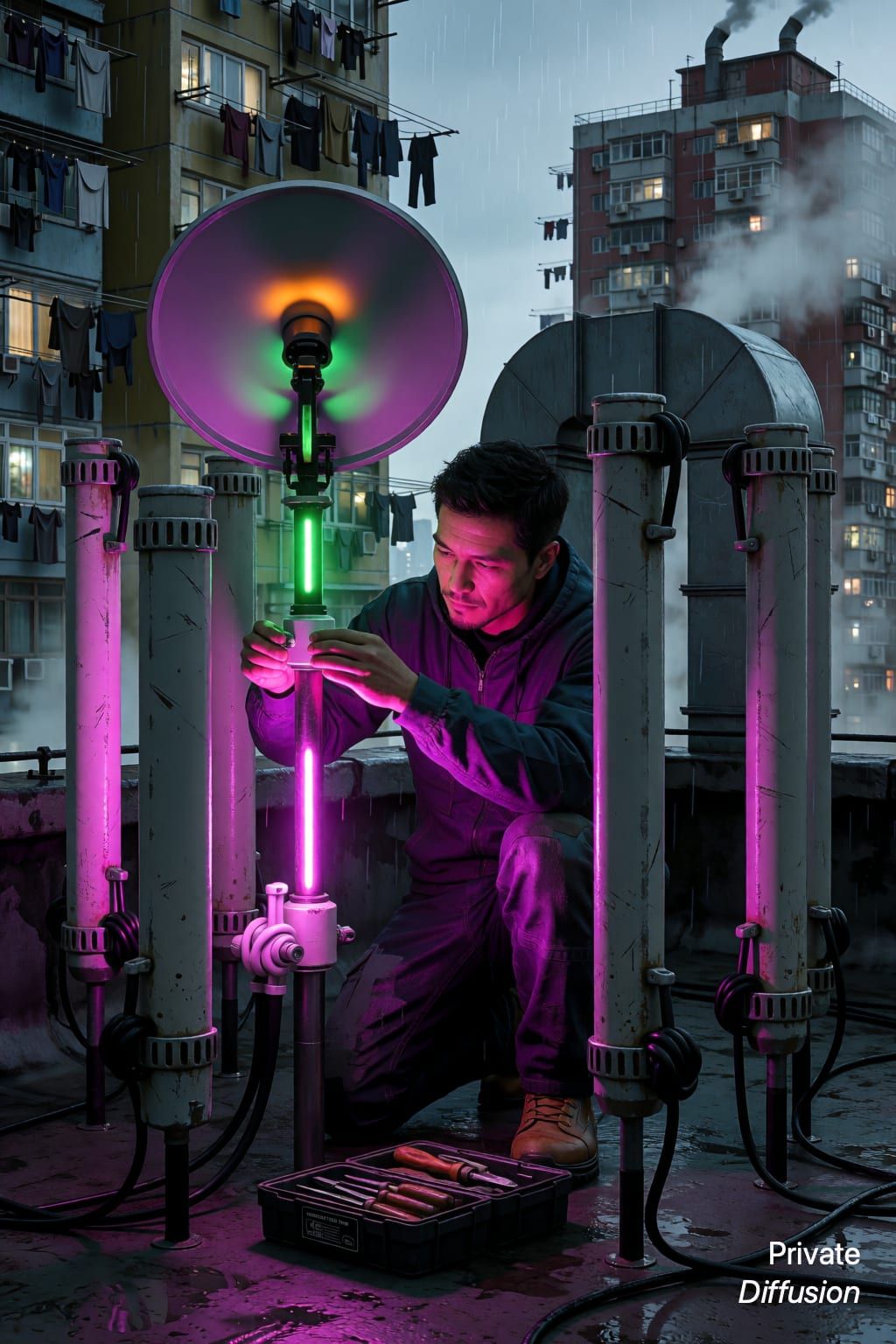
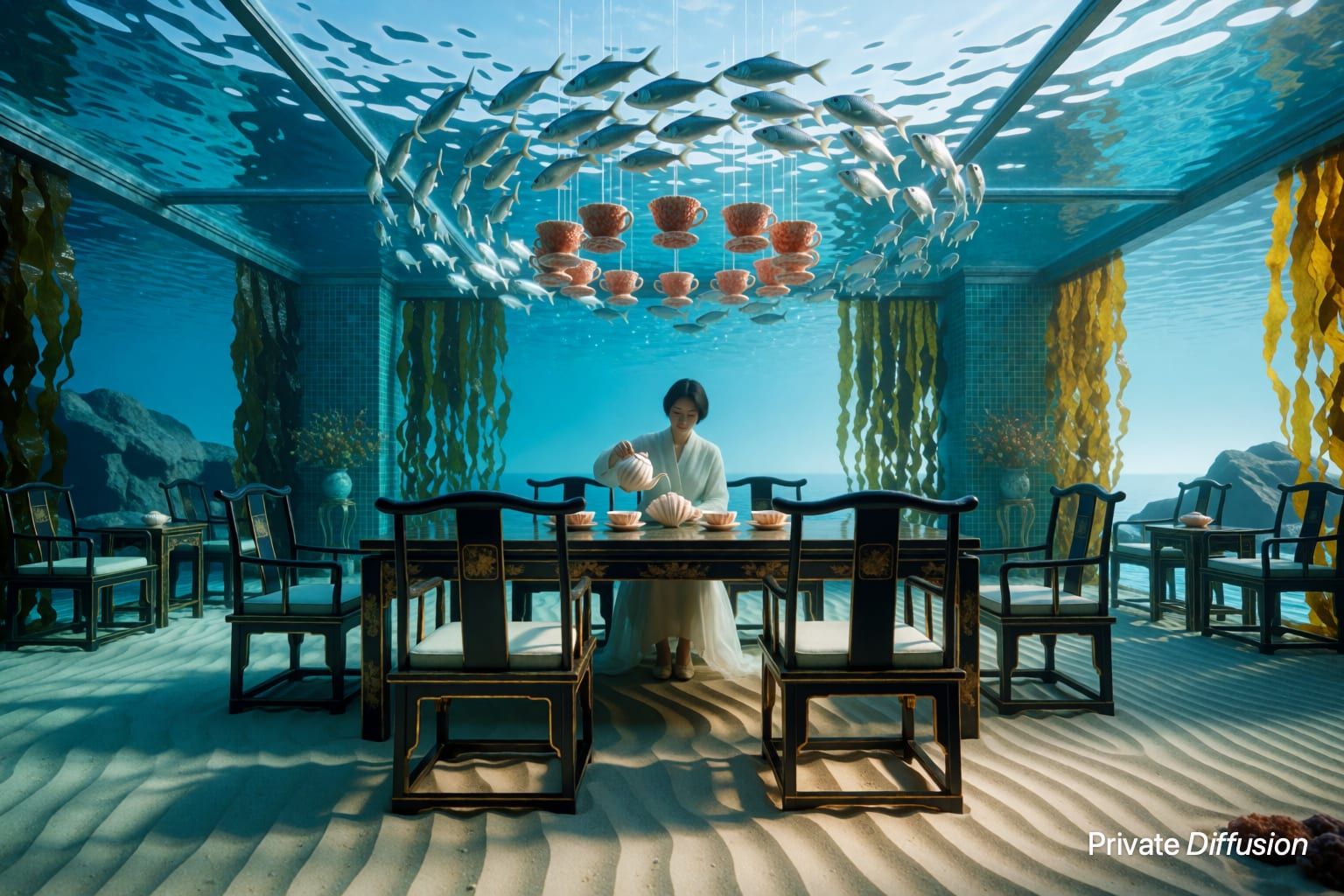
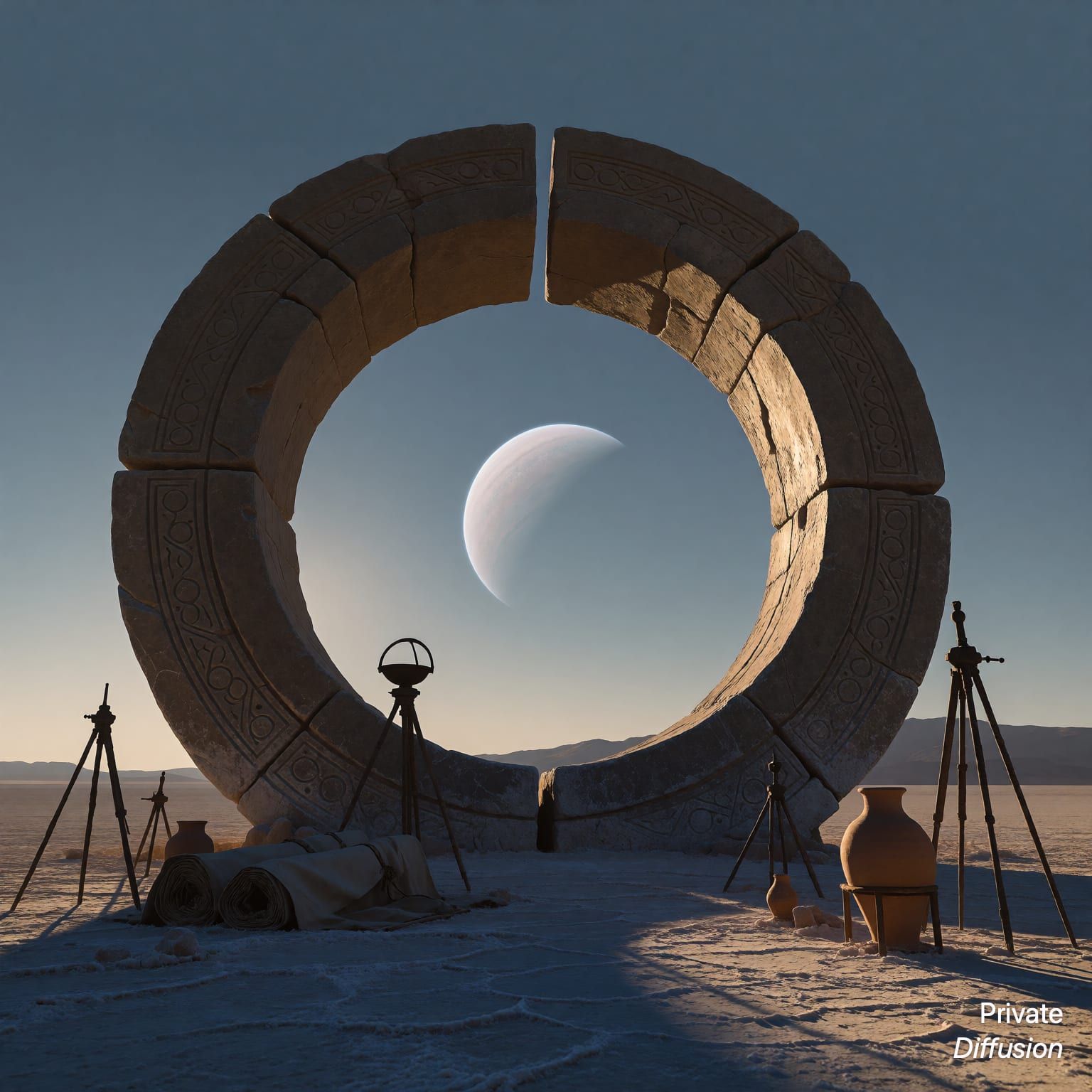
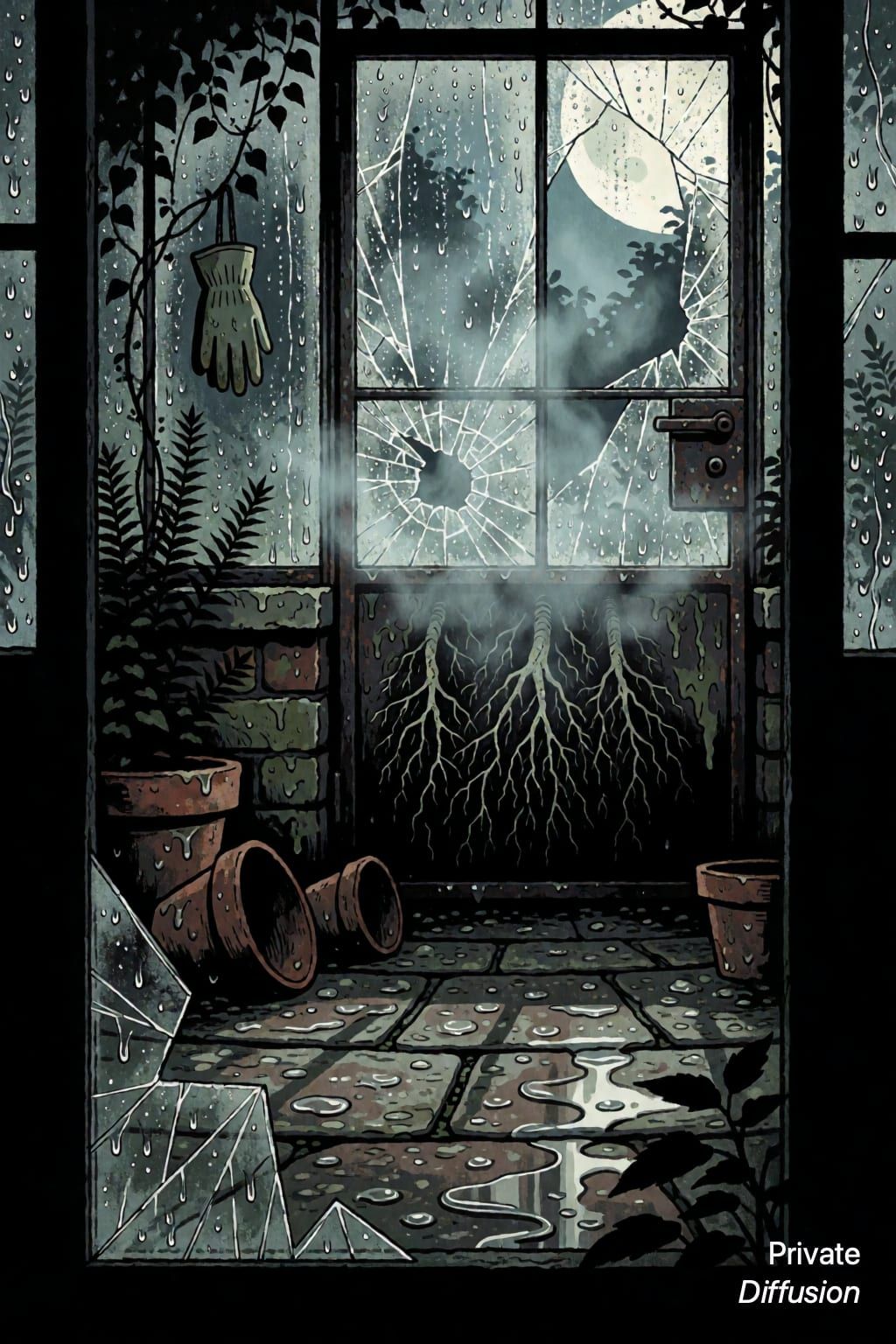
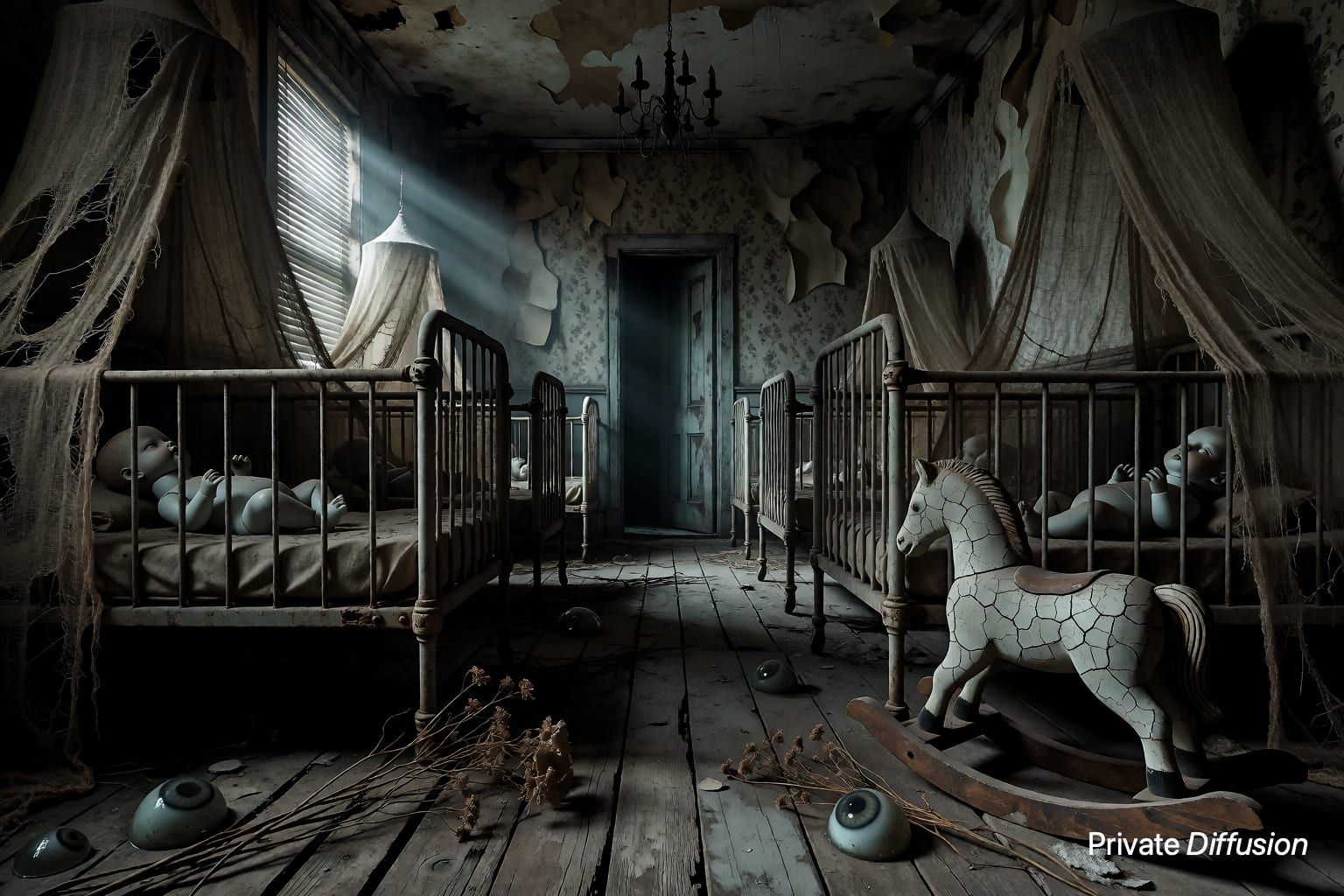
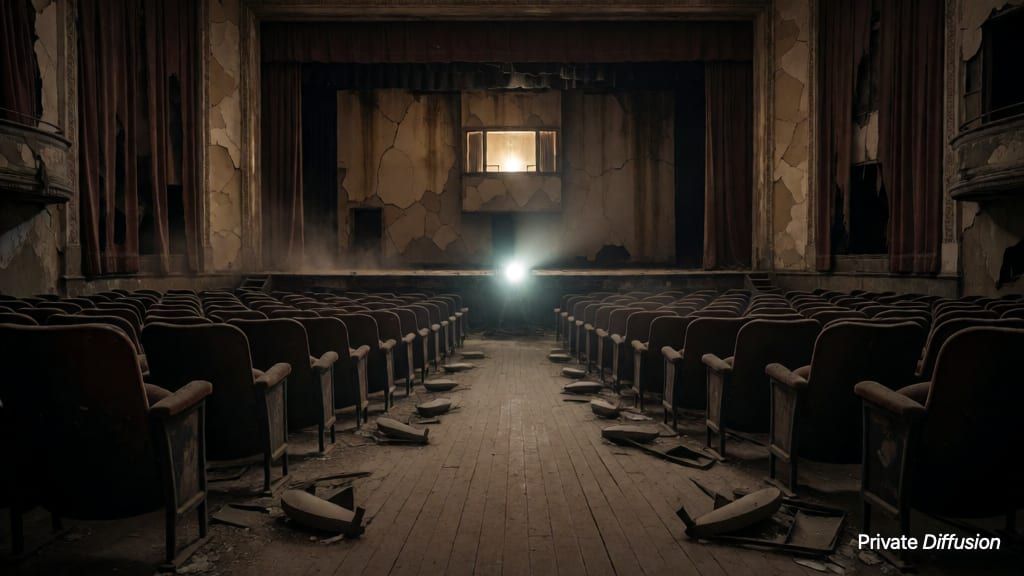
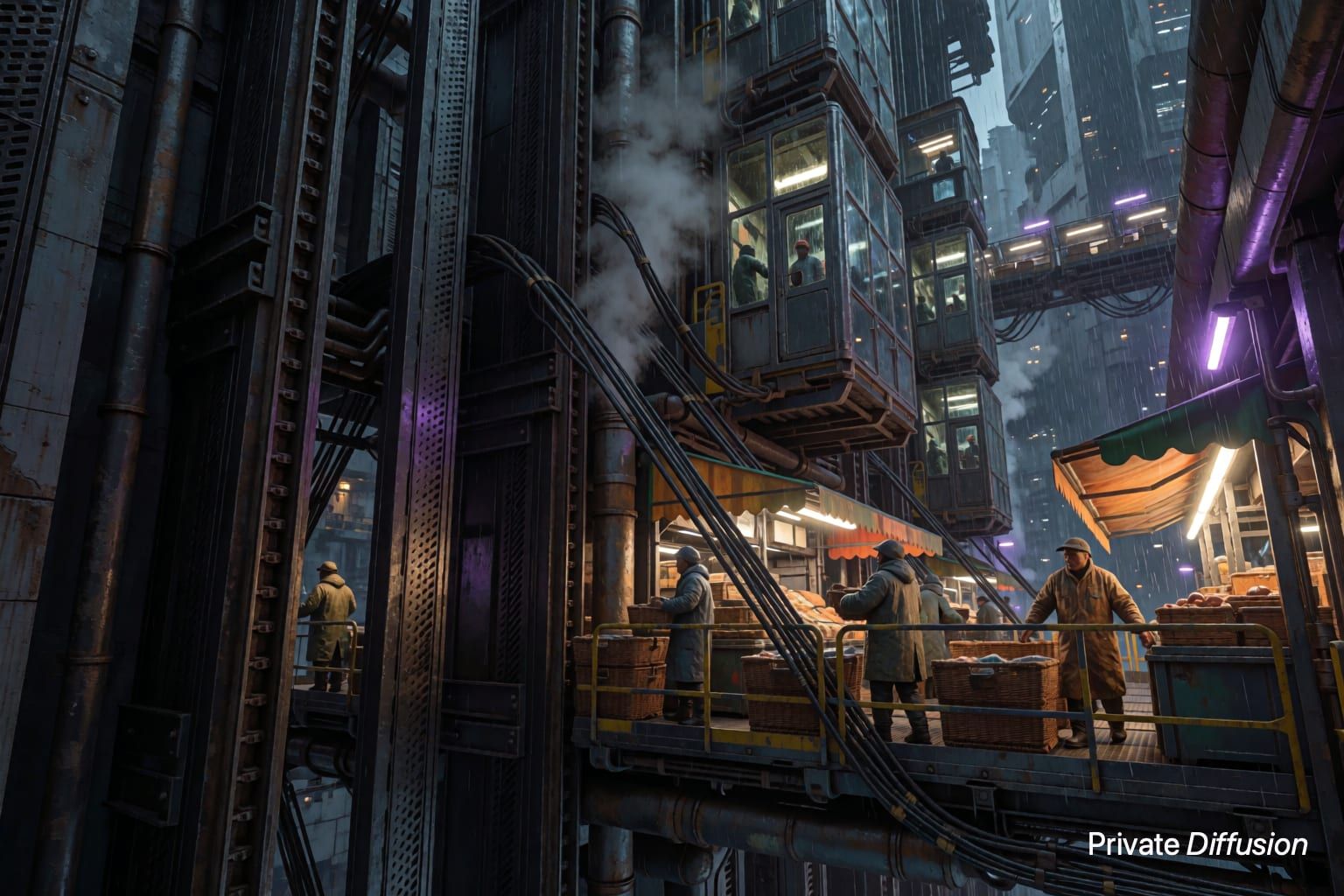
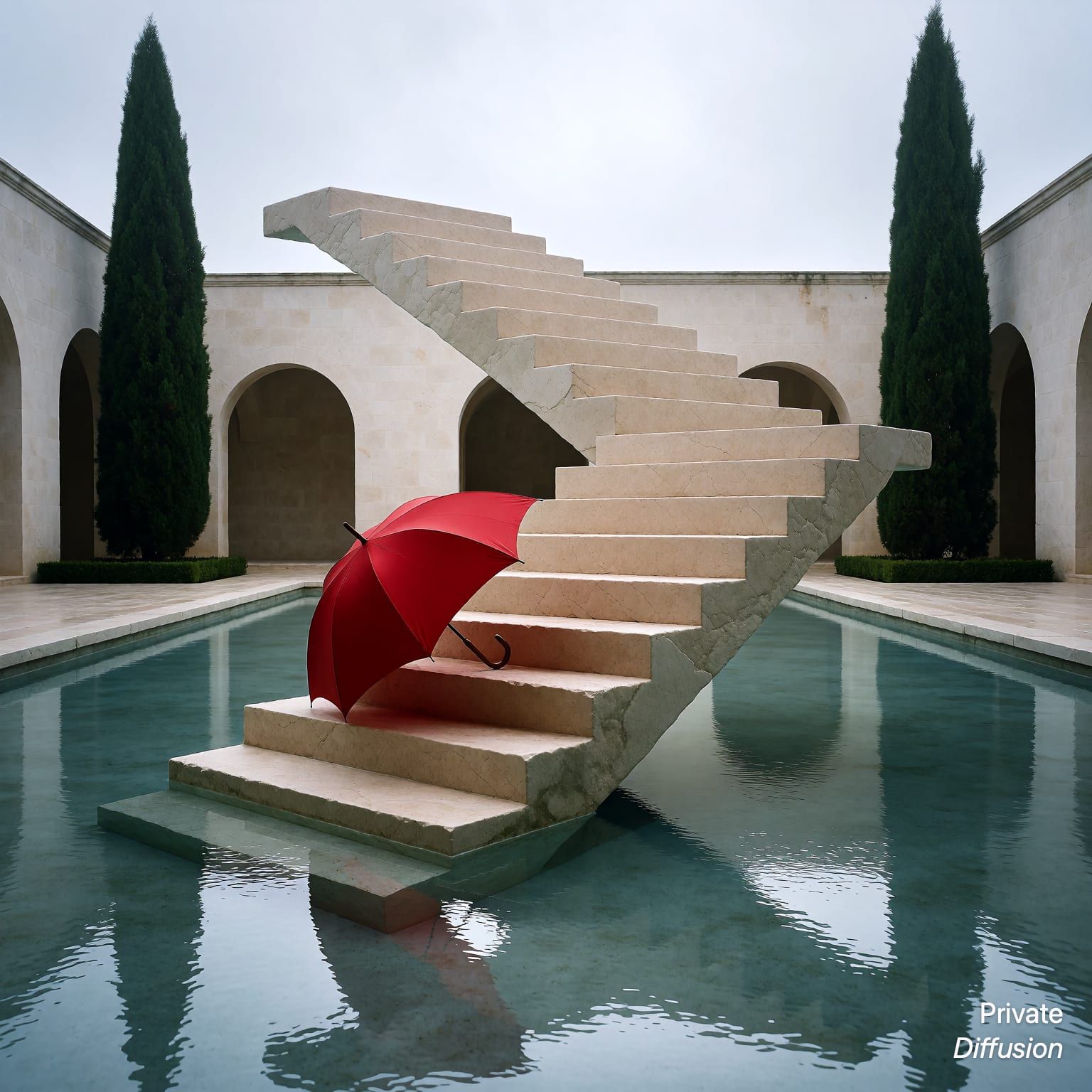
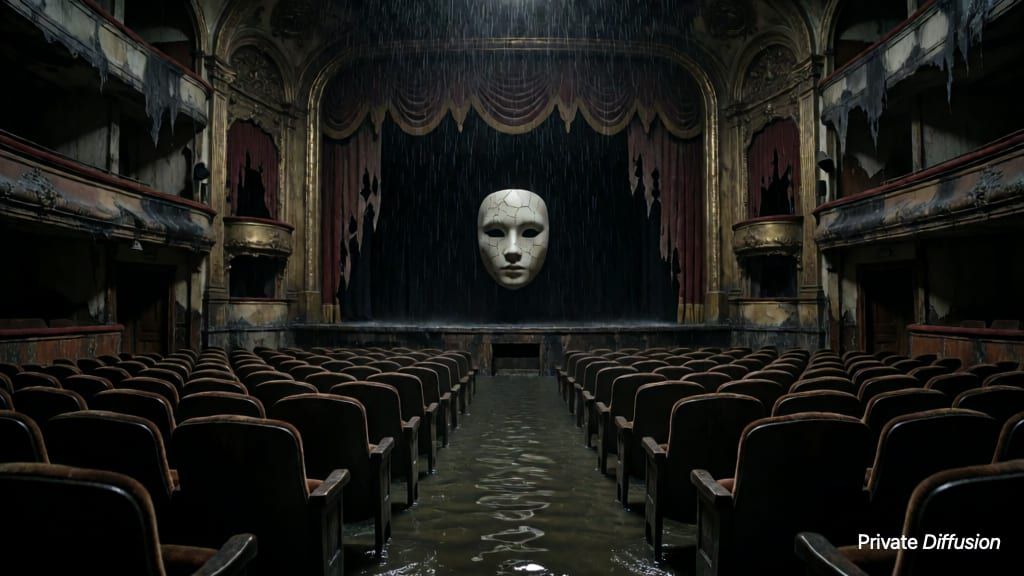
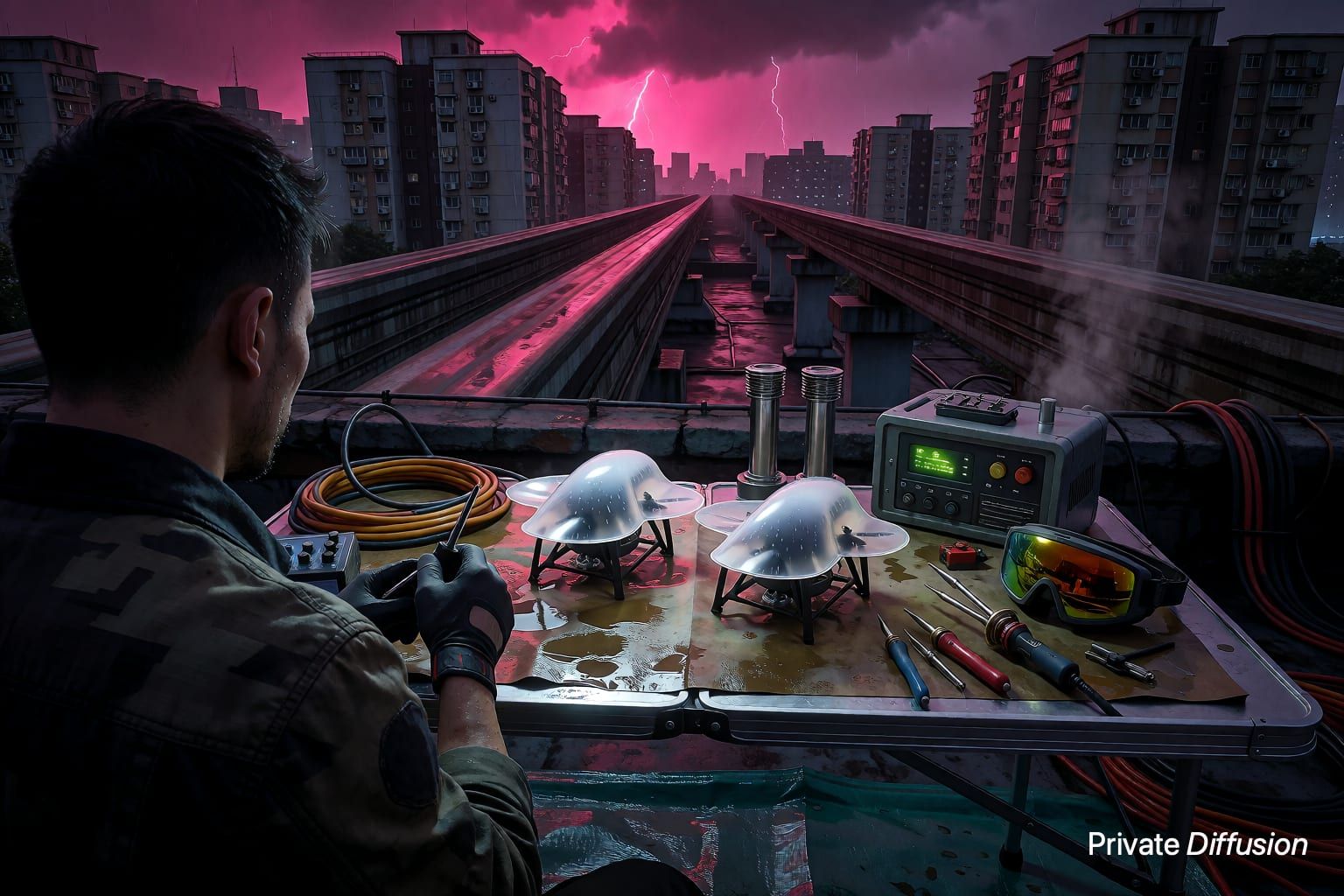
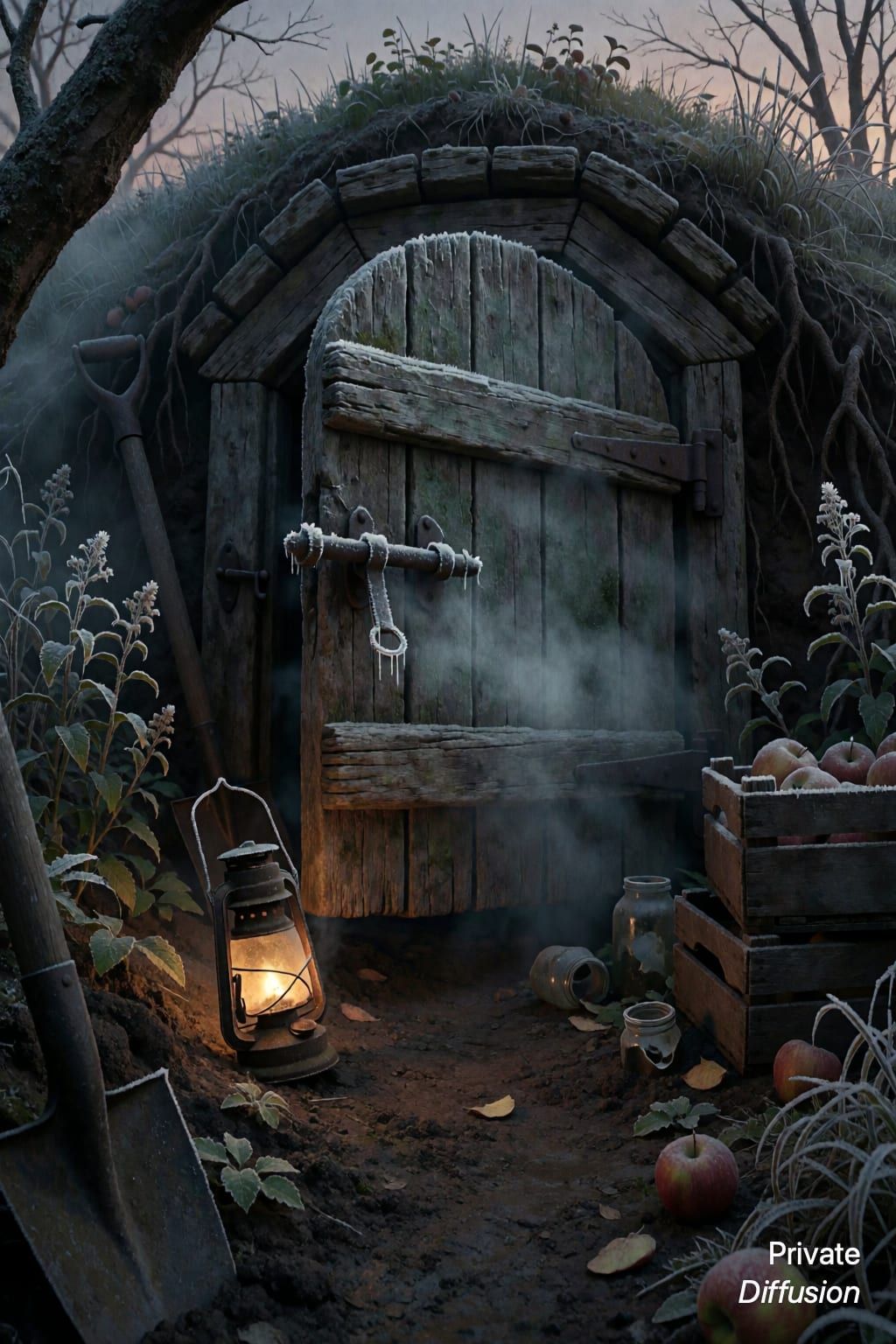
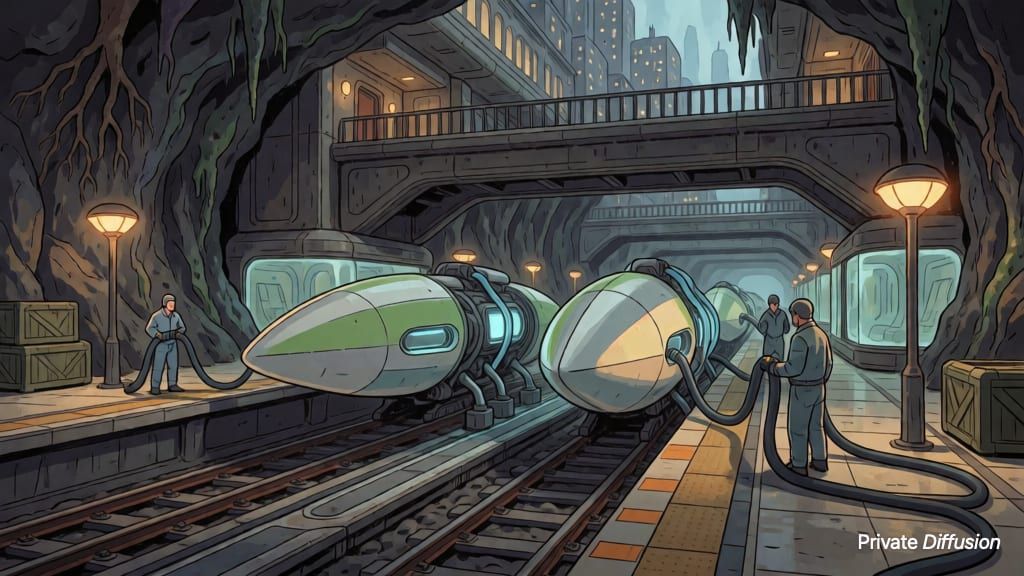
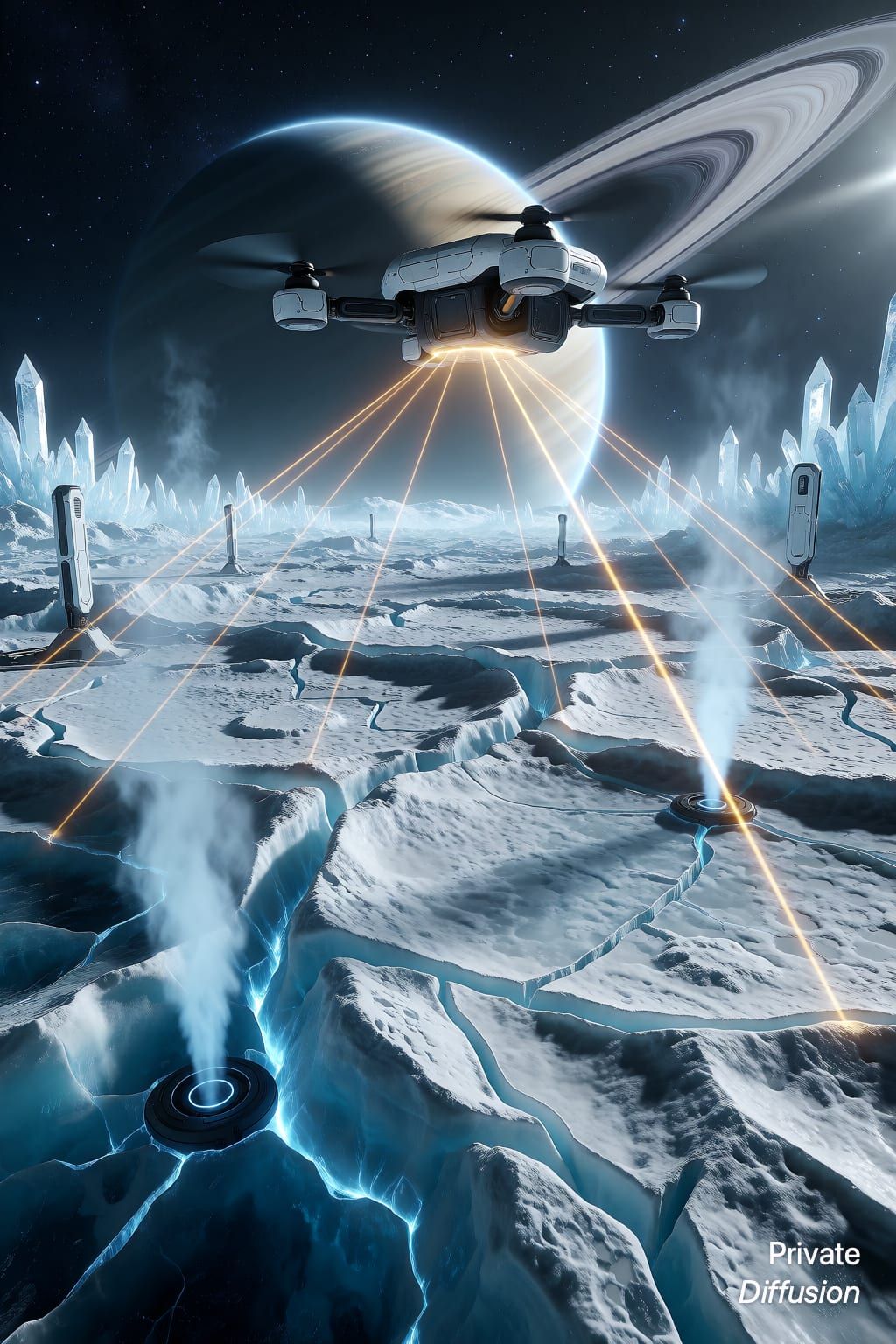
59 of 59 prompts


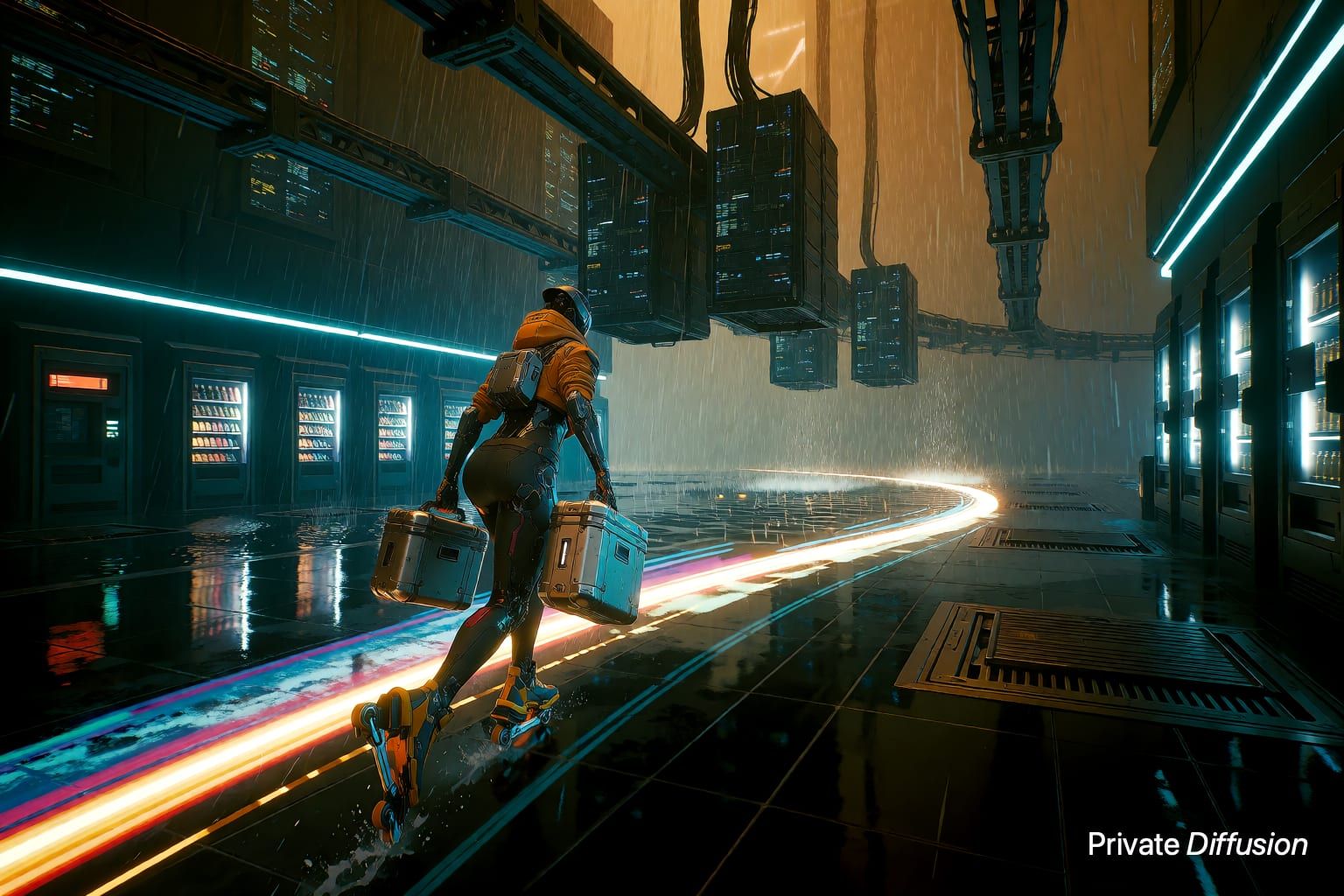
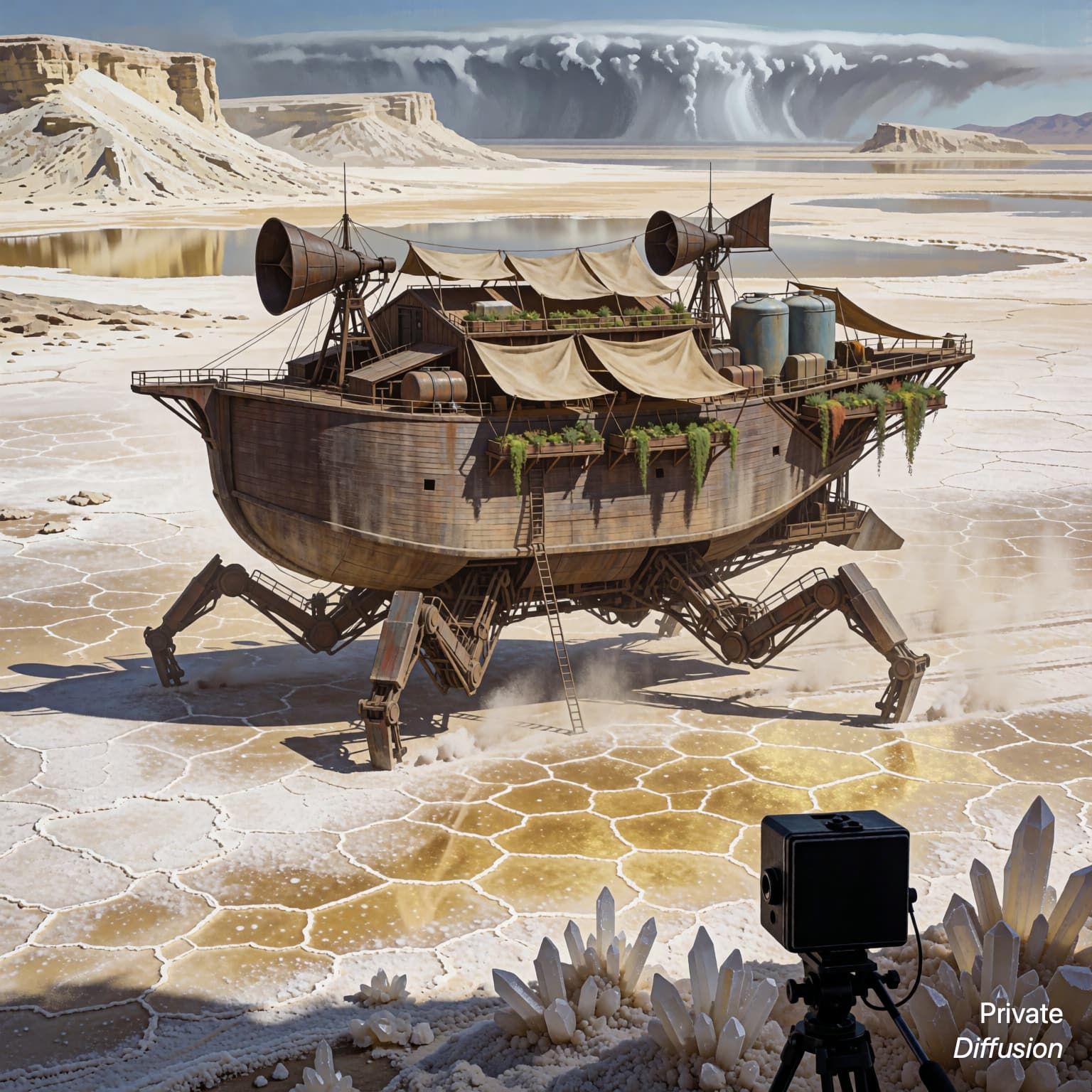
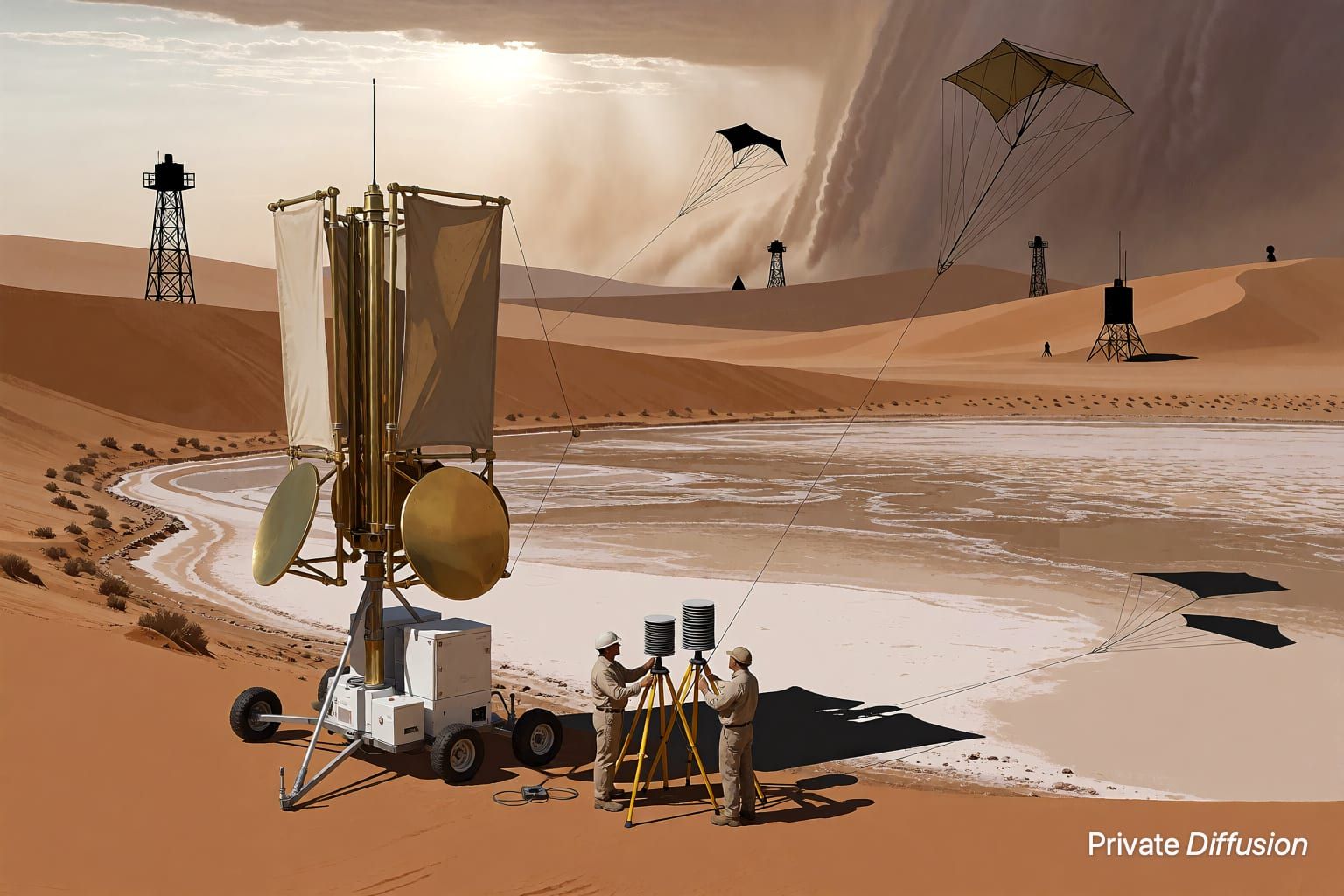
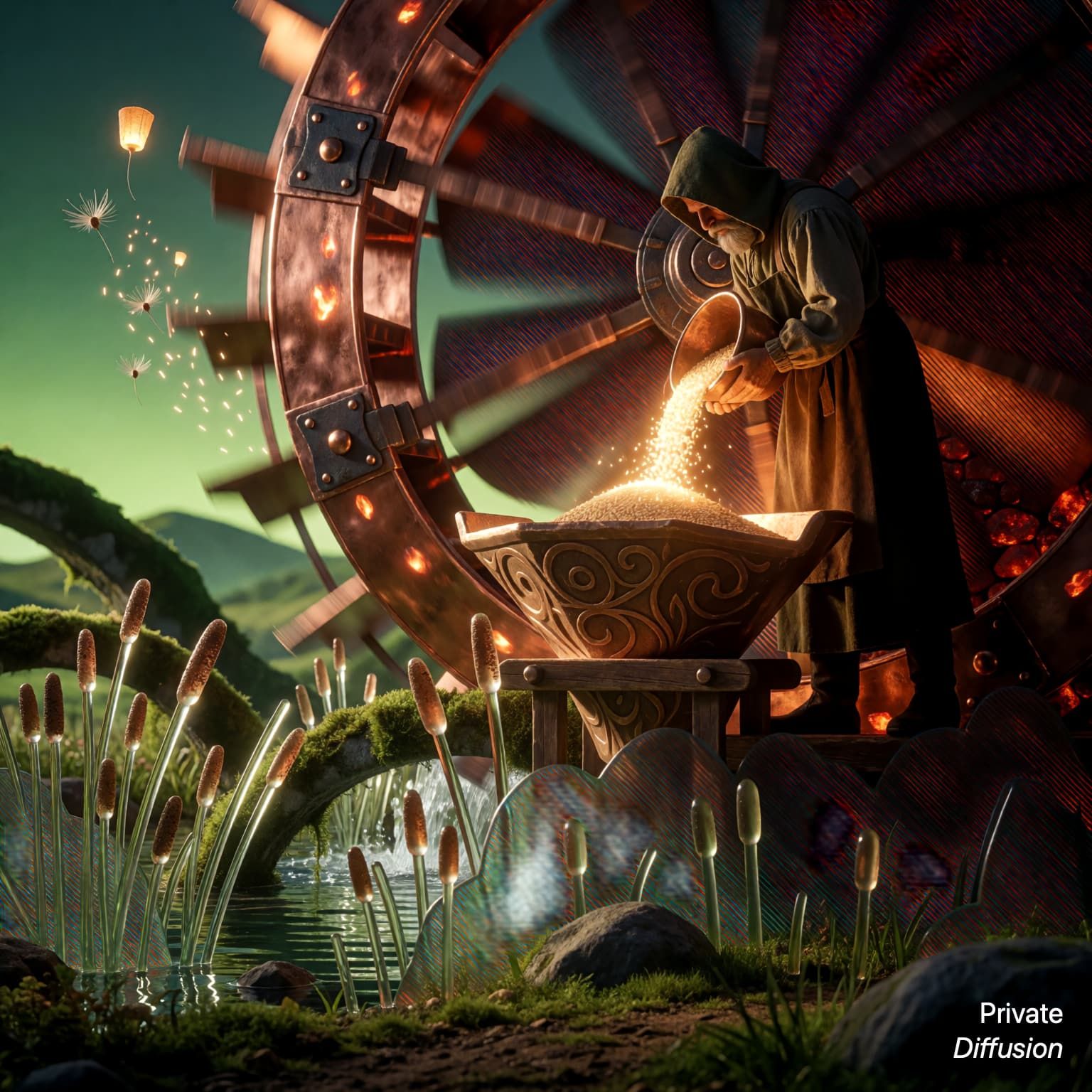

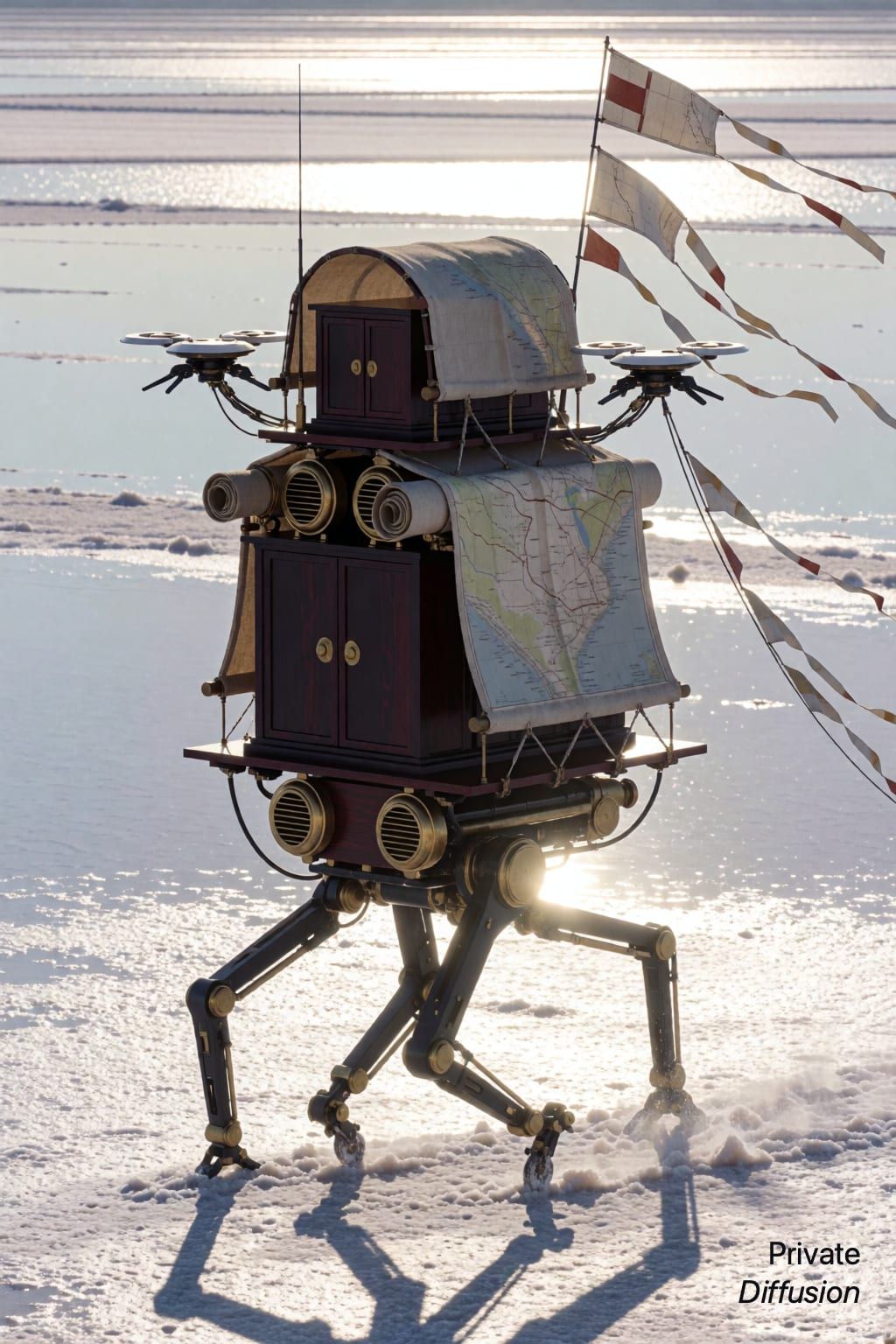
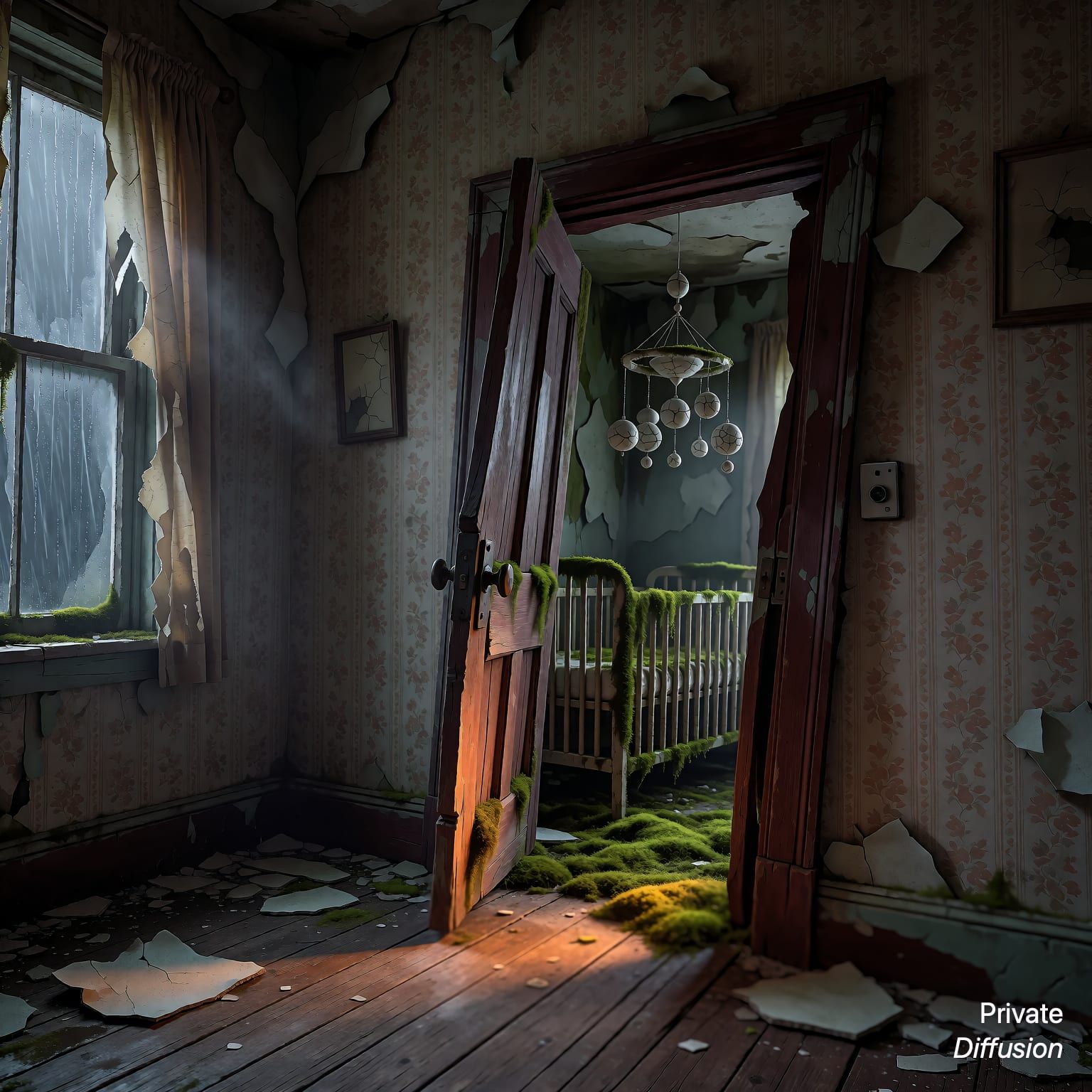
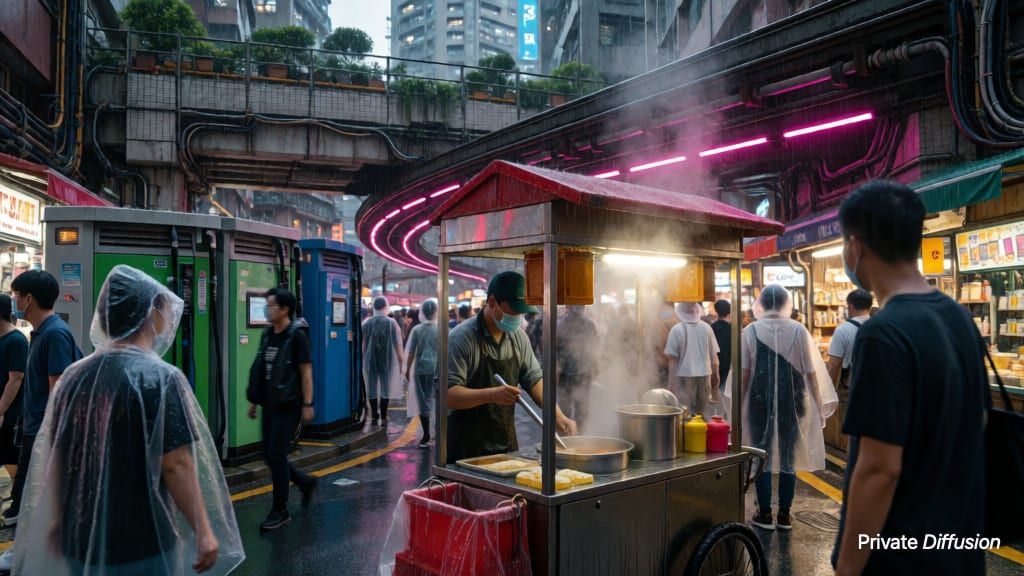
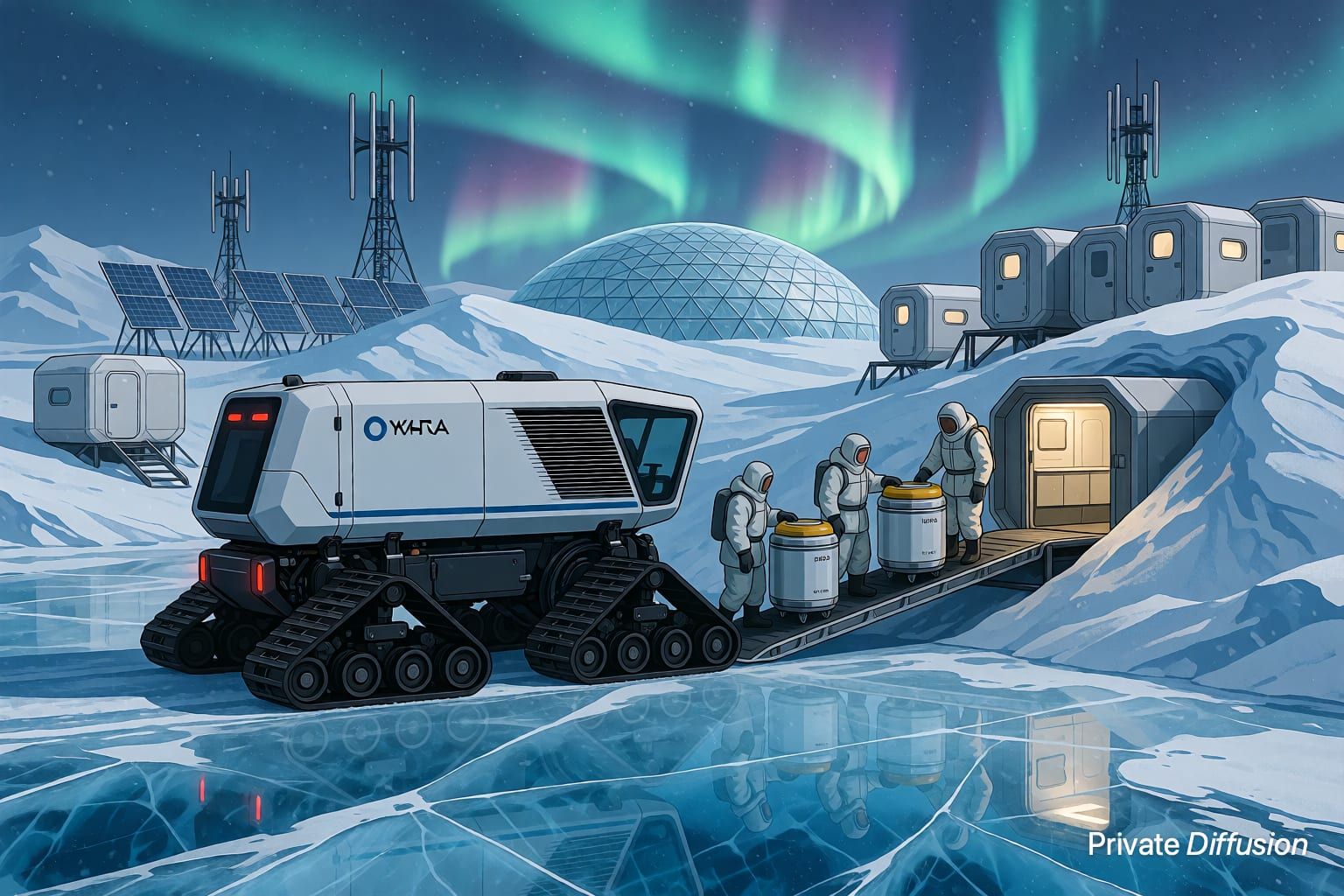
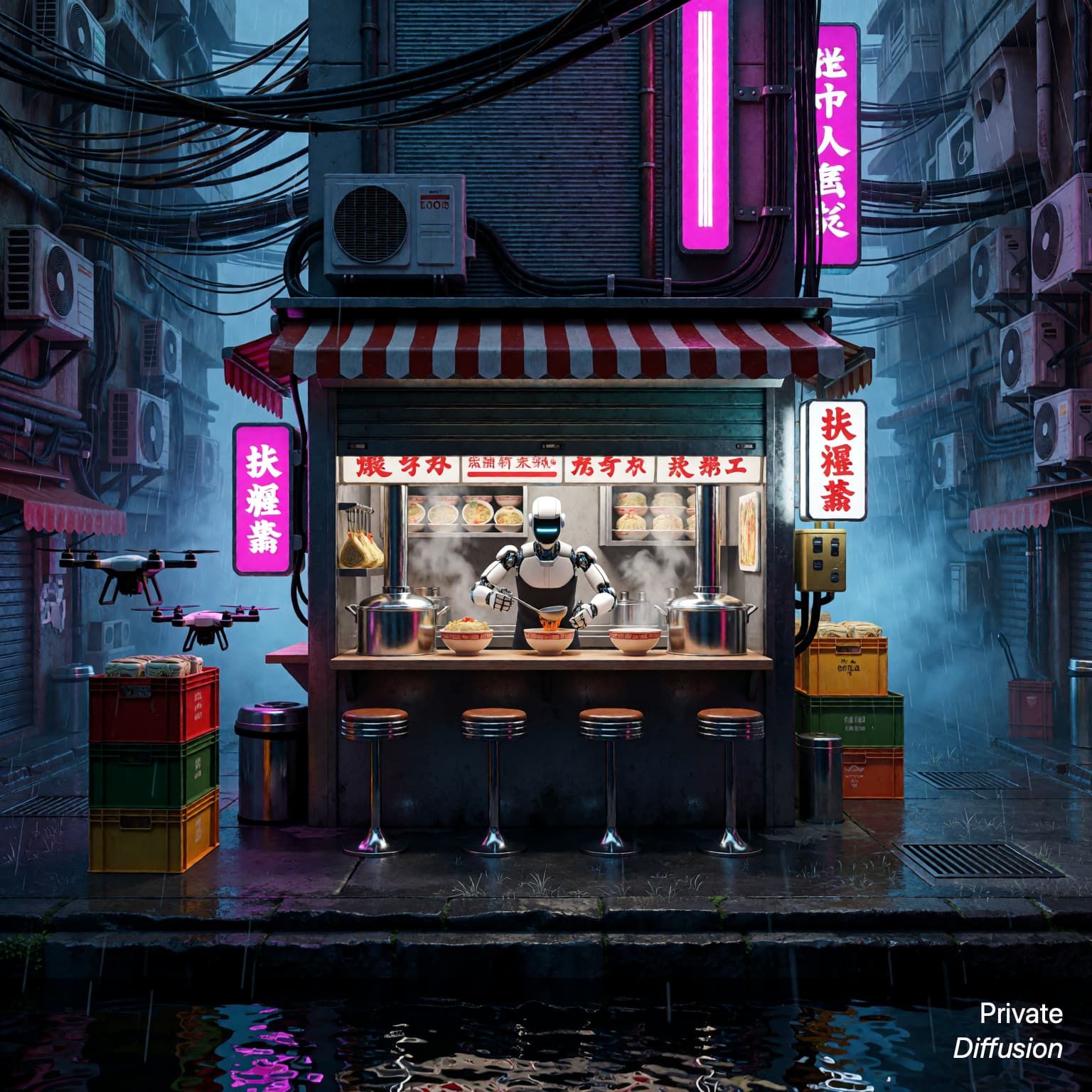
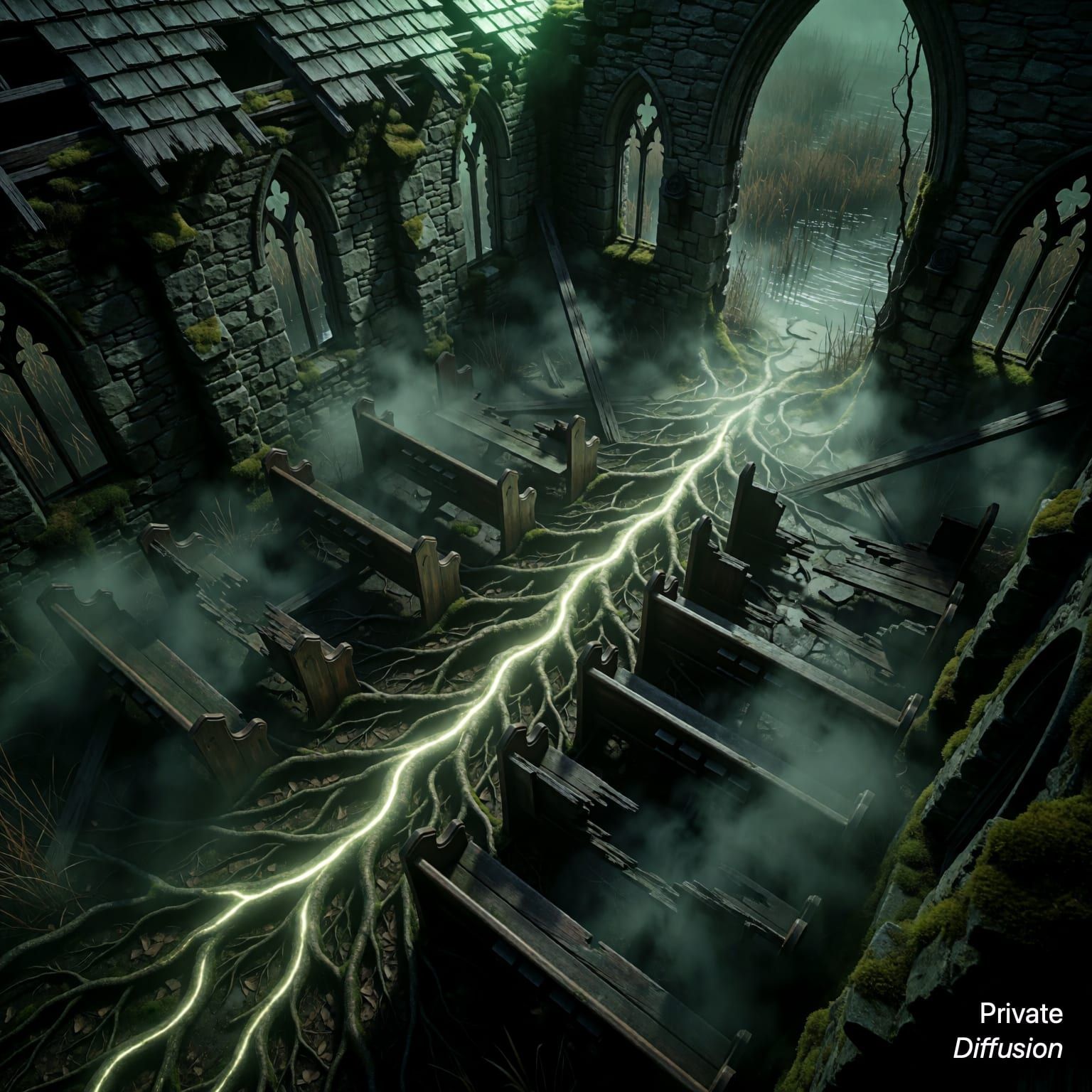
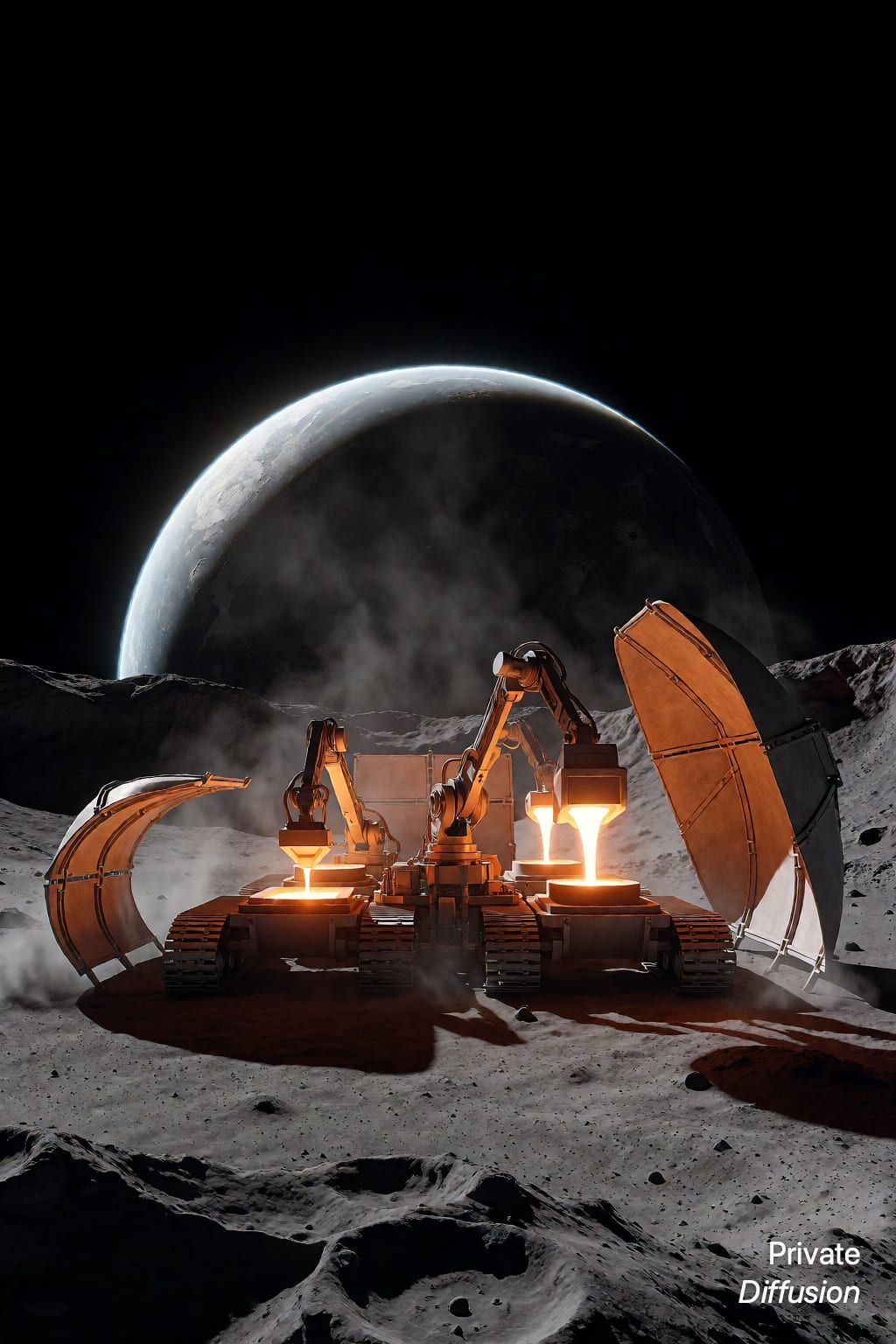

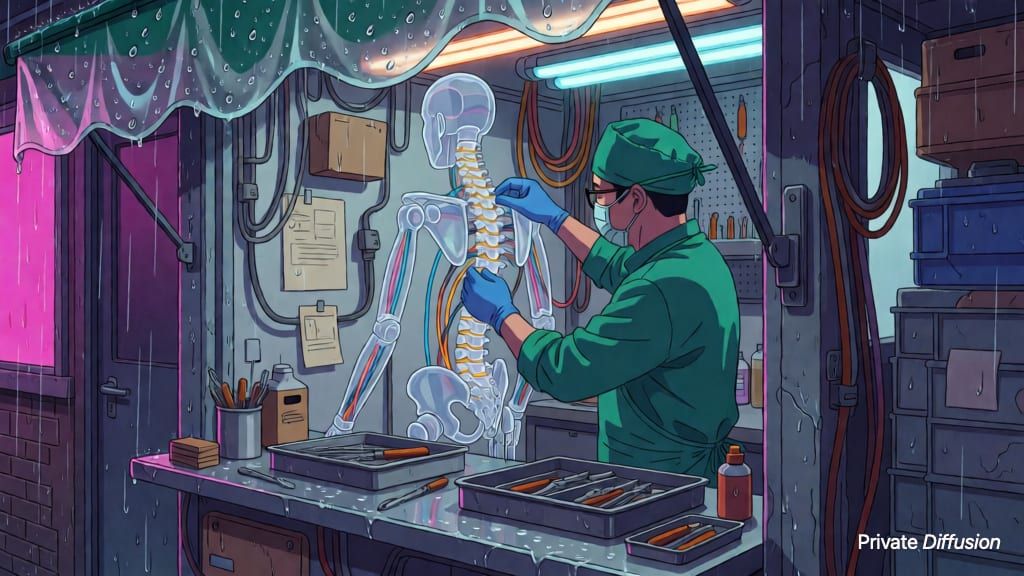

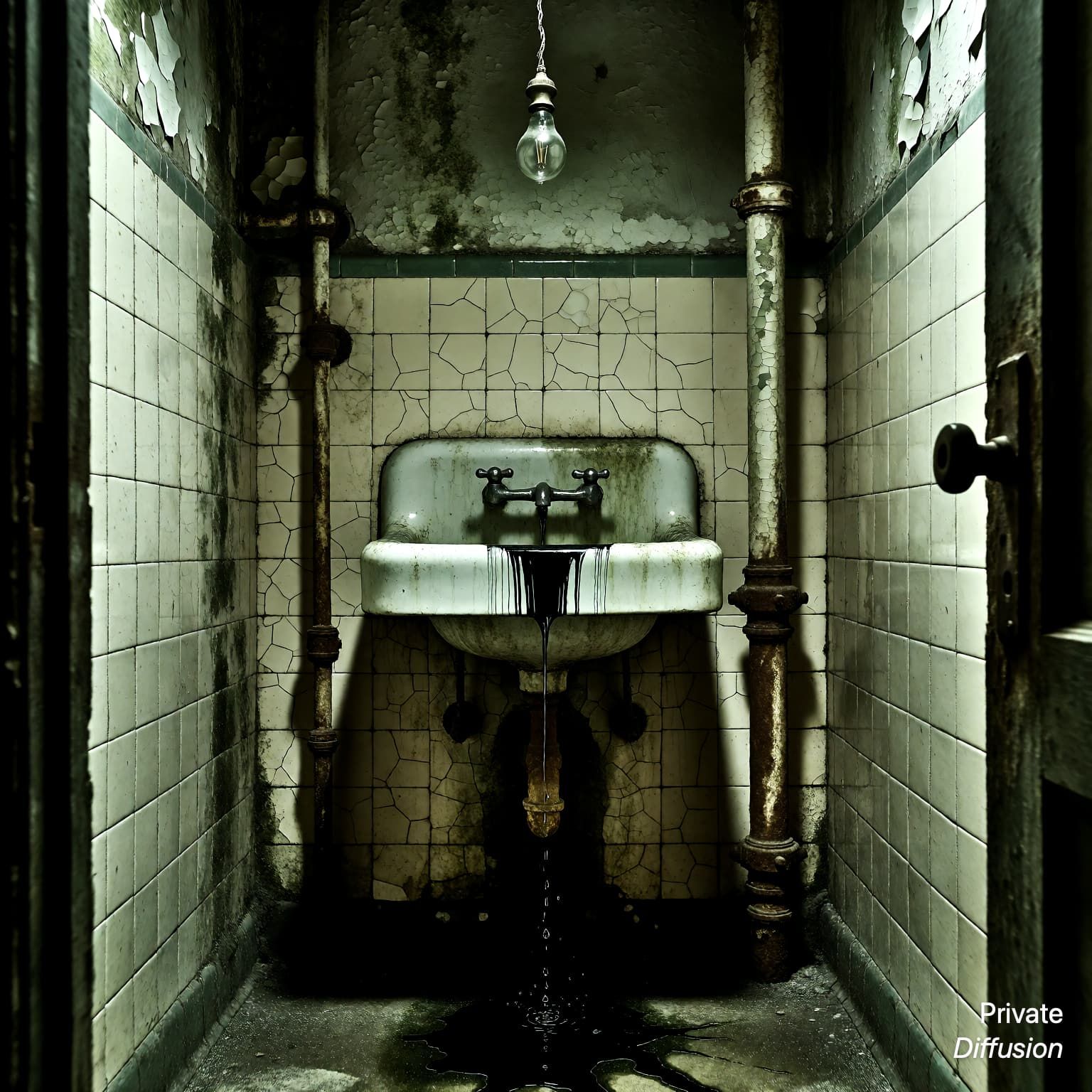
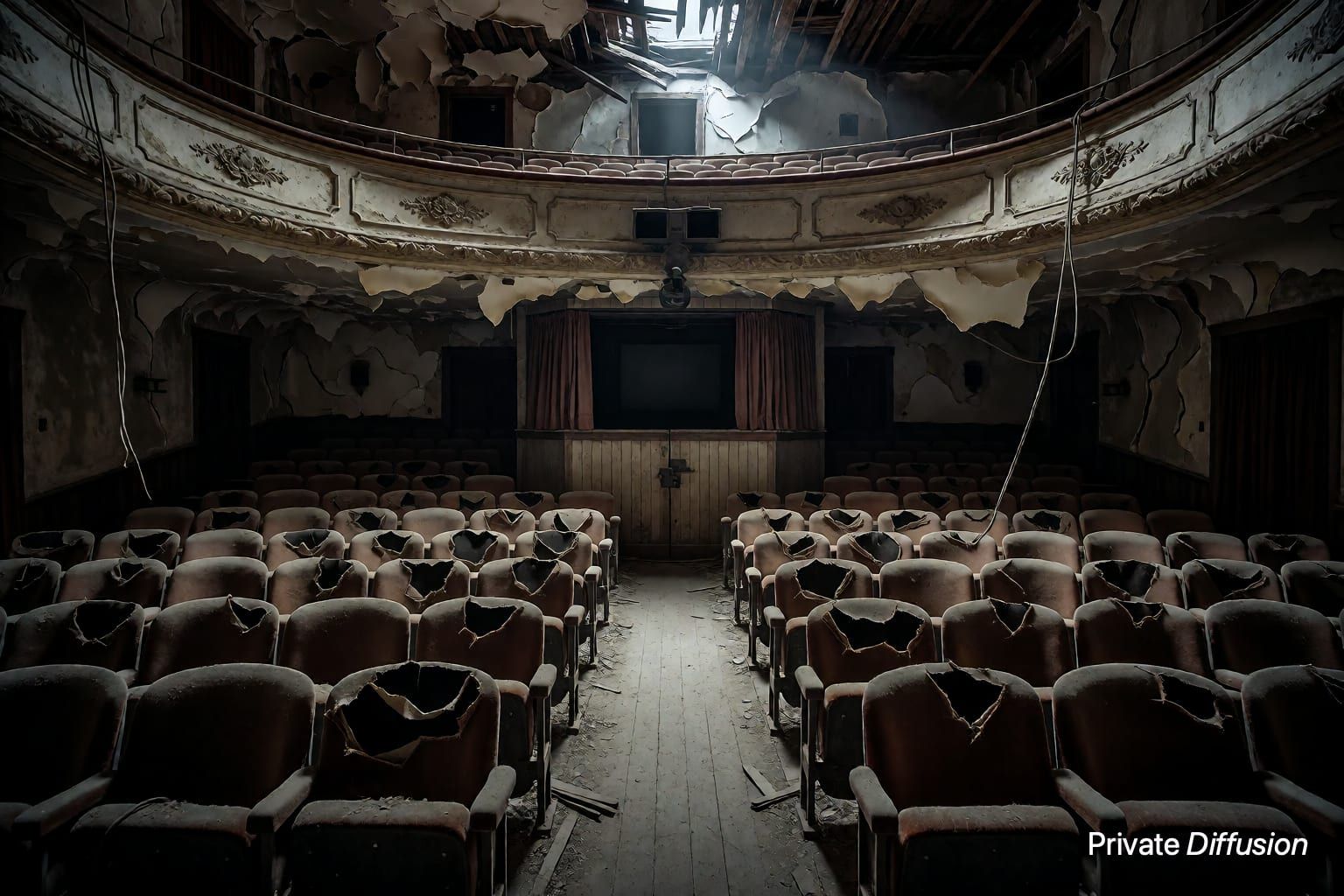

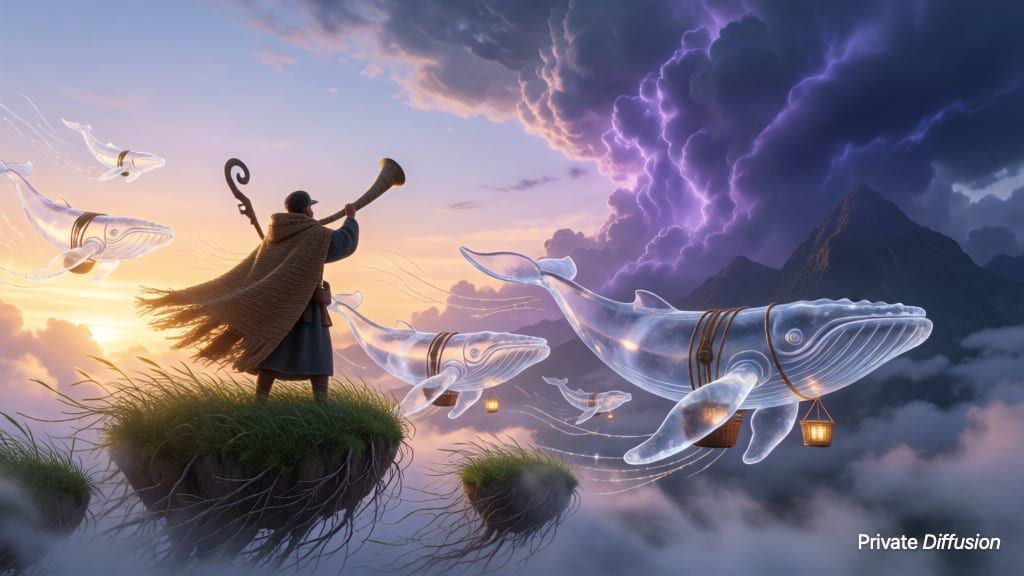
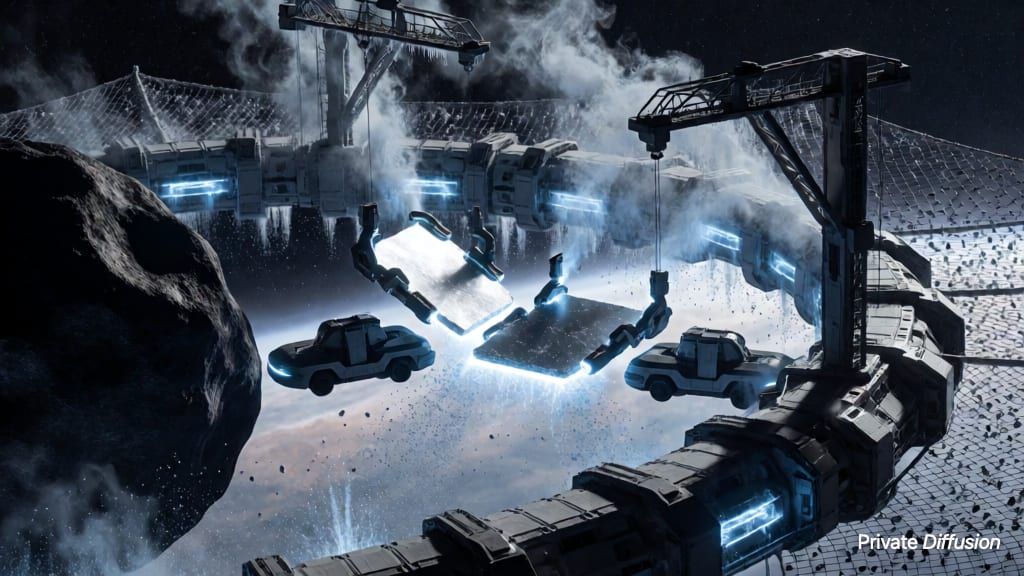
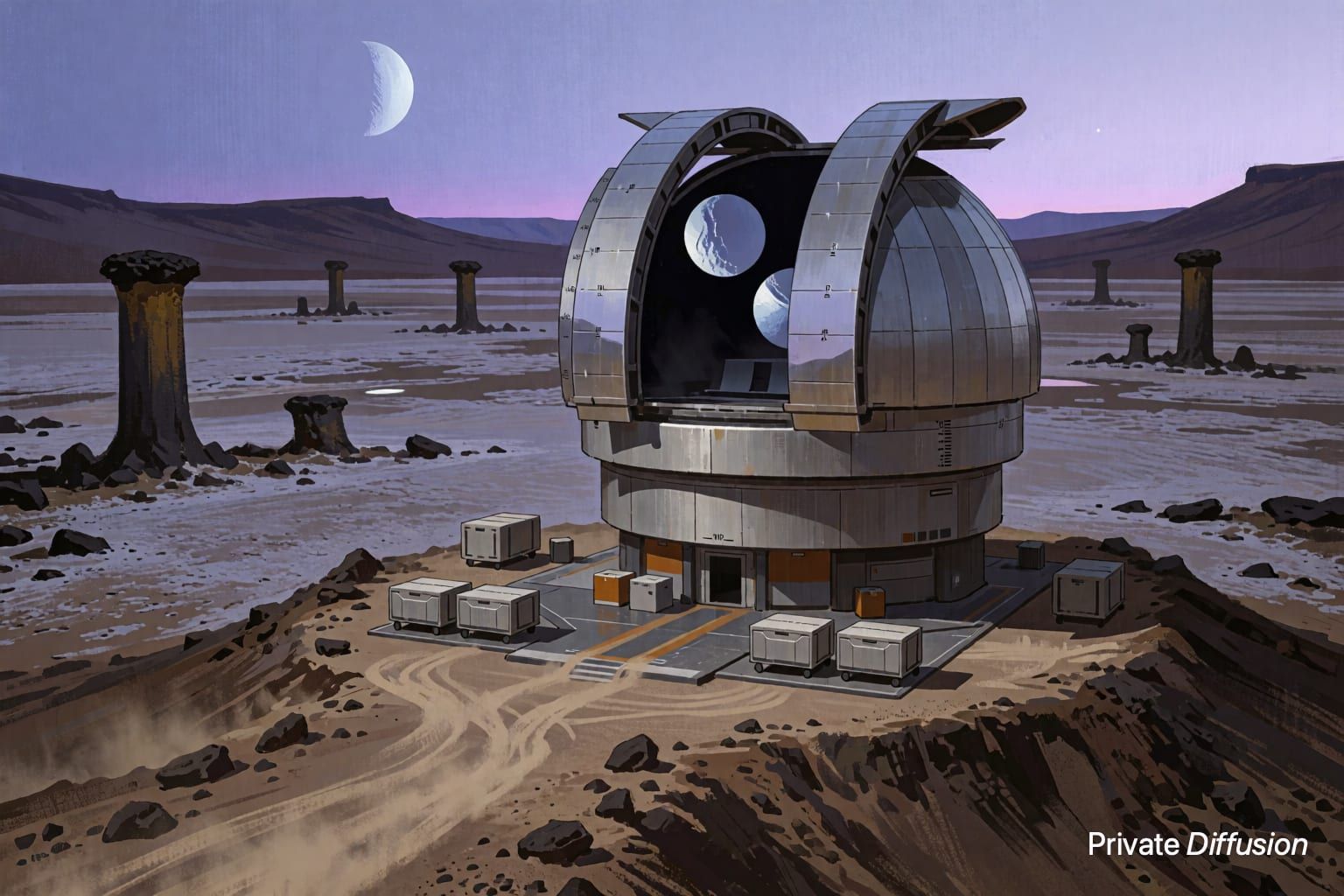
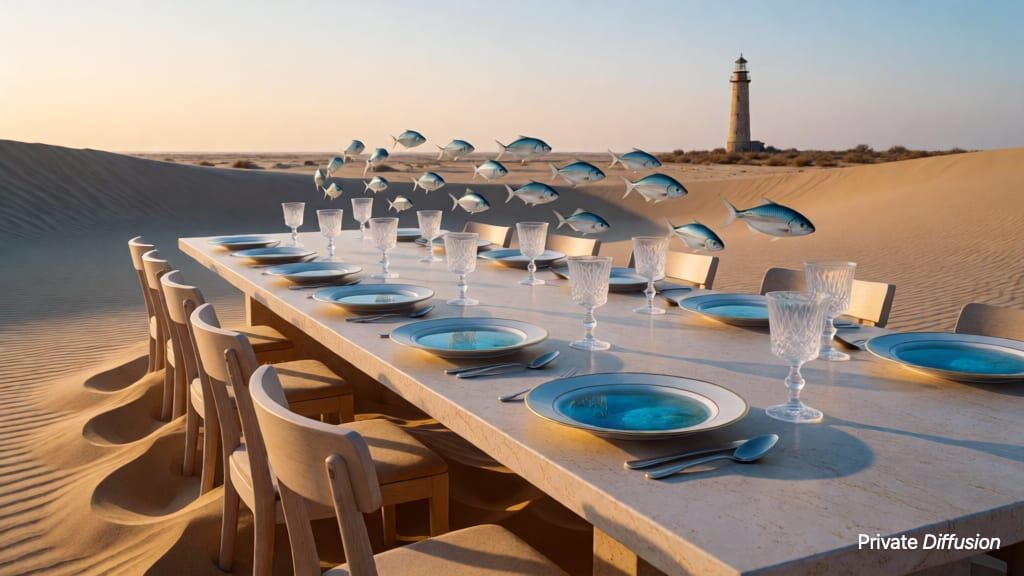
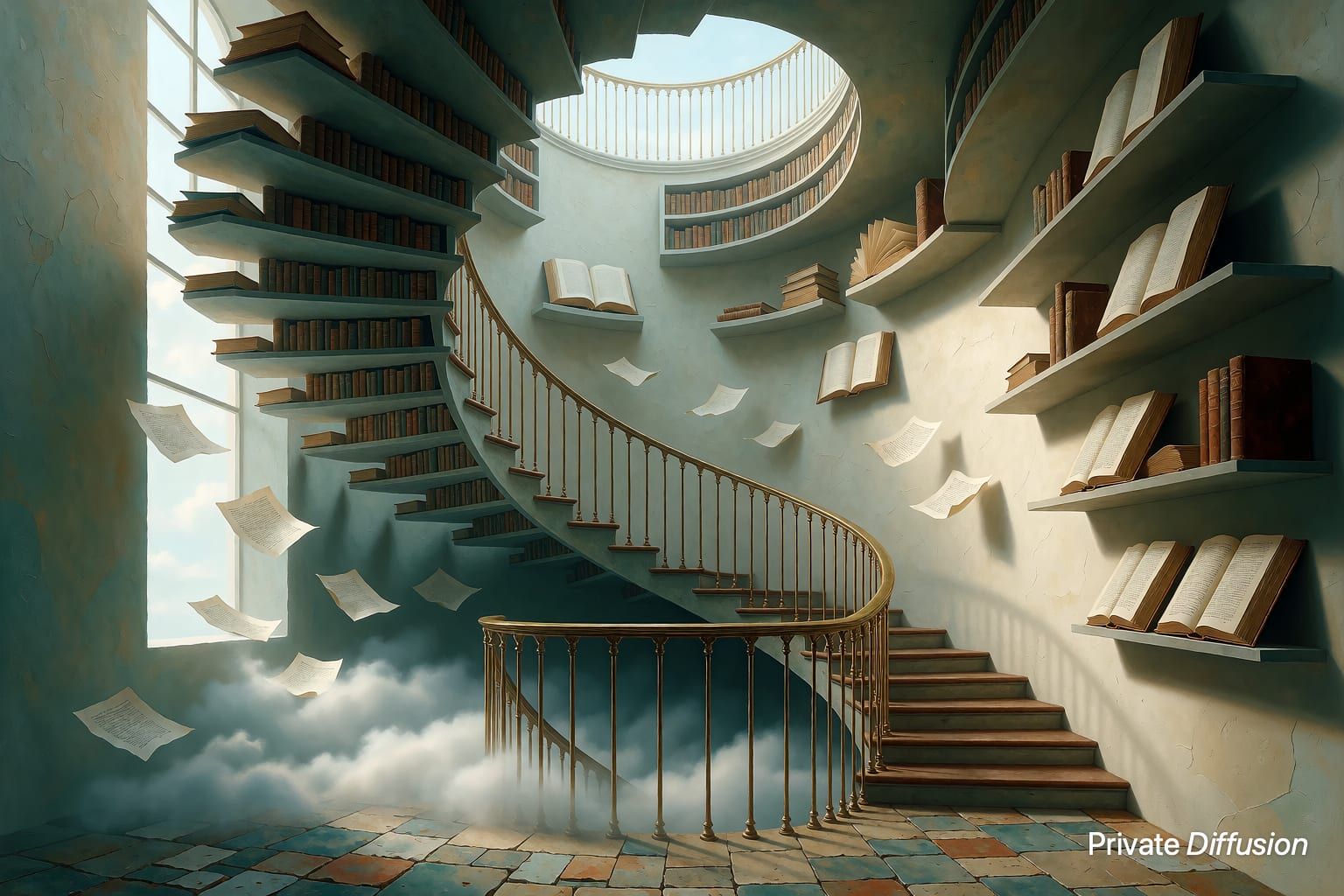

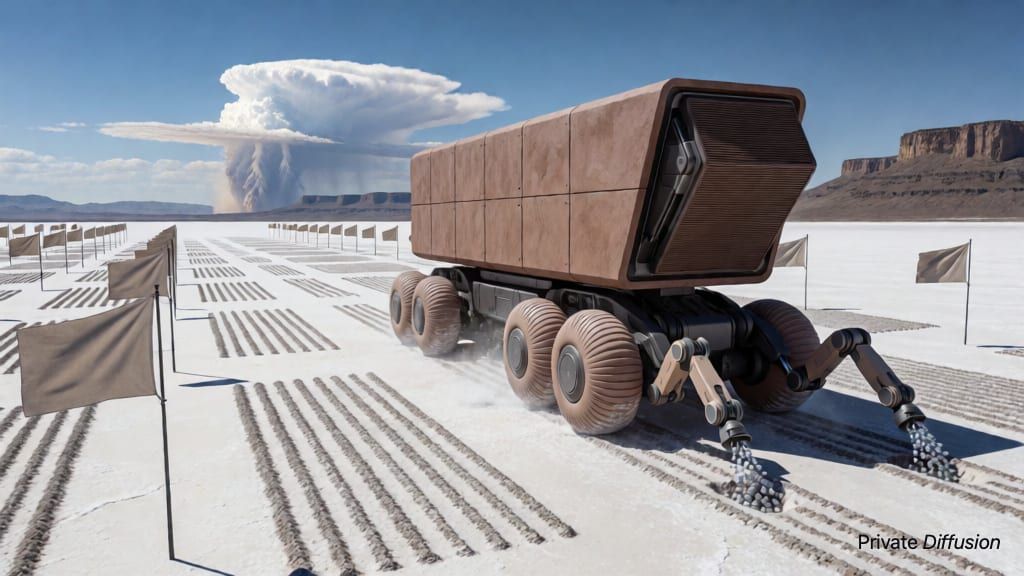
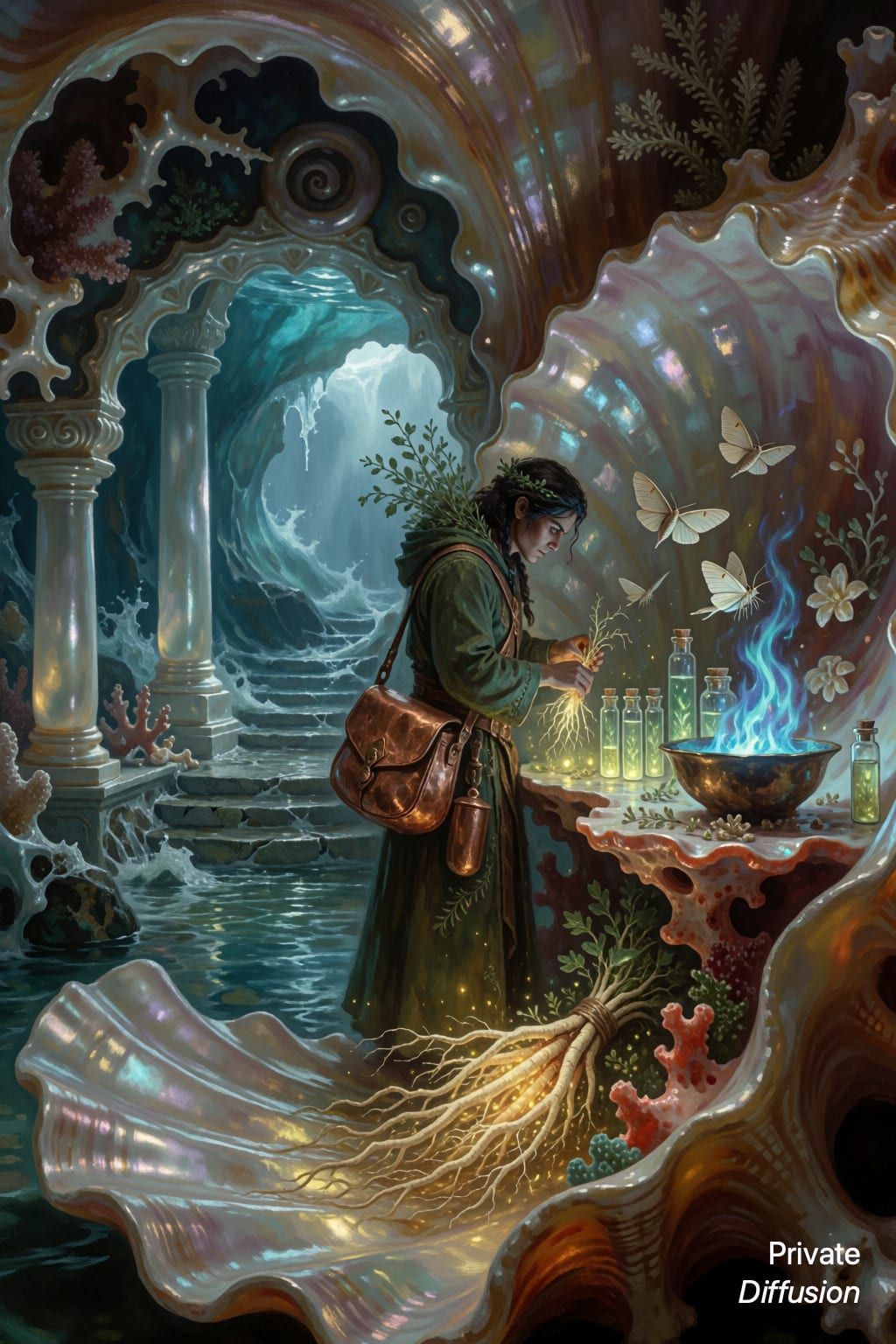
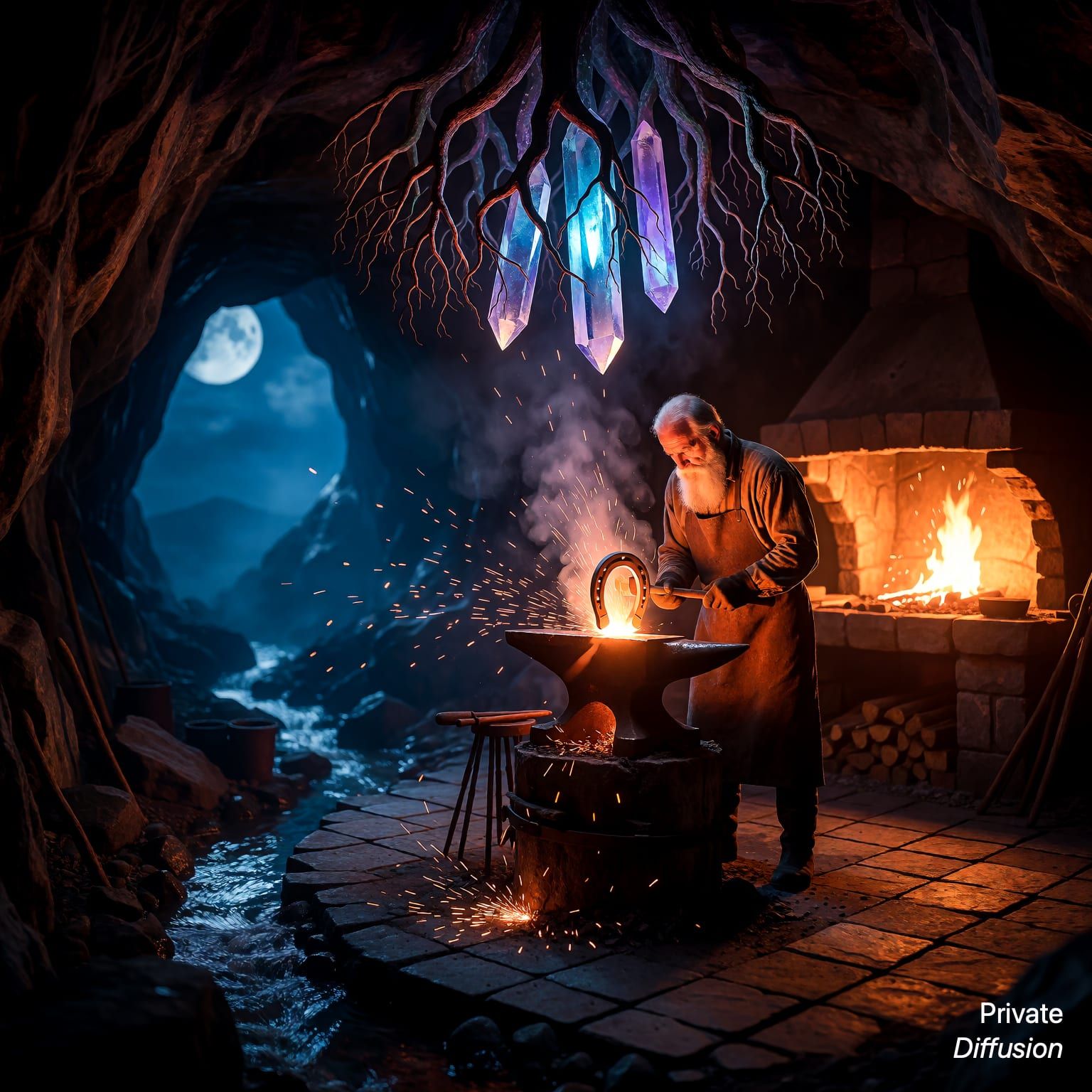

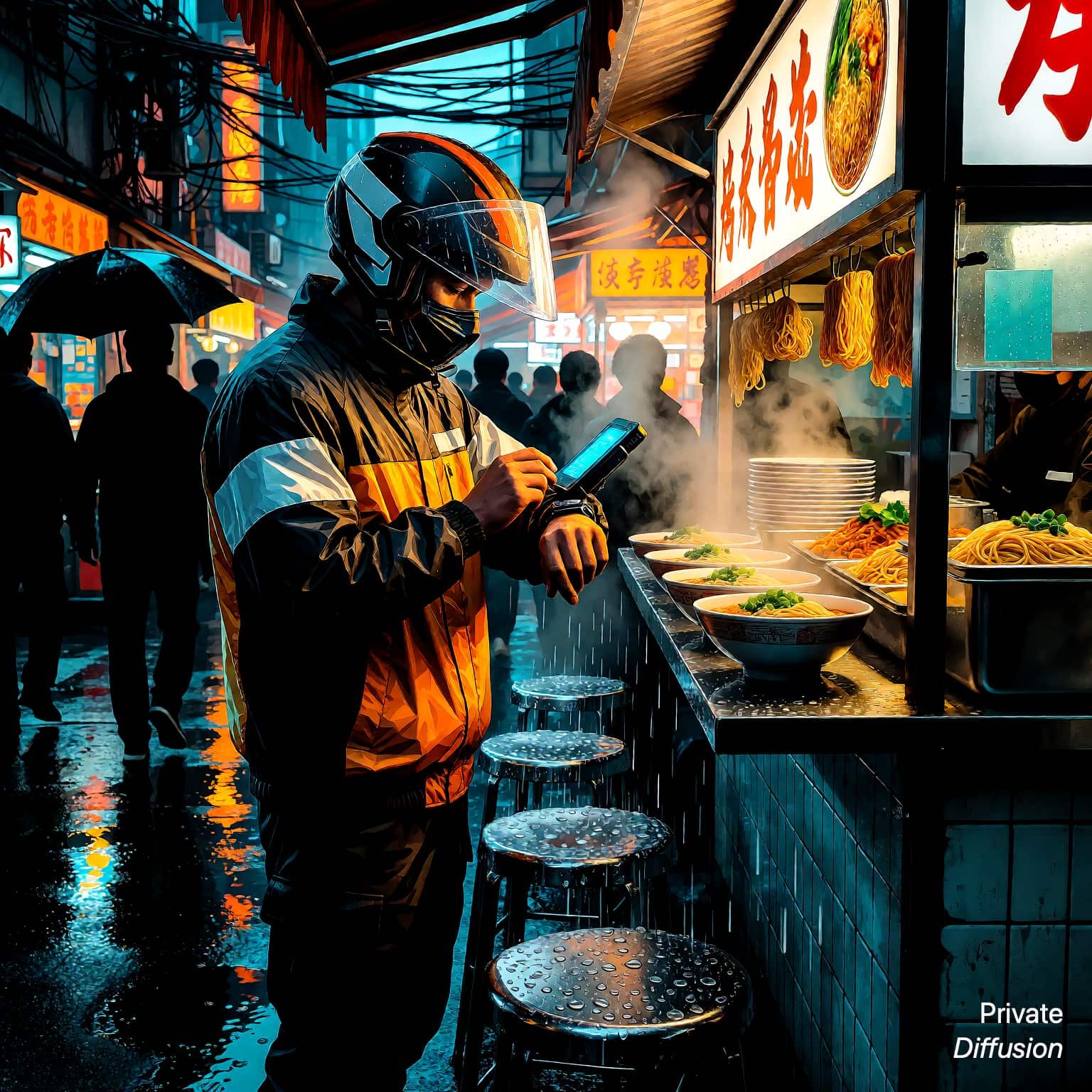
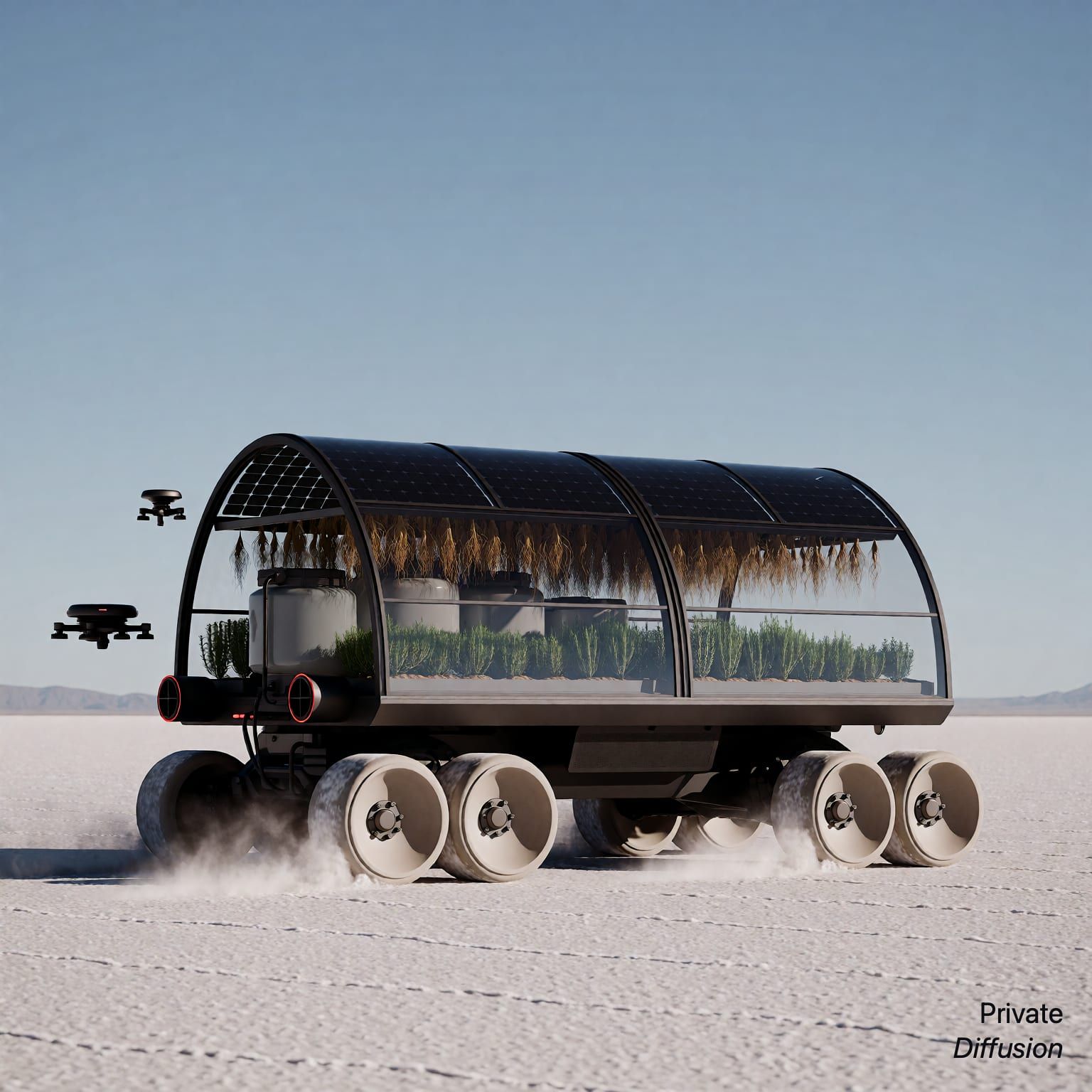
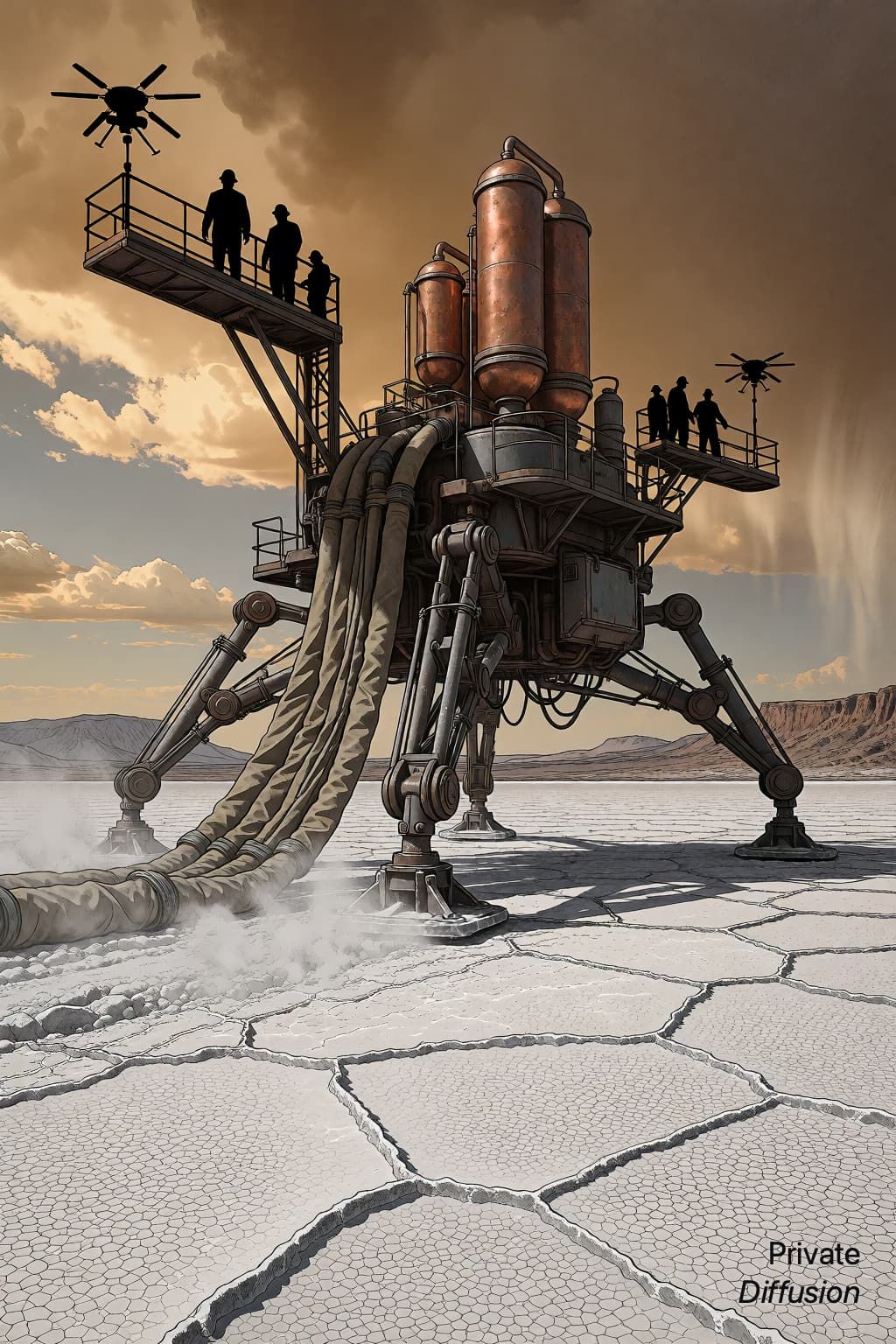

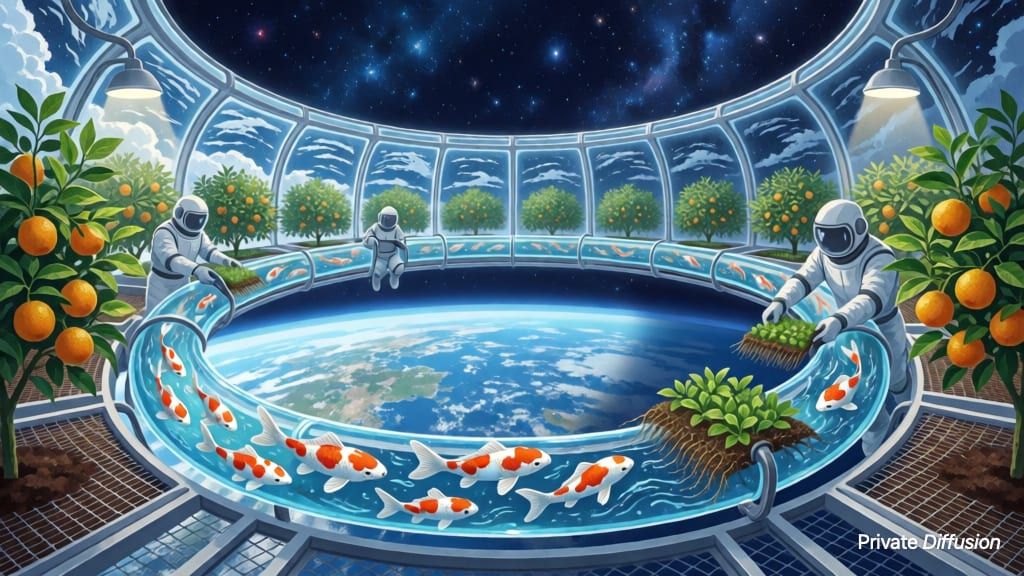
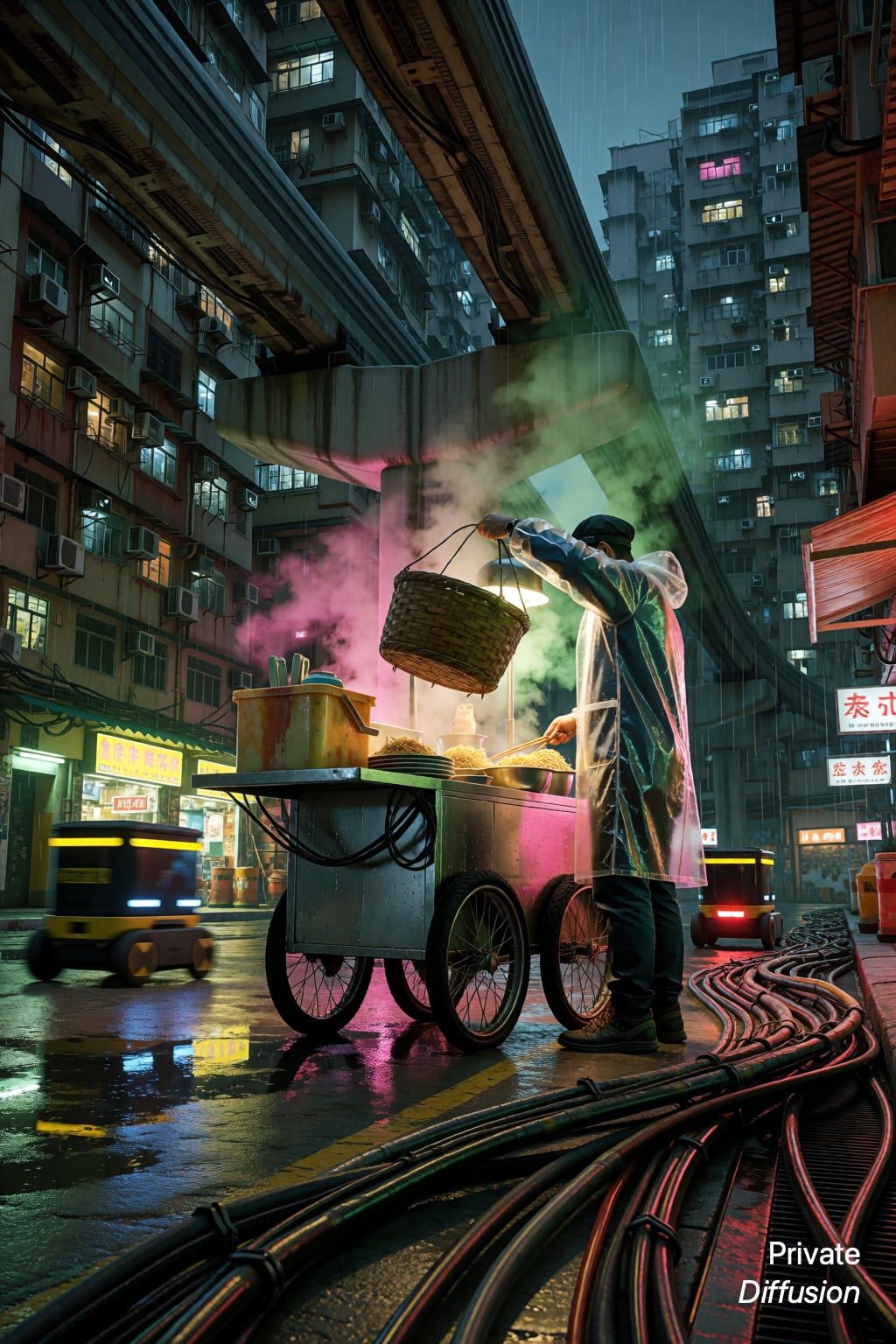
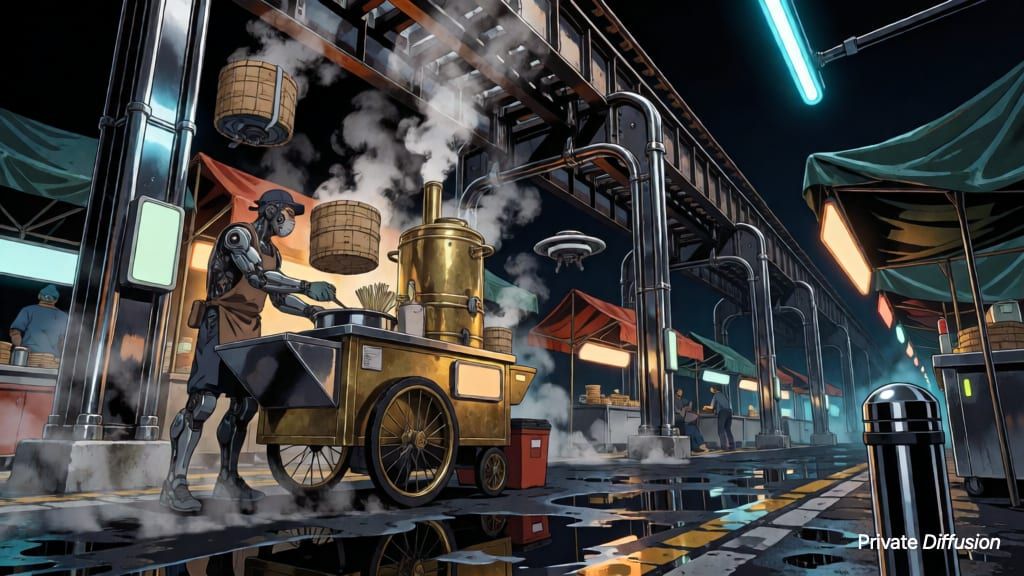

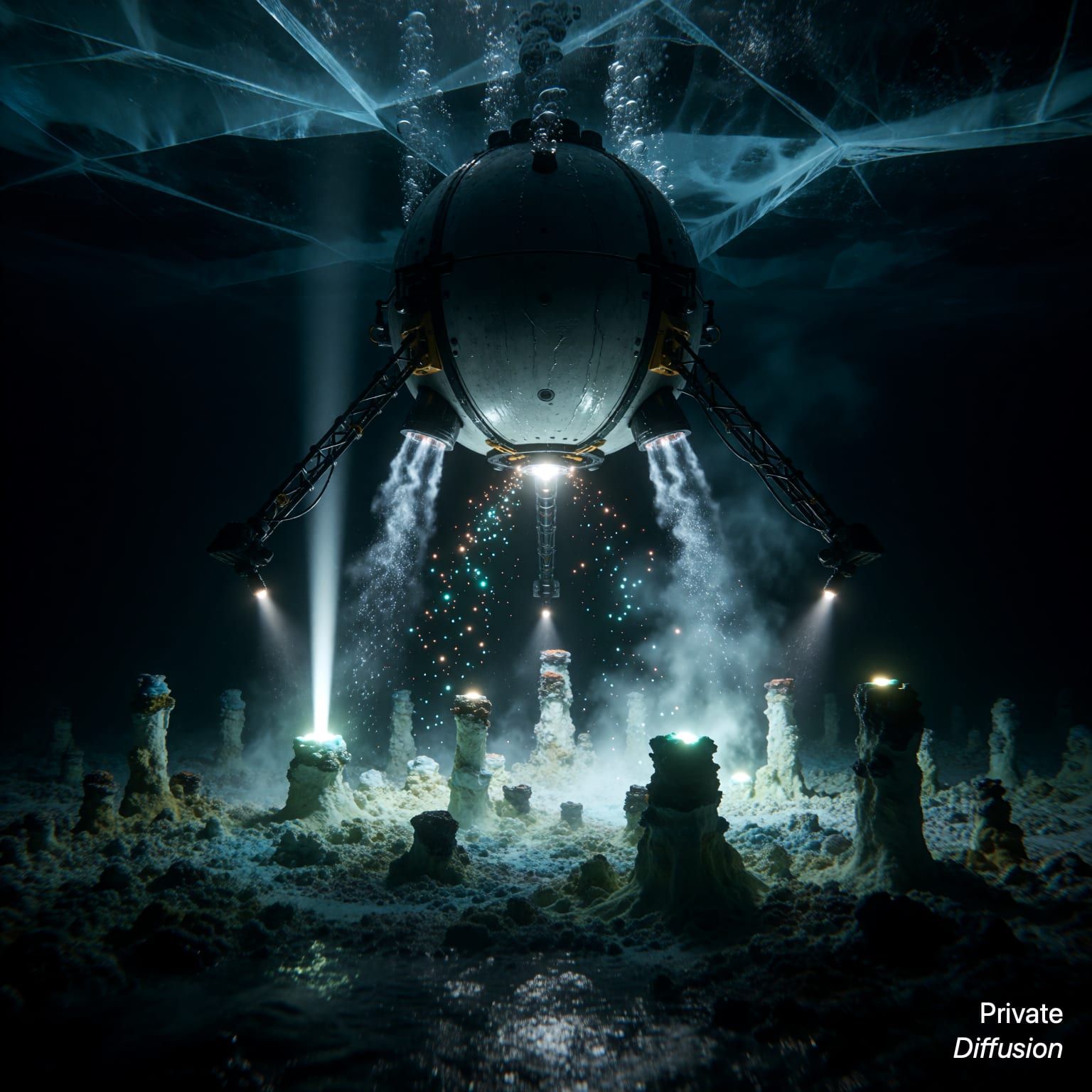

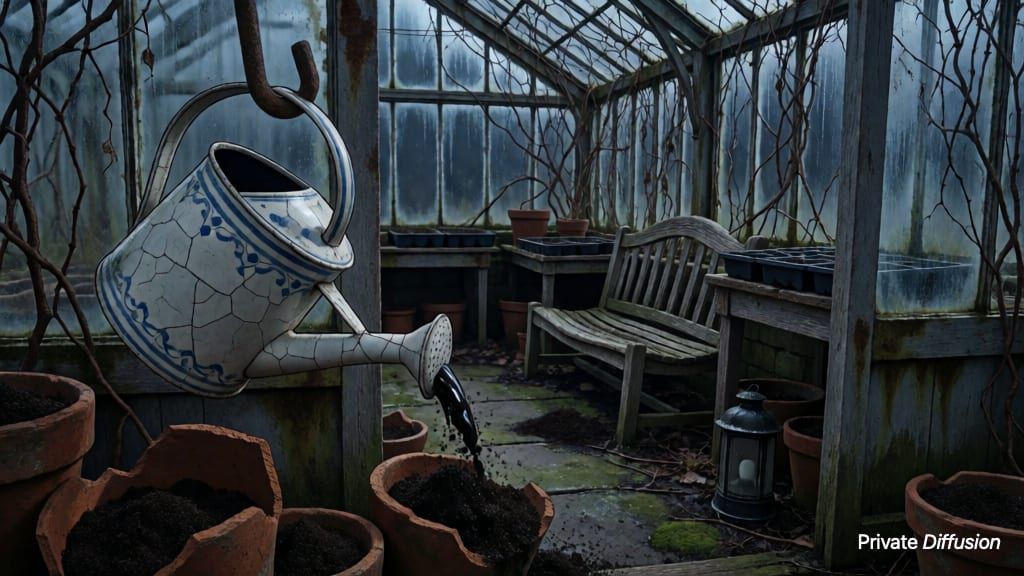
What Kroma Turbo Is Good At
Each step runs two passes where Krea 2 Turbo runs one. That second pass is what makes the negative prompt work, and it is also what pulls the picture closer to what you wrote. On an iPad or Mac with 18 GB or more, the Krea 2 adapter finishes a picture in four steps, and the app starts on 4-step. The negative prompt is off while the adapter runs, so choose Off when you want it back, along with the 8 to 12 step slider.
Pick It For
- Prompts you want followed closely, with a negative prompt to steer away from what you do not want
- A steps slider, 8 to 12, when a picture needs a little more time
- A smaller second download: with Krea 2 Turbo installed it shares the text encoder
Know Before You Download
- With the adapter off, each step runs two passes and the default is ten steps, where Krea 2 Turbo runs one pass for eight
- Not available on iPhone; needs a 16 GB iPad or Mac
- Inherits the Krea 2 Community License and its one-million-dollar revenue threshold
Kroma Turbo in Private Diffusion vs. Draw Things vs. ComfyUI
Kroma Turbo is the same model wherever you run it. The apps differ in how they shrink it to fit, which chips do the work, and who sees your prompts.
| Feature | Private Diffusion | Draw Things | ComfyUI |
|---|---|---|---|
| Image Quality | Near-lossless: every model is quantization aware distilled (QAD) against the full-size original | Shrinks models after training (post-training palettization) | Runs the weights you load |
| Speed | GPU and Neural Engine together, plus Neural Accelerators on M5, M6, A19 Pro, and A20 Pro | GPU; the Neural Engine only for i8x models on M3 and M4 | PyTorch MPS, the slowest inference framework on Apple platforms |
| Privacy | Collects no data | Privacy label lists Purchases, Identifiers, and User Content | Sends telemetry to PostHog and Datadog, checked by default on first launch |
| Security | App Sandbox and Hardened Runtime | App Sandbox (Mac App Store) | Unsandboxed Electron |
| The App | Native Swift with Liquid Glass, macOS 26.4 or later | Mac Catalyst | Electron |
How to Run Kroma Turbo on a 16 GB iPad or Mac
- Pre-order Private Diffusion on the App Store; it downloads itself on release day.
- Open Downloads in the app and tap Kroma Turbo. It is a single 12.08 GB download with nothing to configure.
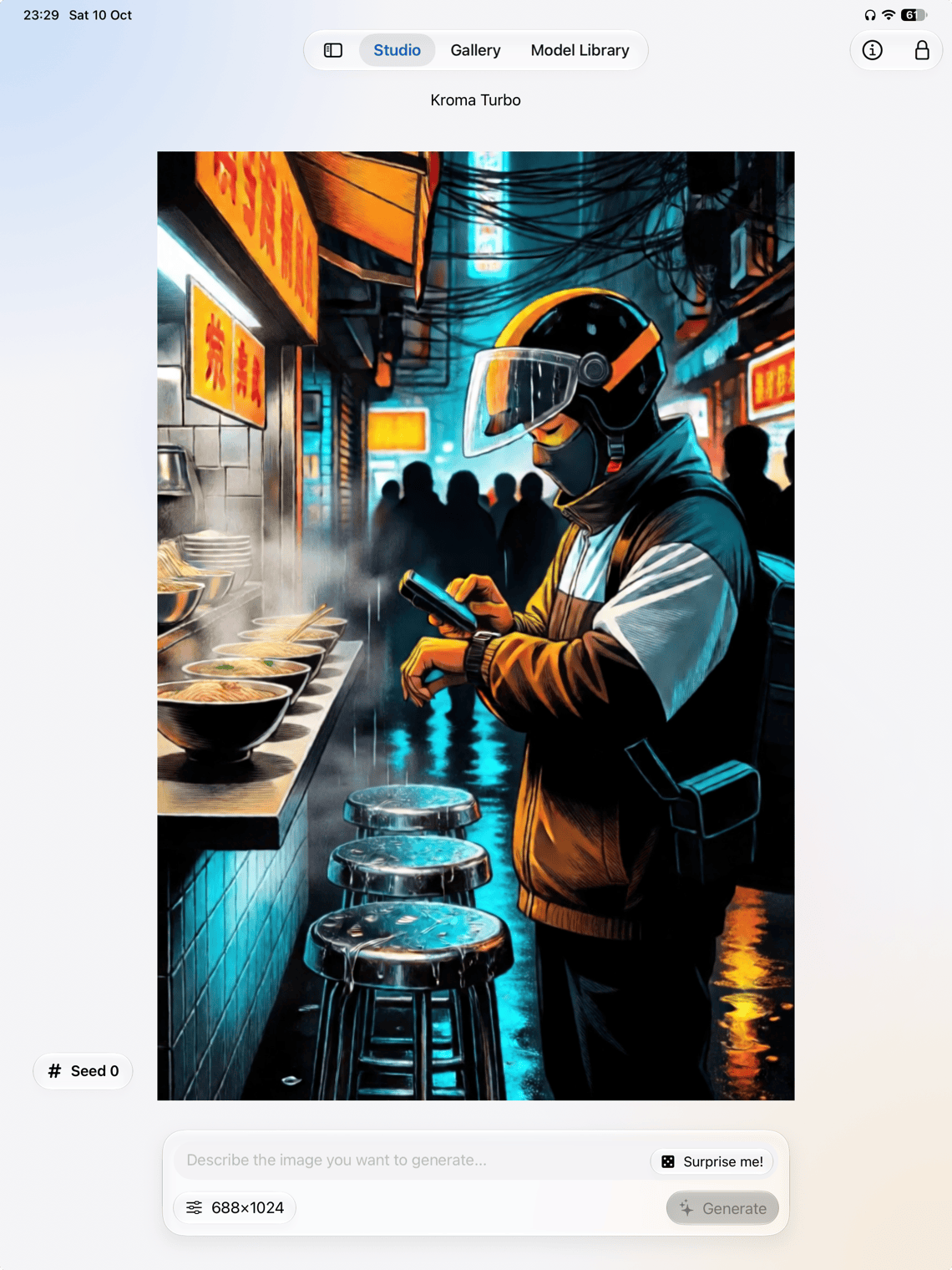
- Pick Kroma Turbo in Studio, describe the picture, and generate. It runs on your own device, so there is no queue.
Questions About Kroma Turbo
No. Kroma Turbo is not offered on iPhone at any memory size. It runs on an iPad Pro with 1 TB or 2 TB of storage, or on any Apple Silicon Mac with 16 GB or more.
12.08 GB, or 12.77 GB on an iPad or Mac with 18 GB or more, which also gets both Krea 2 adapters, though Kroma Turbo uses only the 4-step one; 7.89 GB, or 8.58 GB with the adapters, when the shared Krea 2 text encoder is already installed. It downloads once inside the app from Private Diffusion's own server and picks up where it left off after an interruption. On iPhone and iPad the download keeps going with the app closed; on a Mac, quitting the app stops it, and it resumes at the next launch. You can delete it to reclaim the space and fetch it again later.
Say what you want and what you do not. The negative prompt is the reason to pick Kroma Turbo over Krea 2 Turbo, so use it for the usual suspects: extra limbs, text, watermarks, blur. Leave steps at 10 unless a picture needs more. On an iPad or Mac with 18 GB or more, set the Krea 2 adapter to Off first, or neither applies.
Krea 2 Community License (as a Krea 2 Turbo fine-tune): Kroma Turbo is built on Krea 2 Turbo, and the Krea 2 Community License covers what is built on it. The same threshold applies: commercial use while your company-wide revenue over the trailing twelve months stays under one million US dollars, and an enterprise license from Krea at or above that.
Yes. After the one-time download, Kroma Turbo works without a connection. It turns your prompt into a finished image on the device, and you never sign in.
It is faster, the pictures hold up better, and nothing leaves your device. Private Diffusion ships Kroma Turbo quantization aware distilled (QAD), trained against the full-size original, so it stays near-lossless at a fraction of the size. It runs on Apple's own frameworks: the GPU through MLX, including the Neural Accelerators in M5, M6, A19 Pro, and A20 Pro chips, and the Neural Engine through Core ML. ComfyUI runs models through PyTorch's MPS backend, the slowest inference framework on Apple platforms. ComfyUI's desktop app sends usage telemetry to PostHog and error reports to Datadog, with telemetry checked by default on first launch; Private Diffusion collects no data. And Private Diffusion is a sandboxed native Swift app with the hardened runtime on, where ComfyUI's desktop app is an Electron app that is not sandboxed.
Private Diffusion ships Kroma Turbo quantization aware distilled (QAD), trained against the full-size original, so it stays near-lossless; Draw Things shrinks its models after training. It is faster, using the GPU and the Neural Engine together, plus the Neural Accelerators in M5, M6, A19 Pro, and A20 Pro chips. Private Diffusion collects no data, while Draw Things' App Store privacy label lists Purchases, Identifiers, and User Content. And it is a native Swift app built to Apple's Human Interface Guidelines, with Liquid Glass on macOS 26.4 or later, not a Mac Catalyst port.
Run Kroma Turbo on your iPad or Mac.