The nursery of silent mannequins
- Model Kroma Turbo
- Landscape 3:2
- 1536 × 1024 · XL
- 10 steps
- Max quality
- iPadMac
Prompt and Settings
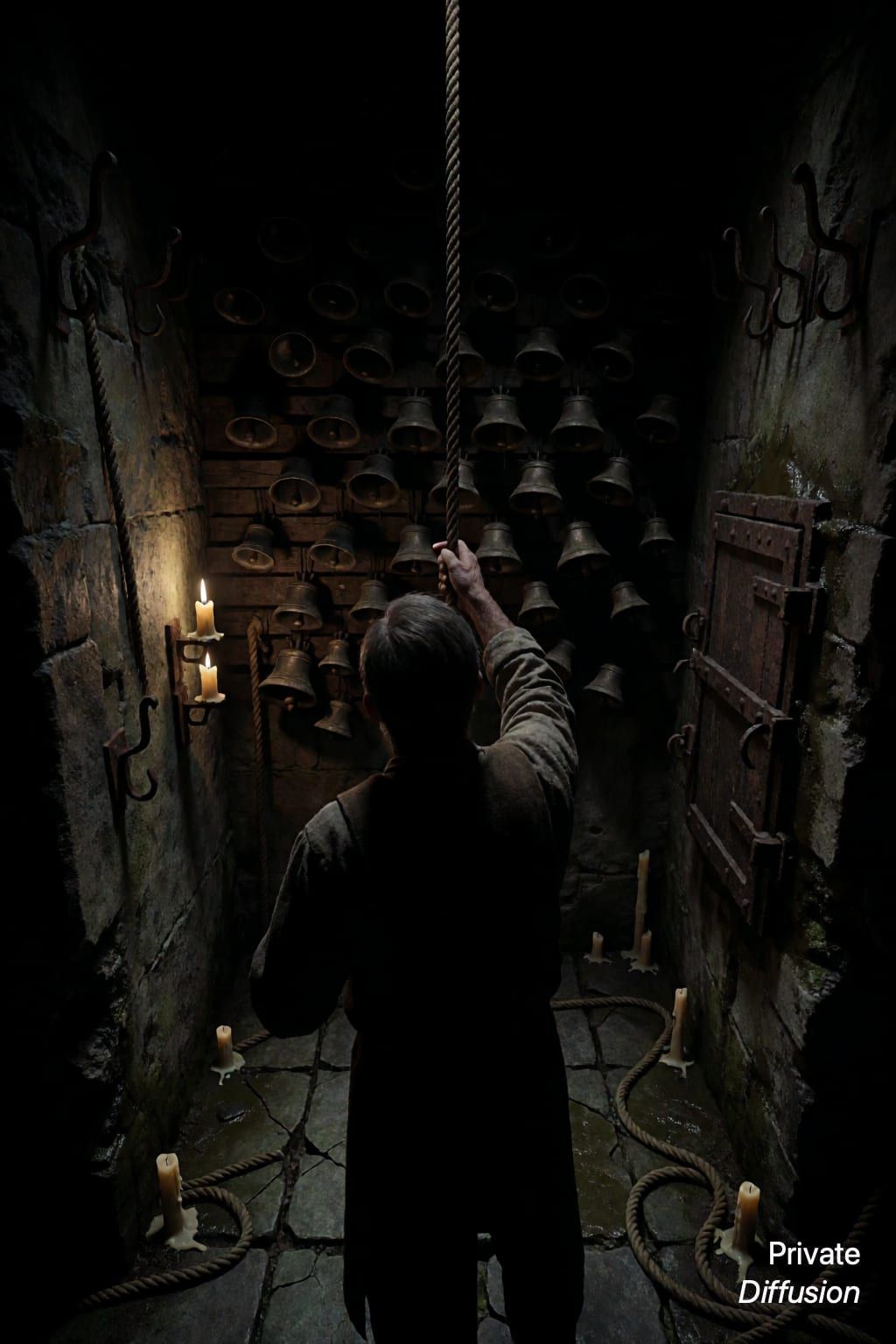
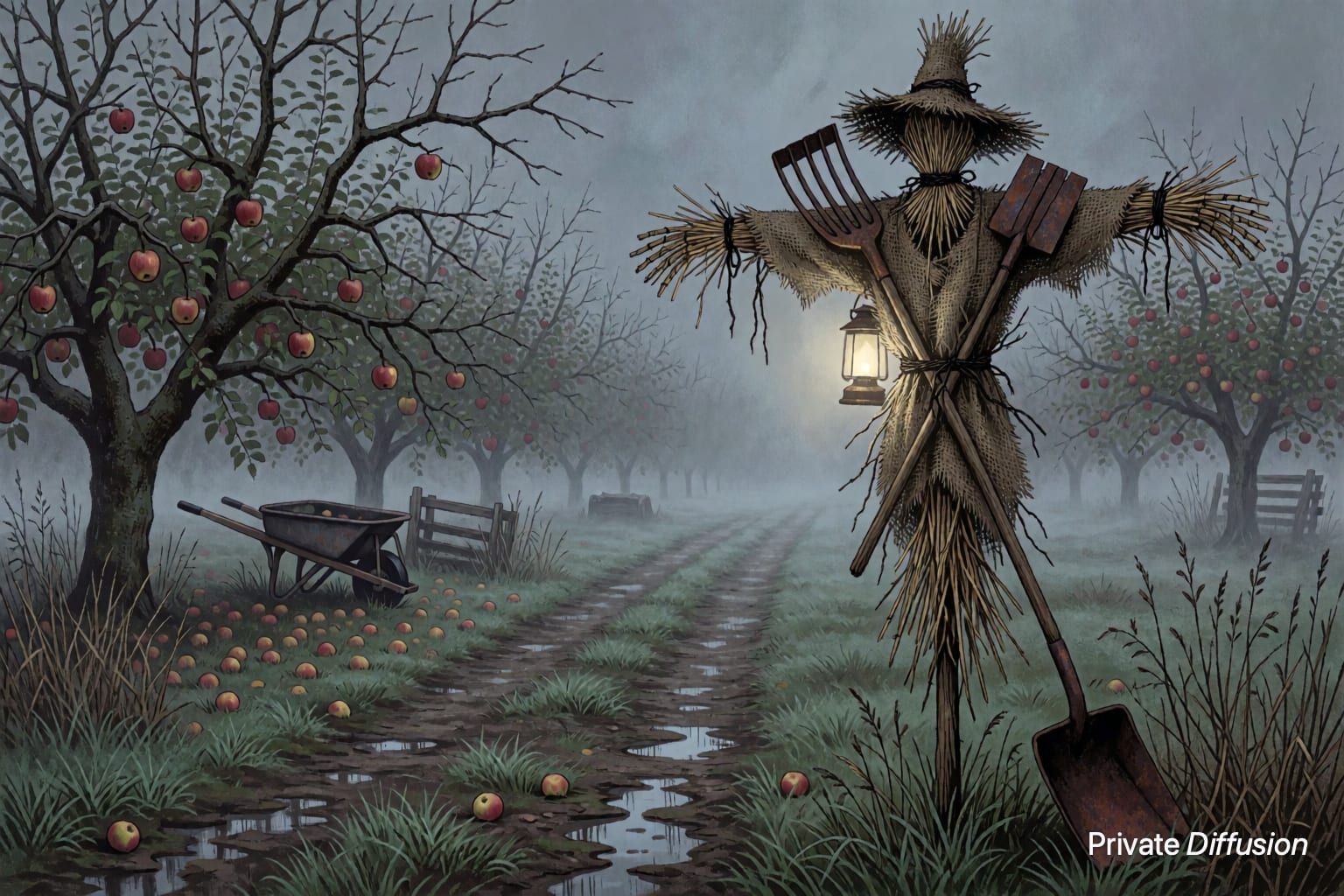
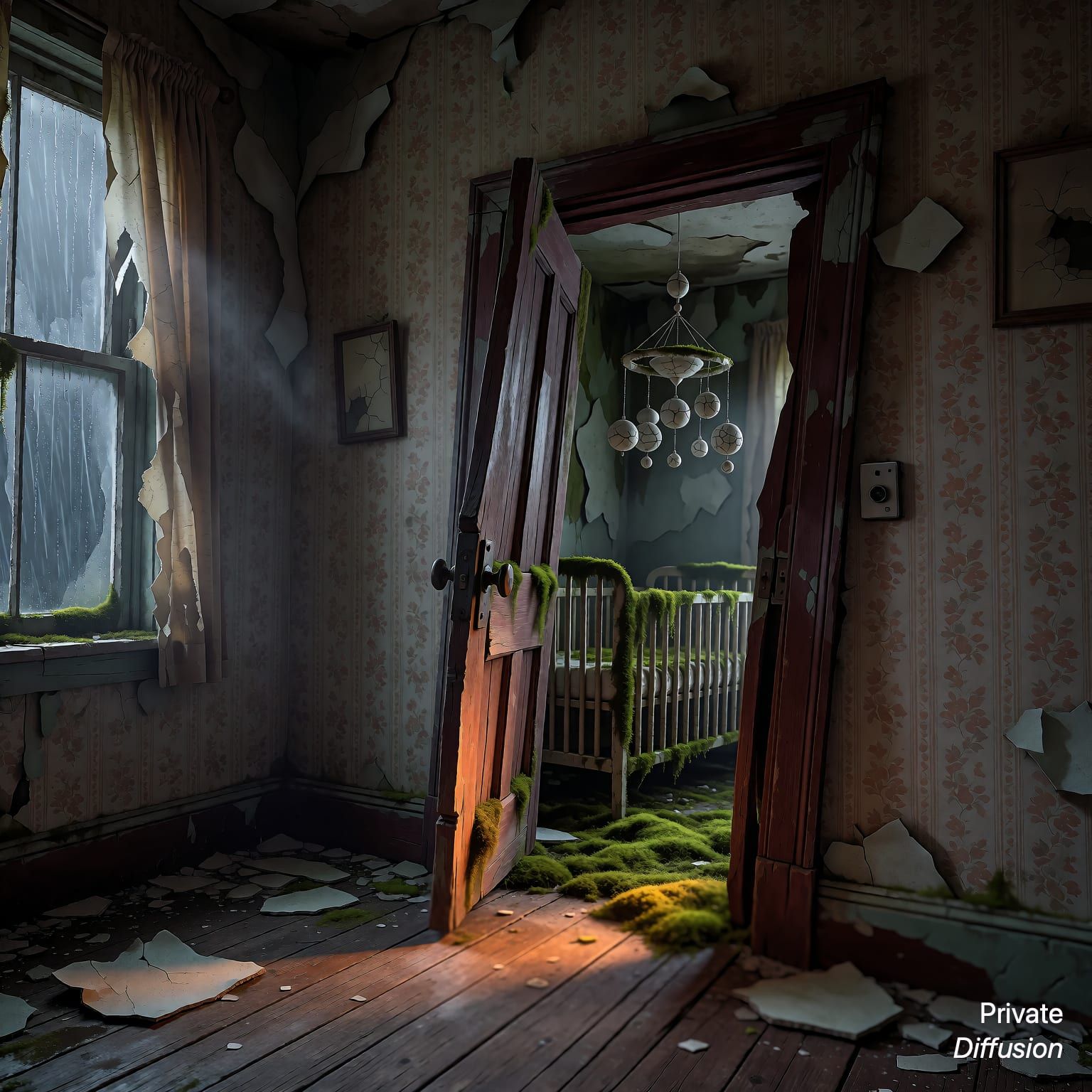
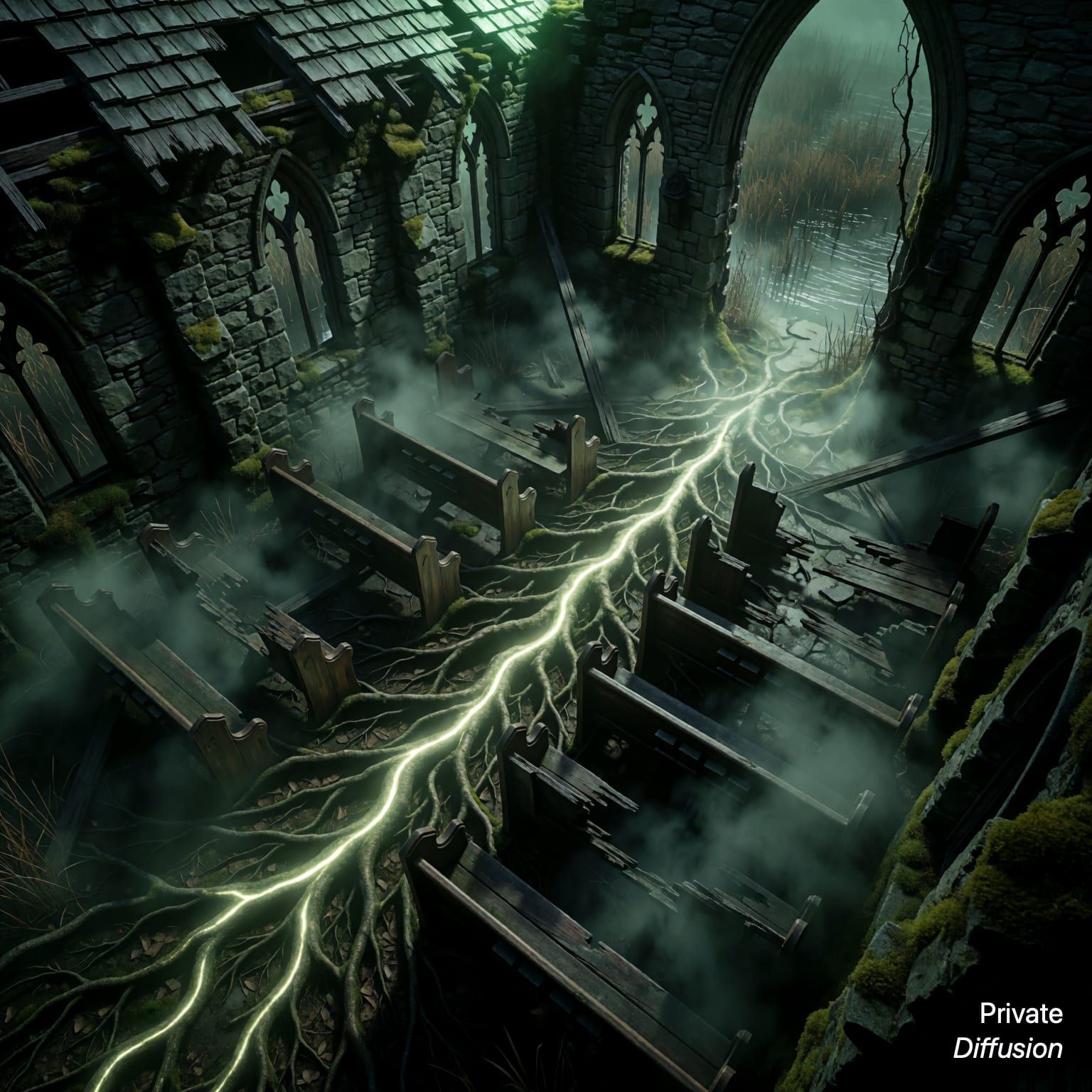
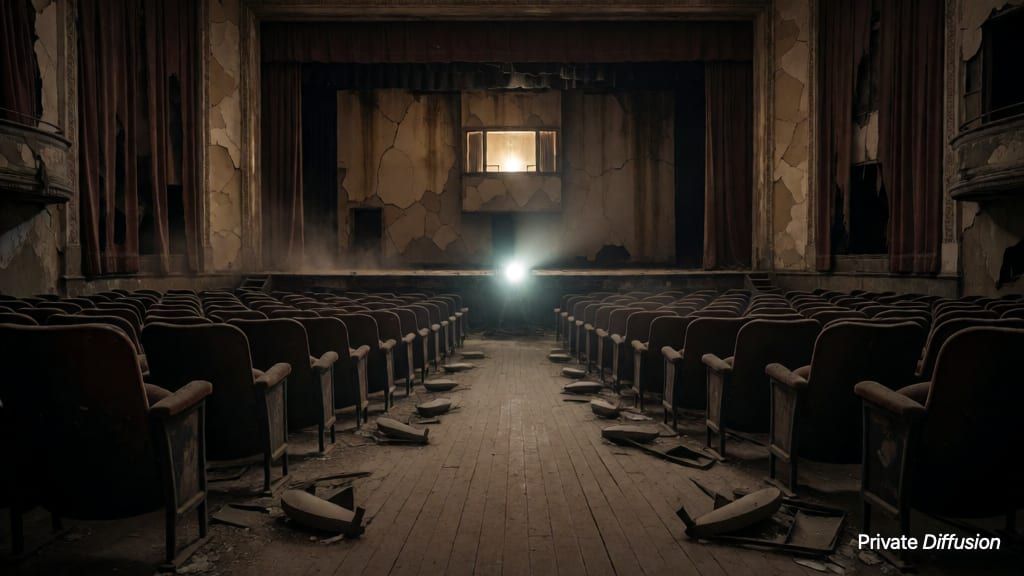
An abandoned mannequin nursery becomes the subject, with porcelain infant forms arranged in iron cribs under torn gauze canopies. A cracked rocking horse moves on its own beside scattered glass eyes and dry flower stems. Peeling wallpaper, warped floorboards, and a narrow doorway fill the wide room. The camera peers from floor level between crib bars. Moonlight slices through dusty blinds. Kroma Turbo renders restrained horror, tactile decay, and unsettling stillness without graphic violence.
Negative Prompt
gore, blood, readable text, logos, watermark, smiling faces, extra limbs, bright cheerful colors, low detail
- Seed
- 237470705
- Steps
- 10
- Quality
- Max
- Size
- 1536 × 1024
- Made With
- Private Diffusion on a Mac with Apple Silicon
Make it on your own Mac with 24 GB or more. Nothing you type leaves the device.


Why This Prompt Works
This horror scene relies on unease rather than explicit violence, giving Kroma Turbo concrete props and a strong viewpoint. “Peers from floor level between crib bars” carries the composition by placing the viewer inside the room’s geometry. “Moonlight slices through dusty blinds” defines the light and creates hard bands across porcelain, iron, and peeling walls. The mannequin nursery subject is eerie, specific, and safe while still delivering a memorable horror image.
Recreate It in Private Diffusion
- Paste the prompt into Studio and choose Kroma Turbo.
- Set Size to XL and Aspect Ratio to Landscape 3:2.
- Type 237470705 into Seed. On a Mac, switch off Randomize first.
- Set Steps to 10.
- Paste the negative prompt into Negative prompt.
- Switch on Max quality (slower).
Those are the settings that made this picture, and they run on your own Mac with 24 GB or more, with nothing uploaded.
More Like This