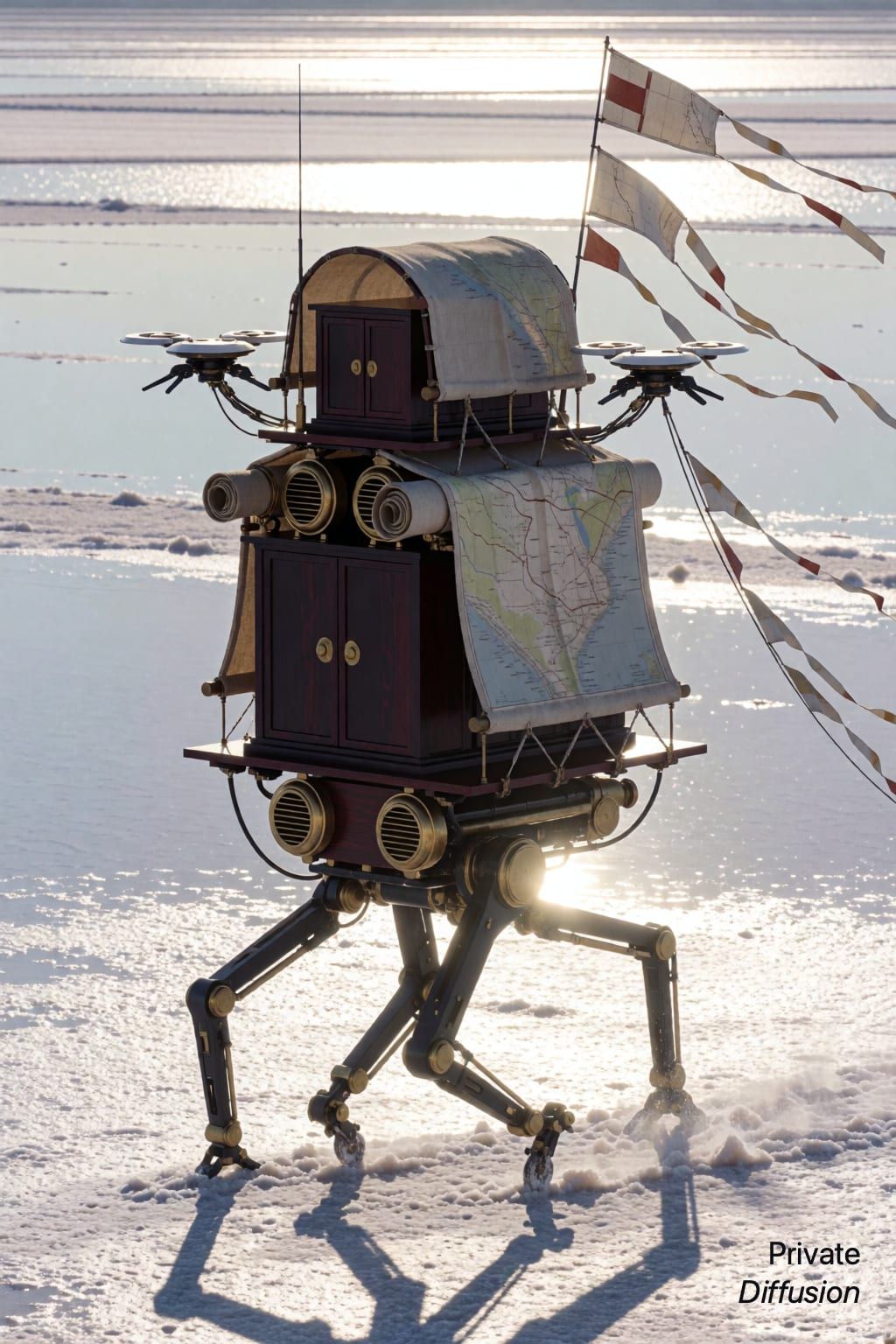
Desert ark crossing salt flats
- Model Kroma Turbo
- Square 1:1
- 1536 × 1536 · XL
- 10 steps
- Max quality
- Mac
Prompt and Settings
A colossal desert ark on six articulated legs crosses cracked salt flats, carrying wind scoops, canvas awnings, water tanks, and hanging gardens. The landscape stretches toward pale mesas, dry pools, and a storm wall on the horizon. A square cinematic camera views the machine from low ground beside salt crystals. Harsh noon sun casts short shadows, with dusty gold light under the hull. Concept art sheet style, readable scale, mechanical detail, environmental storytelling.
Negative Prompt
text, labels, logos, watermark, blurry machinery, impossible joints, duplicated legs, muddy colors, tiny unreadable details
- Seed
- 305420824
- Steps
- 10
- Quality
- Max
- Size
- 1536 × 1536
- Made With
- Private Diffusion on a Mac with Apple Silicon
Didn't Open in the App?
Private Diffusion turns prompts like this one into images on your Mac with 24 GB or more. Nothing you type reaches our servers.


Have the app? In another app's browser, open this page in Safari first. On iPhone or iPad, go back to the prompt in Safari and press and hold Open in Private Diffusion, then pick the app from the menu.
Make it on your own Mac with 24 GB or more. Nothing you type reaches our servers.

Why This Prompt Works
The walking ark gives Kroma Turbo a strong concept-art problem, because one square image has to show how big the machine is and how it works. The low ground camera beside salt crystals makes the machine feel monumental and sets the viewer inside the landscape. Harsh noon sun and dust under the hull describe readable lighting, while tanks, gardens, awnings, and wind scoops communicate how the vehicle survives its desert route.
Recreate It in Private Diffusion
- Paste the prompt into Studio and choose Kroma Turbo.
- Set Size to XL and Aspect Ratio to Square 1:1.
- Type 305420824 into Seed. On a Mac, switch off Randomize first.
- If Studio shows a control with Off and 4-step, choose Off.
- Set Steps to 10.
- Paste the negative prompt into Negative prompt.
- Switch off Rewrite Prompt so Studio keeps the prompt word for word.
- Switch on Max quality (slower).
Those are the settings that made this picture, and they run on your own Mac with 24 GB or more, with nothing sent to our servers.
More Like This