Migrating archive across salt flats
- Model Kroma Turbo
- Portrait 2:3
- 1024 × 1536 · XL
- 10 steps
- Max quality
- iPadMac
Prompt and Settings
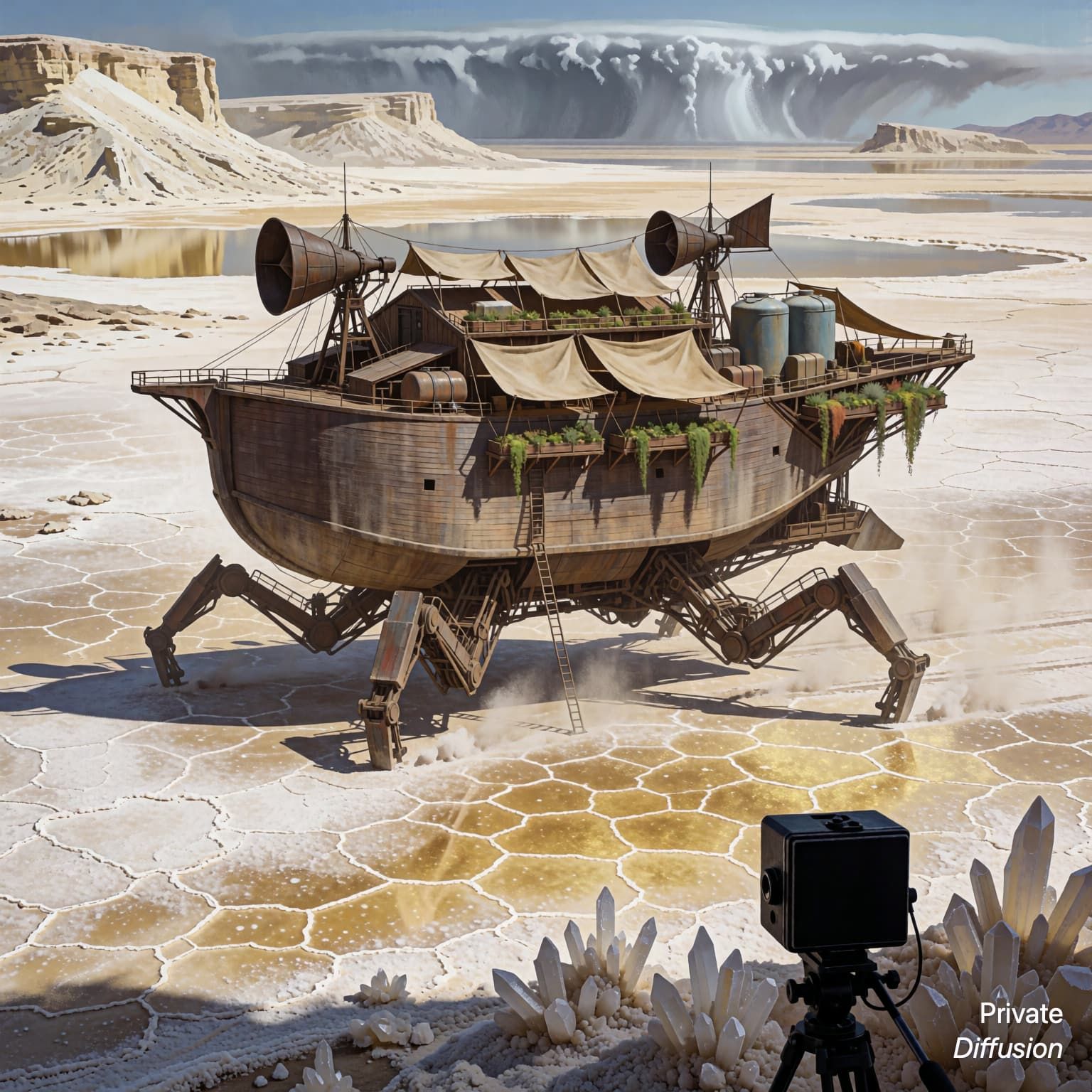
A walking archive tower strides across salt flats on jointed legs, carrying lacquer cabinets, brass vents, and rolled canvas maps under weather covers. Small maintenance drones circle its upper decks while survey flags trail behind in the wind. The camera uses a distant telephoto view in a 2:3 frame, compressing the flats into pale bands. Morning glare reflects from salt crystals, concept-art style, clean shape language, practical mechanisms, muted pigments, scale markers.
Negative Prompt
text, labels, logos, watermark, extra legs, tangled geometry, blurry drones, broken horizon, muddy colors, oversharpening, duplicate towers
- Seed
- 170213134
- Steps
- 10
- Quality
- Max
- Size
- 1024 × 1536
- Made With
- Private Diffusion on a Mac with Apple Silicon
Make it on your own Mac with 24 GB or more. Nothing you type leaves the device.


Why This Prompt Works
The subject gives Kroma Turbo a strong design challenge with a clear silhouette: a mobile archive rather than a familiar fortress or vehicle. The distant telephoto phrase carries the composition by flattening the salt flats into bands, making the tower’s legs and cabinets easy to read. Brass vents, lacquer cabinets, survey flags, and morning glare provide material variety, while the concept-art style encourages believable function and scale.
Recreate It in Private Diffusion
- Paste the prompt into Studio and choose Kroma Turbo.
- Set Size to XL and Aspect Ratio to Portrait 2:3.
- Type 170213134 into Seed. On a Mac, switch off Randomize first.
- Set Steps to 10.
- Paste the negative prompt into Negative prompt.
- Switch on Max quality (slower).
Those are the settings that made this picture, and they run on your own Mac with 24 GB or more, with nothing uploaded.
More Like This