Run frontier image models on your iPhone, not in a data center.
Private Diffusion is a local AI image generator for iPhone, iPad, and Mac. Every model is trained to hold its full-size quality and runs on your device's own chip, where nobody else sees the prompt.
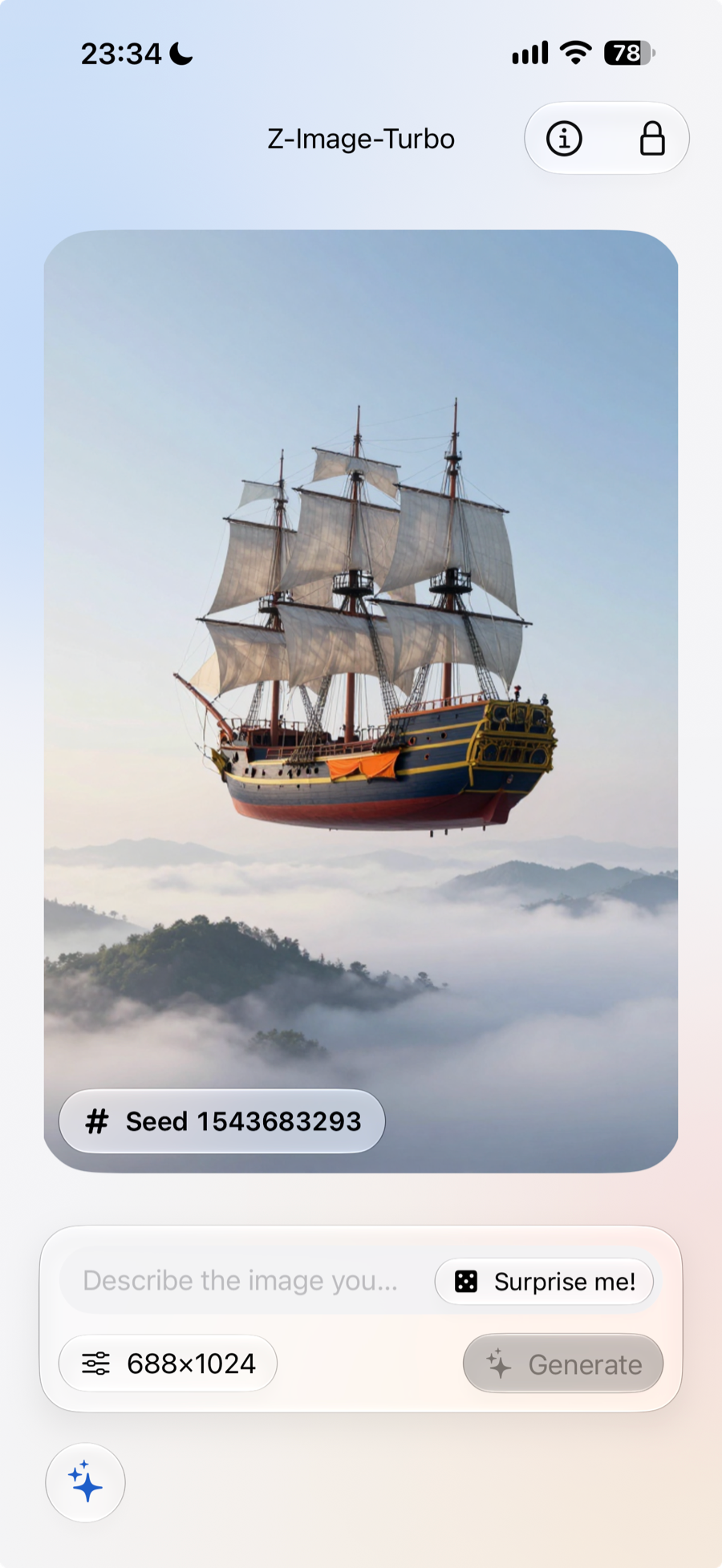
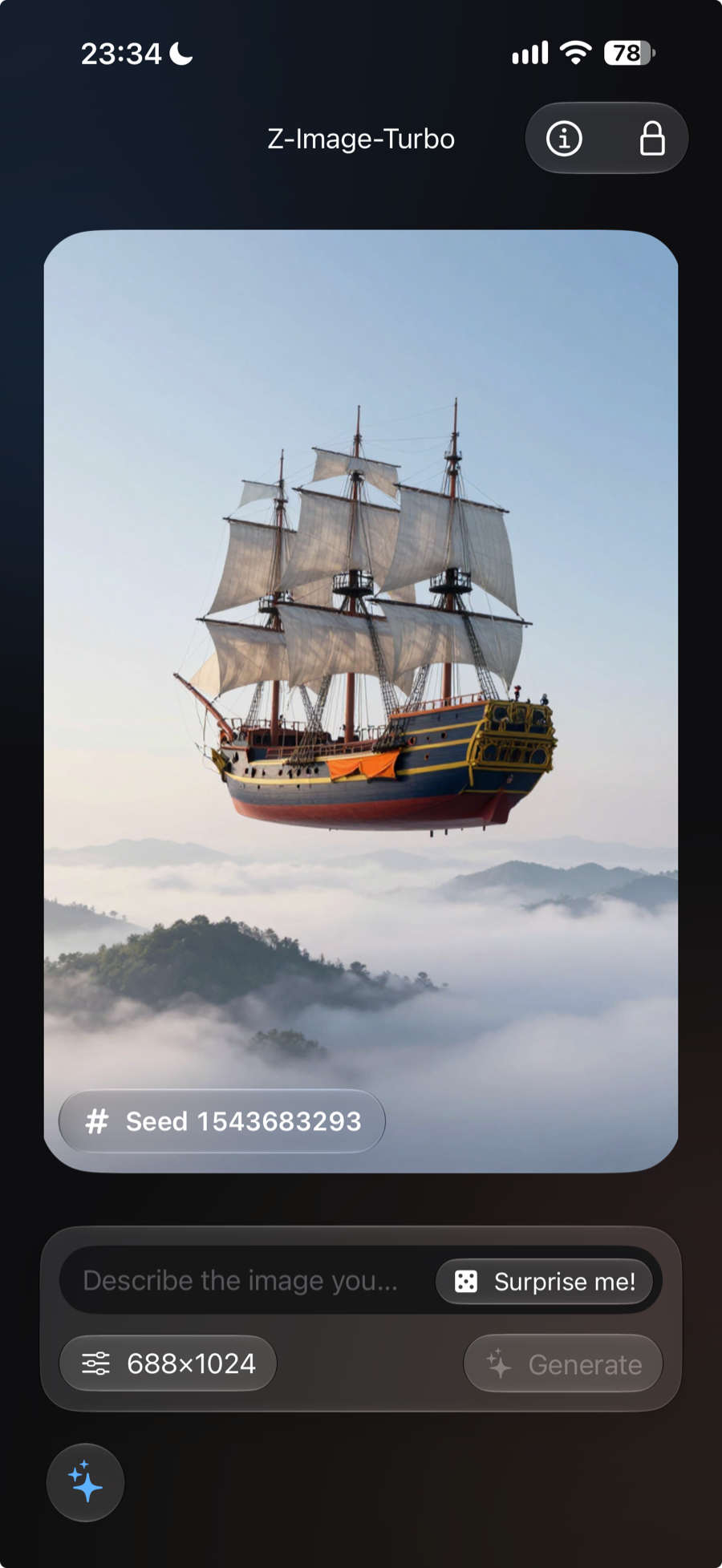
Krea 2 Turbo, Z-Image-Turbo, and Flux.2 Klein 4B, Made on a Device You Own
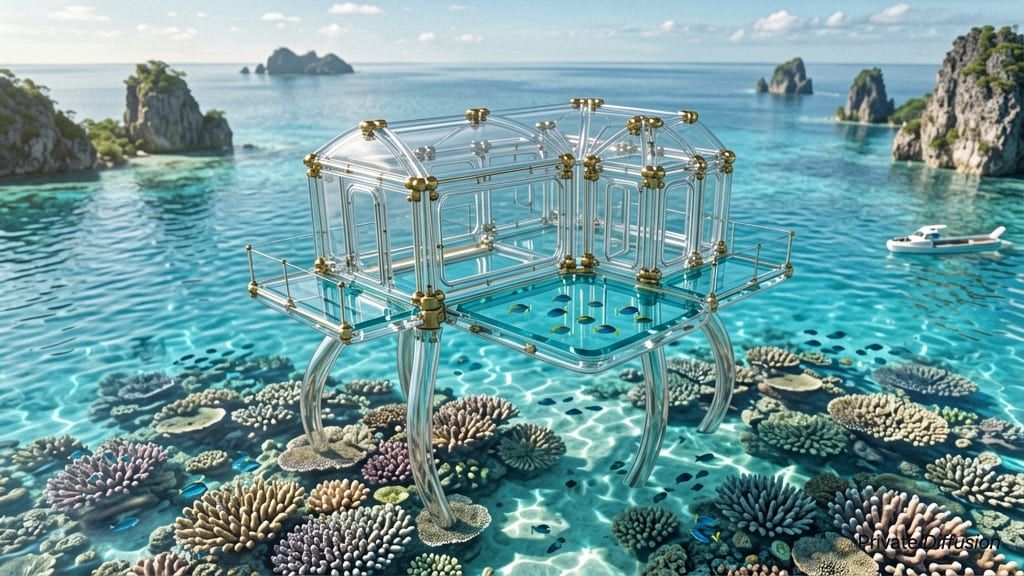
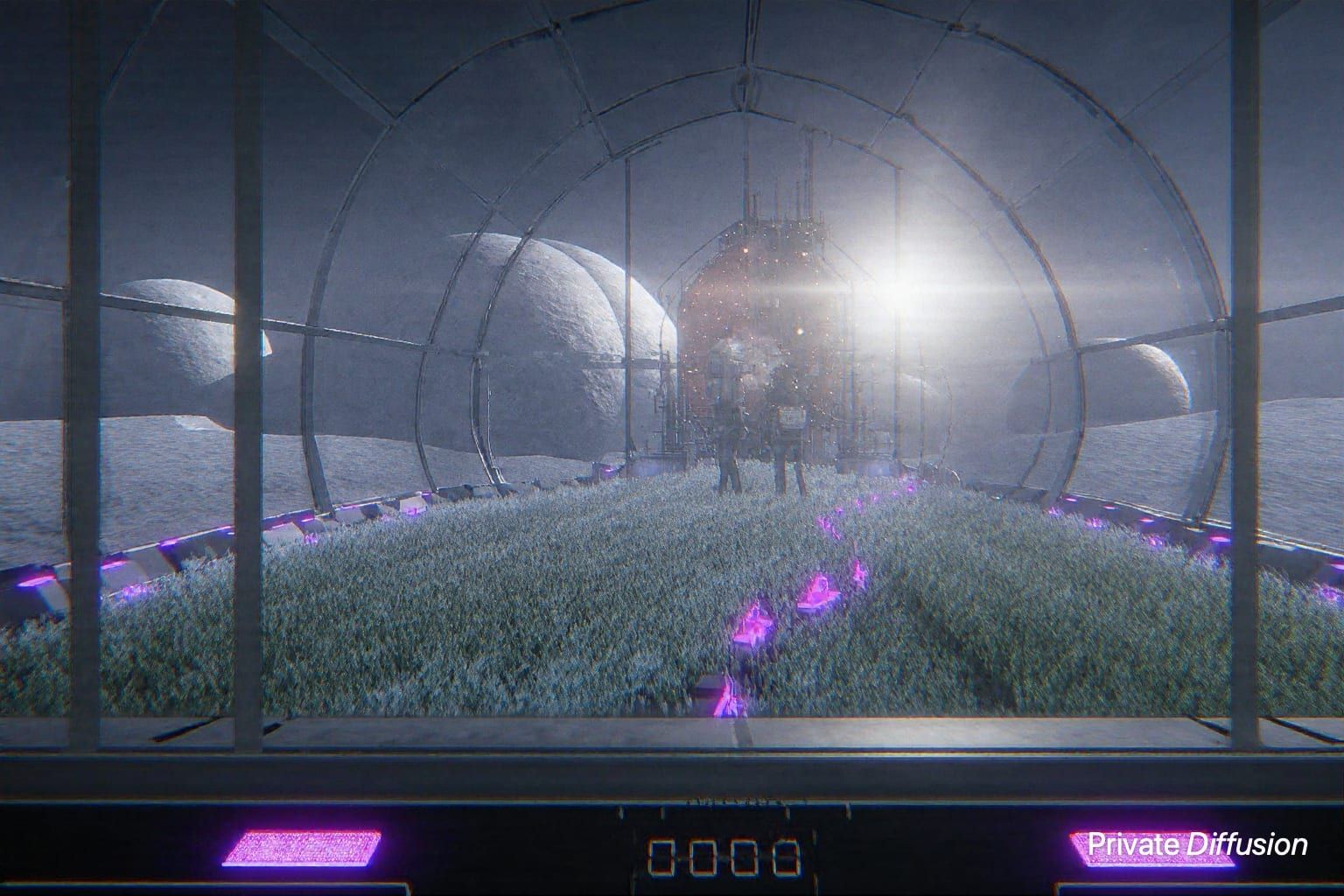
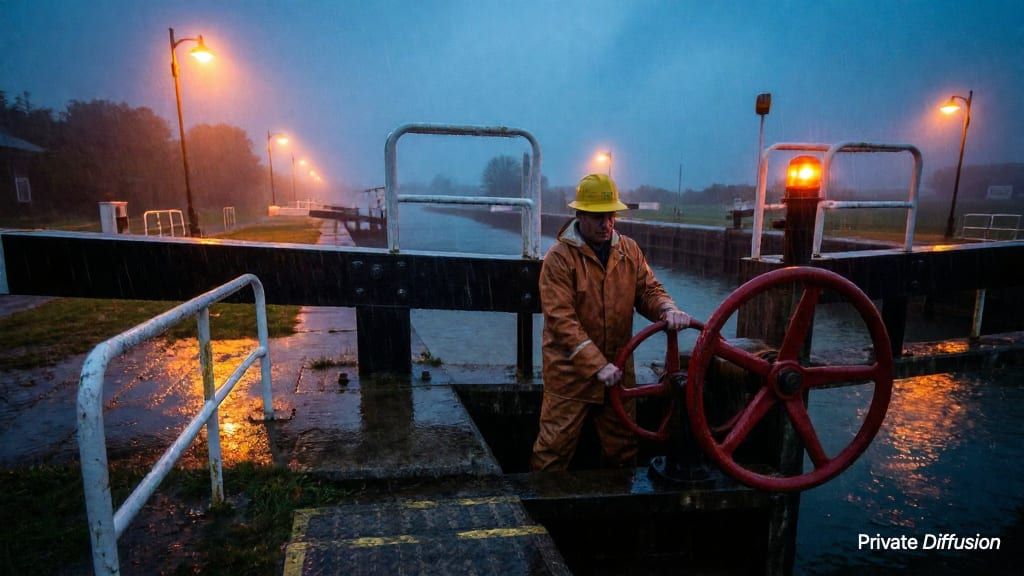
Every image on this page was made in Private Diffusion, on an iPhone, iPad, or Mac. Open one for its exact prompt and model, then copy the prompt and make your own.
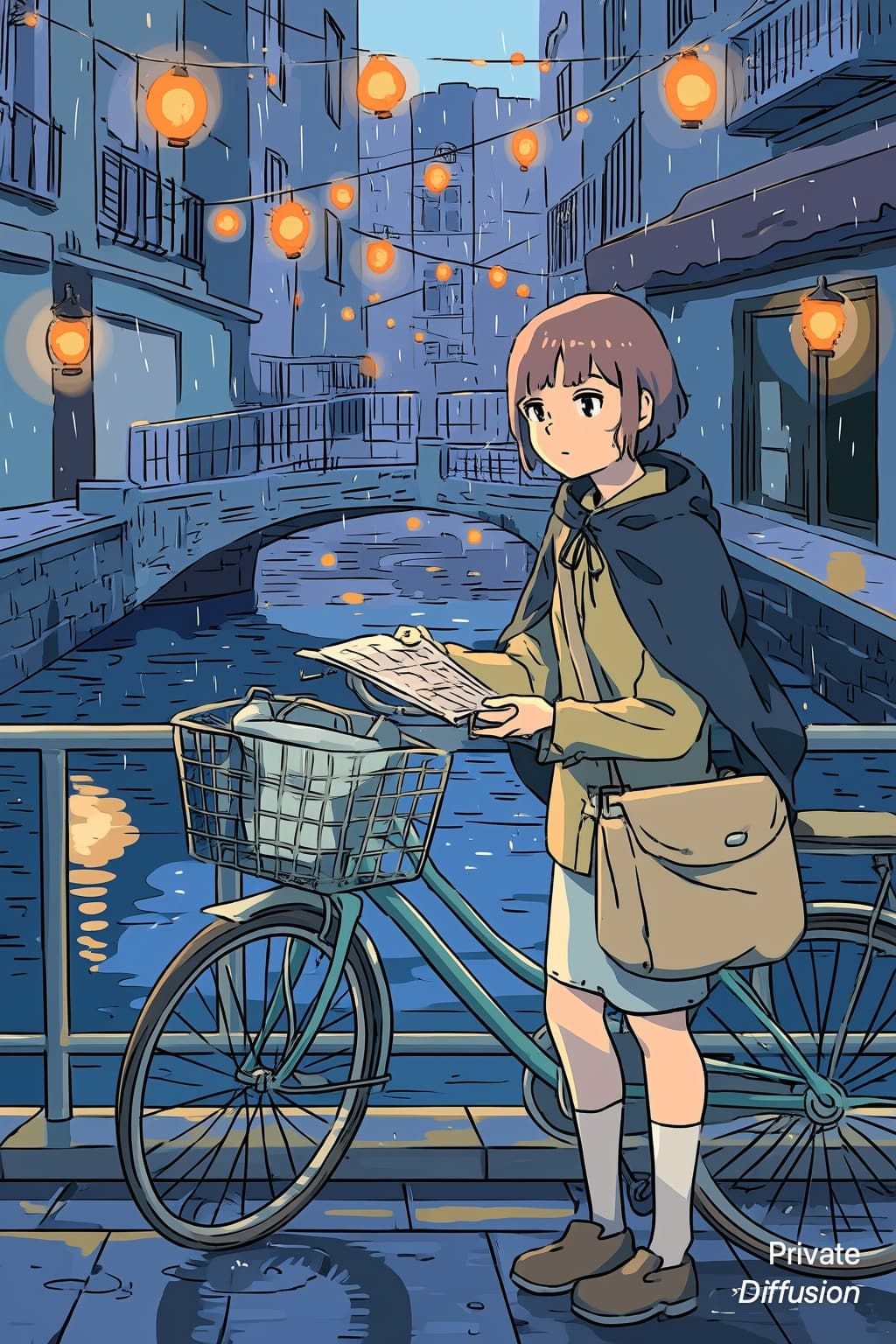
AnimaiPhoneA young bicycle courier with a canvas satchel and rain cape waits beside a steel railing 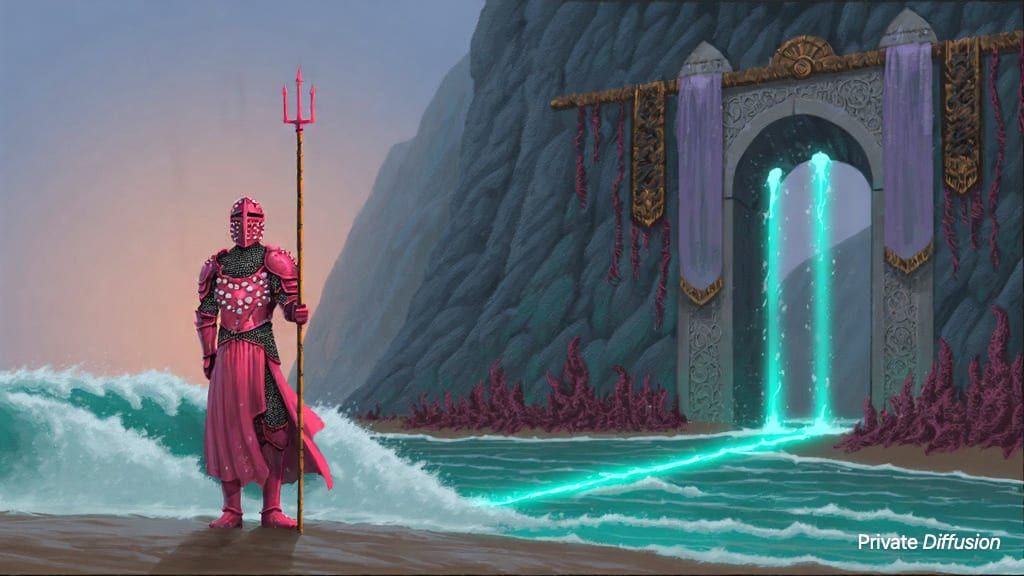
Chroma1-Flash16 GB iPad or MacA coral-armored knight with a pearl visor stands guard before a tide gate carved into a sea cliff 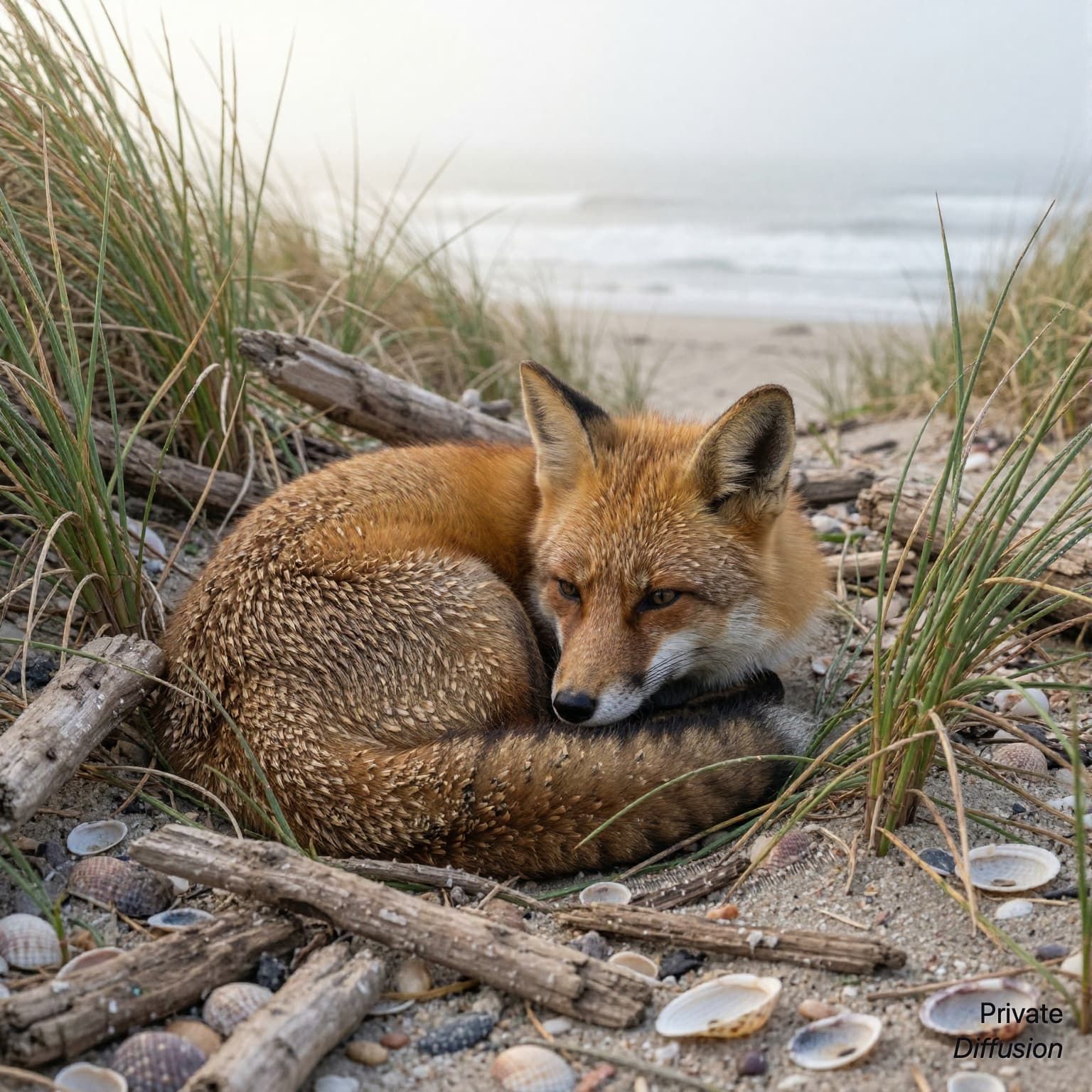
Boogu Image Turbo16 GB iPad or MacA red fox curls in a hollow of beach grass 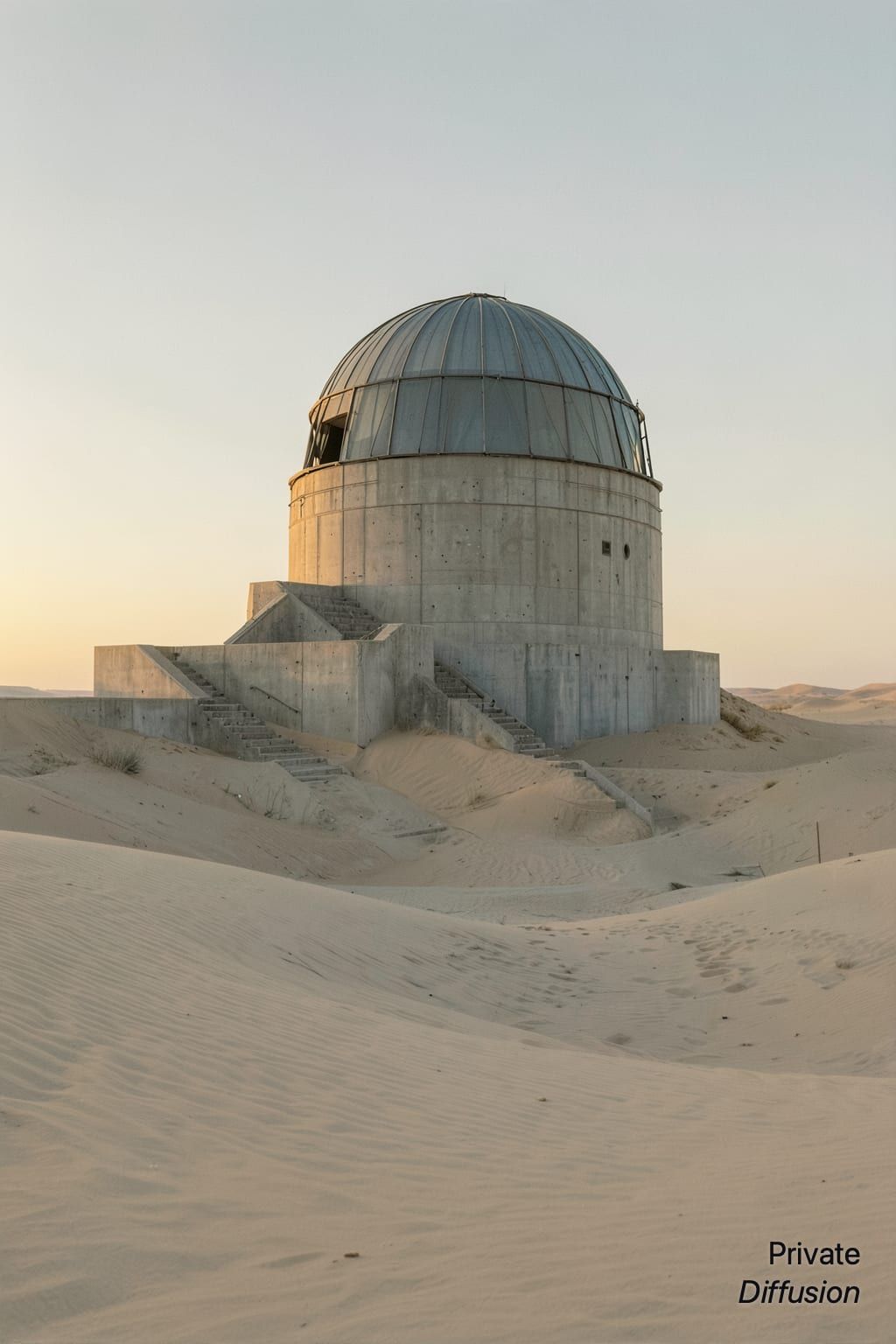
Flux.2 Klein 4BiPhoneA concrete desert observatory with a rotating metal dome stands half buried in pale sand 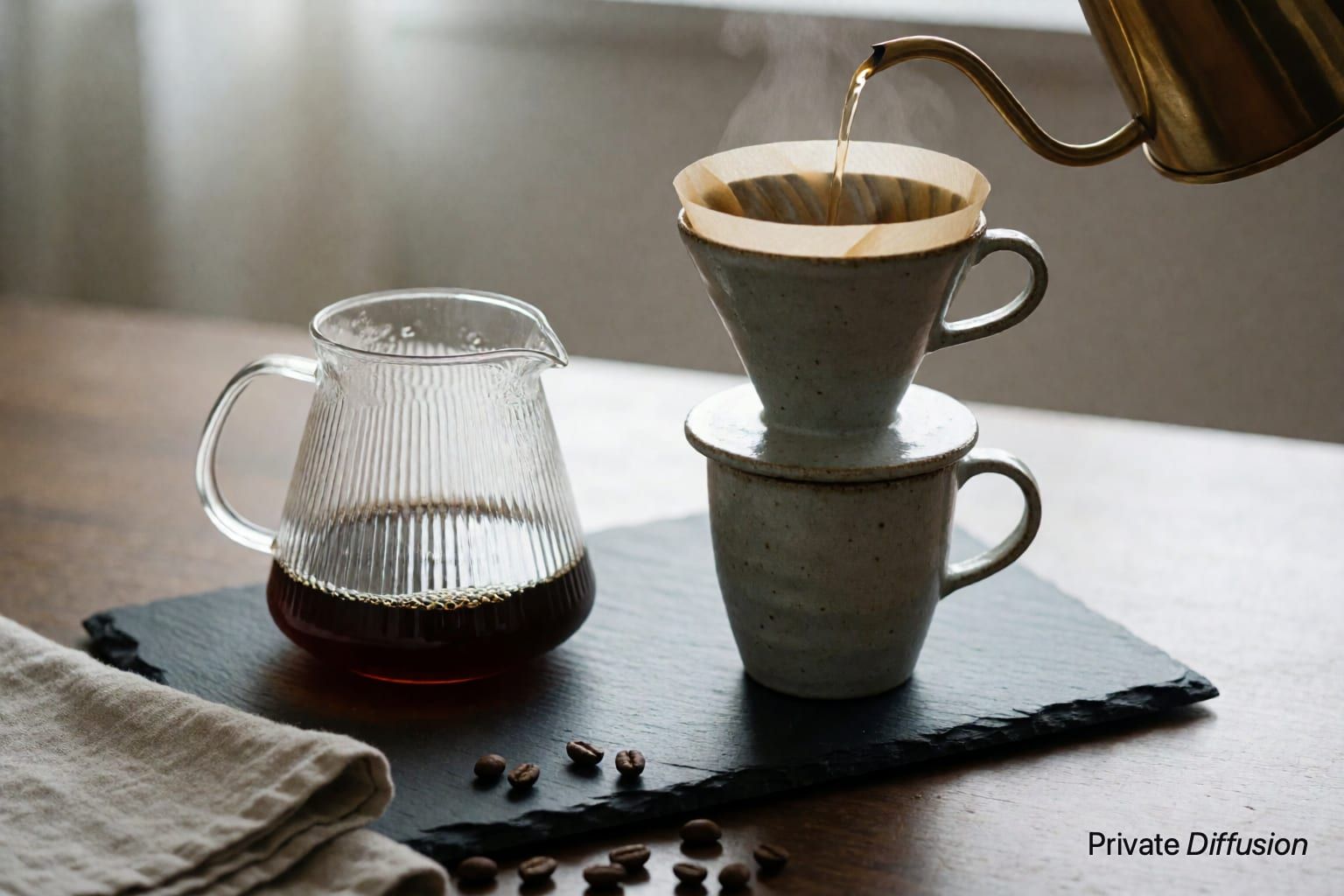
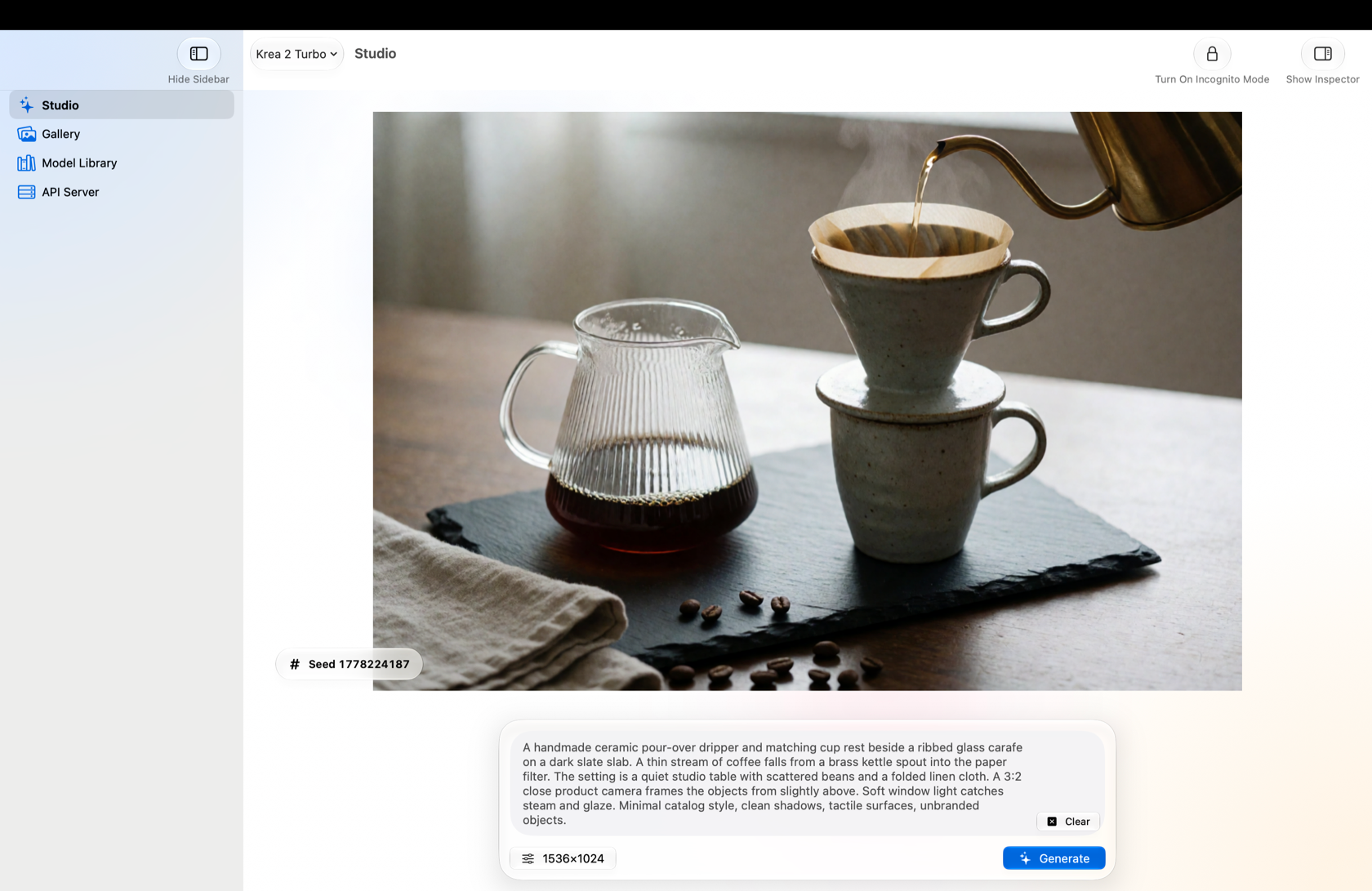
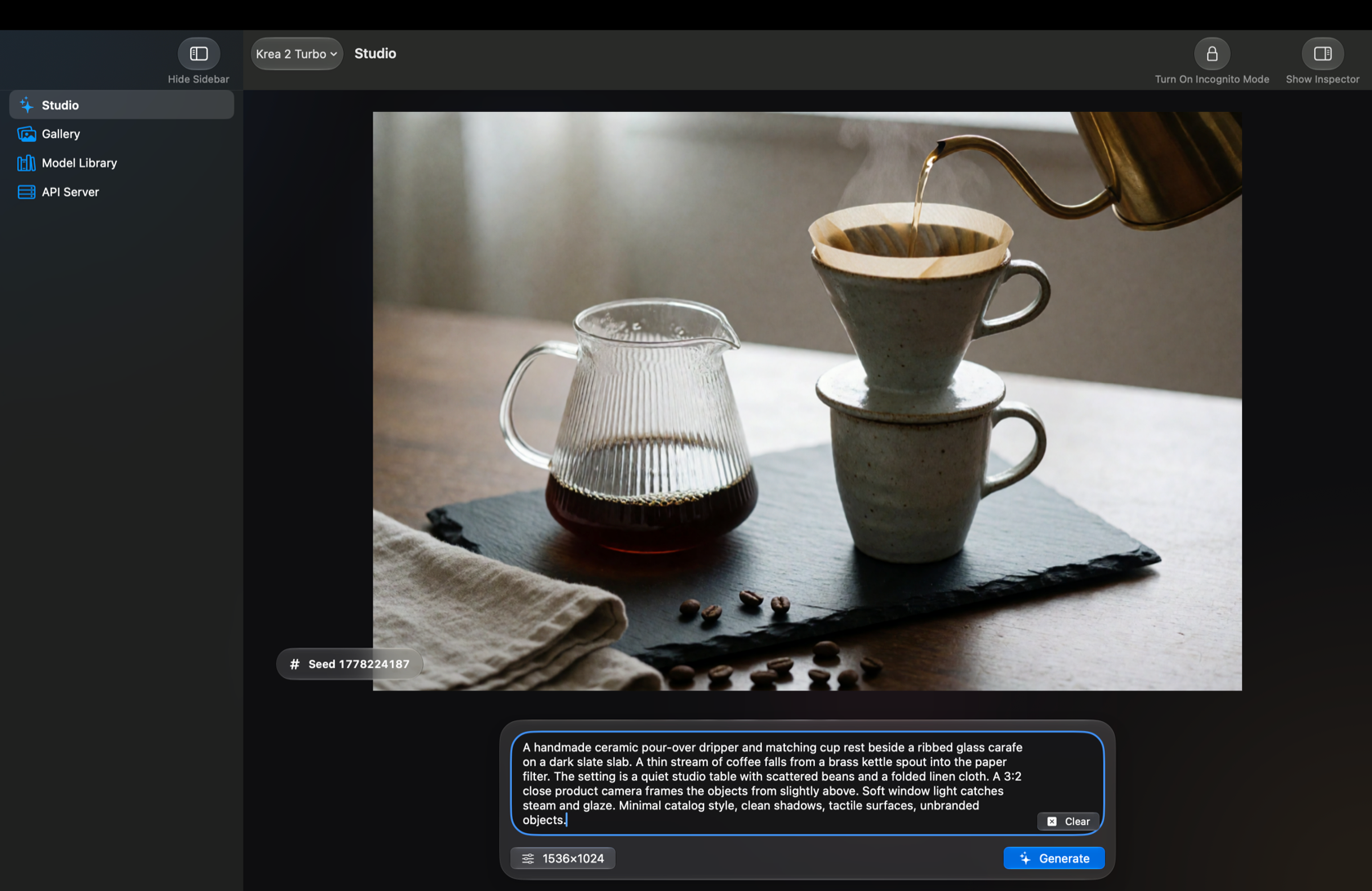
Krea 2 Turbo16 GB iPad or MacA handmade ceramic pour-over dripper and matching cup rest beside a ribbed glass carafe on a dark slate slab 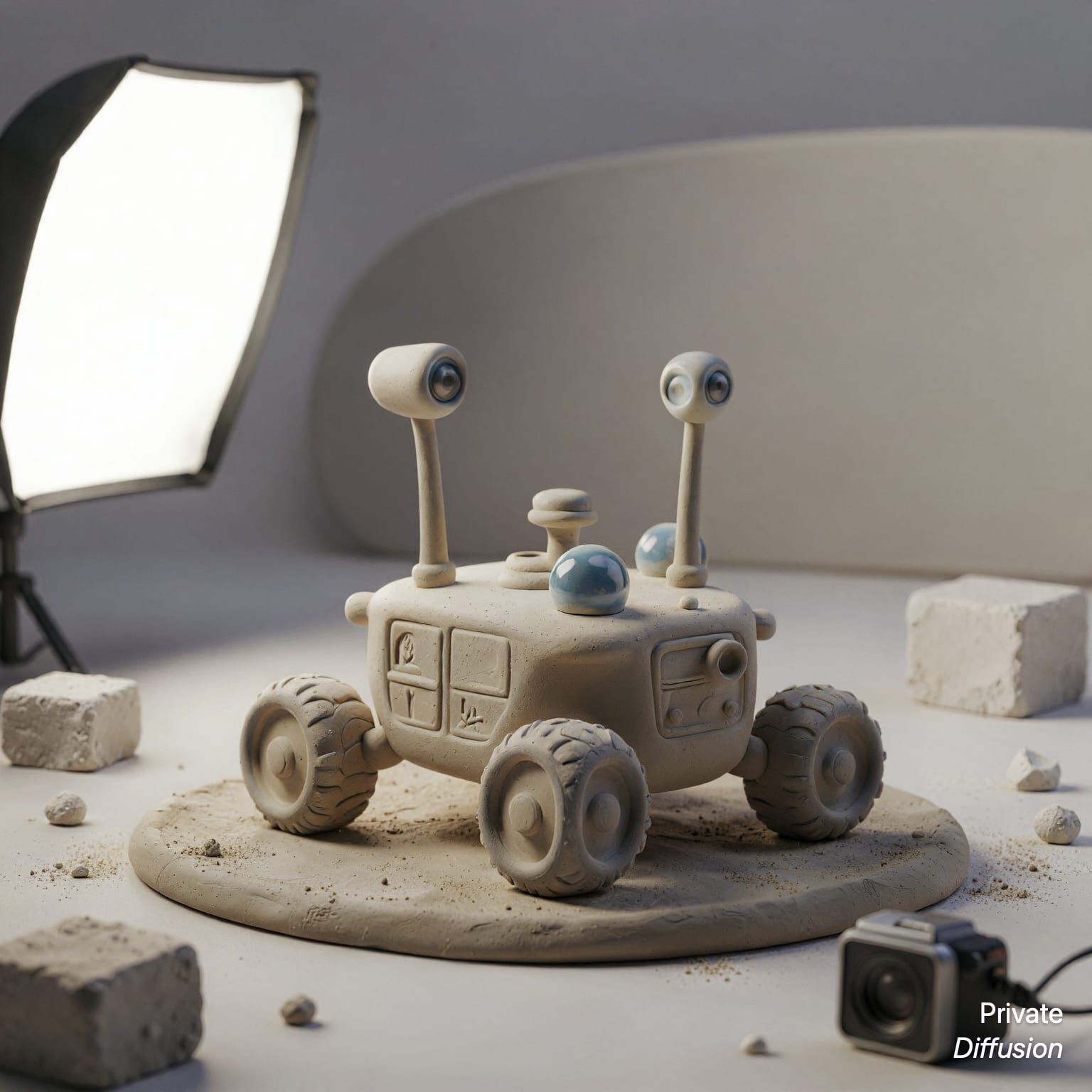
Mage Flow TurboiPhoneA small ceramic lunar rover with rounded wheels stands on a matte clay base 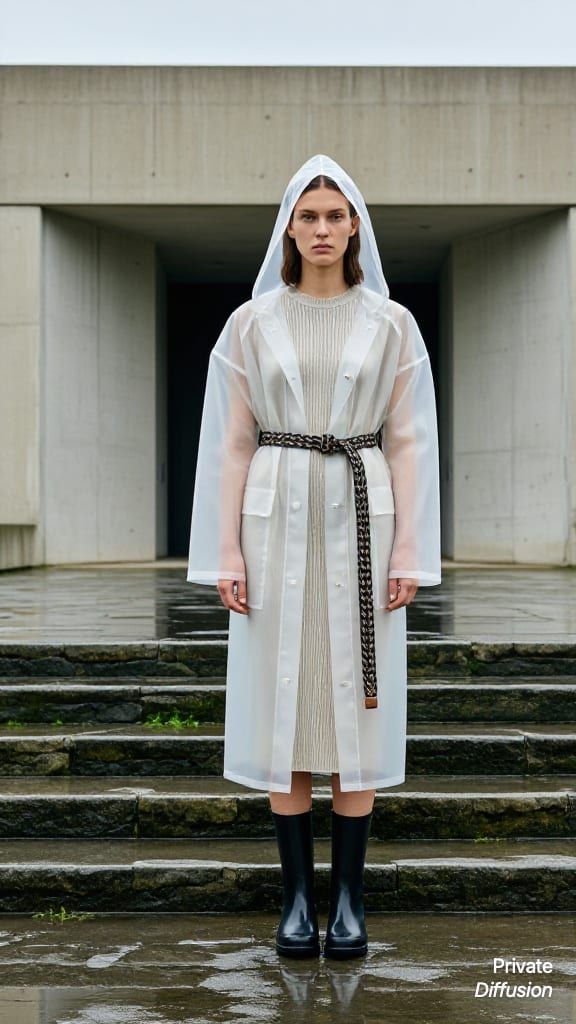
Juggernaut Z FastiPhoneAn adult model wears a translucent raincoat over a ribbed knit dress 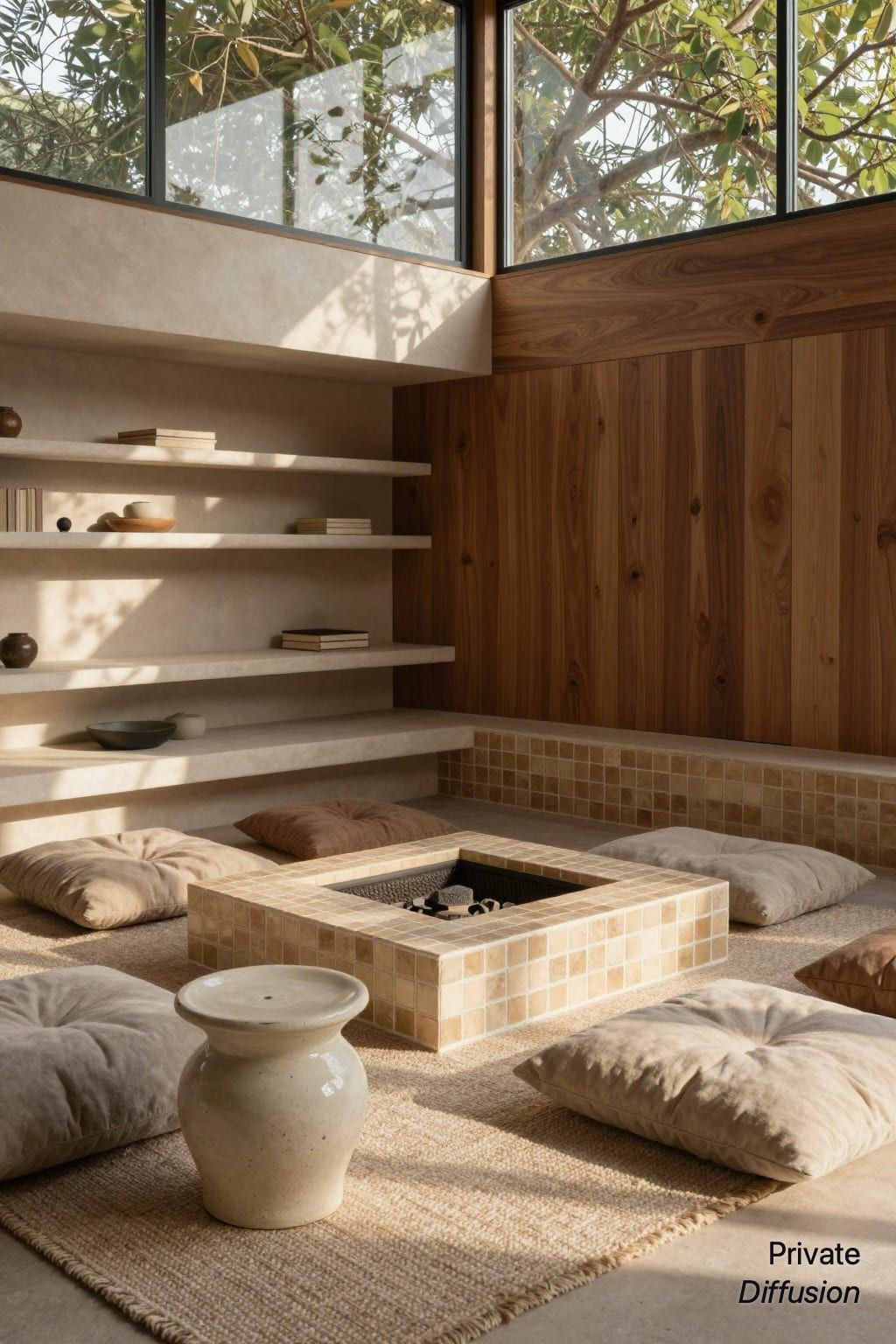
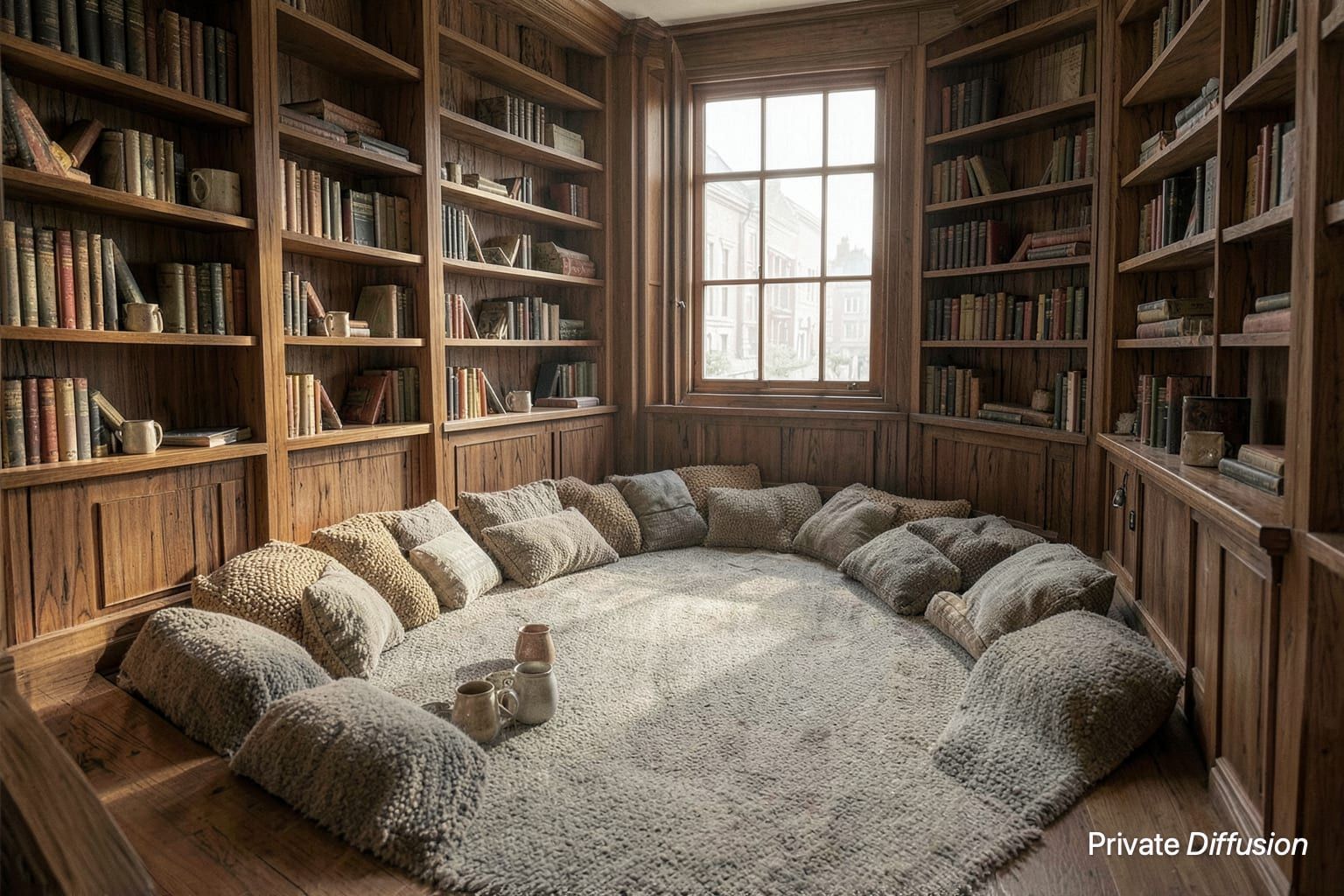
Z-Image-TurboiPhoneA sunken conversation pit surrounds a low square tile hearth in a relaxed living room
Your Mac Becomes an Image Server for Claude Code
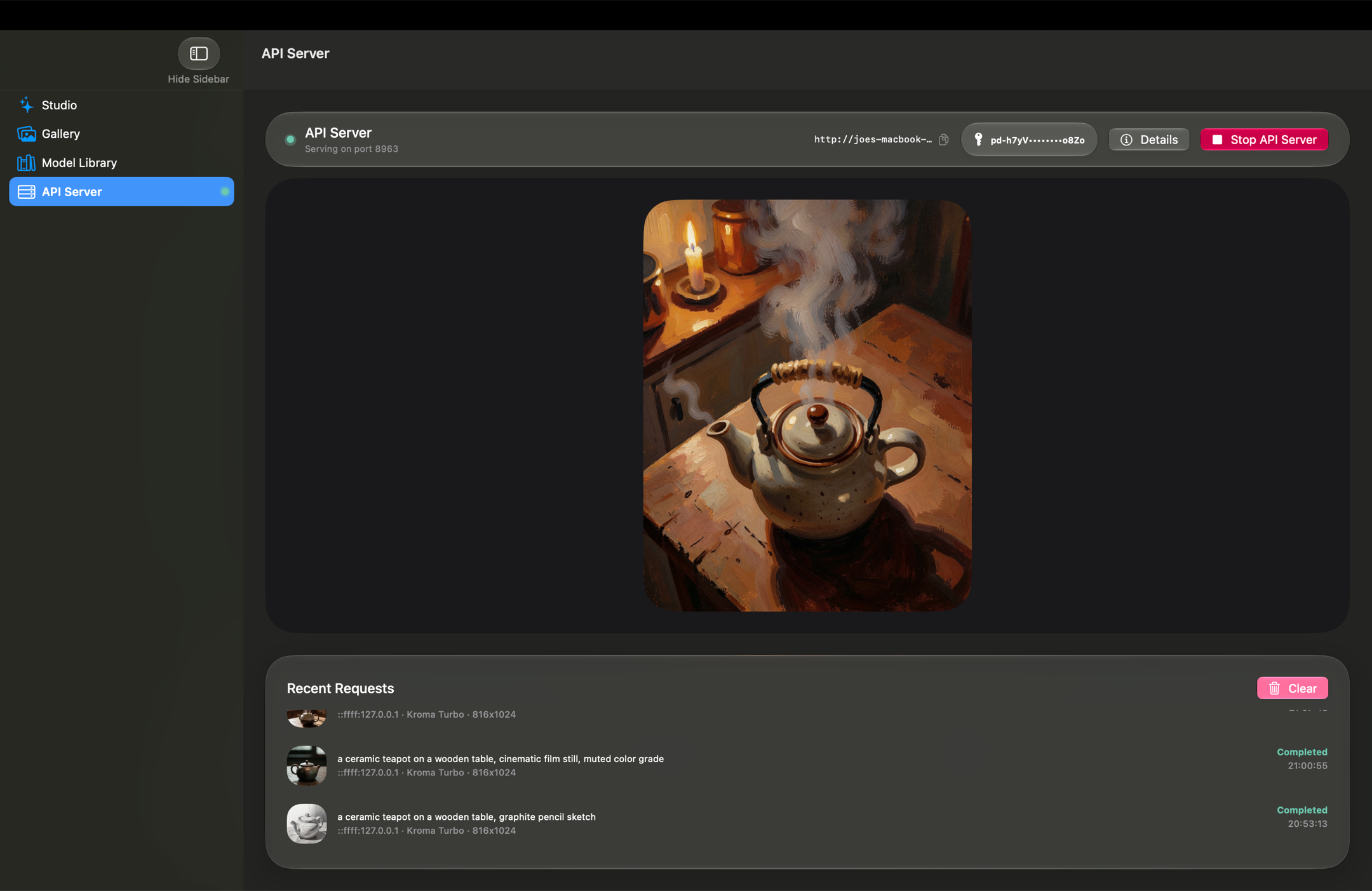
One click in the API Server tab and your Mac starts serving images to your own tools. Claude connects over MCP and generates with the models you have downloaded. Anything that speaks the OpenAI image API points at /v1/images/generations and gets the same, and every model but Nanosaur 2 streams partial images back as the picture forms if the client asks for them. Every image is made on your Mac and nothing passes through a cloud relay. The server answers on the network your Mac is on, and only to requests that carry your key.
Mac only. Text to image, on the models you have downloaded. Studio pauses while the server runs. On the Mac, images also drag straight into Finder and open in Quick Look, and the app sends a notification when a picture is done and puts Generate, Stop, and every tab on a keyboard shortcut.
Read the API docs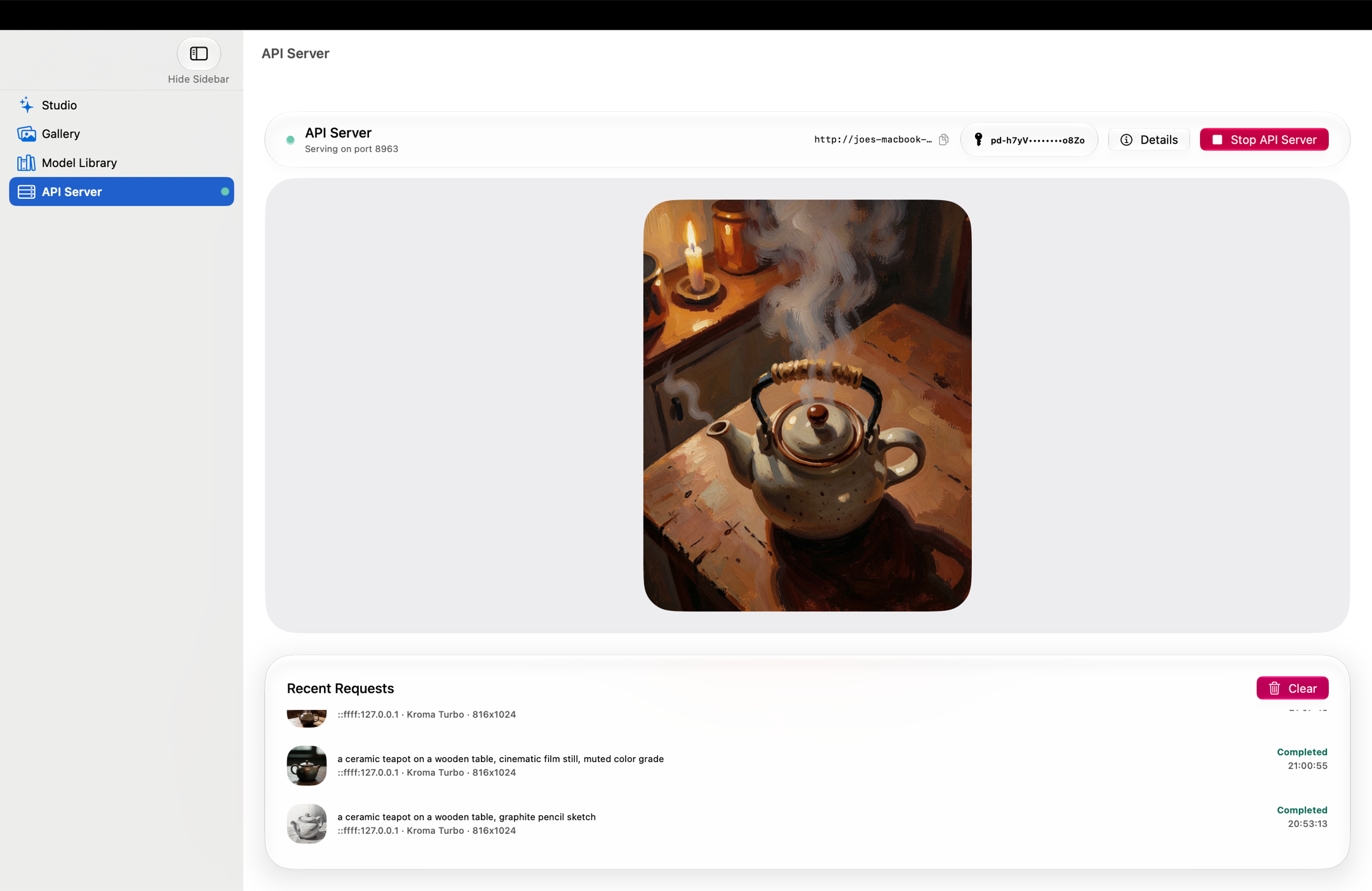
Set Up With Your AI Agent
Paste this prompt into Claude Code or any coding agent. The agent checks that the API server on your Mac is running, then sets up MCP or a script in your own code.
Download https://privatediffusion.ai/agent-setup.md with curl, read it in full, and follow it to connect me to the Private Diffusion API server on my Mac.
What the Server Answers
- GET /v1/models
- POST /v1/images/generations
- POST /mcp
Claude Code and Claude Desktop connect over MCP.
Bearer key, minted in the app.
Latent Upscaling to 6144 Pixels
Most upscalers stretch a finished picture. Private Diffusion enlarges the image before it is drawn, then draws it once, at full size, so fur, skin, and edges come out crisp instead of smeared. It runs on the Neural Engine in well under a second. No other image app on iPhone, iPad, or Mac does this. Set the size to extra large and the upscaler to 4x, and the long edge reaches 6144 pixels: 37.75 megapixels, a twenty-inch print at 300 dpi.
On Z-Image-Turbo, Juggernaut Z Fast, Chroma1-Flash, and Boogu Image Turbo, with a Mac that has 24 GB of memory. A 16 GB iPad reaches 4096 pixels on the same models.
From a Prompt to a Finished Picture on Your iPhone
You don't need an account. Write a prompt and watch your own device draw it.
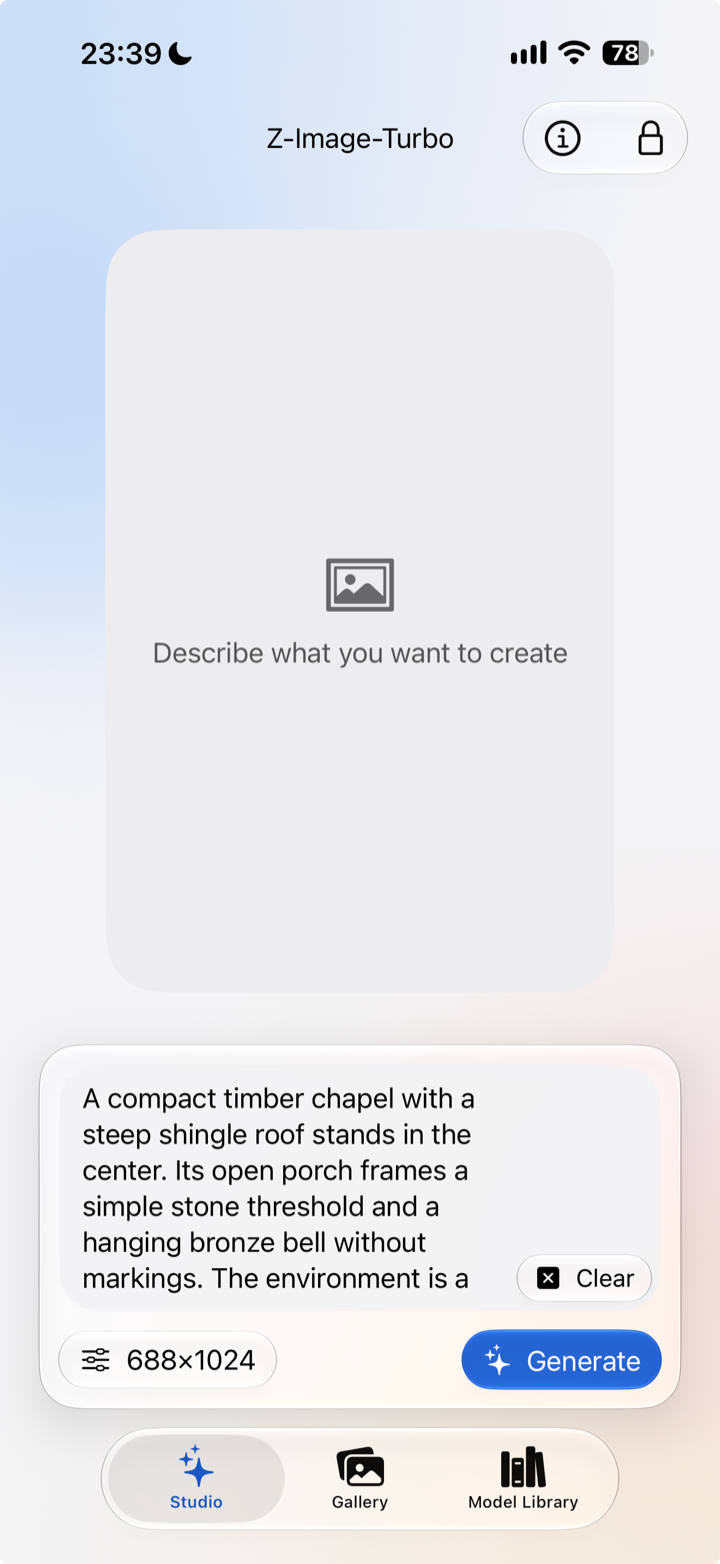
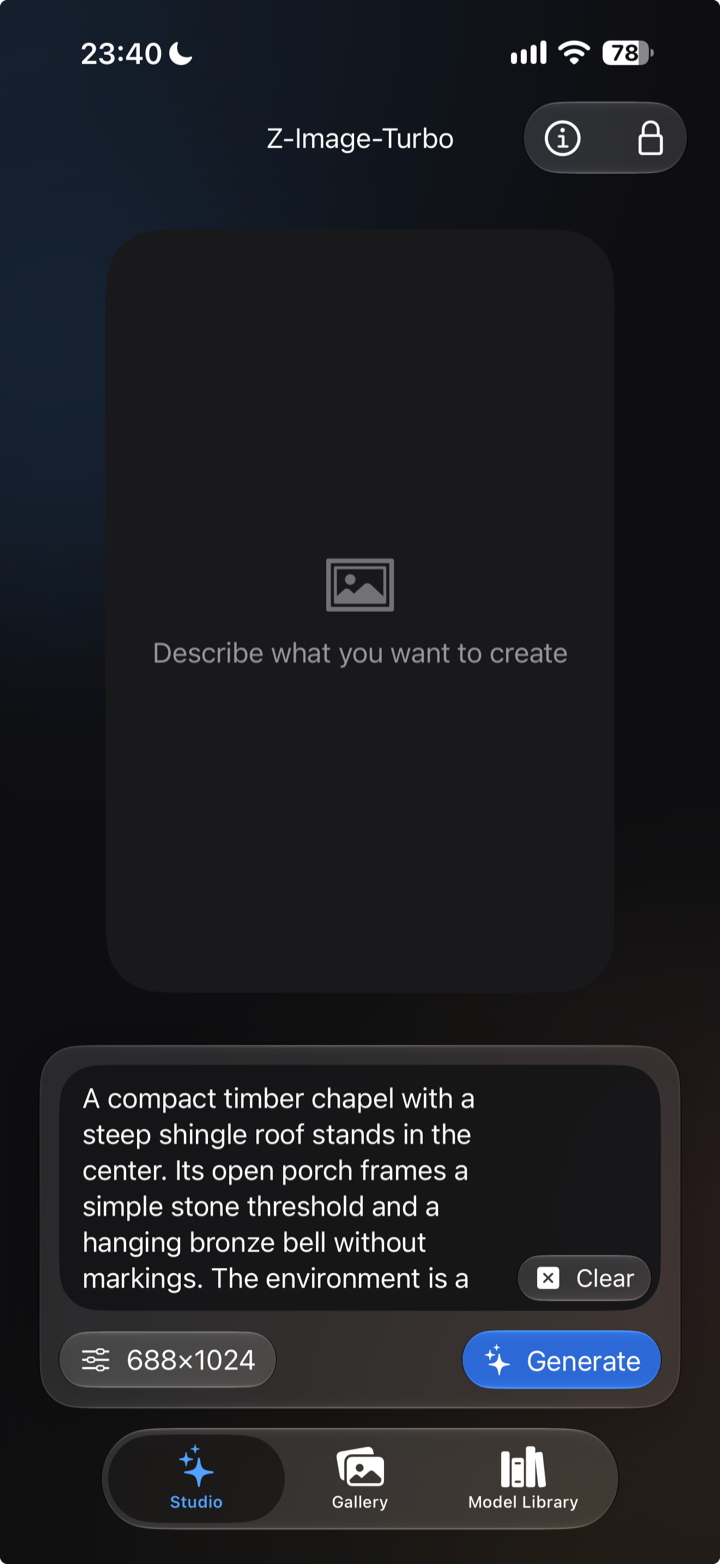
Describe It
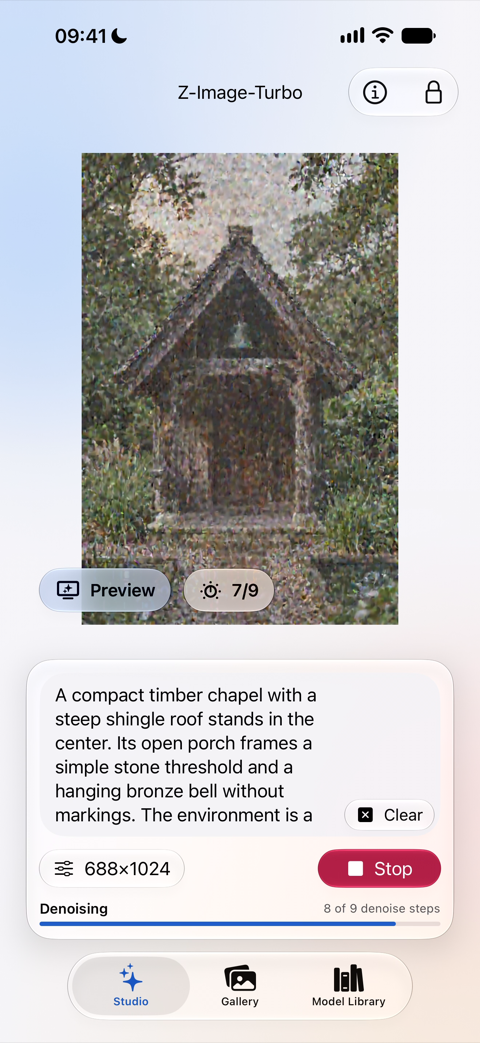
Type what you want to see, or tap the Surprise me! button and let the app suggest something. Pick a model and an aspect ratio, set a seed if you want the same picture twice, and tap Generate.
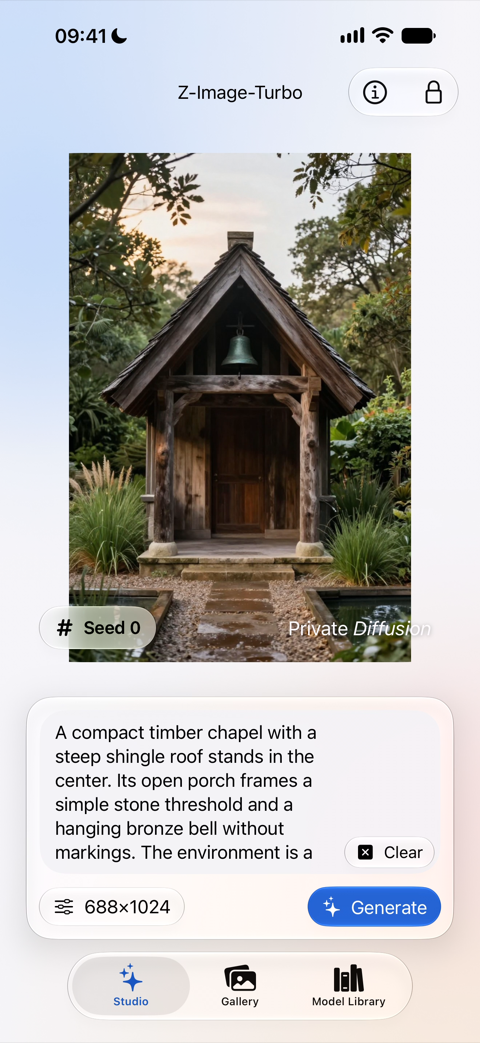
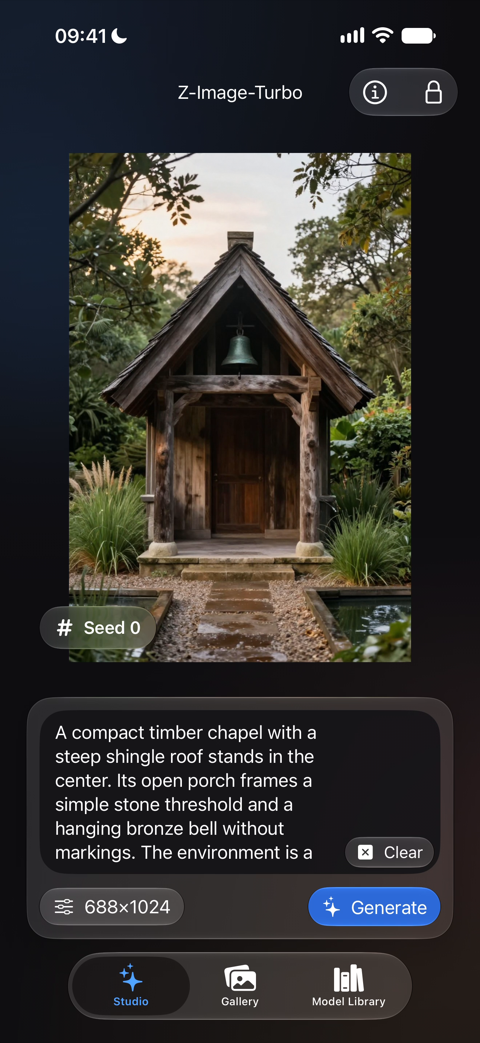
Watch It Form
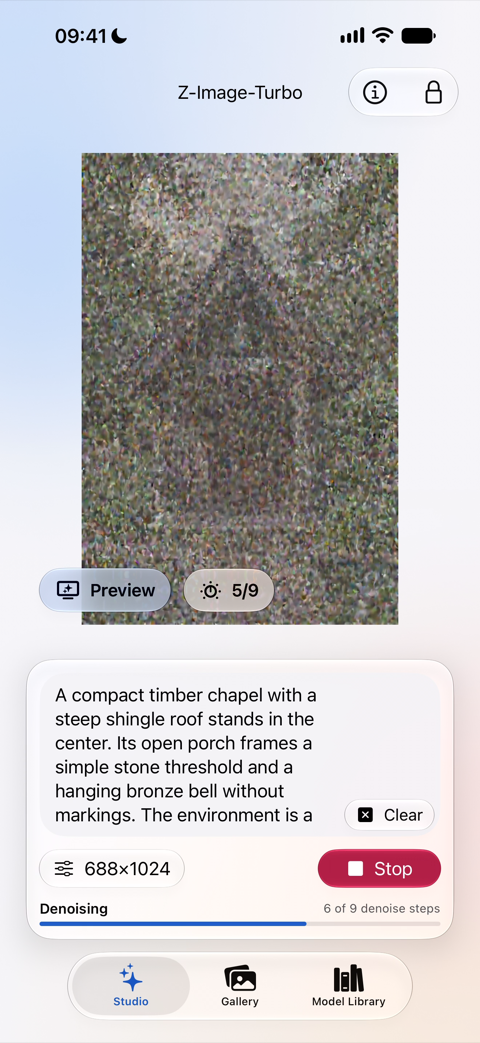
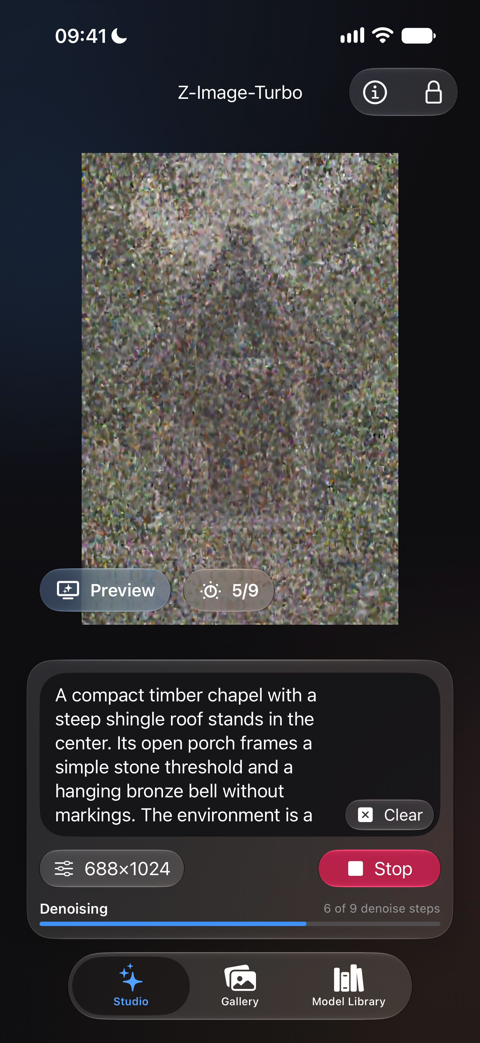
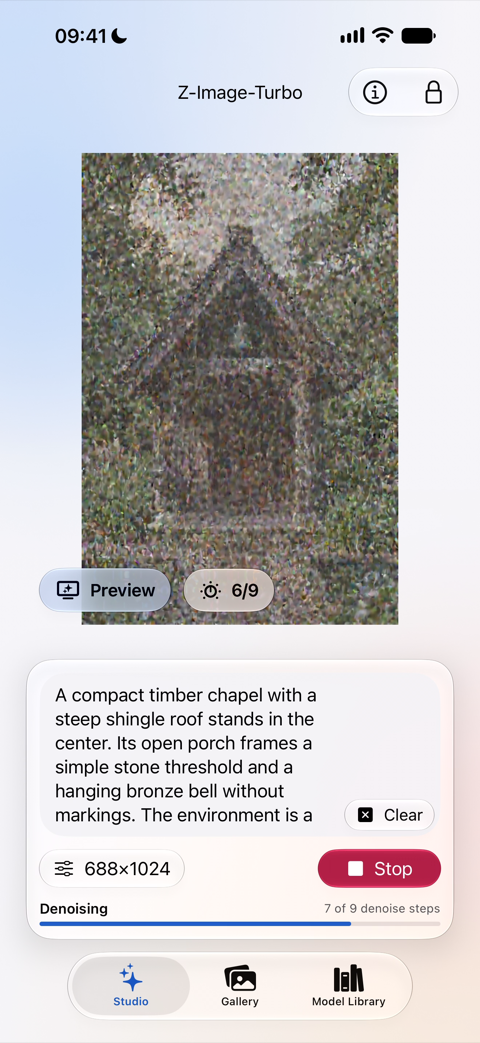
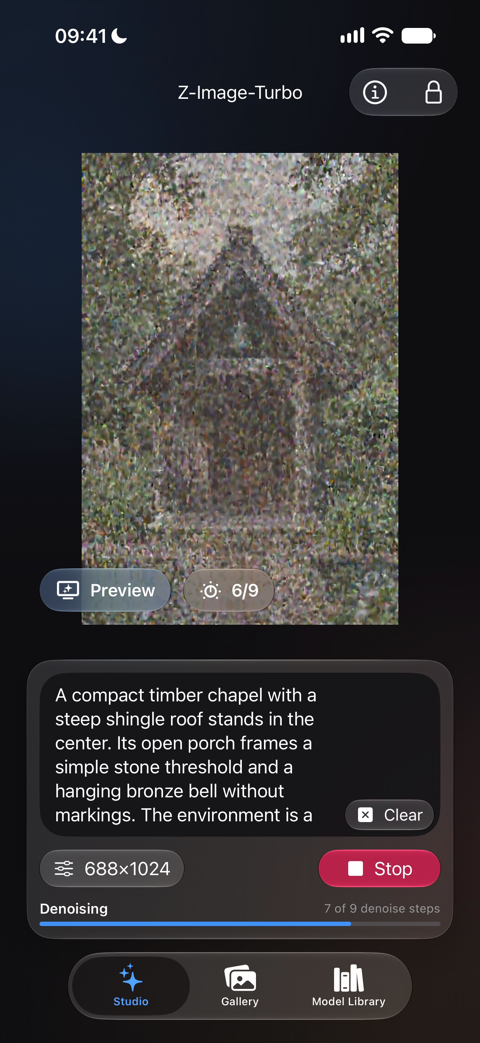
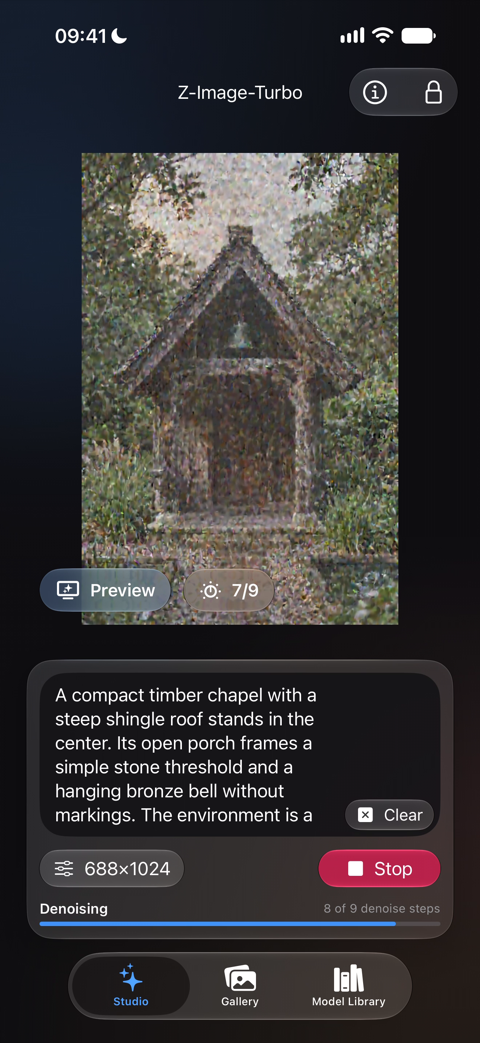
The picture sharpens on screen as your own chip draws it, and when it is done the prompt sits right under it, so you can change one word and go again.
On the Mac, every model but Nanosaur 2 requests the Neural Engine for the preview while the diffusion runs on the GPU. Nanosaur 2 skips the preview and shows the finished picture.
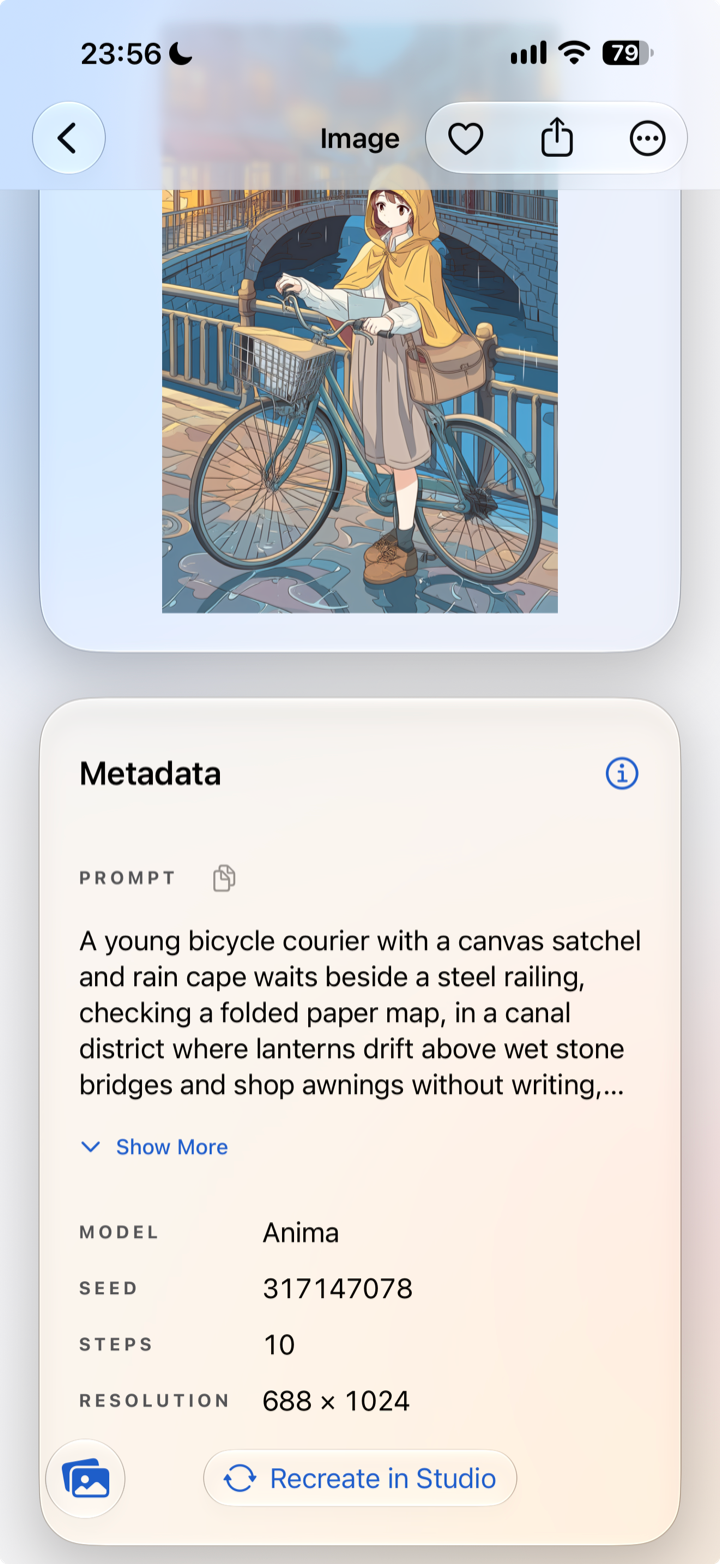
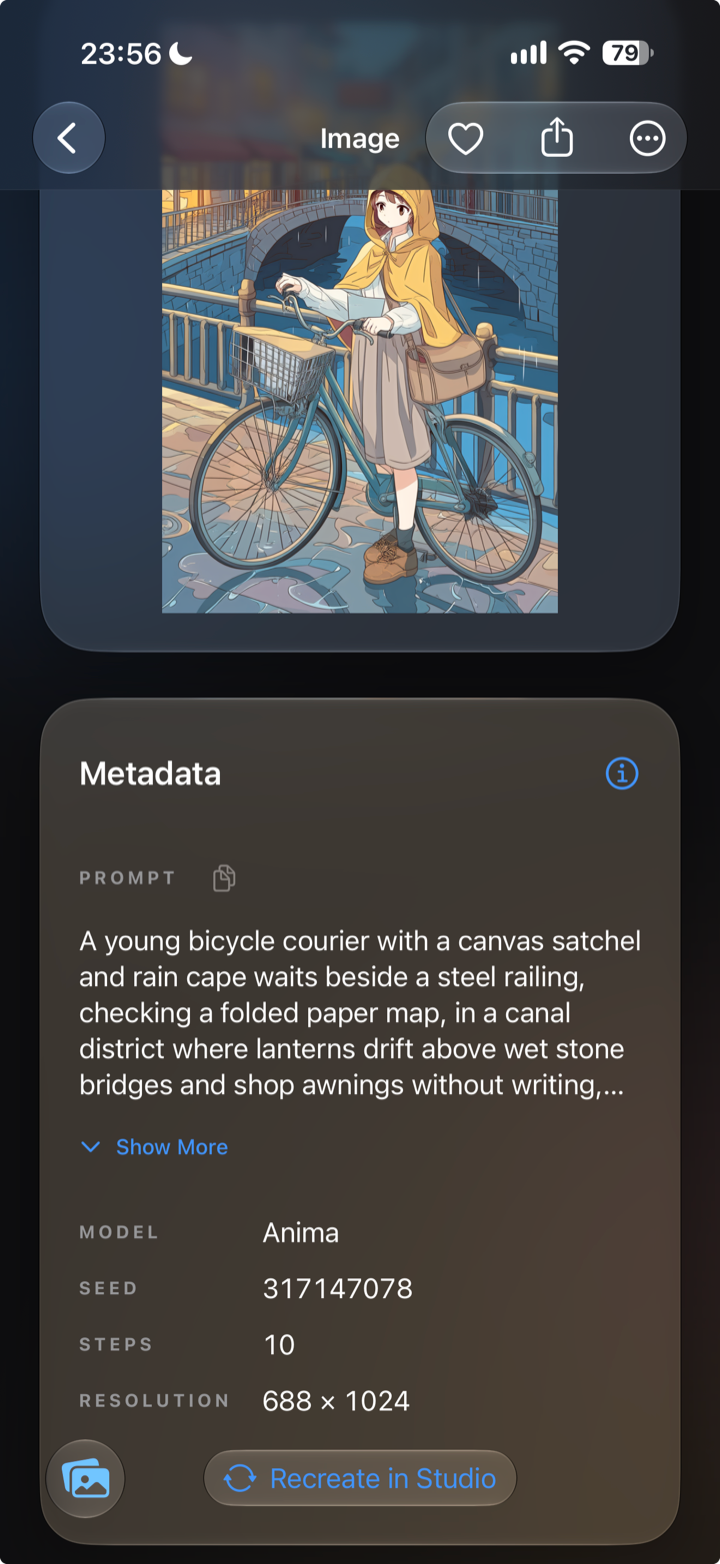
Keep the Recipe
Every image you keep lands in your gallery with the model, prompt, seed, steps, and size that made it. Open one later, tap Recreate in Studio, and every setting comes back filled in.
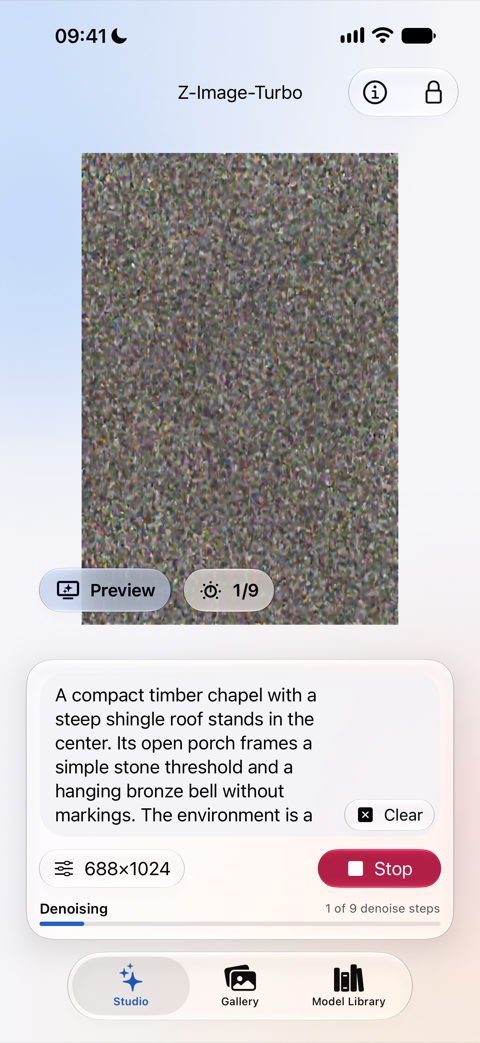
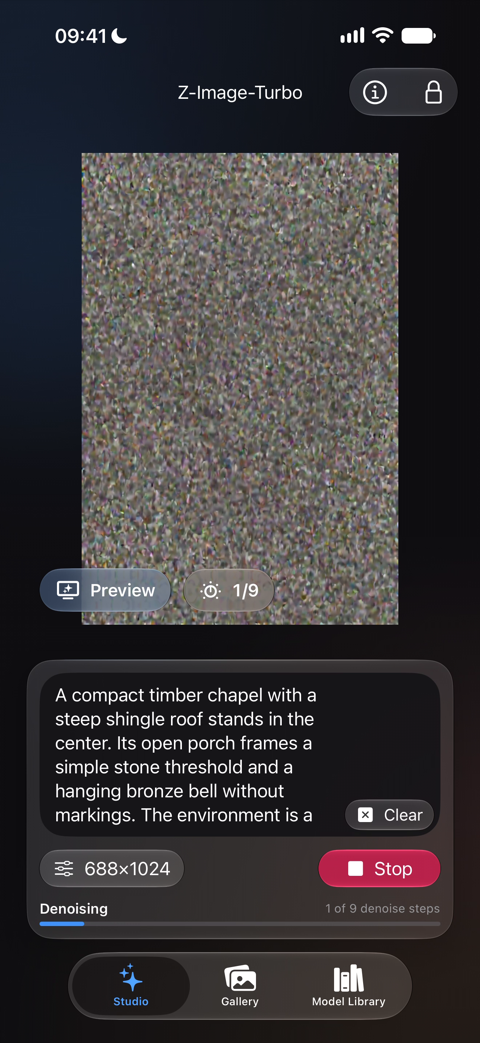
How It Runs on Apple Silicon
Image models like Krea 2 Turbo usually run on servers you reach over the internet. Private Diffusion runs them on the chip already in your device.
A Big Model, Made to Fit
A full-size image model is too big for a phone or a tablet, so we shrink every model ourselves before it reaches your device. That is how Krea 2 Turbo, a 12 billion parameter model, runs on a 16 GB iPad or Mac.
Trained So the Quality Holds
Shrinking a model usually costs you detail. We train ours after we shrink them, against the full-size original, until the small one answers the same way.
The Whole Chip, Put to Work
Apple Silicon has more than one kind of processor, and Private Diffusion gives each one the work it does best. The GPU draws the picture for every model but Nanosaur 2, and on the Mac those models request the Neural Engine for the live preview, the final image, and the upscaler. On the newest Apple chips, the Neural Accelerators built into the GPU join in for all of them but Mage Flow Turbo and MOSS-Image. Nanosaur 2 runs entirely on Core ML, across the Neural Engine and the GPU.
Private Because It Stays on Your Device
Because your own chip does every step, your prompt and your picture never need a server.
A Private AI Image Generator That Runs on Your Device
Every step of the picture happens on the device in front of you. The app has no analytics SDK, and its privacy manifest declares that it neither tracks you nor collects data.
- Incognito Mode
- Turn it on in Studio and nothing you make is written to the gallery. On iPhone and iPad it also blanks the app-switcher preview, so a glance at your open apps shows neither the image nor the prompt.
- A Hidden Tab With a Lock
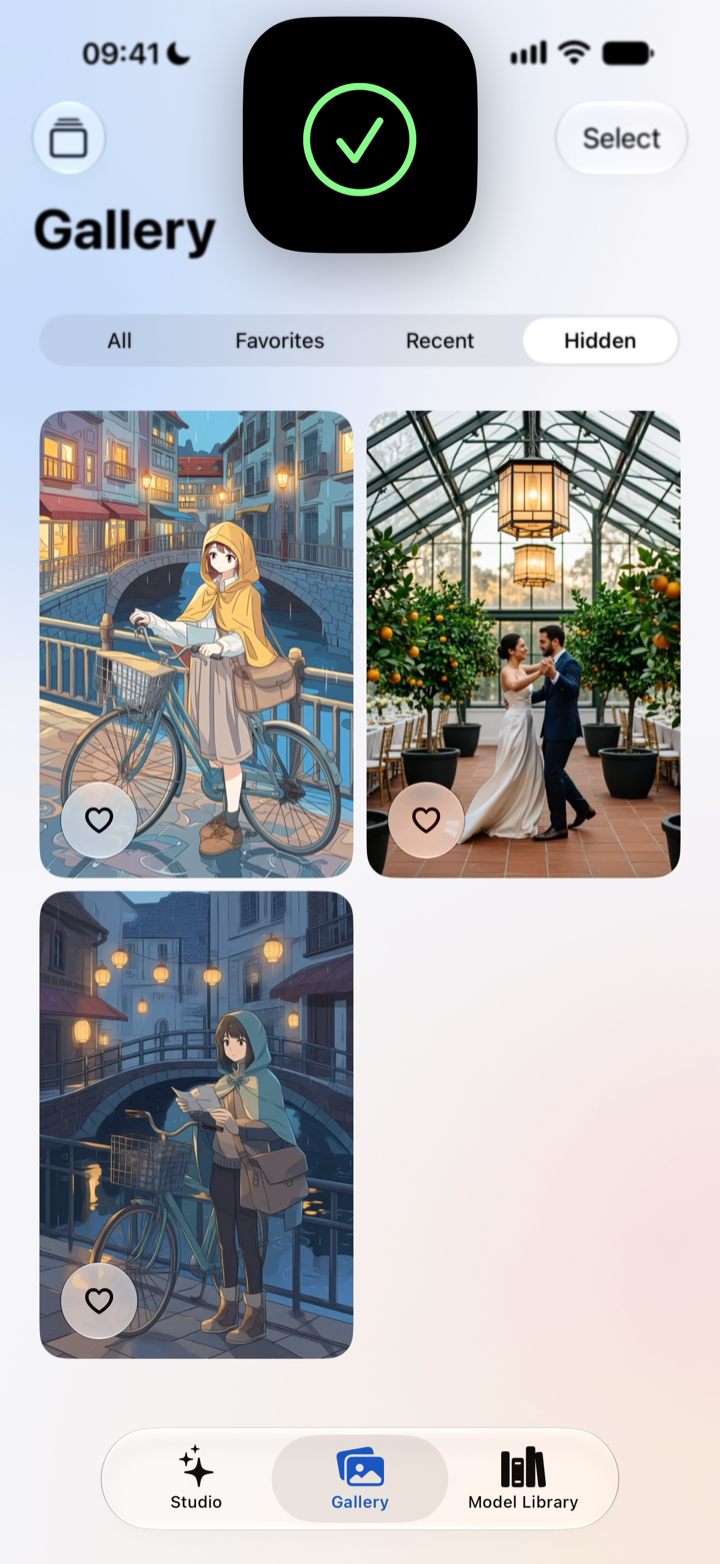
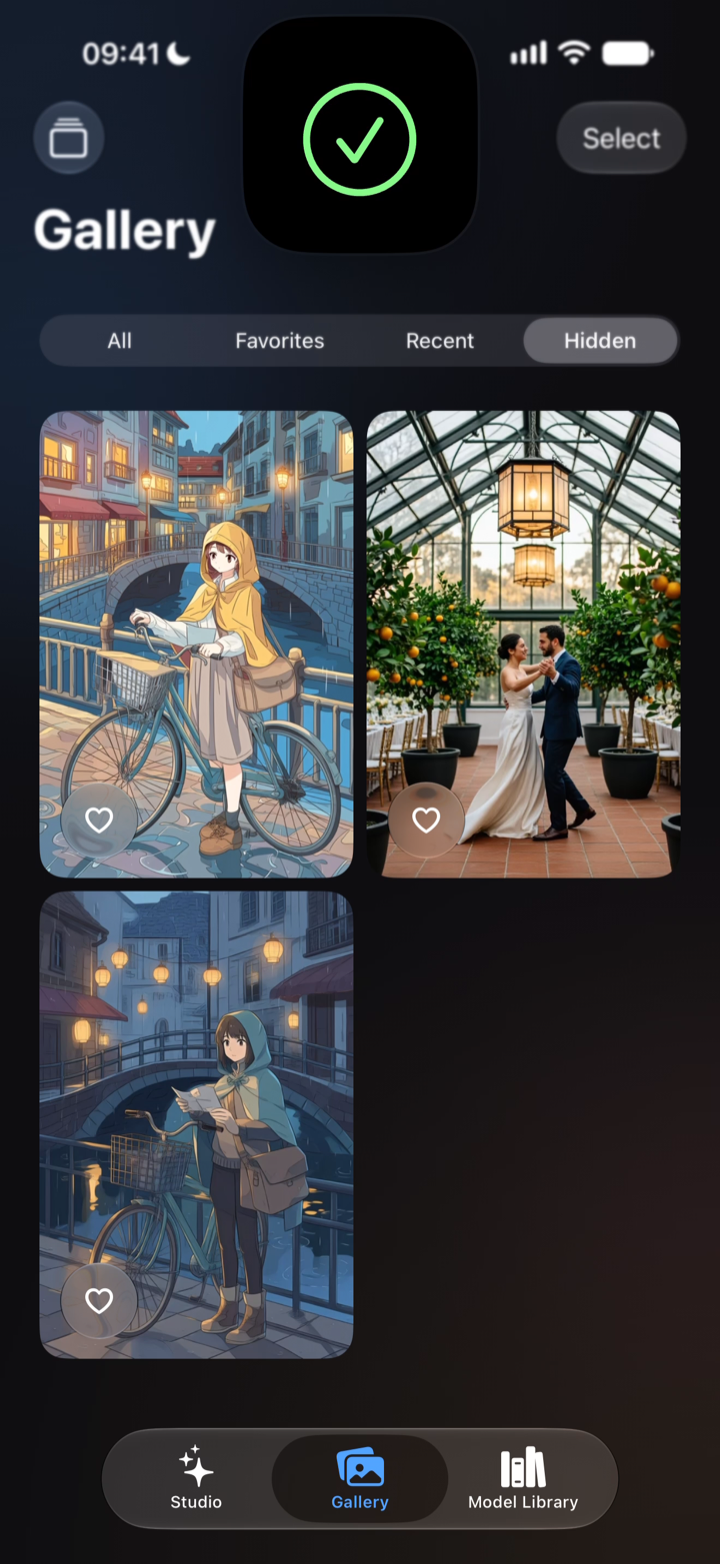
- Hide an image and it moves to the gallery's Hidden tab, which asks for Face ID, Touch ID, or your passcode (your login password on a Mac) before it opens. That lock is on from the first launch.
- Your Own iCloud
- If you use iCloud, your gallery syncs through your own private database, which we cannot see. Signed out, it stays on the device.
- Works in Airplane Mode
- Once a model is downloaded, the app needs no connection at all. Switch on Airplane Mode and it keeps making pictures.
What Other Image Apps Say They Collect
Private Diffusion never sends us a prompt or an image. The table lists what other image apps, on the device and in the cloud, say they collect.
| App | What the Developer Discloses |
|---|---|
| Draw Things | Data Not Linked to YouPurchases, User Content, Identifiers |
| ComfyUI | ComfyUI's desktop app, Comfy Desktop, sends usage and error telemetry to PostHog and Datadog, and its first-launch telemetry box comes checked. |
| Krea | Data Linked to YouContact Info, User Content, Identifiers, Usage Data |
| Adobe Firefly | Data Linked to YouPurchases, Contact Info, User Content, Identifiers, Usage Data, Diagnostics |
| ChatGPT | Data Linked to YouHealth & Fitness, Location, Contact Info, User Content, Search History, Identifiers, Usage Data, Diagnostics |
| Leonardo.Ai | Data Linked to YouContact Info, User Content, Identifiers, Usage Data |
App Store labels as each developer declared them on the US App Store, and the privacy policy and code of Comfy Desktop 1.1.6, all read October 11, 2026.
One Download, Then Start Making Pictures
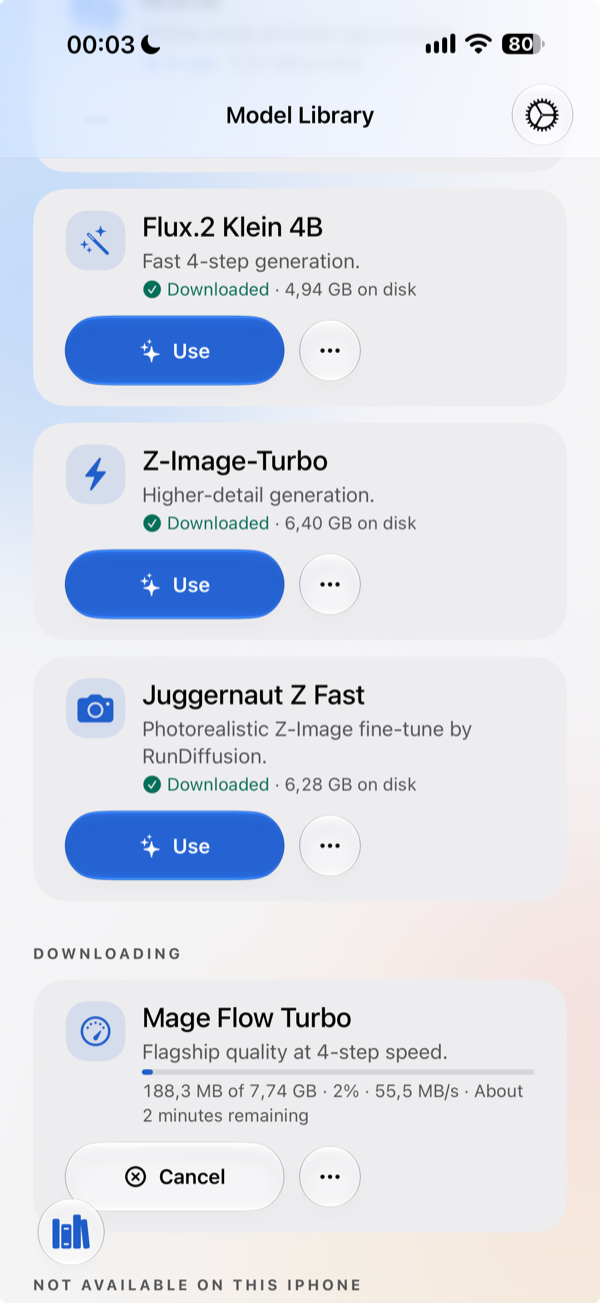
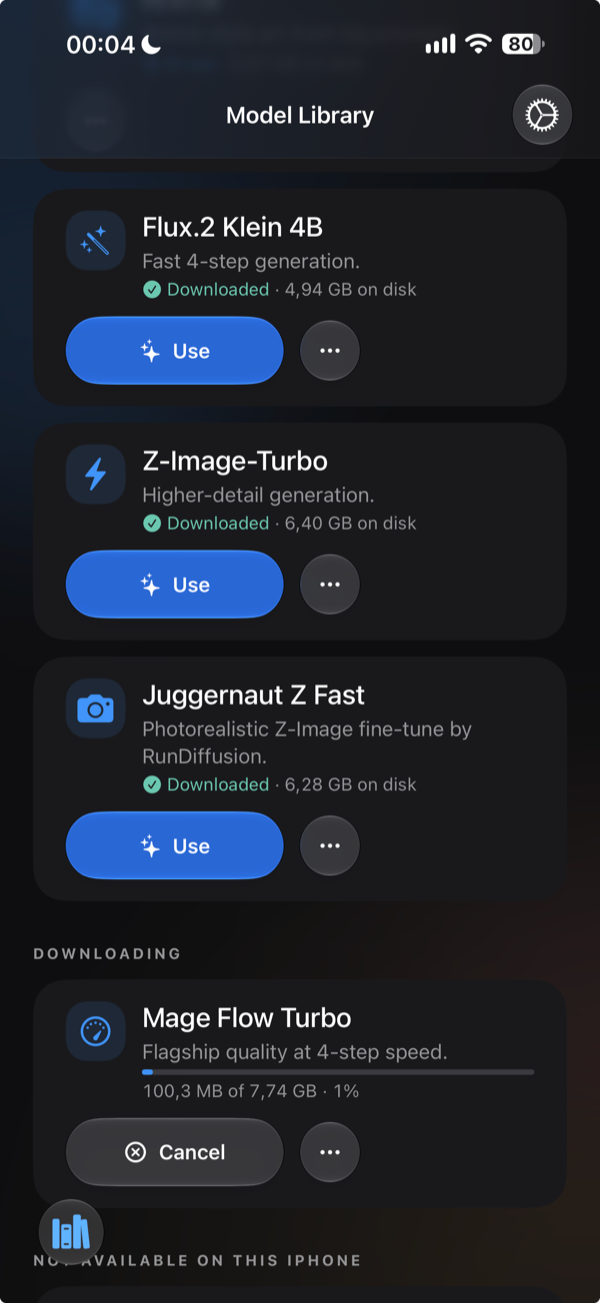
Get the app, pick a model, and make a picture. We convert and train every model for Apple chips before it reaches you.
Getting started
- Private Diffusion
- Download a model, type a prompt
- Draw Things
- Pick a model, then tune the settings
- ComfyUI
- Python install, then a node graph
How models are shrunk
- Private Diffusion
- Retrained after shrinking (QAD)
- Draw Things
- Compressed after training, no retraining
- ComfyUI
- Depends on the checkpoint you load
Processors it uses
- Private Diffusion
- GPU and Neural Engine
- Draw Things
- GPU; Neural Engine for select models
- ComfyUI
- GPU through PyTorch MPS
Data the app collects
- Private Diffusion
- None
- Draw Things
- Purchases, User Content, Identifiers
- ComfyUI
- Usage and error telemetry, on by default
Full comparison with Draw ThingsFull comparison with ComfyUI
An AI Image Prompt Generator That Shows What Each Word Does
Choose a light, a camera, a style. Every choice is a picture made on the same seed, so you see what one word changes before you use it. Then copy a prompt that works in Private Diffusion or any other image generator. What you type stays in your browser.
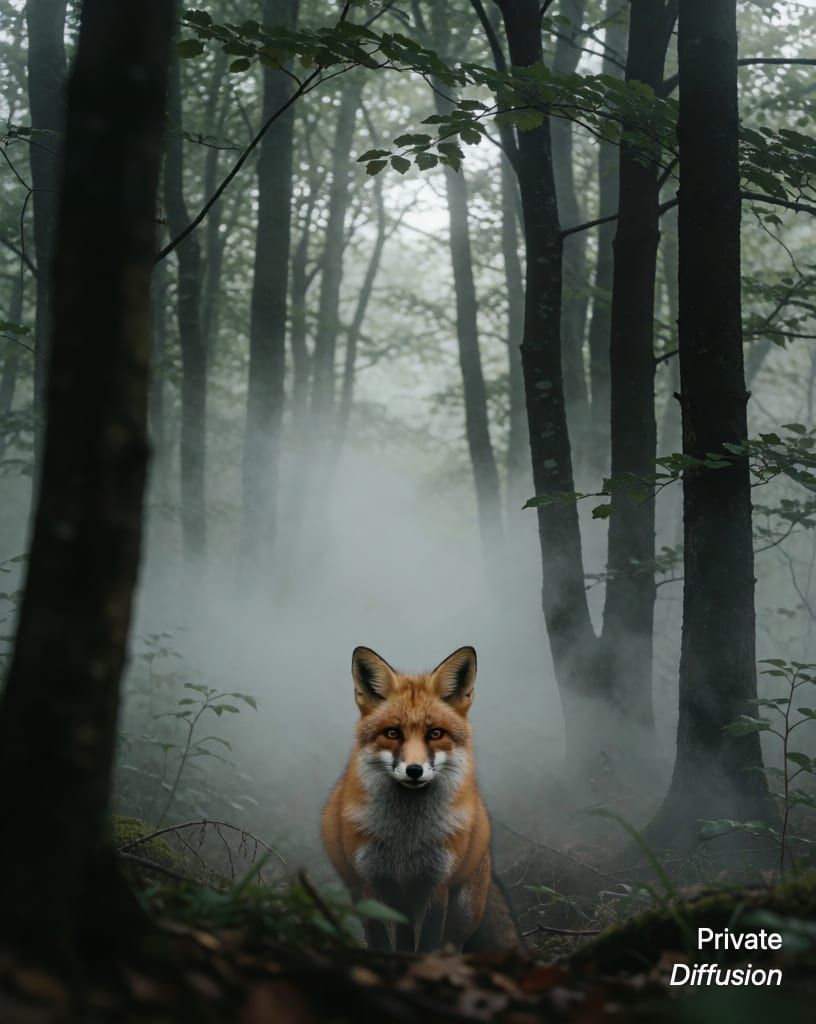
a fox in a misty forest 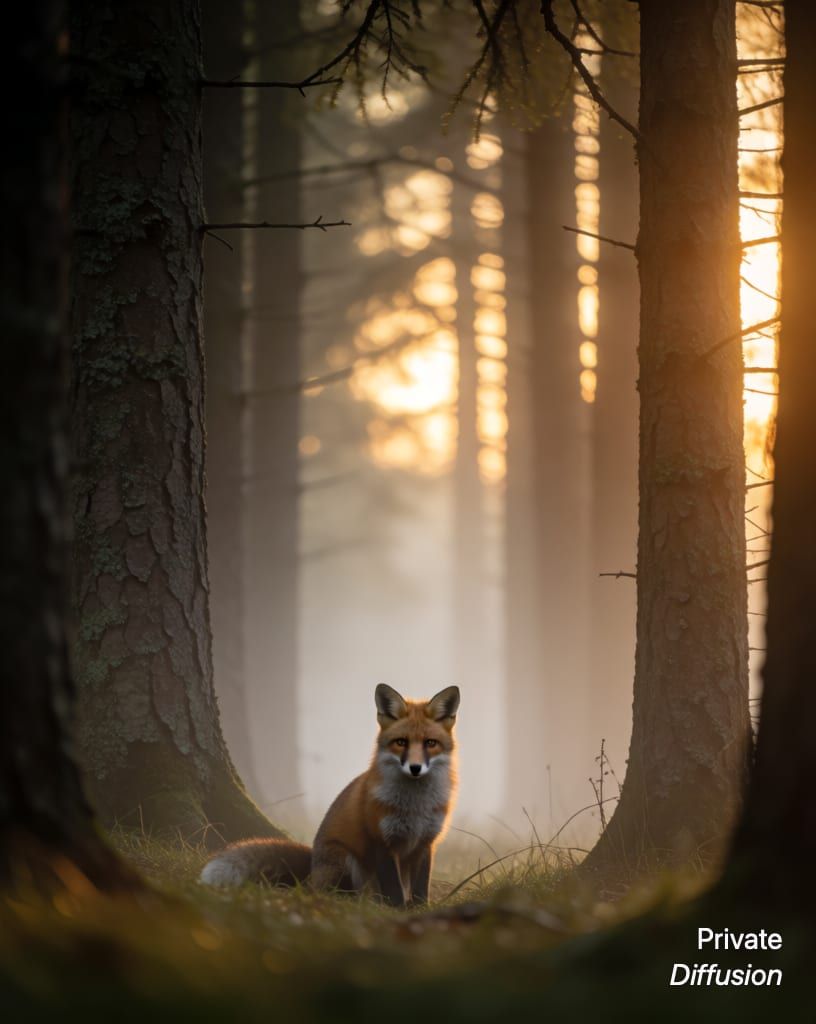
+ Golden hour 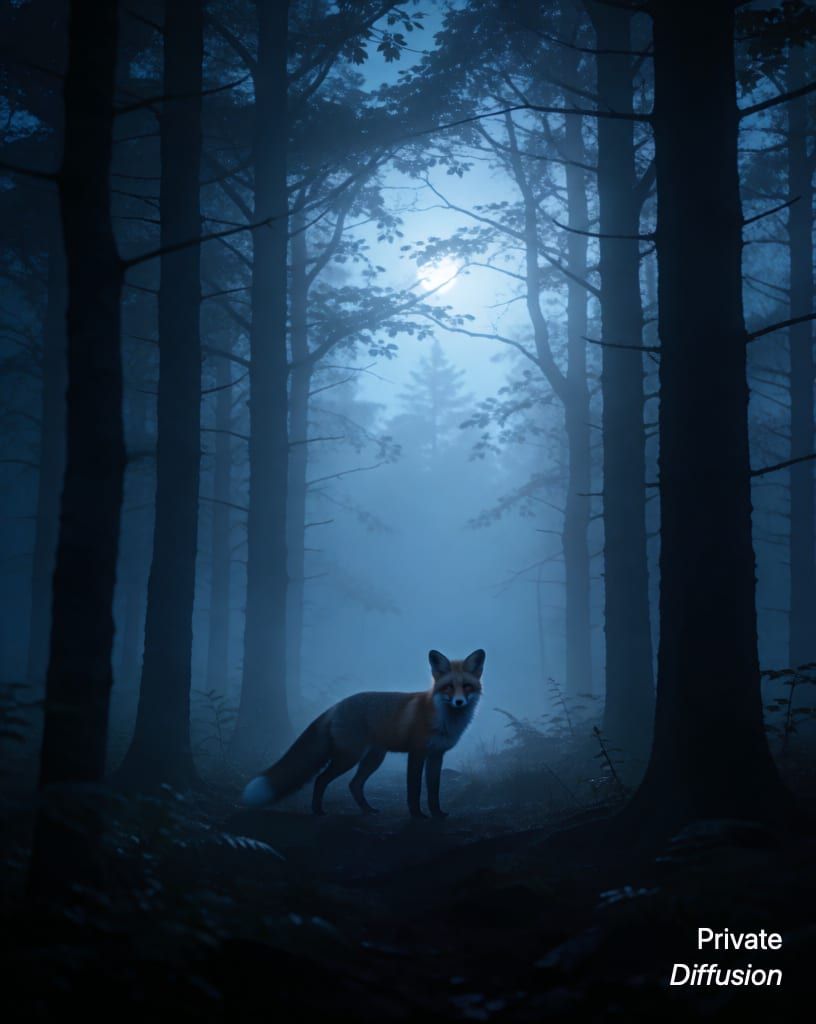
+ Moonlight 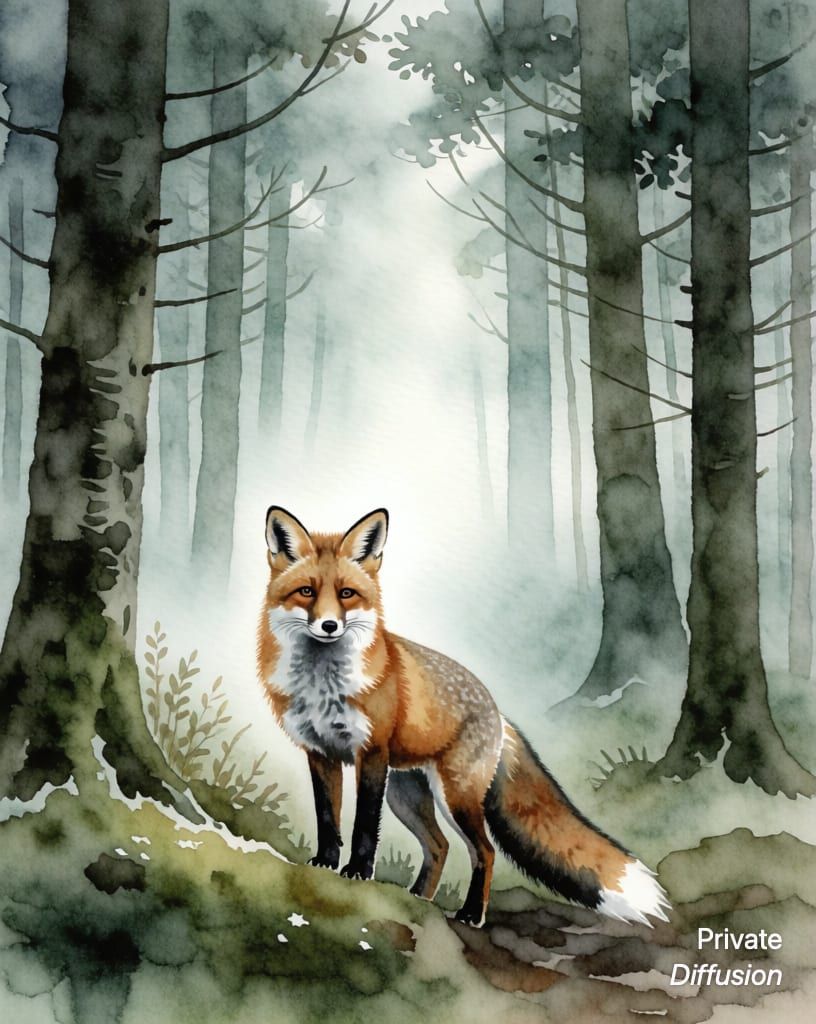
+ Watercolor
Which iPhone, iPad, or Mac Runs a Local AI Image Generator?
We convert, quantize, and publish every model ourselves, one download each. A 16 GB iPad or Mac runs every one of them, and the table shows which ones your iPhone runs.






Requires iOS, iPadOS, or macOS 26.4 on an iPhone 15 Pro or later, an iPad with an M-series chip, or any Apple Silicon Mac.
Read about each modelBe First in Line
Pre-order now, and Private Diffusion downloads itself to your device the day it launches.