Desert observatory for cloud harvesters
- Model Kroma Turbo
- Landscape 3:2
- 1536 × 1024 · XL
- 10 steps
- Max quality
- Mac

Prompt and Settings
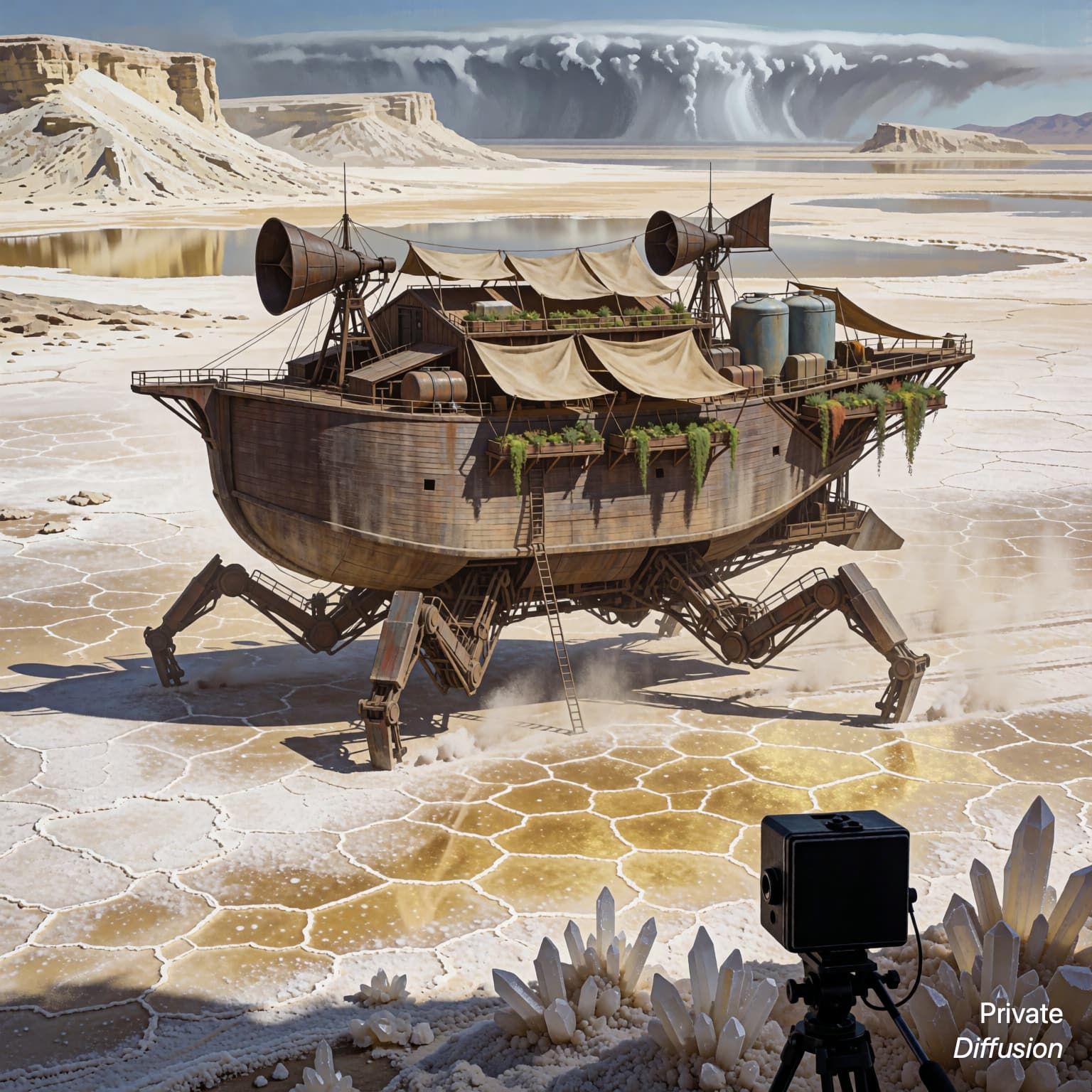
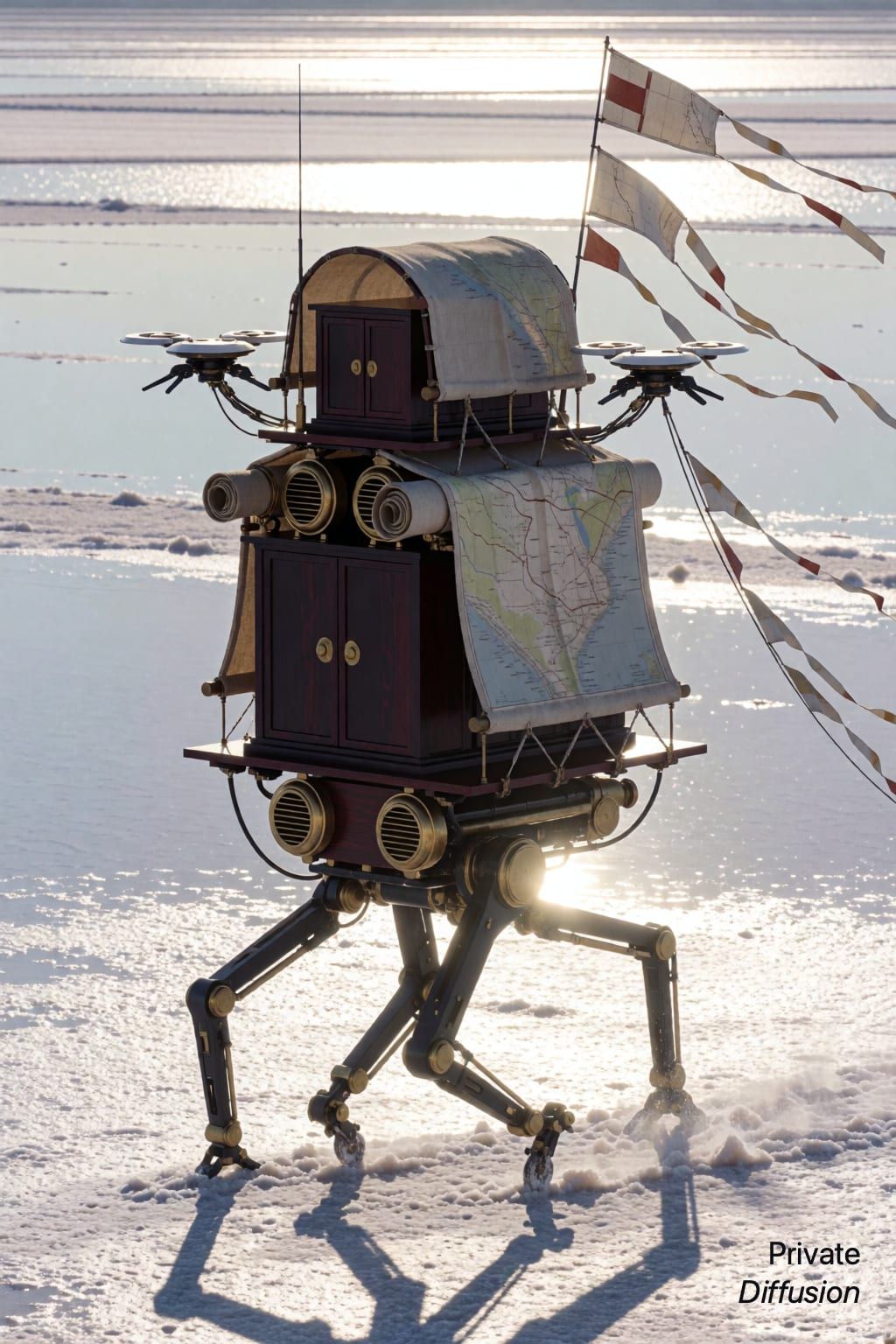
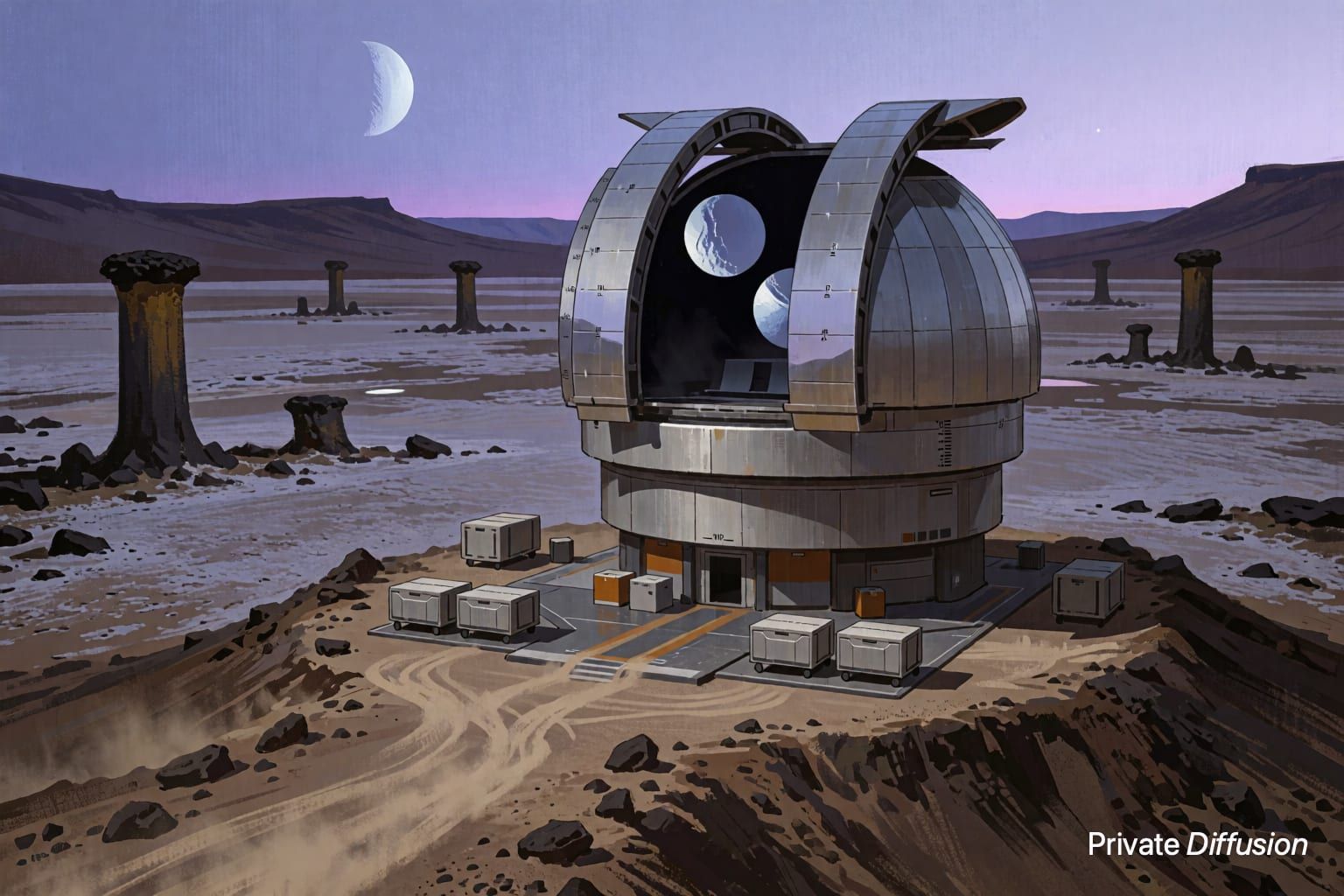
A mobile desert observatory with folded brass antennae and fabric wind scoops stands as the subject, deploying instruments beside a dry salt basin. Two adult engineers adjust tripod sensors while cloud-harvesting kites pull thin cables into the sky. Layered dunes, weather towers, and a distant storm wall fill the wide frame. The camera uses an elevated three-quarter view. Pale sun breaks through dust haze. Kroma Turbo produces clean concept art silhouettes, material callouts, and production design clarity.
Negative Prompt
readable labels, logos, watermark, blurry machinery, duplicate people, malformed hands, noisy sky, flat perspective
- Seed
- 254248324
- Steps
- 10
- Quality
- Max
- Size
- 1536 × 1024
- Made With
- Private Diffusion on a Mac with Apple Silicon
Didn't Open in the App?
Private Diffusion turns prompts like this one into images on your Mac with 24 GB or more. Nothing you type reaches our servers.


Have the app? In another app's browser, open this page in Safari first. On iPhone or iPad, go back to the prompt in Safari and press and hold Open in Private Diffusion, then pick the app from the menu.
Make it on your own Mac with 24 GB or more. Nothing you type reaches our servers.

Why This Prompt Works
The observatory is a strong concept-art subject because it combines function, scale, and implied worldbuilding in one object. "Elevated three-quarter view" carries the composition, showing the instruments, kites, and basin clearly in 3:2. The lighting phrase "pale sun breaks through dust haze" gives Kroma Turbo a simple atmospheric cue, while brass antennae, fabric scoops, and tripod sensors provide material variety for a polished design-sheet feel.
Recreate It in Private Diffusion
- Paste the prompt into Studio and choose Kroma Turbo.
- Set Size to XL and Aspect Ratio to Landscape 3:2.
- Type 254248324 into Seed. On a Mac, switch off Randomize first.
- If Studio shows a control with Off and 4-step, choose Off.
- Set Steps to 10.
- Paste the negative prompt into Negative prompt.
- Switch off Rewrite Prompt so Studio keeps the prompt word for word.
- Switch on Max quality (slower).
Those are the settings that made this picture, and they run on your own Mac with 24 GB or more, with nothing sent to our servers.
More Like This