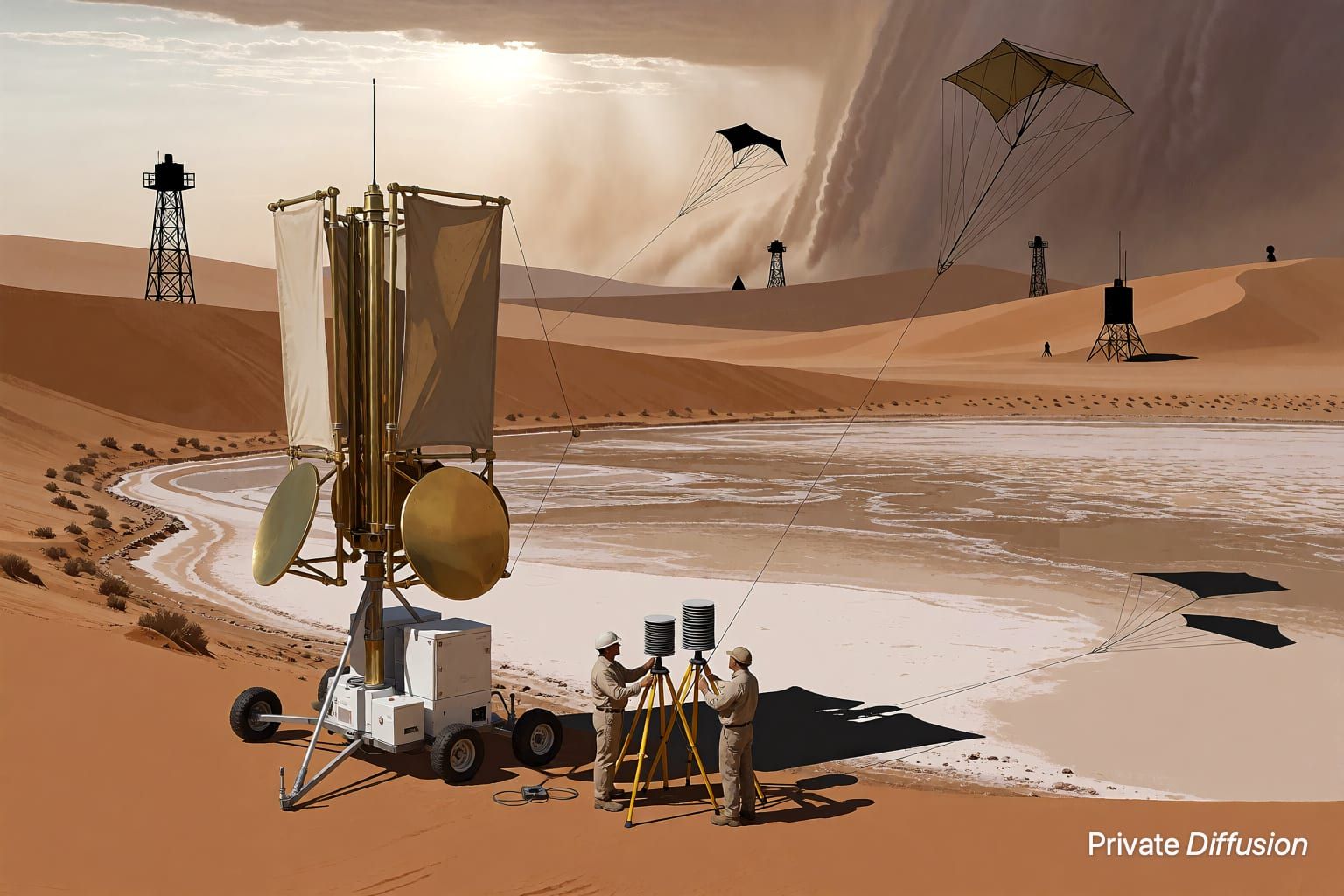
Courier skates through server rain
- Model Kroma Turbo
- Landscape 3:2
- 1536 × 1024 · XL
- 10 steps
- Max quality
- Mac
Prompt and Settings
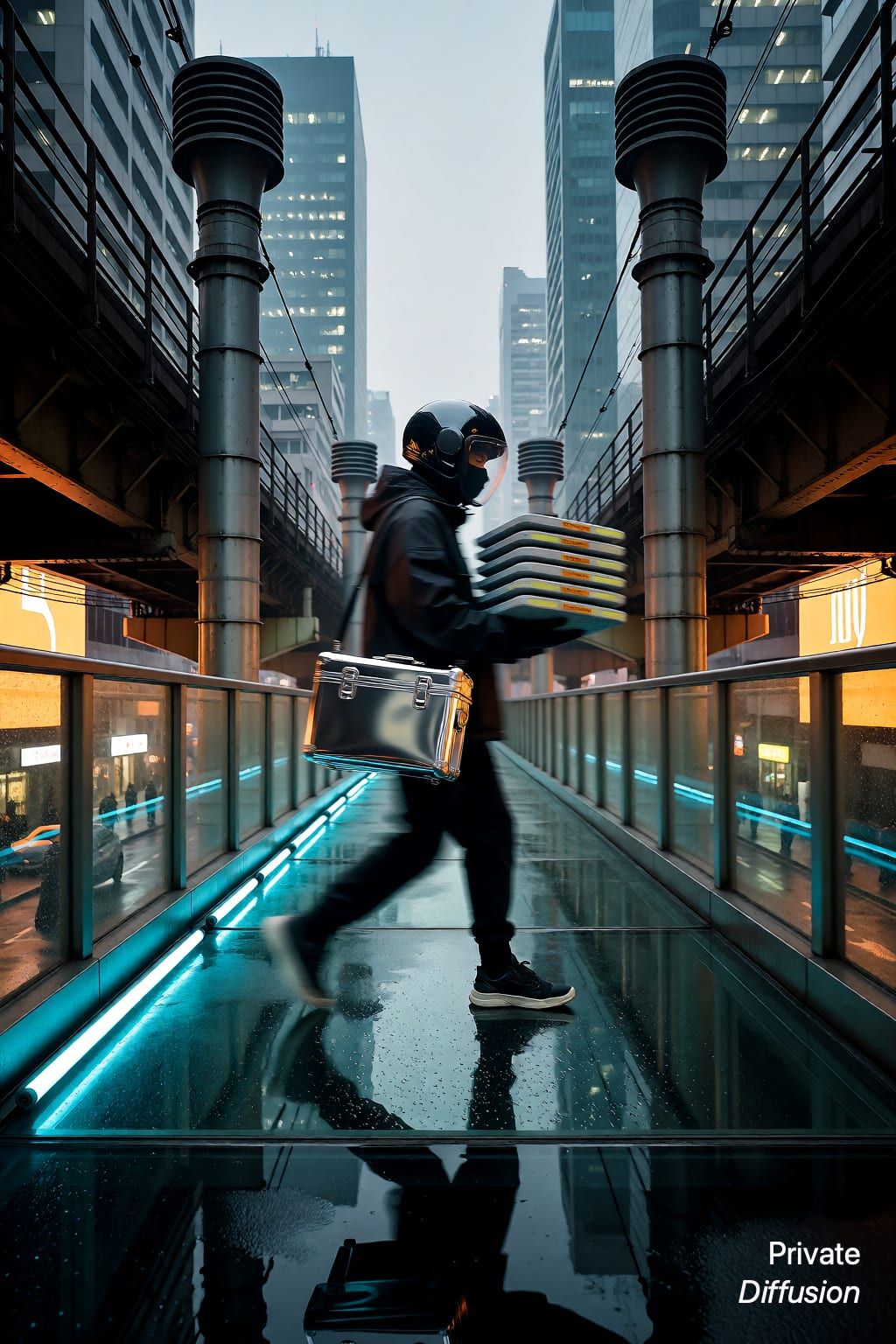
A cybernetic courier on magnetic skates becomes the subject, carving a bright arc across a flooded data plaza. She carries sealed metal canisters while rain falls through suspended server racks and overhead transit rails. Reflections stretch across black tile, vending alcoves, and maintenance hatches in a wide 3:2 view. The camera tracks low from behind at a slight diagonal. Cyan strip lights cut through amber rain. Kroma Turbo emphasizes motion trails, hard surfaces, and cinematic cyberpunk speed.
Negative Prompt
blurry motion, readable text, logos, watermark, distorted wheels, extra fingers, bad anatomy, low contrast
- Seed
- 104088396
- Steps
- 10
- Quality
- Max
- Size
- 1536 × 1024
- Made With
- Private Diffusion on a Mac with Apple Silicon
Didn't Open in the App?
Private Diffusion turns prompts like this one into images on your Mac with 24 GB or more. Nothing you type reaches our servers.


Have the app? In another app's browser, open this page in Safari first. On iPhone or iPad, go back to the prompt in Safari and press and hold Open in Private Diffusion, then pick the app from the menu.
Make it on your own Mac with 24 GB or more. Nothing you type reaches our servers.

Why This Prompt Works
This prompt works by giving Kroma Turbo a fast, readable action: a courier skating through a flooded plaza. The composition is driven by "tracks low from behind at a slight diagonal," which creates depth and speed across the wide frame. Cyan strip lights and amber rain split the palette, helping the model distinguish motion trails from reflections. Server racks, transit rails, and canisters keep the subject unmistakably cyberpunk without relying on brands or text.
Recreate It in Private Diffusion
- Paste the prompt into Studio and choose Kroma Turbo.
- Set Size to XL and Aspect Ratio to Landscape 3:2.
- Type 104088396 into Seed. On a Mac, switch off Randomize first.
- If Studio shows a control with Off and 4-step, choose Off.
- Set Steps to 10.
- Paste the negative prompt into Negative prompt.
- Switch off Rewrite Prompt so Studio keeps the prompt word for word.
- Switch on Max quality (slower).
Those are the settings that made this picture, and they run on your own Mac with 24 GB or more, with nothing sent to our servers.
More Like This