Rain kiosk beneath neon cables
- Model Kroma Turbo
- Square 1:1
- 1536 × 1536 · XL
- 10 steps
- Max quality
- Mac

Prompt and Settings
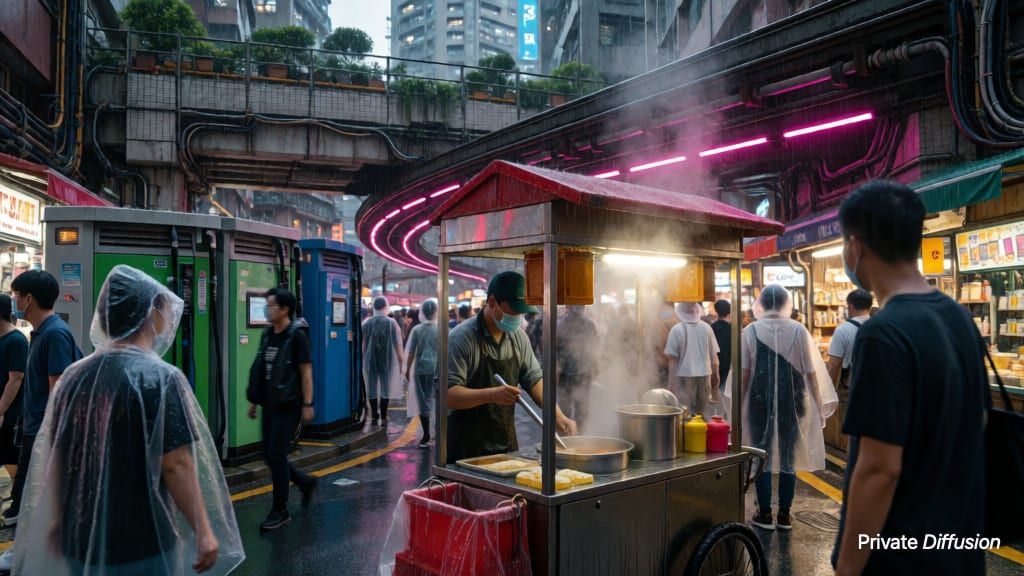
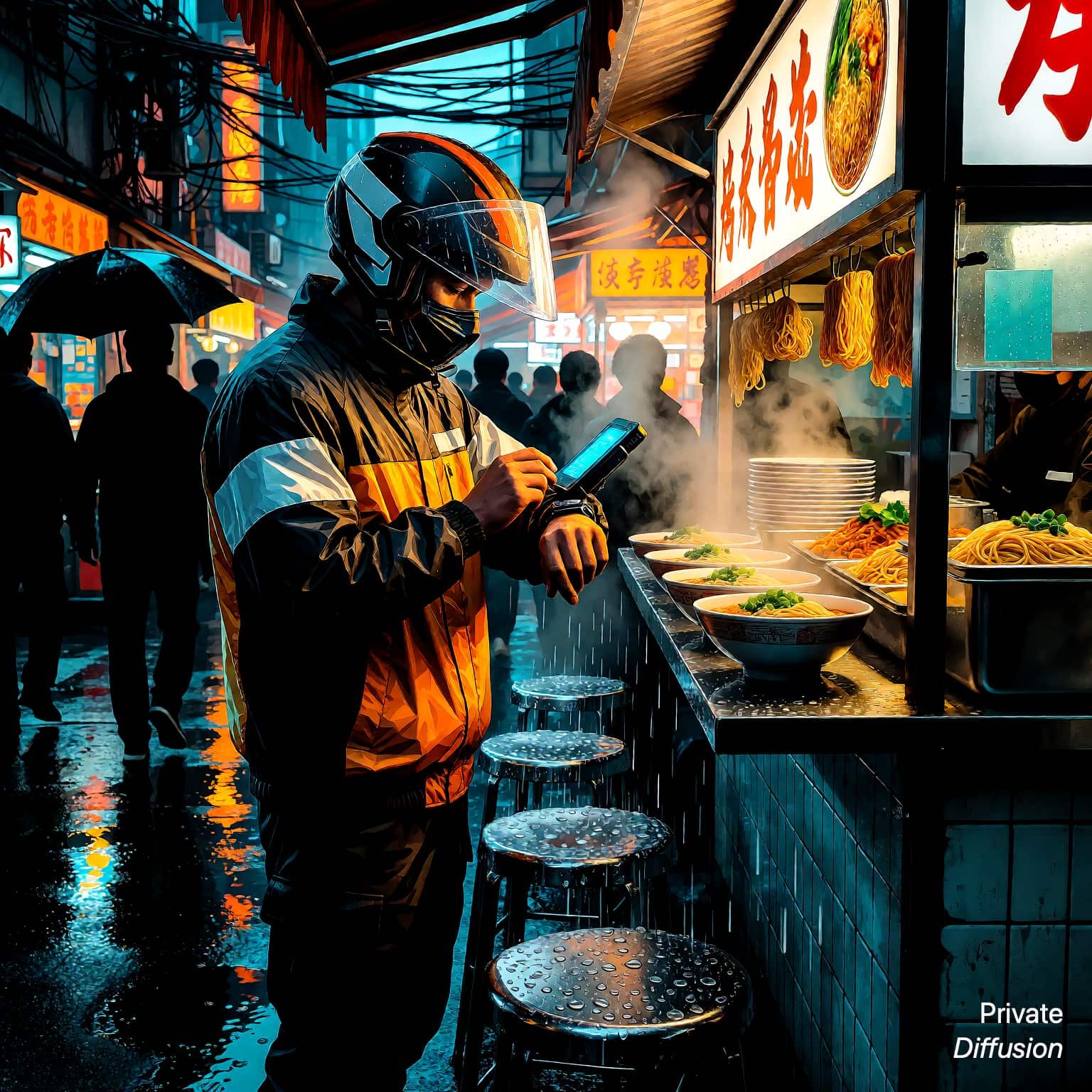
A street noodle kiosk with chrome stools and steam vents serves as the subject, opening its shutters beside a rain-slick alley canal. The vendor robot ladles broth into ceramic bowls while delivery drones hover above stacked crates. Dense towers, cable bundles, and wet pavement frame the square view. The camera sits at counter height with a centered one-point perspective. Magenta signs glow through blue mist. Kroma Turbo renders crisp reflections, compact detail, and polished cyberpunk concept texture.
Negative Prompt
blurry faces, readable text, logos, watermark, extra limbs, warped hands, low detail, smeared reflections
- Seed
- 238309348
- Steps
- 10
- Quality
- Max
- Size
- 1536 × 1536
- Made With
- Private Diffusion on a Mac with Apple Silicon
Didn't Open in the App?
Private Diffusion turns prompts like this one into images on your Mac with 24 GB or more. Nothing you type reaches our servers.


Have the app? In another app's browser, open this page in Safari first. On iPhone or iPad, go back to the prompt in Safari and press and hold Open in Private Diffusion, then pick the app from the menu.
Make it on your own Mac with 24 GB or more. Nothing you type reaches our servers.

Why This Prompt Works
This image centers on a chrome food kiosk as an everyday cyberpunk subject, giving Kroma Turbo strong geometry and reflective surfaces to structure the frame. The phrase "counter height with a centered one-point perspective" carries the composition, while "magenta signs glow through blue mist" sets the lighting without requiring readable signage. Steam, wet pavement, drones, and cable bundles add layered detail that suits the model's sharp, high-contrast rendering style.
Recreate It in Private Diffusion
- Paste the prompt into Studio and choose Kroma Turbo.
- Set Size to XL and Aspect Ratio to Square 1:1.
- Type 238309348 into Seed. On a Mac, switch off Randomize first.
- If Studio shows a control with Off and 4-step, choose Off.
- Set Steps to 10.
- Paste the negative prompt into Negative prompt.
- Switch off Rewrite Prompt so Studio keeps the prompt word for word.
- Switch on Max quality (slower).
Those are the settings that made this picture, and they run on your own Mac with 24 GB or more, with nothing sent to our servers.
More Like This