Street medic scans neon rain
- Model Chroma1-Flash
- Portrait 2:3
- 1024 × 1536 · XL
- 12 steps
- Max quality
- iPadMac
Prompt and Settings
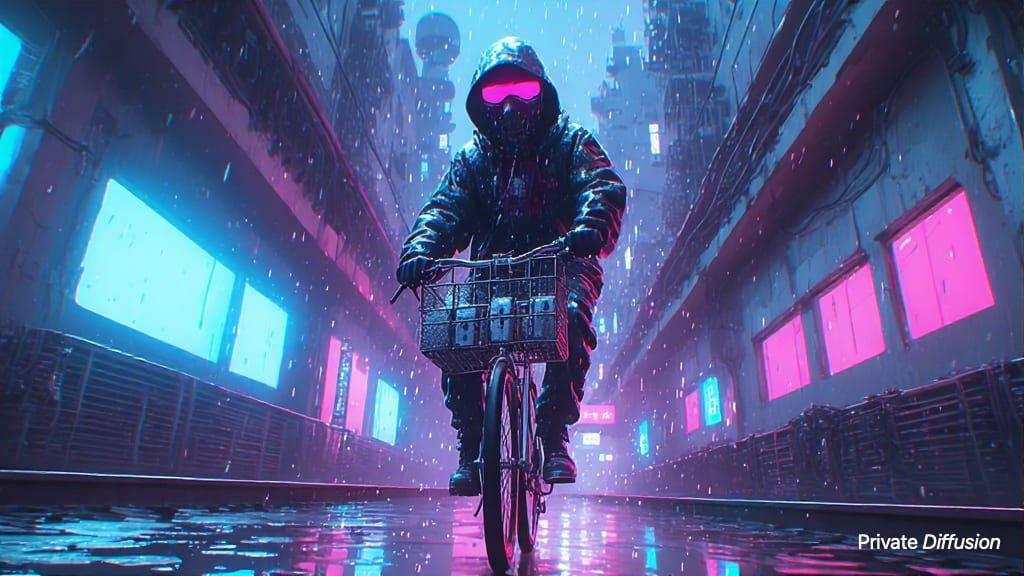
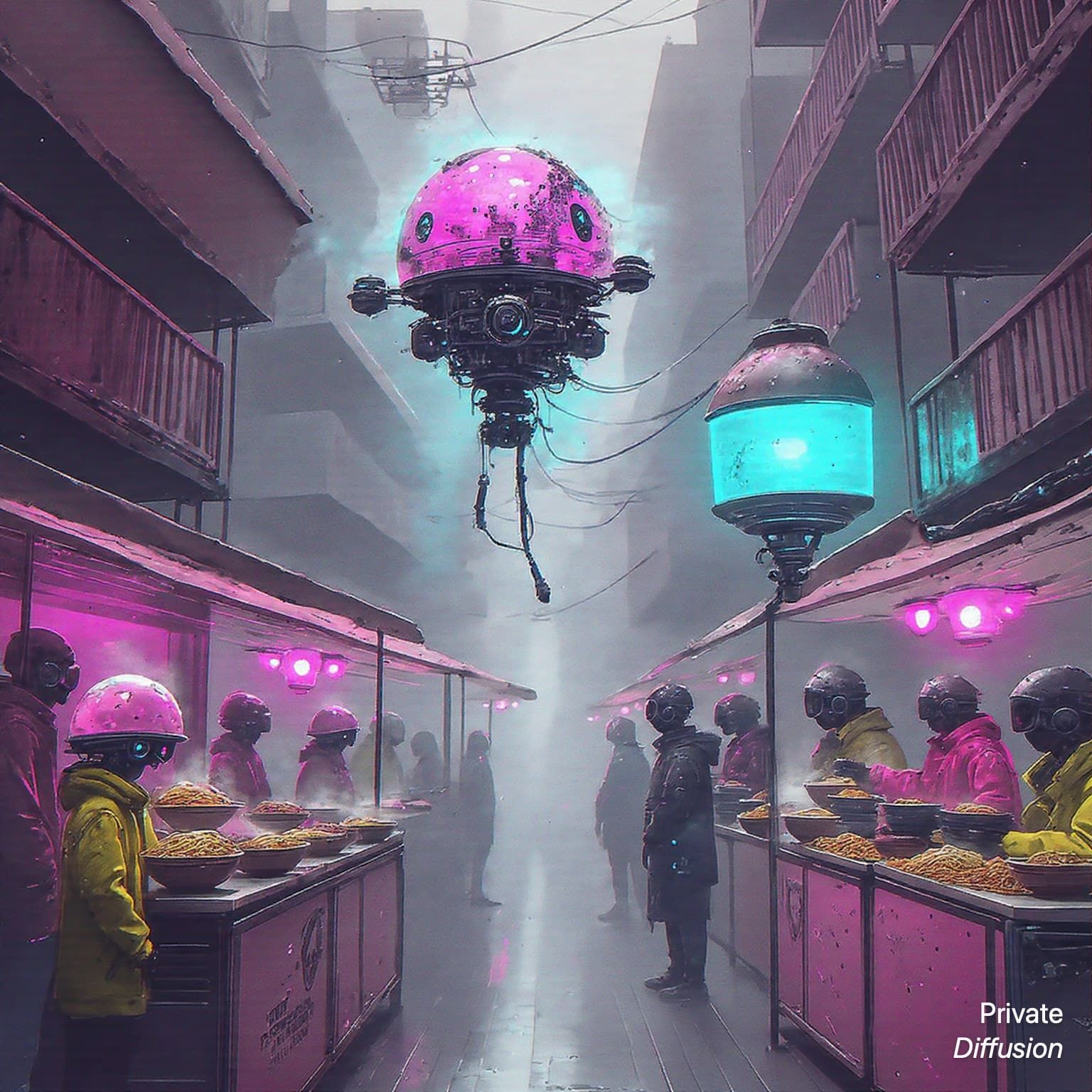
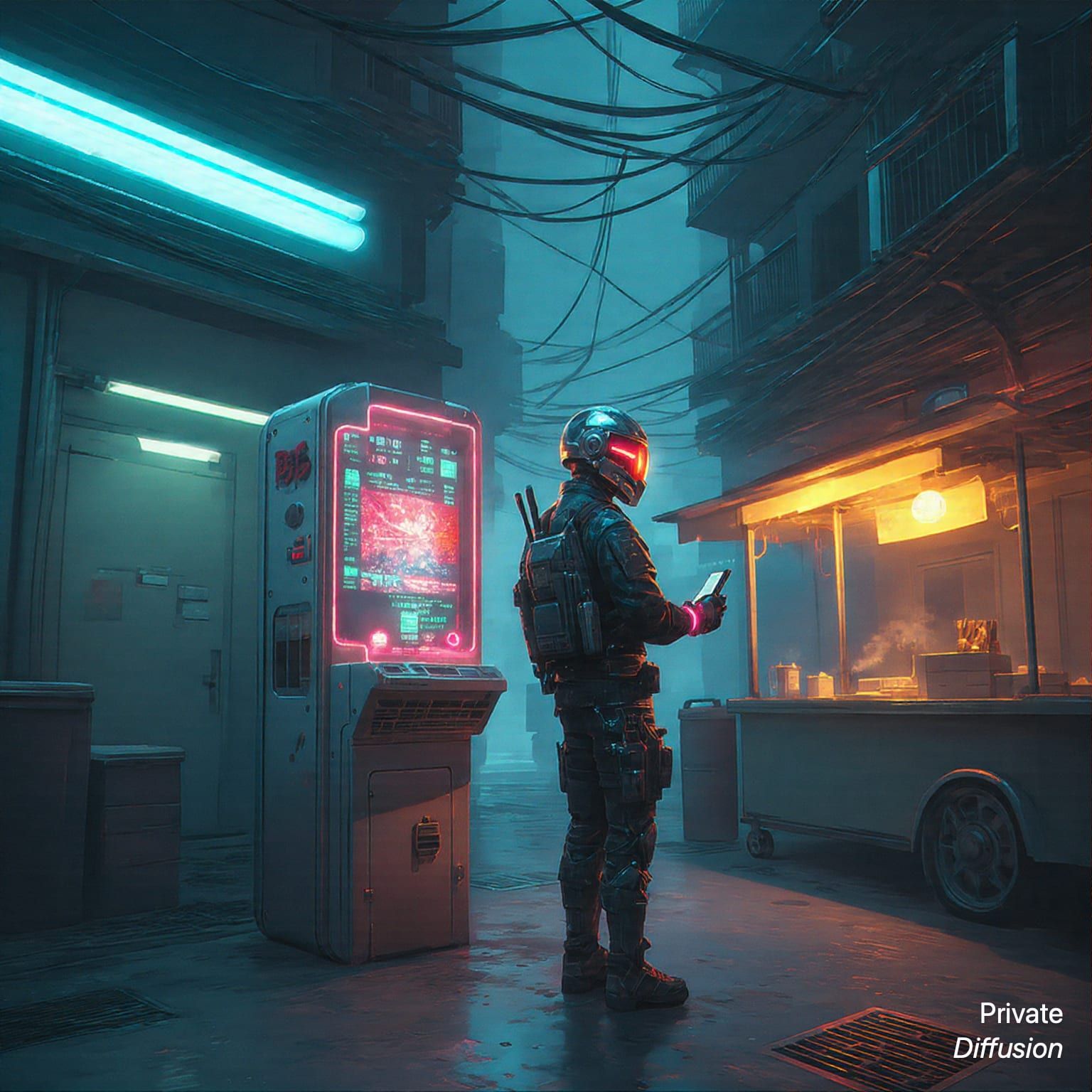
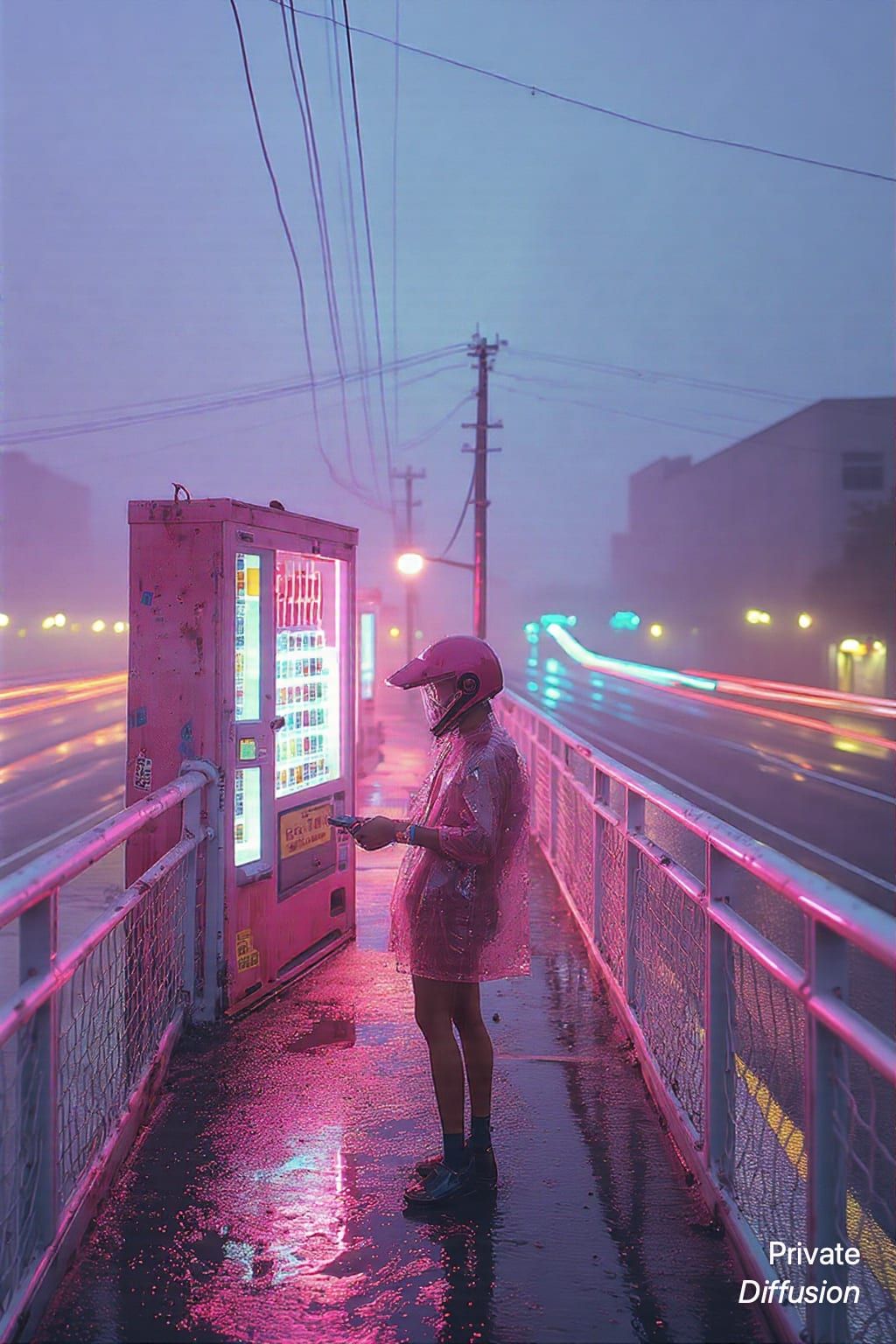
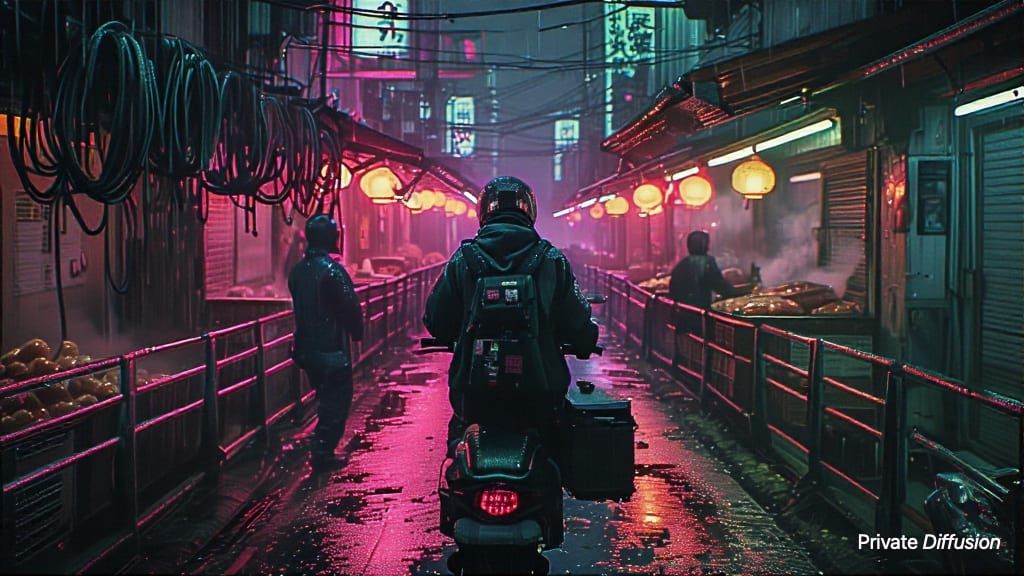
A street medic in a transparent rain poncho kneels beside a portable diagnostic case, scanning puddles for leaking nanogel. The setting is a vertical alley with vending alcoves, exposed pipes, rooftop drains, and reflections from suspended traffic far above. Vertical 2:3 composition, low camera near the wet pavement, 32mm lens, medic placed in the lower half. Red warning lights ripple through blue rain. Chroma1-Flash style, cyberpunk realism, sharp reflections, tactile fabric, compact equipment, dense urban depth.
Negative Prompt
logos, readable text, extra limbs, deformed hands, watermark, blood, oversaturated skin, blurry reflections
- Seed
- 786564702
- Steps
- 12
- Quality
- Max
- Size
- 1024 × 1536
- Made With
- Private Diffusion on a Mac with Apple Silicon
Make it on your own Mac with 24 GB or more. Nothing you type leaves the device.


Why This Prompt Works
The prompt makes the cyberpunk scene feel procedural and immediate, with the medic working close to the ground instead of posing against a skyline. The phrase about scanning puddles for leaking nanogel carries the action and gives Chroma1-Flash a reflective surface to exploit. Low camera placement strengthens the vertical alley, while red warning light through blue rain creates layered color and helps the equipment read clearly.
Recreate It in Private Diffusion
- Paste the prompt into Studio and choose Chroma1-Flash.
- Set Size to XL and Aspect Ratio to Portrait 2:3.
- Type 786564702 into Seed. On a Mac, switch off Randomize first.
- Paste the negative prompt into Negative prompt.
- Switch on Max quality (slower).
Those are the settings that made this picture, and they run on your own Mac with 24 GB or more, with nothing uploaded.
More Like This