Rover foundry on a basalt moon
- Model Kroma Turbo
- Portrait 2:3
- 1024 × 1536 · XL
- 10 steps
- Max quality
- iPadMac
Prompt and Settings
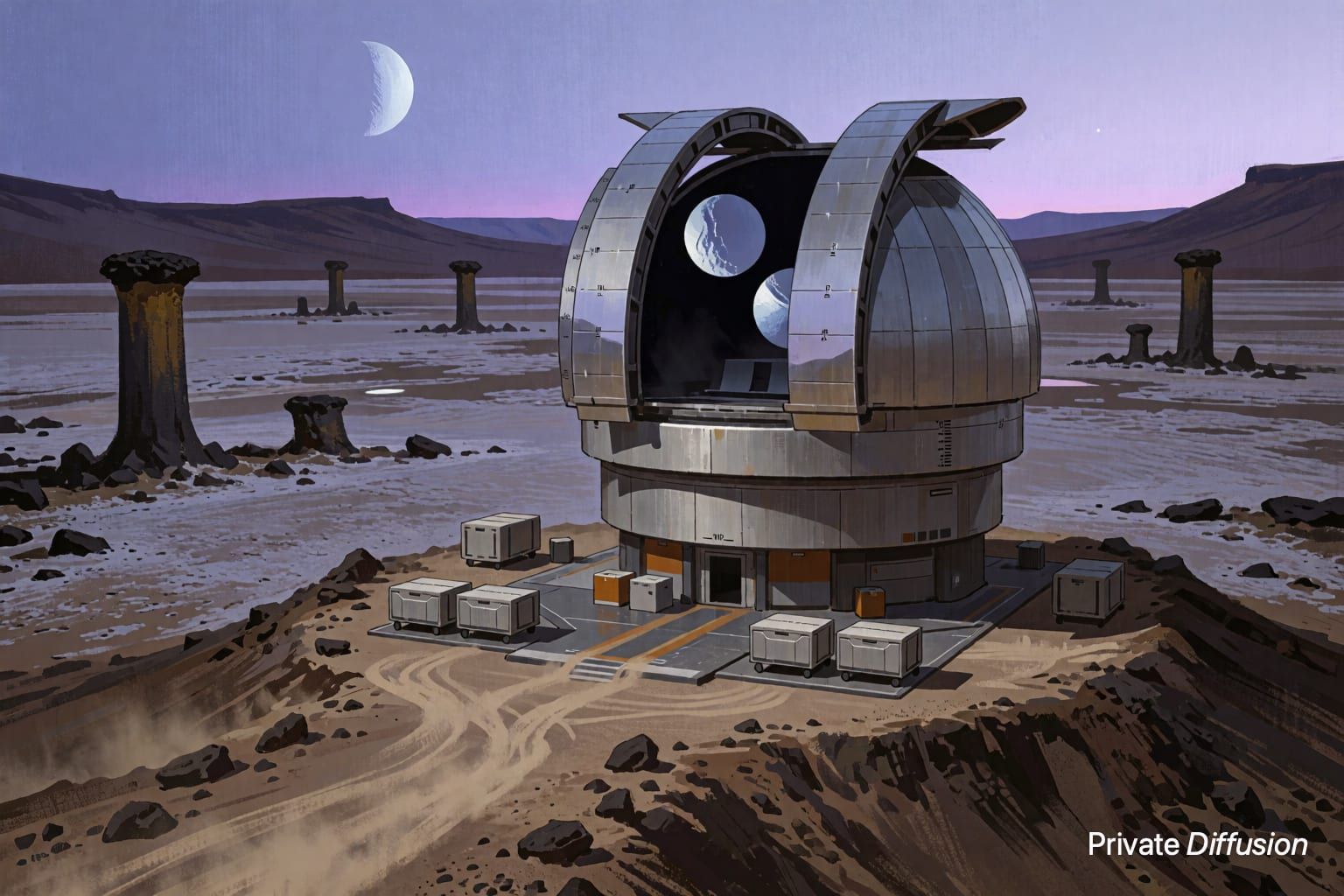
A modular rover foundry unfolds from six tracked platforms, casting replacement hull plates beside a crater rim on a basalt moon. Robotic arms pour bright metal into ceramic molds while dust shields curl around the worksite. The camera looks upward from ground level in a 2:3 frame, with the planet hanging behind the machinery. Hard rim light from a low sun, concept-art rendering, crisp silhouettes, visible seams, heat haze, graphite dust, industrial scale.
Negative Prompt
blurry edges, extra wheels, warped machinery, duplicate arms, unreadable markings, text, logo, watermark, muddy lighting, low detail
- Seed
- 120027372
- Steps
- 10
- Quality
- Max
- Size
- 1024 × 1536
- Made With
- Private Diffusion on a Mac with Apple Silicon
Make it on your own Mac with 24 GB or more. Nothing you type leaves the device.


Why This Prompt Works
The image centers on an autonomous fabrication site rather than a typical vehicle portrait, giving Kroma Turbo clear mechanical forms to fill the frame. The ground-level view makes the rover foundry feel large, while the planet overhead anchors the vertical composition. Phrases about pouring metal, ceramic molds, rim light, and graphite dust give the model strong material cues, and the concept-art finish supports readable design language without needing any written labels.
Recreate It in Private Diffusion
- Paste the prompt into Studio and choose Kroma Turbo.
- Set Size to XL and Aspect Ratio to Portrait 2:3.
- Type 120027372 into Seed. On a Mac, switch off Randomize first.
- Set Steps to 10.
- Paste the negative prompt into Negative prompt.
- Switch on Max quality (slower).
Those are the settings that made this picture, and they run on your own Mac with 24 GB or more, with nothing uploaded.
More Like This