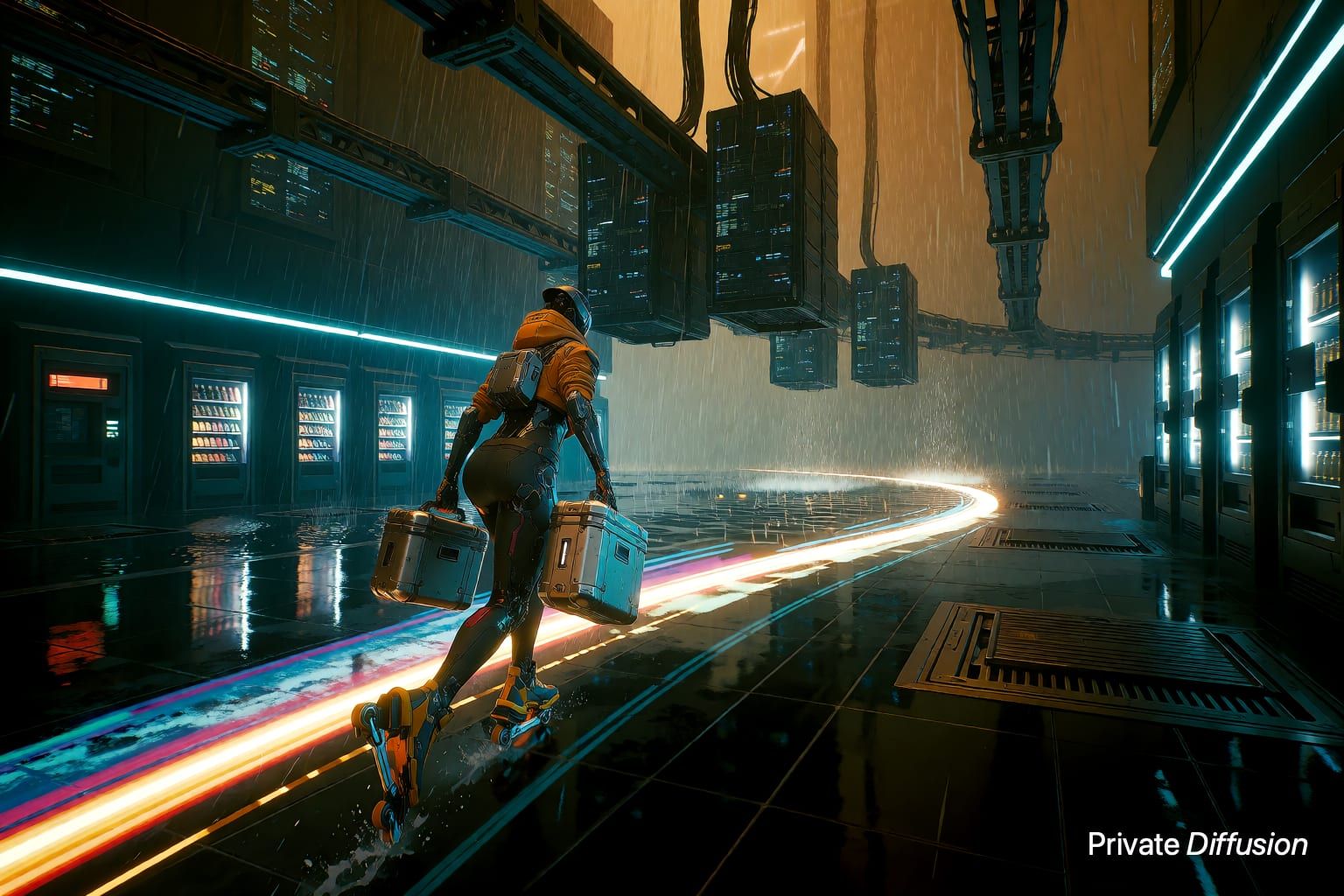
Tea room inside a tidepool
- Model Kroma Turbo
- Landscape 3:2
- 1536 × 1024 · XL
- 10 steps
- Max quality
- Mac

Prompt and Settings
A formal tea room submerged inside a giant tidepool becomes the subject, with lacquer chairs resting on rippled sand under a glassy water ceiling. An adult guest pours tea from a shell teapot while silver fish circle a chandelier of coral cups. Seaweed curtains, tiled floor, and distant shore rocks frame the wide scene. The camera faces the table straight on with symmetrical balance. Soft noon light bends through water. Kroma Turbo renders surreal realism and tactile marine detail.
Negative Prompt
readable text, logos, watermark, floating furniture errors, warped face, extra hands, murky water, low detail
- Seed
- 304581181
- Steps
- 10
- Quality
- Max
- Size
- 1536 × 1024
- Made With
- Private Diffusion on a Mac with Apple Silicon
Didn't Open in the App?
Private Diffusion turns prompts like this one into images on your Mac with 24 GB or more. Nothing you type reaches our servers.


Have the app? In another app's browser, open this page in Safari first. On iPhone or iPad, go back to the prompt in Safari and press and hold Open in Private Diffusion, then pick the app from the menu.
Make it on your own Mac with 24 GB or more. Nothing you type reaches our servers.

Why This Prompt Works
This surreal prompt pairs a familiar ritual with an impossible setting, which gives Kroma Turbo a clear subject and a strange premise. "Faces the table straight on with symmetrical balance" carries the composition, making the tea service feel formal despite the tidepool environment. "Soft noon light bends through water" defines the mood and explains the rippled highlights. Lacquer chairs, coral cups, shell ceramics, and fish provide concrete details for surreal realism.
Recreate It in Private Diffusion
- Paste the prompt into Studio and choose Kroma Turbo.
- Set Size to XL and Aspect Ratio to Landscape 3:2.
- Type 304581181 into Seed. On a Mac, switch off Randomize first.
- If Studio shows a control with Off and 4-step, choose Off.
- Set Steps to 10.
- Paste the negative prompt into Negative prompt.
- Switch off Rewrite Prompt so Studio keeps the prompt word for word.
- Switch on Max quality (slower).
Those are the settings that made this picture, and they run on your own Mac with 24 GB or more, with nothing sent to our servers.
More Like This