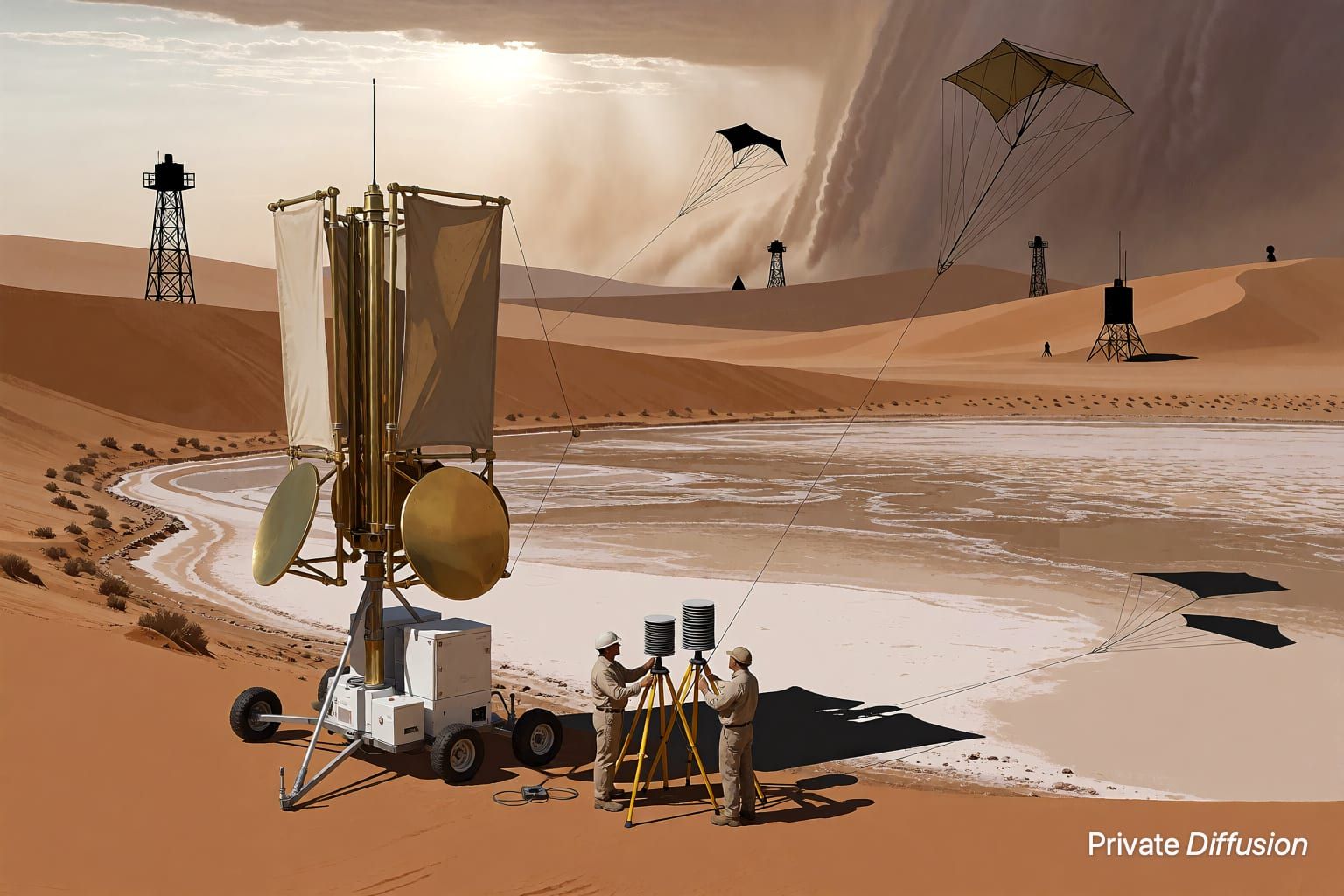
Rain market under elevated rails
- Model Kroma Turbo
- Wide 16:9
- 1024 × 576 · L
- 10 steps
- Max quality
- iPadMac
Prompt and Settings
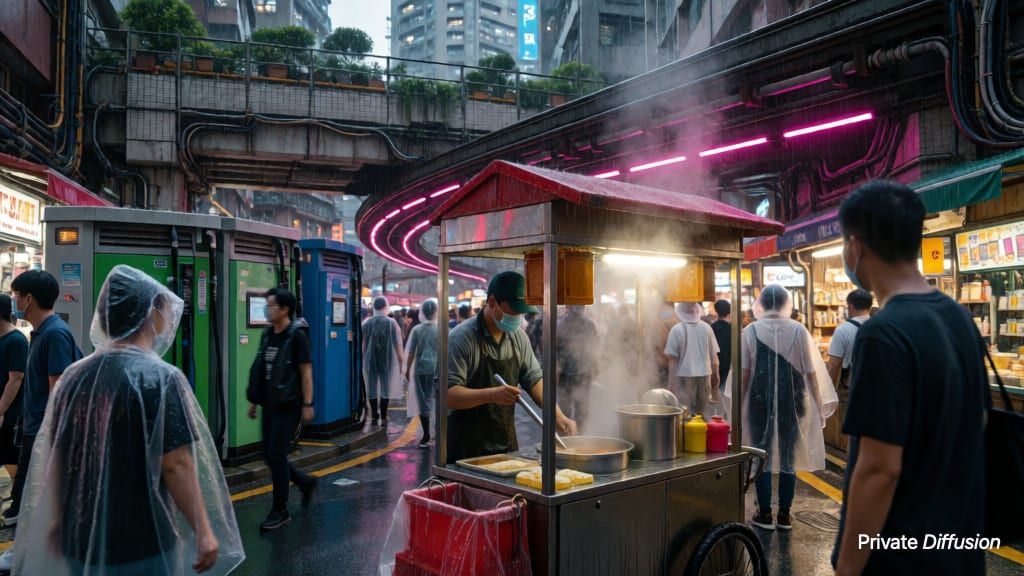
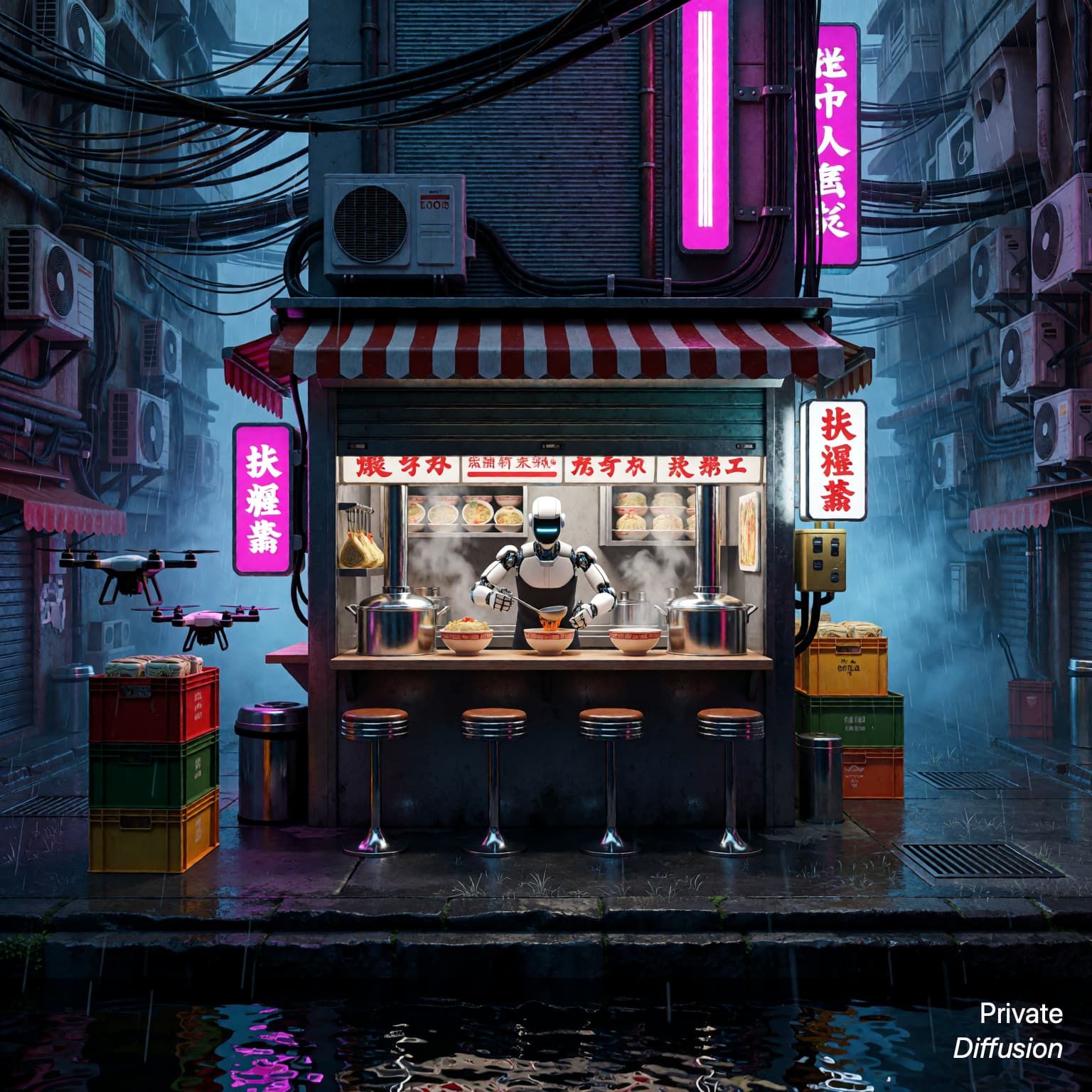
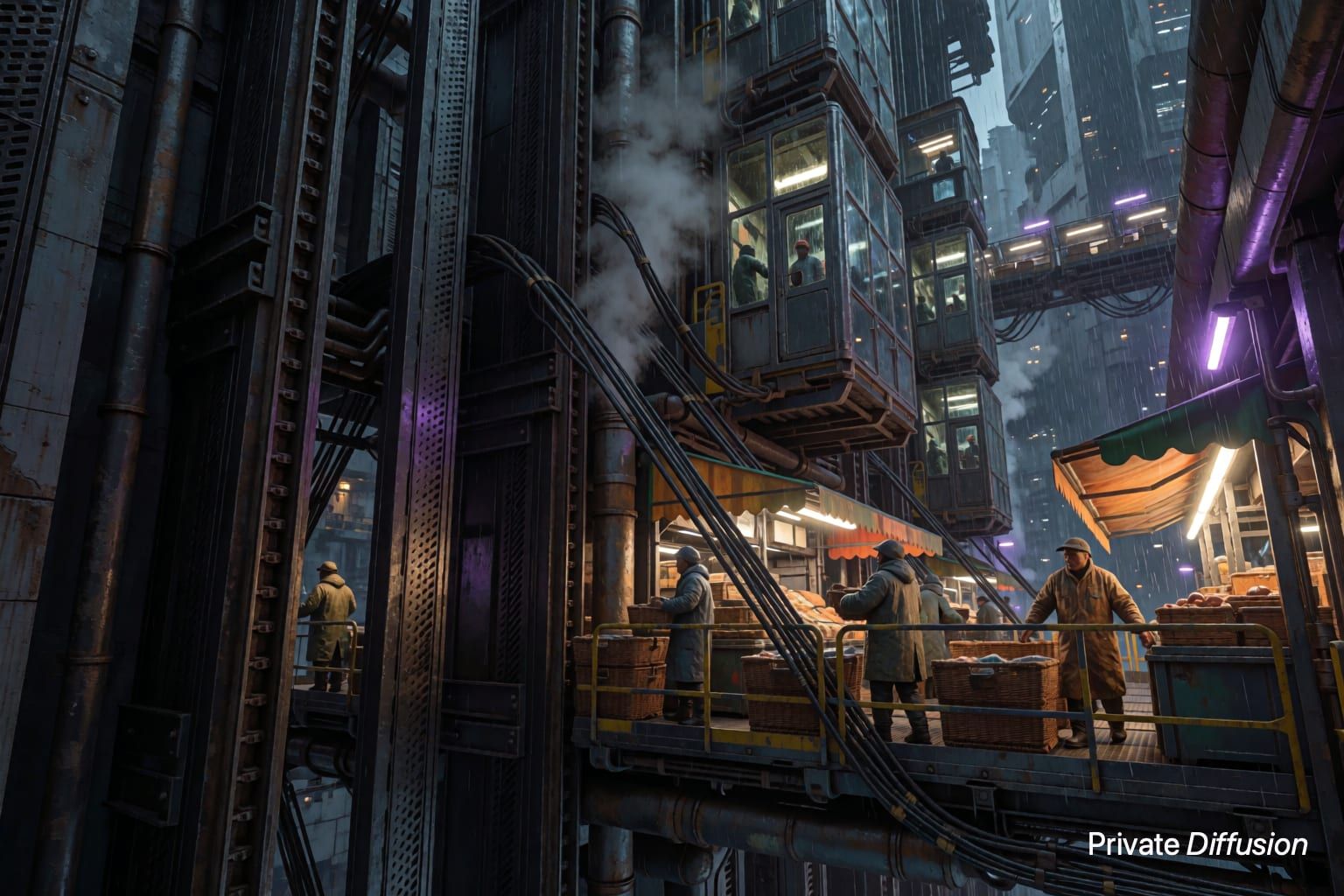
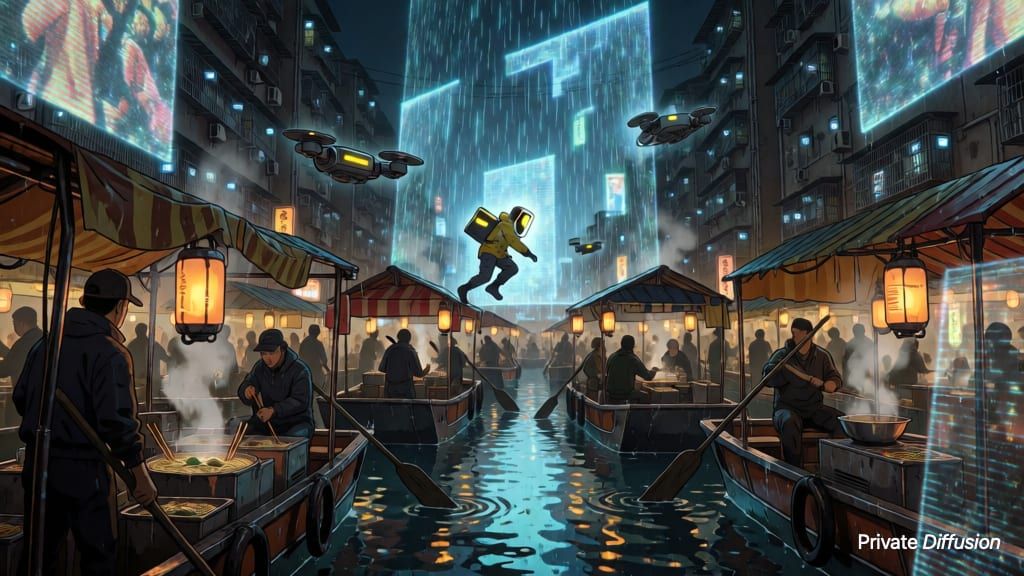
A cybernetic noodle vendor tends a brass steam cart, lifting bamboo baskets as delivery drones hover nearby. The stall sits beneath elevated rail tracks in a wet night market, with chrome pipes, tarp roofs, puddles, and glowing vendor panels without readable marks. A wide 16:9 street-level camera frames the cart center-left and receding rails above. Cyan tube light and amber steam shape the scene. Kroma Turbo style favors sharp metal edges, glossy reflections, dense vapor, and fast cinematic contrast.
Negative Prompt
text, logos, watermark, blurry faces, extra limbs, distorted hands, unreadable symbols, oversaturated bloom, duplicate drones
- Seed
- 250382378
- Steps
- 10
- Quality
- Max
- Size
- 1024 × 576
- Made With
- Private Diffusion on a Mac with Apple Silicon
Didn't Open in the App?
Private Diffusion turns prompts like this one into images on your iPad or Mac with 16 GB or more. Nothing you type reaches our servers.


Have the app? In another app's browser, open this page in Safari first. On iPhone or iPad, go back to the prompt in Safari and press and hold Open in Private Diffusion, then pick the app from the menu.
Make it on your own iPad or Mac with 16 GB or more. Nothing you type reaches our servers.

Why This Prompt Works
This image centers on a street vendor rather than the usual skyline, giving the cyberpunk scene a grounded point of view. The composition is carried by "cart center-left and receding rails above," which gives Kroma Turbo clear depth cues for a 16:9 frame. The paired cyan and amber light keeps the steam, puddles, and chrome readable, while the glossy materials suit the model's high-contrast rendering strengths.
Recreate It in Private Diffusion
- Paste the prompt into Studio and choose Kroma Turbo.
- Set Size to L and Aspect Ratio to Wide 16:9.
- Type 250382378 into Seed. On a Mac, switch off Randomize first.
- If Studio shows a control with Off and 4-step, choose Off.
- Set Steps to 10.
- Paste the negative prompt into Negative prompt.
- Switch off Rewrite Prompt so Studio keeps the prompt word for word.
- Switch on Max quality (slower).
Those are the settings that made this picture, and they run on your own iPad or Mac with 16 GB or more, with nothing sent to our servers.
More Like This