Mobile seed vault crossing salt flats
- Model Kroma Turbo
- Wide 16:9
- 1024 × 576 · L
- 10 steps
- Max quality
- iPadMac

Prompt and Settings
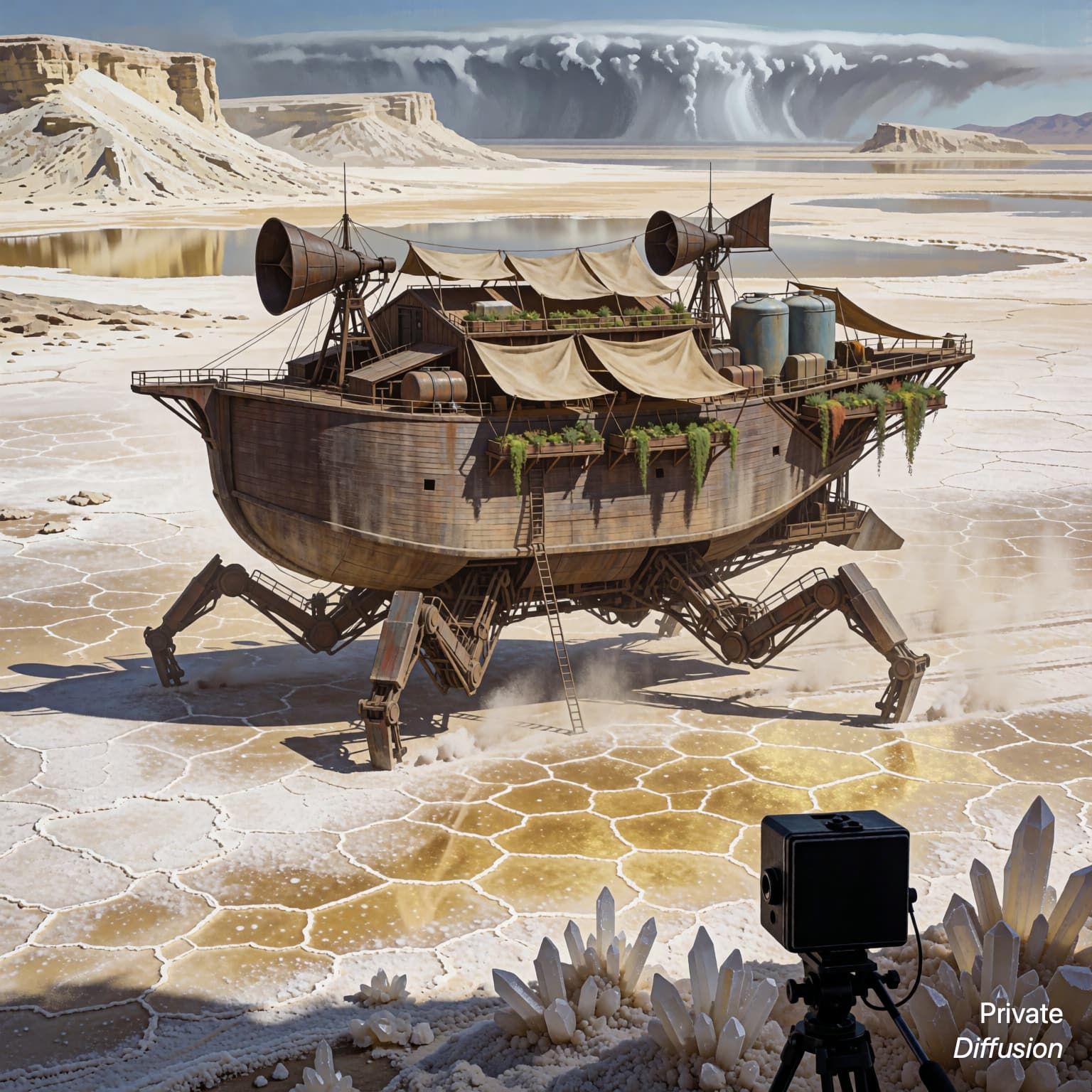
A massive mobile seed vault with ribbed ceramic wheels crawls across white salt flats. Robotic arms release seed capsules into shallow trenches while flags of plain fabric mark test plots. Distant mesa cliffs and a dry thunderhead frame the horizon. Wide 16:9 view, elevated three-quarter camera showing the vehicle path and planted grid. Harsh noon sun casts short shadows with silver reflections. Concept art style, functional industrial design, matte clay panels, exposed hydraulics, clean environmental storytelling.
Negative Prompt
text, watermark, logo, brand mark, unreadable labels, soft focus, broken wheels, duplicate vehicle, messy silhouettes
- Seed
- 166348188
- Steps
- 10
- Quality
- Max
- Size
- 1024 × 576
- Made With
- Private Diffusion on a Mac with Apple Silicon
Didn't Open in the App?
Private Diffusion turns prompts like this one into images on your iPad or Mac with 16 GB or more. Nothing you type reaches our servers.


Have the app? In another app's browser, open this page in Safari first. On iPhone or iPad, go back to the prompt in Safari and press and hold Open in Private Diffusion, then pick the app from the menu.
Make it on your own iPad or Mac with 16 GB or more. Nothing you type reaches our servers.

Why This Prompt Works
This concept-art prompt is built around a practical future object, so Kroma Turbo can emphasize design logic as much as spectacle. The elevated three-quarter view carries the composition by showing the seed vault, wheel tracks, and planting grid in one read. Harsh noon light and silver salt reflections define the lighting clearly, while ceramic wheels, hydraulics, clay panels, fabric flags, and mesa cliffs give the machine and landscape believable production-design details.
Recreate It in Private Diffusion
- Paste the prompt into Studio and choose Kroma Turbo.
- Set Size to L and Aspect Ratio to Wide 16:9.
- Type 166348188 into Seed. On a Mac, switch off Randomize first.
- If Studio shows a control with Off and 4-step, choose Off.
- Set Steps to 10.
- Paste the negative prompt into Negative prompt.
- Switch off Rewrite Prompt so Studio keeps the prompt word for word.
- Switch on Max quality (slower).
Those are the settings that made this picture, and they run on your own iPad or Mac with 16 GB or more, with nothing sent to our servers.
More Like This