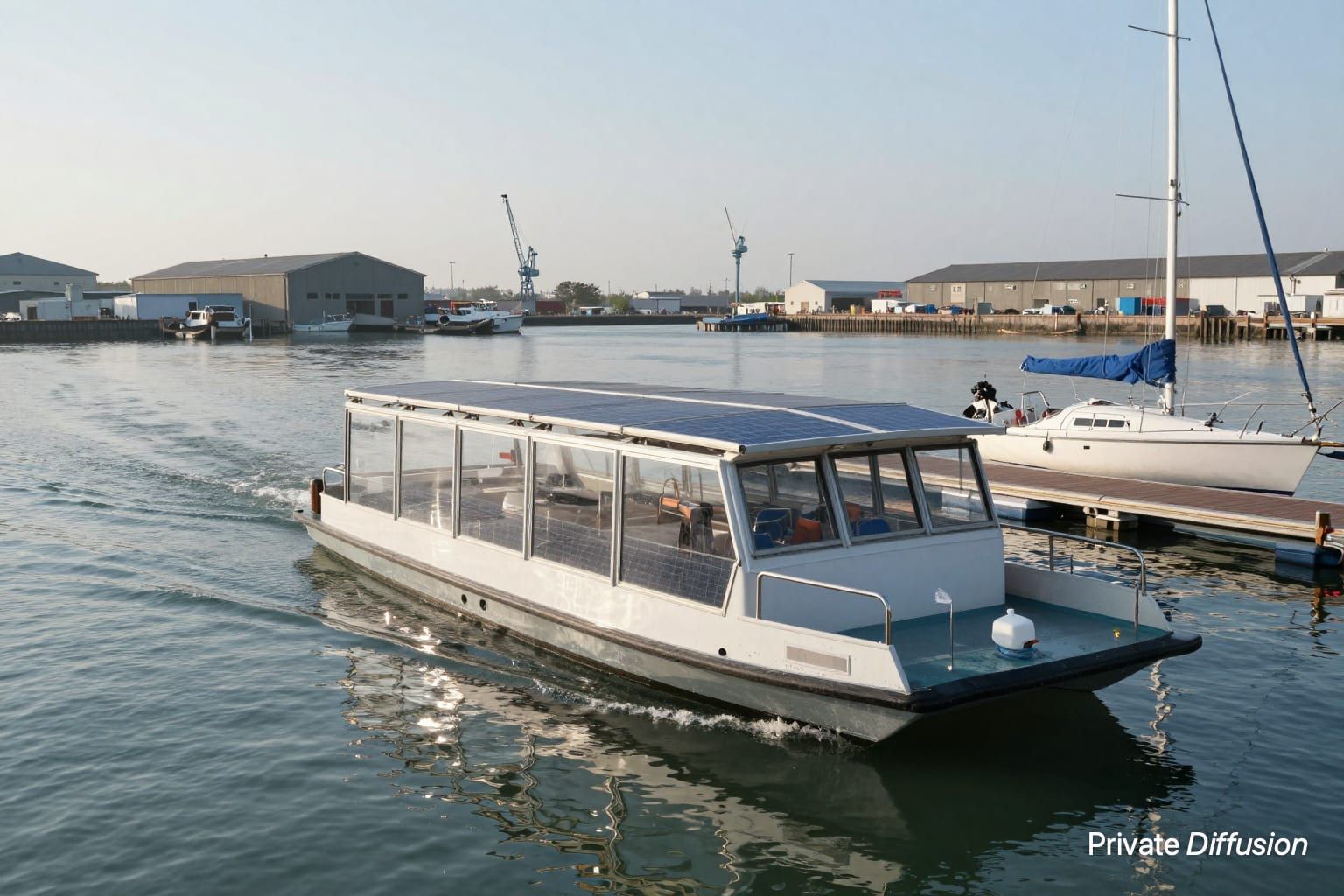
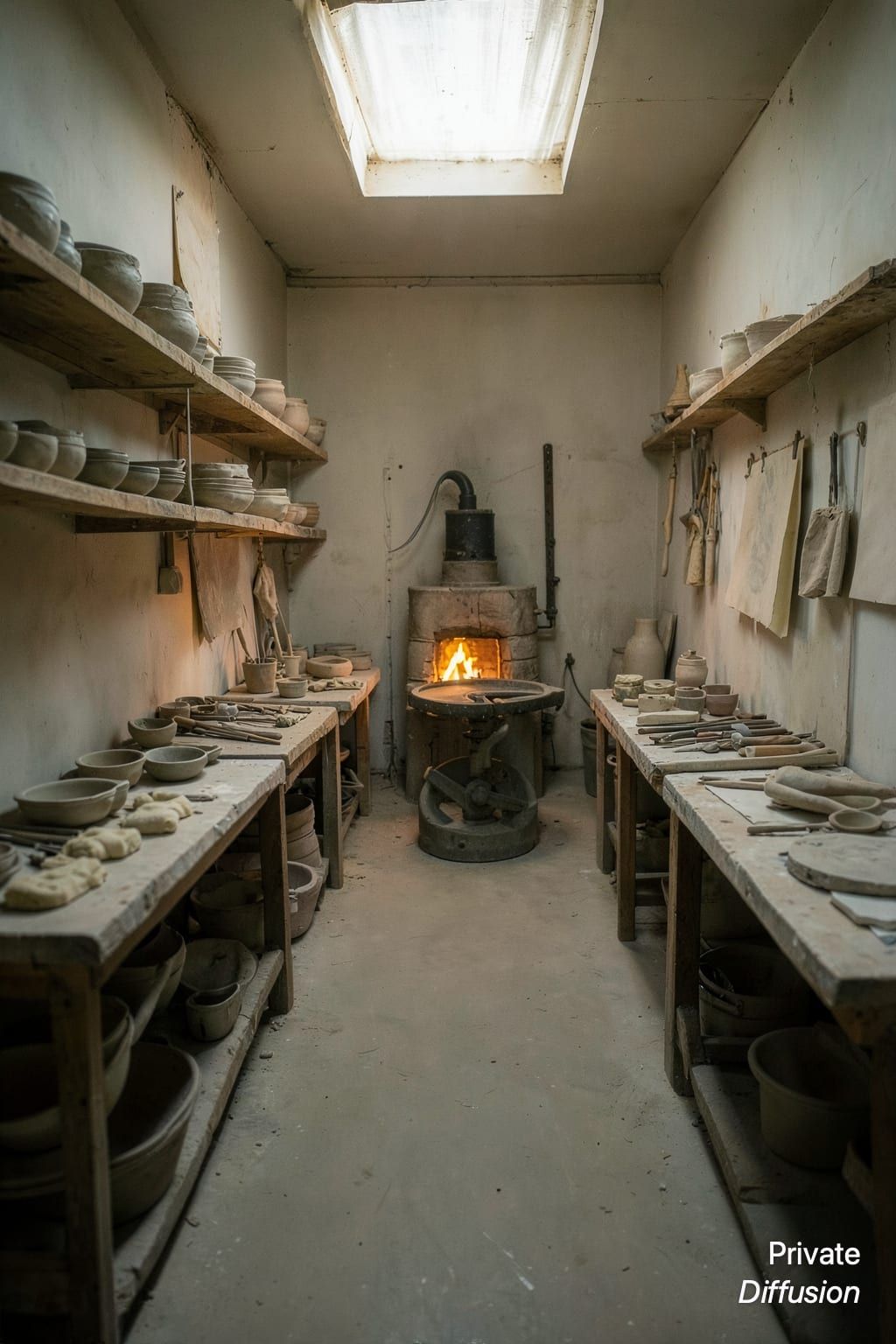
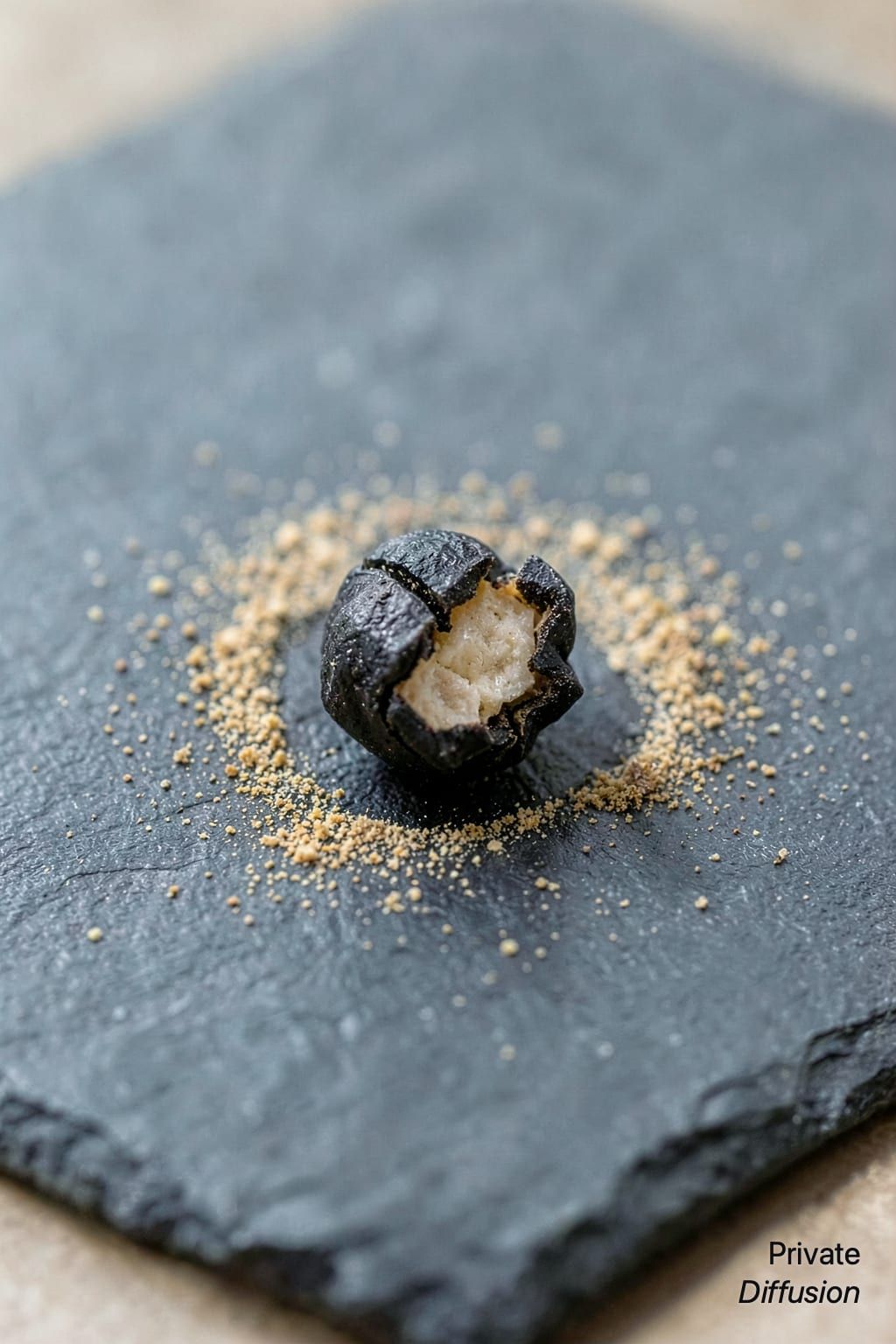
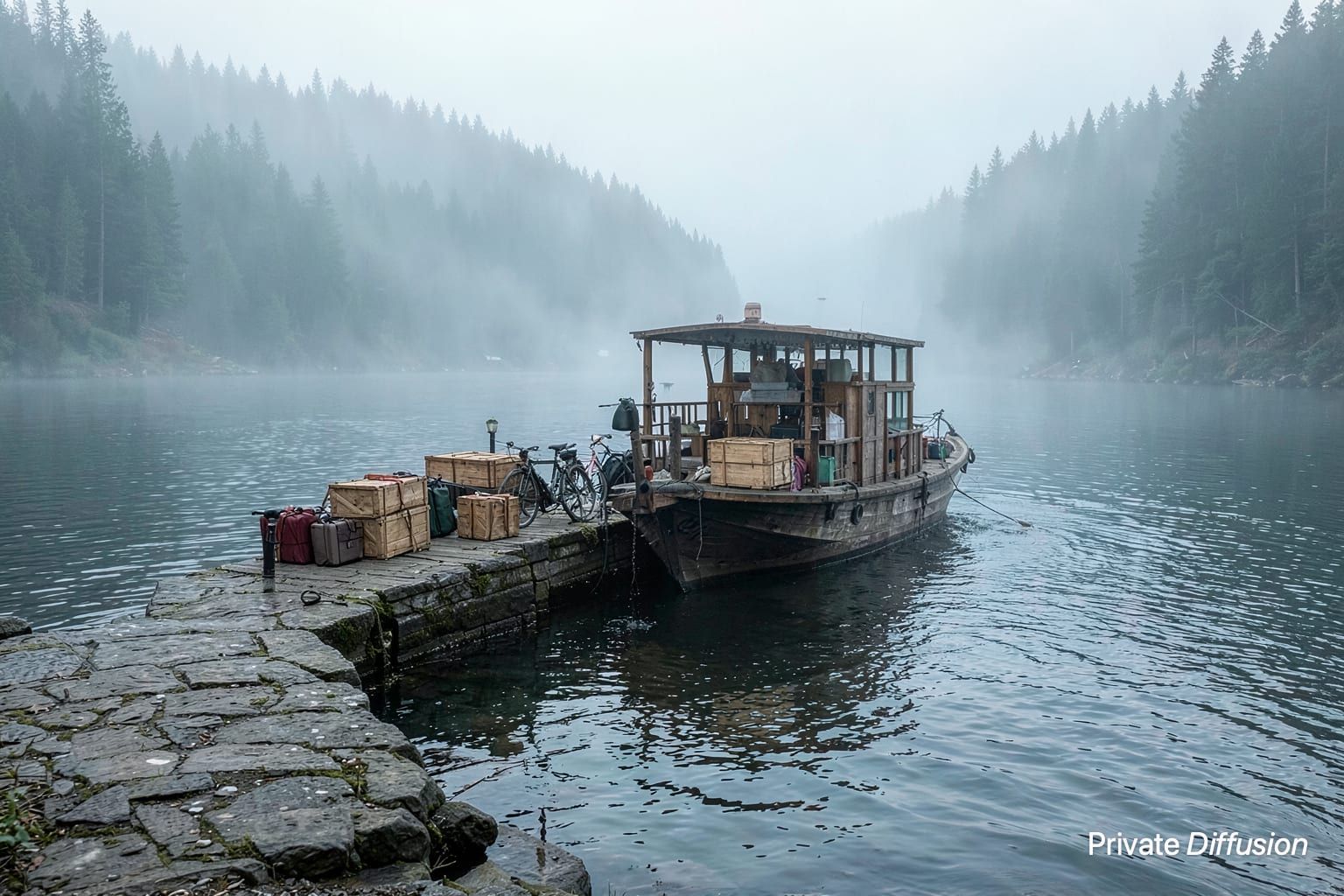
A rescue seaplane skims the inlet
- Model Flux.2 Klein 4B
- Wide 16:9
- 1024 × 576 · L
- 4 steps
- Max quality
- iPhoneiPadMac
Prompt and Settings
A yellow rescue seaplane taxis across a sheltered mountain inlet, its pontoons cutting two white wakes. The aircraft turns toward a floating dock beside pine-covered cliffs. The environment is a cold coastal bay shown in a wide 16:9 frame. The camera tracks from water level with a 70mm lens, compressing the shore behind it. Broken cloud light reflects from the waves. Cinematic vehicle photography, practical detail, weathered paint, spray, no markings or words.
Negative Prompt
text, logos, watermark, missing wings, bent propeller, deformed floats, motion smear, oversaturated sky
- Seed
- 1778078092
- Steps
- 4
- Quality
- Max
- Size
- 1024 × 576
- Made With
- Private Diffusion on a Mac with Apple Silicon
Make it on your own iPhone, iPad, or Mac. Nothing you type leaves the device.


Why This Prompt Works
The seaplane is a distinct vehicle subject with a strong horizontal path across the frame. The water-level tracking camera sets up the wide composition for Flux.2 Klein 4B, and the broken cloud reflections help separate the yellow fuselage from the dark inlet. Details like pontoons, wakes, weathered paint, and spray give the model specific shapes and textures to resolve without relying on readable markings.
Recreate It in Private Diffusion
- Paste the prompt into Studio and choose Flux.2 Klein 4B.
- Set Size to L and Aspect Ratio to Wide 16:9.
- Type 1778078092 into Seed. On a Mac, switch off Randomize first.
- Paste the negative prompt into Negative prompt.
- Switch off Rewrite description (Rewrite Prompt on a Mac) so Studio keeps the prompt word for word.
- Switch on Max quality (slower).
Those are the settings that made this picture, and they run on your own iPhone, iPad, or Mac, with nothing uploaded.