Floating archive above a neon canal
- Model ERNIE Image Turbo
- Wide 16:9
- 1024 × 576 · L
- 8 steps
- Max quality
- iPadMac
Prompt and Settings
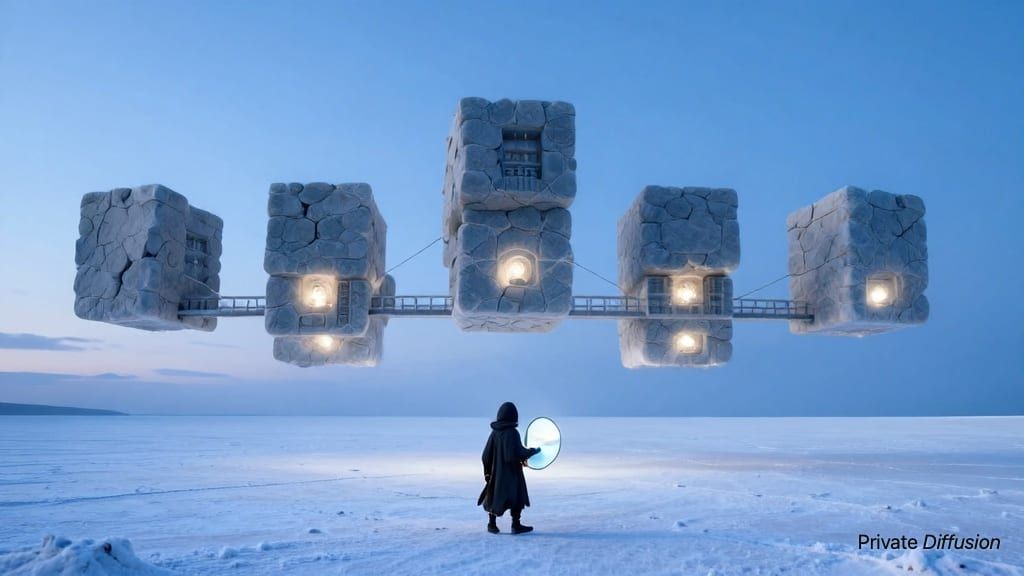
A floating archive drifts above a narrow canal, its stacked data vaults glowing through glass floors and suspended walkways. Small maintenance drones trace arcs around cooling vents and antenna masts. The city below is dense with bridges, balconies, and rain-dark roofs. A high wide camera view looks across the canal in 16:9. Blue and amber light reflects on wet stone. Digital concept art, clean silhouettes, layered atmospheric haze, luminous panels, intricate hard-surface design.
- Seed
- 587134826
- Steps
- 8
- Quality
- Max
- Size
- 1024 × 576
- Made With
- Private Diffusion on a Mac with Apple Silicon
Make it on your own iPad or Mac. Nothing you type leaves the device.


Why This Prompt Works
This image builds a digital-art scene around architecture, motion, and light rather than a character. ERNIE Image Turbo can lock onto the floating archive above the canal as the main composition phrase, with the high wide view establishing scale. Blue and amber reflections give the environment a readable lighting scheme, while clean silhouettes, atmospheric haze, luminous panels, and hard-surface design push the output toward polished concept art.
Recreate It in Private Diffusion
- Paste the prompt into Studio and choose ERNIE Image Turbo.
- Set Size to L and Aspect Ratio to Wide 16:9.
- Type 587134826 into Seed. On a Mac, switch off Randomize first.
- Switch off Rewrite description (Rewrite Prompt on a Mac) so Studio keeps the prompt word for word.
- Switch on Max quality (slower).
Those are the settings that made this picture, and they run on your own iPad or Mac, with nothing uploaded.
More Like This
More From ERNIE Image Turbo