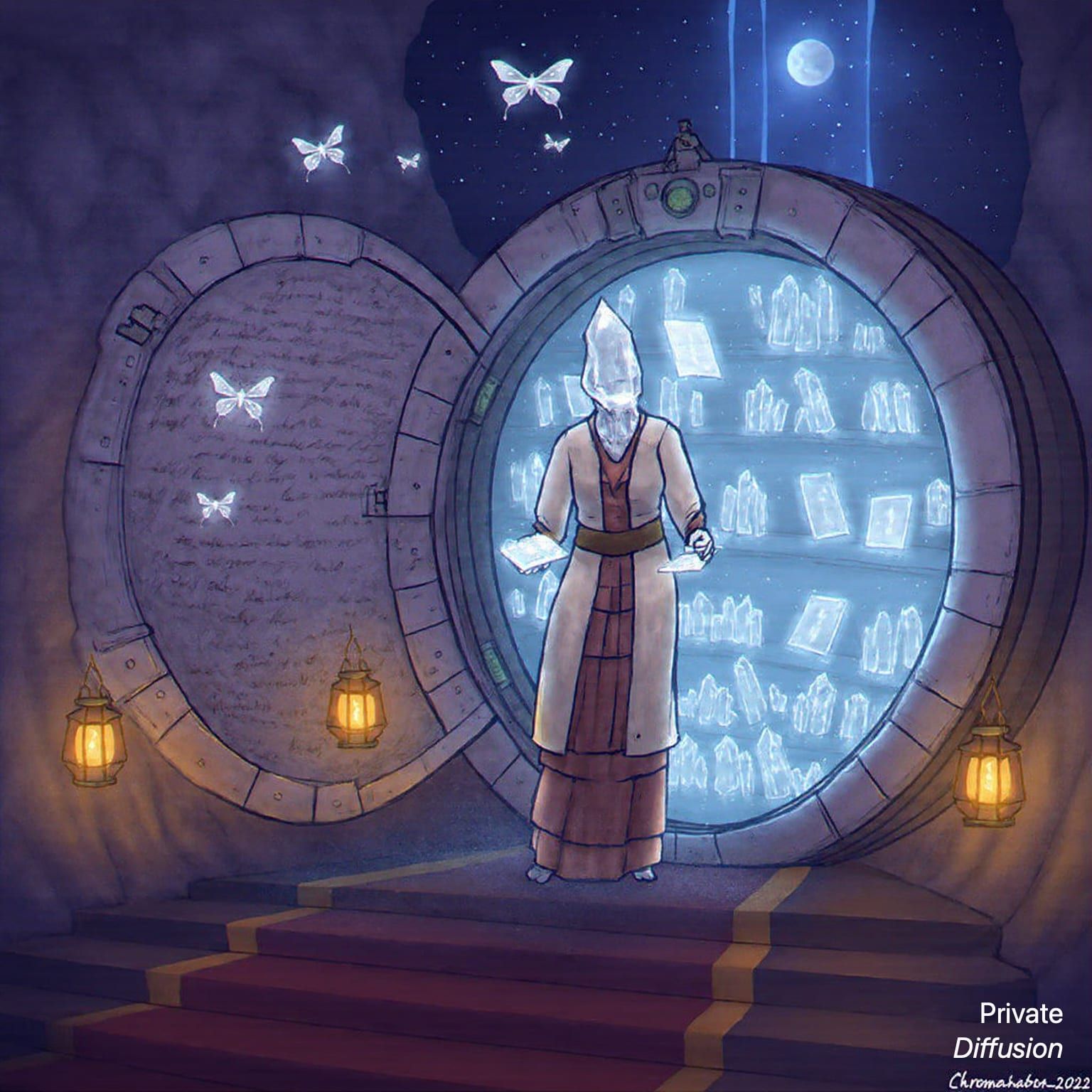
Porcelain masks line the tunnel
- Model Chroma1-Flash
- Wide 16:9
- 1024 × 576 · L
- 12 steps
- Max quality
- iPadMac
Prompt and Settings
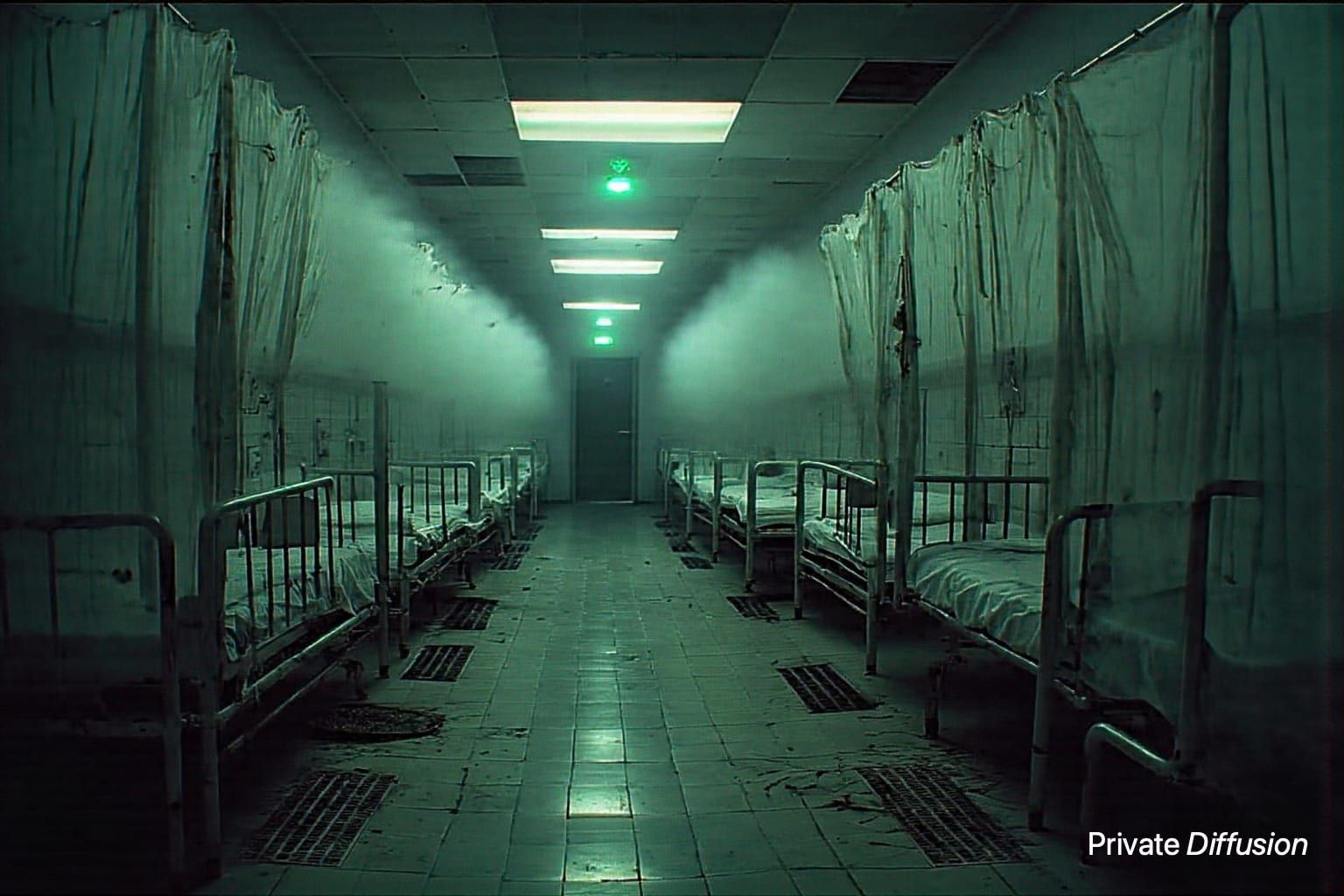
Rows of cracked porcelain masks hang from copper hooks along a flooded service tunnel, each reflected in black water around a single overturned chair. The camera looks straight down the tunnel in a wide 16:9 one-point perspective, placing the chair at the vanishing point. Cold fluorescent tubes flicker through mist, and Chroma1-Flash brings out glazed ceramic, green pipe corrosion, rippled reflections, concrete stains, and quiet psychological horror.
Negative Prompt
blur, readable text, watermark, logo, duplicated chair, distorted masks, overexposure, gore
- Seed
- 518616669
- Steps
- 12
- Quality
- Max
- Size
- 1024 × 576
- Made With
- Private Diffusion on a Mac with Apple Silicon
Make it on your own iPad or Mac with 16 GB or more. Nothing you type leaves the device.


Why This Prompt Works
The fear here is repetition and implication, with masks replacing any visible attacker. “One-point perspective” carries the composition by turning the tunnel into a visual corridor toward the overturned chair, and the reflections double the unease without adding clutter. Chroma1-Flash should handle the clean contrast between porcelain, corroded pipes, fluorescent haze, concrete stains, and black water, giving the scene a sharp psychological edge.
Recreate It in Private Diffusion
- Paste the prompt into Studio and choose Chroma1-Flash.
- Set Size to L and Aspect Ratio to Wide 16:9.
- Type 518616669 into Seed. On a Mac, switch off Randomize first.
- Paste the negative prompt into Negative prompt.
- Switch on Max quality (slower).
Those are the settings that made this picture, and they run on your own iPad or Mac with 16 GB or more, with nothing uploaded.
More Like This