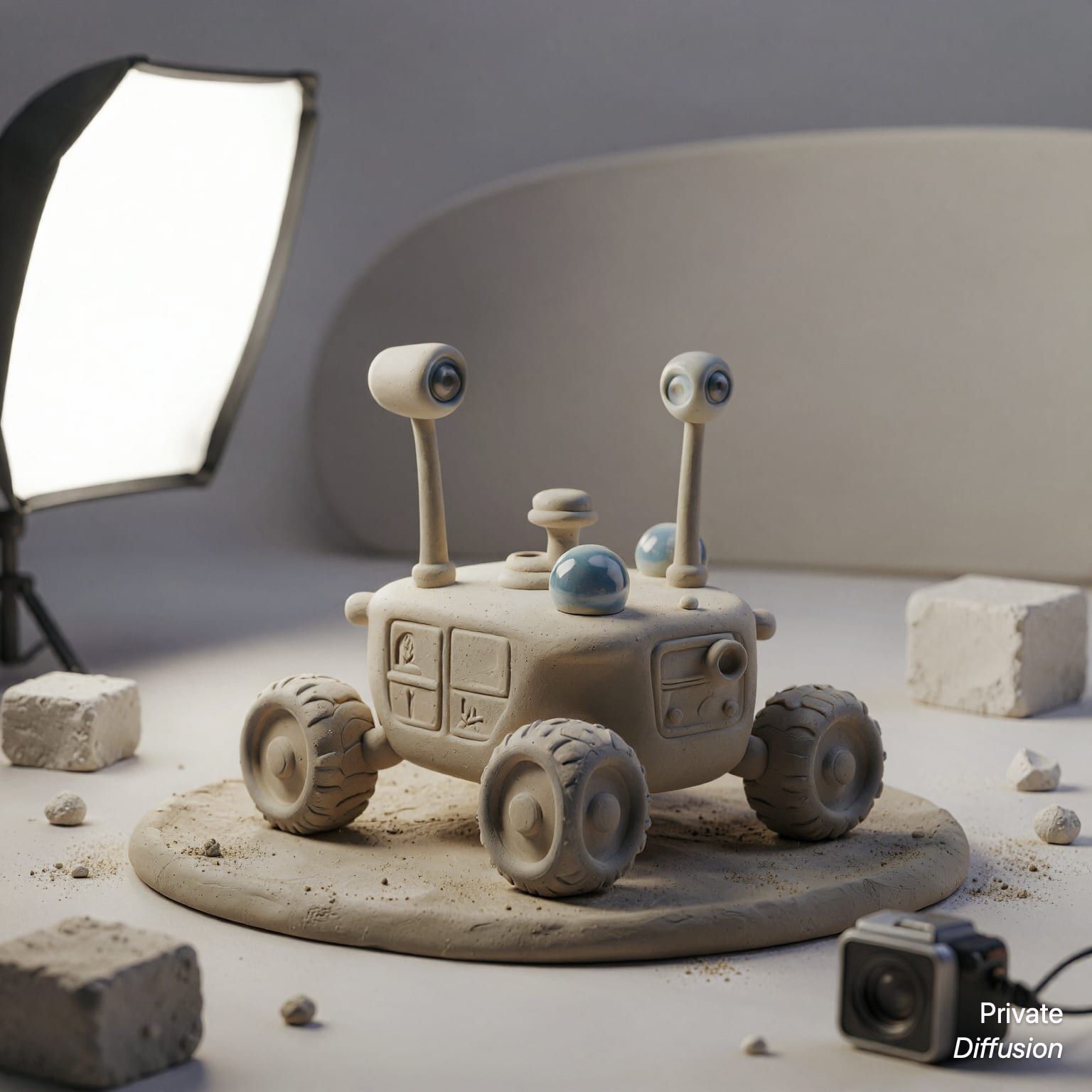
Toy repair robot in tiny workshop
- Model ERNIE Image Turbo
- Square 1:1
- 1536 × 1536 · XL
- 8 steps
- Max quality
- iPadMac
Prompt and Settings
A small repair robot with rounded ceramic panels adjusts a windup toy train using miniature tools on a wooden bench. Shelves of gears, screws, jars, cloth scraps, and lamp parts fill a cozy scale workshop around it. A square 3D render uses a close three-quarter camera angle at bench height with shallow focus. A green desk lamp casts warm light while cool ambient light outlines the robot. Smooth claylike surfaces, tiny scratches, bevelled edges, and playful mechanical detail define the style.
- Seed
- 284844494
- Steps
- 8
- Quality
- Max
- Size
- 1536 × 1536
- Made With
- Private Diffusion on a Mac with Apple Silicon
Make it on your own Mac with 24 GB or more. Nothing you type leaves the device.


Why This Prompt Works
This 3D image uses a repair robot and toy train as distinct subjects with clear scale and purpose. ERNIE Image Turbo has strong guidance from the phrase close three-quarter camera angle at bench height, which sets the miniature viewpoint. The green desk lamp provides the key light, and the claylike surfaces with bevelled edges tell the model to create a polished 3D render rather than a flat illustration.
Recreate It in Private Diffusion
- Paste the prompt into Studio and choose ERNIE Image Turbo.
- Set Size to XL and Aspect Ratio to Square 1:1.
- Type 284844494 into Seed. On a Mac, switch off Randomize first.
- Switch off Rewrite description (Rewrite Prompt on a Mac) so Studio keeps the prompt word for word.
- Switch on Max quality (slower).
Those are the settings that made this picture, and they run on your own Mac with 24 GB or more, with nothing uploaded.
More Like This





More From ERNIE Image Turbo