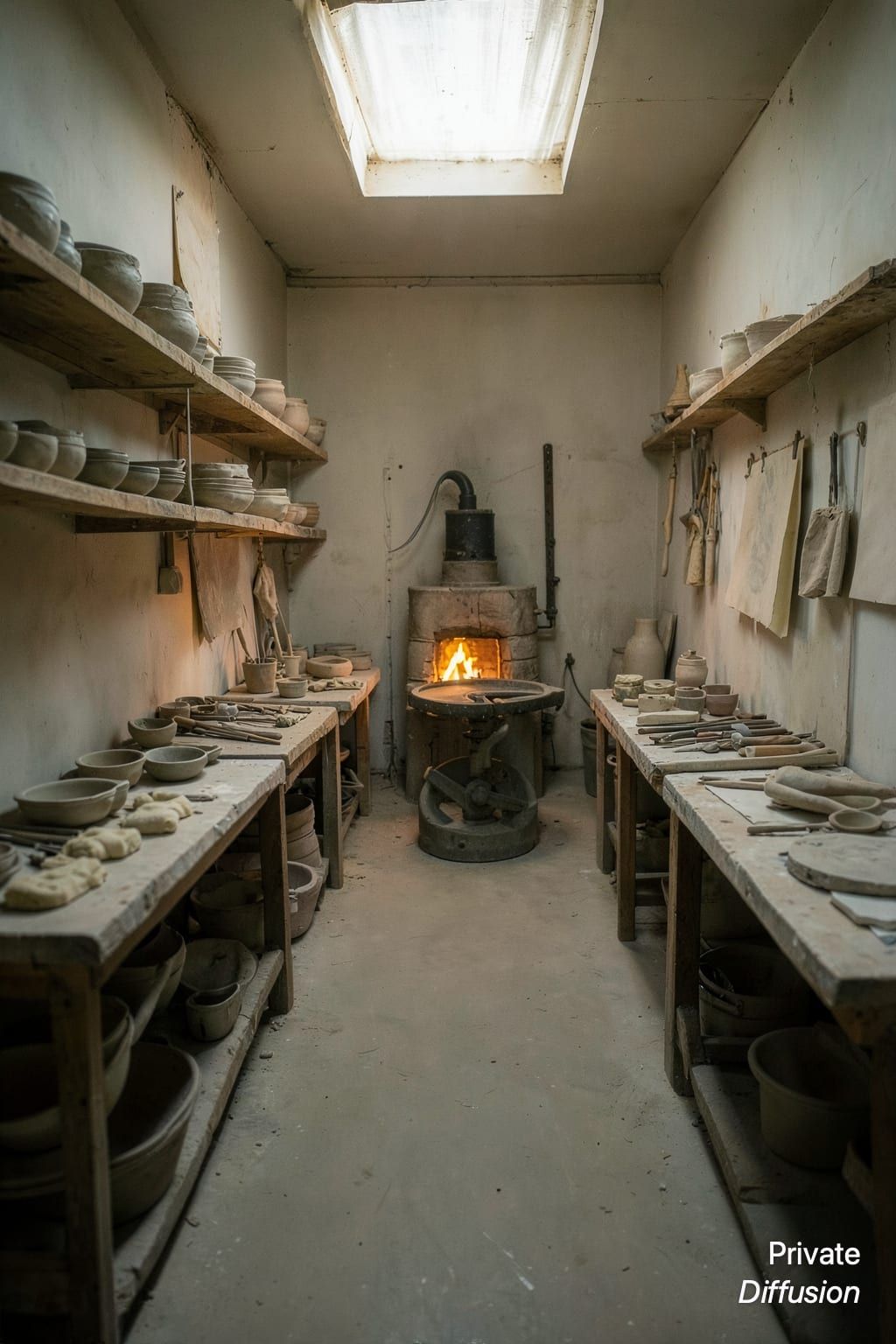
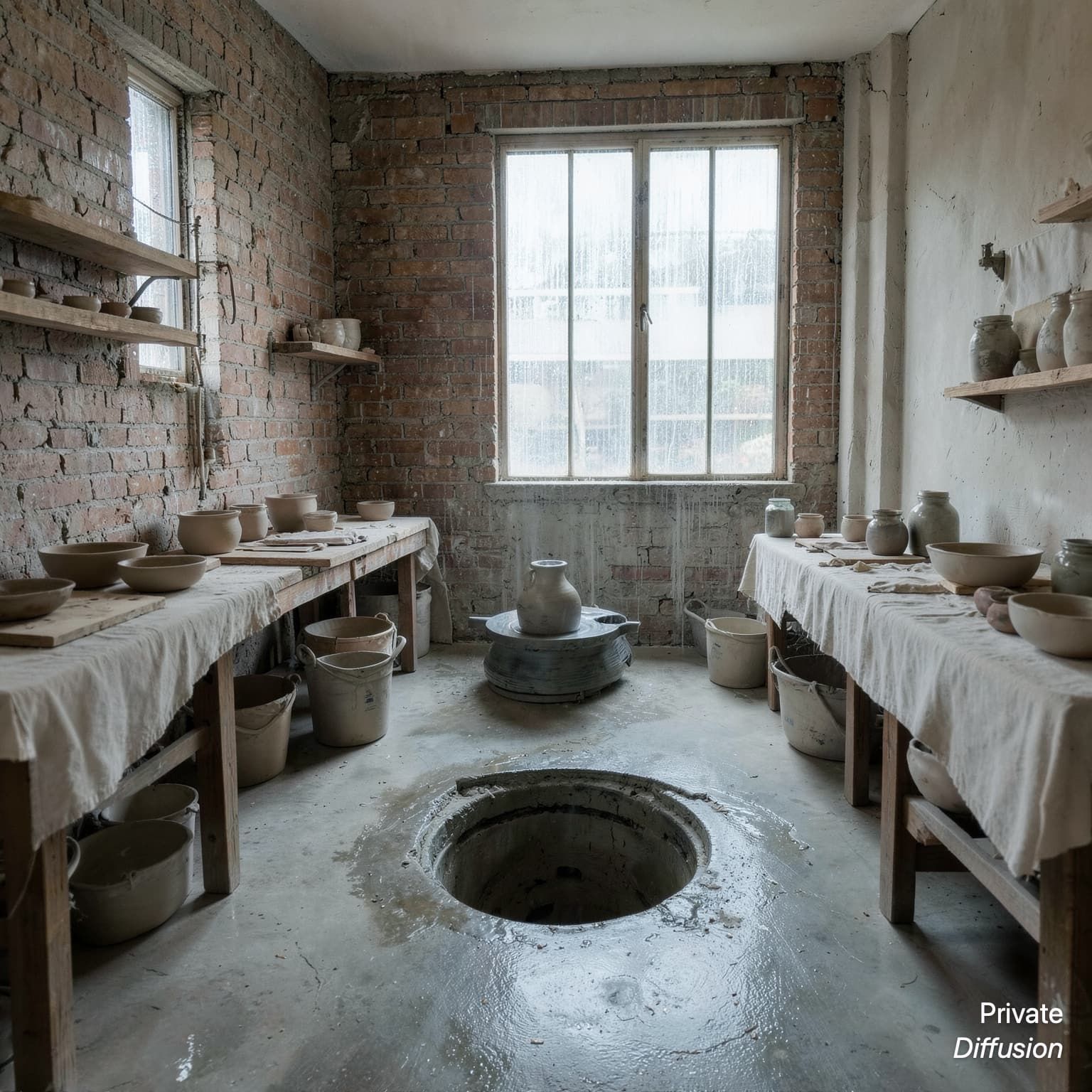
Ceramic studio with drying shelves
- Model Z-Image-Turbo
- Wide 16:9
- 1024 × 576 · L
- 9 steps
- Max quality
- iPhoneiPadMac
Prompt and Settings
A ceramic studio holds rows of unfired bowls, hand tools, clay slabs, and a kick wheel near a broad workbench. An adult potter wipes slip from their hands beside open drying shelves. The room has plaster walls, concrete floor, skylights, and buckets under a sink. Wide 16:9 camera from bench height, looking across the clay surface. North light from skylights creates soft shadows. Functional craft interior, earthy materials, documentary clarity.
Negative Prompt
logos, readable labels, text, broken hands, melted pottery, cluttered mess, harsh glare, low resolution
- Seed
- 1795641768
- Steps
- 9
- Quality
- Max
- Size
- 1024 × 576
- Made With
- Private Diffusion on a Mac with Apple Silicon
Make it on your own iPhone, iPad, or Mac. Nothing you type leaves the device.


Why This Prompt Works
The image shows a working ceramics room through tools, shelves, clay surfaces, and the potter's hand activity. Z-Image-Turbo is guided by the bench-height camera, which turns the work surface into a foreground plane and lets the shelves recede naturally. Skylight illumination gives the scene soft, even contrast, while concrete, plaster, and clay textures make the interior feel practical and used.
Recreate It in Private Diffusion
- Paste the prompt into Studio and choose Z-Image-Turbo.
- Set Size to L and Aspect Ratio to Wide 16:9.
- Type 1795641768 into Seed. On a Mac, switch off Randomize first.
- Paste the negative prompt into Negative prompt.
- Switch off Rewrite description (Rewrite Prompt on a Mac) so Studio keeps the prompt word for word.
- Switch on Max quality (slower).
Those are the settings that made this picture, and they run on your own iPhone, iPad, or Mac, with nothing uploaded.
More Like This