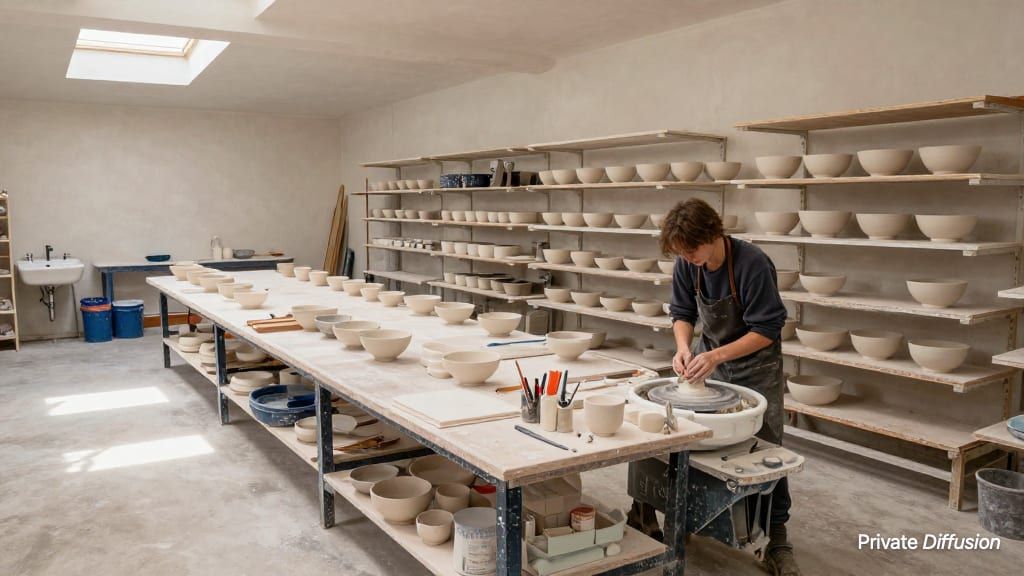
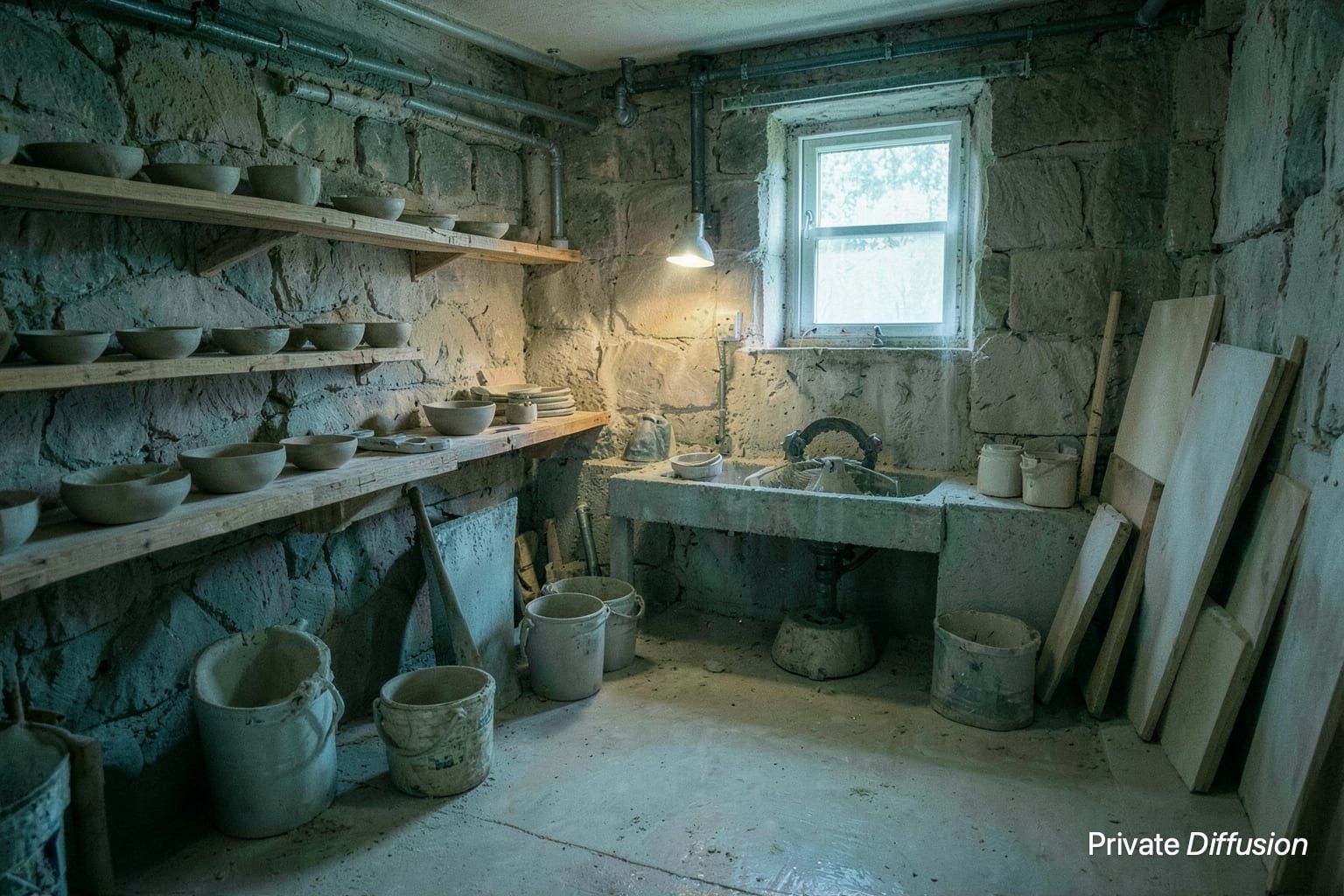
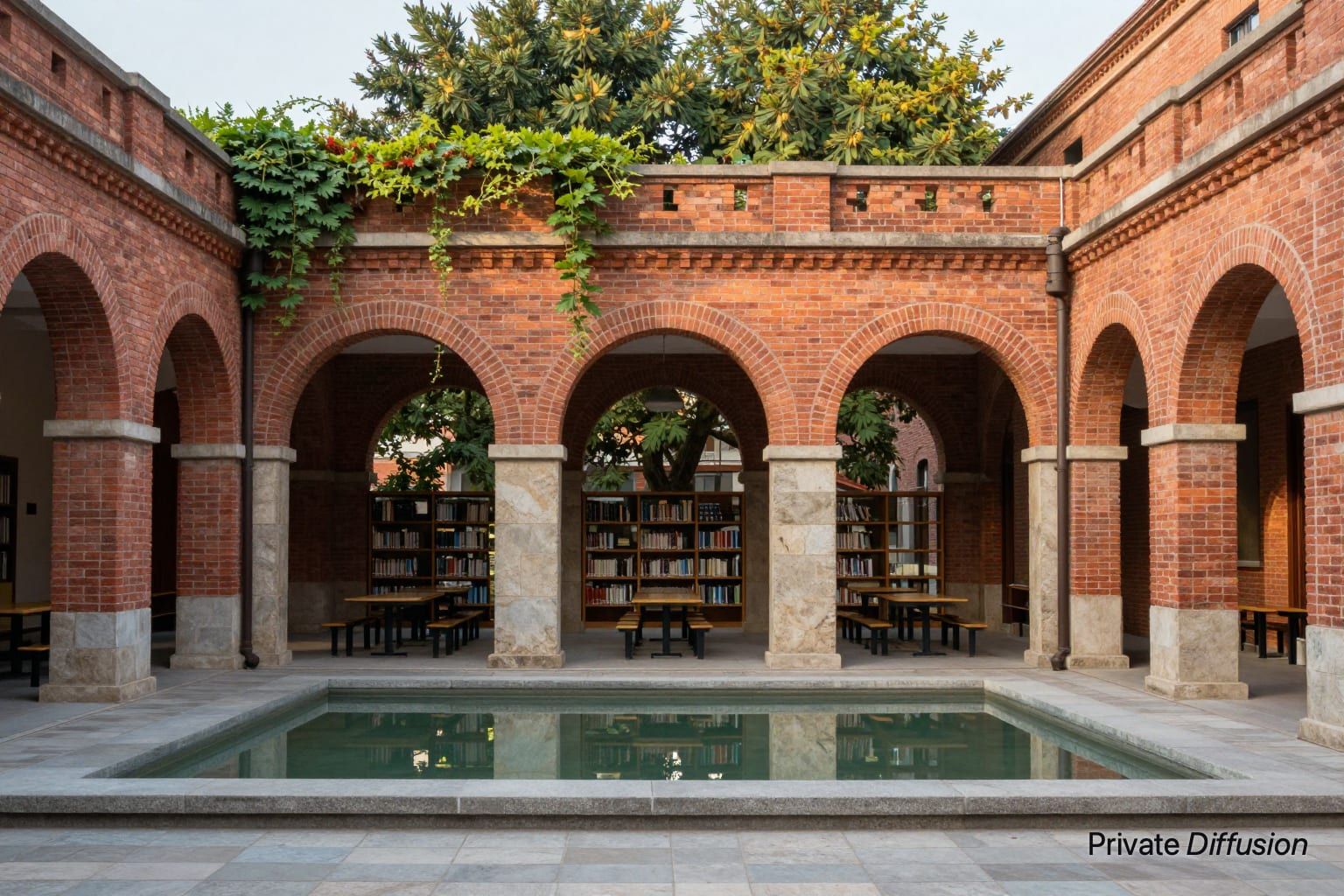
Compact pottery studio after glazing
- Model Z-Image-Turbo
- Landscape 3:2
- 1536 × 1024 · XL
- 9 steps
- Max quality
- iPhoneiPadMac
Prompt and Settings
A compact pottery studio with a wedging table, drying shelves, glaze buckets, clay tools, and unfinished bowls. Show fresh vessels lined near a small kiln while sponges and brushes rest on a stained workbench. Set the room inside a brick workshop with high windows and a concrete floor. Use a 3:2 camera from a doorway at chest height. Let cool north light mix with warm task lamps. Make an honest interior photograph with clay dust, fingerprints, and ceramic sheen.
Negative Prompt
text, logos, watermarks, messy blobs, warped shelves, duplicate bowls, blurry tools, harsh glare, distorted kiln
- Seed
- 1508272002
- Steps
- 9
- Quality
- Max
- Size
- 1536 × 1024
- Made With
- Private Diffusion on a Mac with Apple Silicon
Make it on your own Mac with 24 GB or more. Nothing you type leaves the device.


Why This Prompt Works
This studio interior works because the objects show recent use: bowls waiting near the kiln, brushes on the bench, and glaze buckets nearby. Z-Image-Turbo has concrete spatial guidance from the doorway camera and high-window lighting, which should organize the room without flattening it. The contrast between clay dust and ceramic sheen gives the model surface variety, helping the workshop feel lived in, practical, and visually specific.
Recreate It in Private Diffusion
- Paste the prompt into Studio and choose Z-Image-Turbo.
- Set Size to XL and Aspect Ratio to Landscape 3:2.
- Type 1508272002 into Seed. On a Mac, switch off Randomize first.
- Paste the negative prompt into Negative prompt.
- Switch off Rewrite description (Rewrite Prompt on a Mac) so Studio keeps the prompt word for word.
- Switch on Max quality (slower).
Those are the settings that made this picture, and they run on your own Mac with 24 GB or more, with nothing uploaded.
More Like This