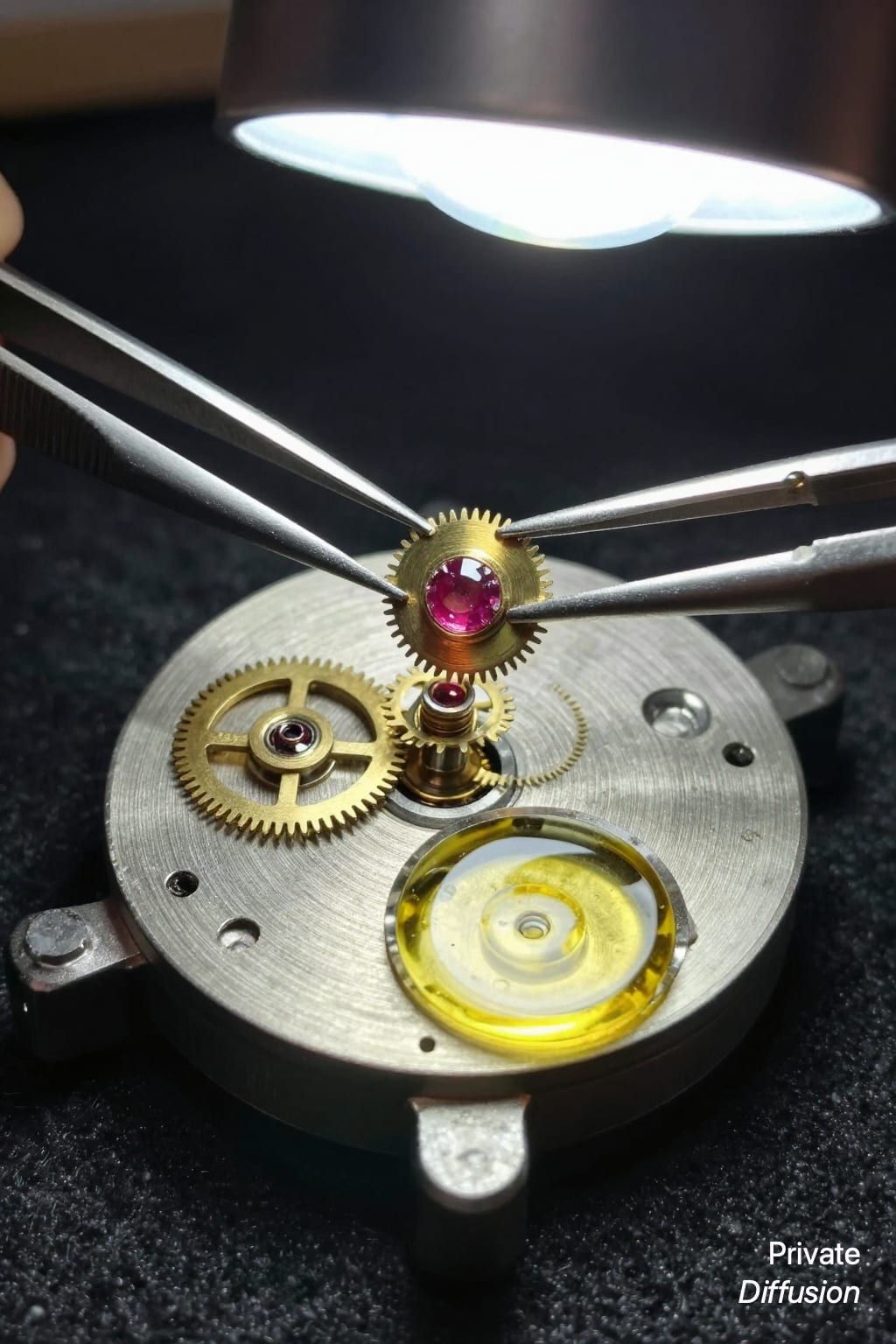
Copper watch gears in alignment
- Model Z-Image-Turbo
- Landscape 3:2
- 1536 × 1024 · XL
- 9 steps
- Max quality
- Mac

Prompt and Settings
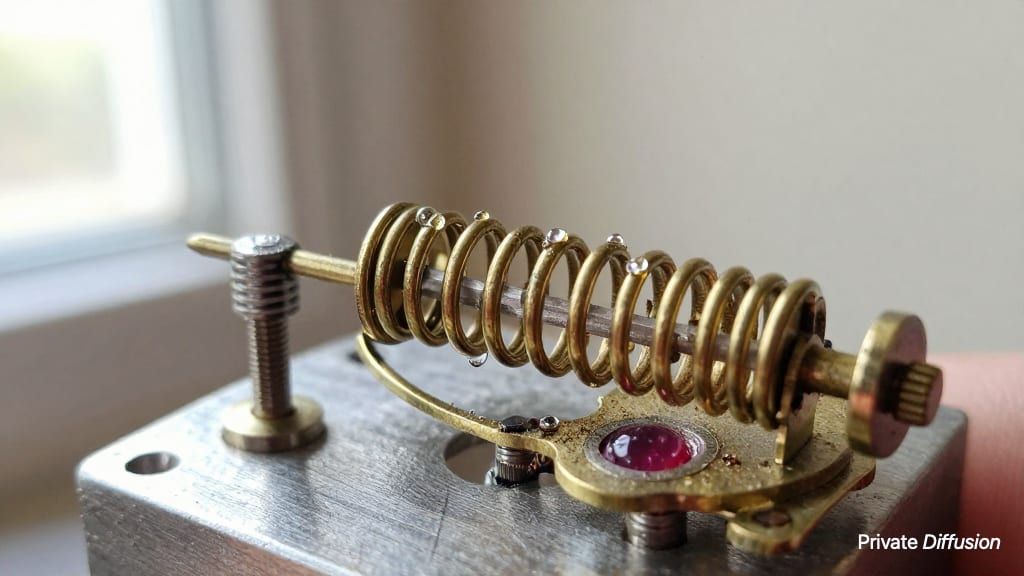
A cluster of tiny copper watch gears lies on a black velvet pad, with one jeweled pivot standing upright beside a steel tweezer tip. The teeth interlock in a loose arc across the frame. The environment is a watchmaker bench suggested by soft shapes beyond focus. Use a 3:2 macro frame, high magnification, and focus stacked center detail. Warm desk lamp light glances across metal. Precision realism, brushed copper, polished steel, velvet fibers visible.
Negative Prompt
text, watermark, logo, numbers, hands, blurry teeth, warped gears, rust, extra tweezers
- Seed
- 1592012002
- Steps
- 9
- Quality
- Max
- Size
- 1536 × 1024
- Made With
- Private Diffusion on a Mac with Apple Silicon
Didn't Open in the App?
Private Diffusion turns prompts like this one into images on your Mac with 24 GB or more. Nothing you type reaches our servers.


Have the app? In another app's browser, open this page in Safari first. On iPhone or iPad, go back to the prompt in Safari and press and hold Open in Private Diffusion, then pick the app from the menu.
Make it on your own Mac with 24 GB or more. Nothing you type reaches our servers.
 Open in Private Diffusion
Send to iPhone
Point your iPhone camera here to open this prompt in Private Diffusion.
Couldn't draw the QR code. Open this page on your iPhone and tap Open in Private Diffusion.
Why This Prompt Works
This macro prompt centers on engineered detail, with interlocking gear teeth and a jeweled pivot set against black velvet. Z-Image-Turbo is guided by the loose arc across the frame, which gives the tiny parts a clear composition. Warm desk lamp light adds glints without flattening the scene, and the precision realism phrase asks for crisp copper, steel, and fiber textures.
Recreate It in Private Diffusion
- Paste the prompt into Studio and choose Z-Image-Turbo.
- Set Size to XL and Aspect Ratio to Landscape 3:2.
- Type 1592012002 into Seed. On a Mac, switch off Randomize first.
- Paste the negative prompt into Negative prompt.
- Switch off Rewrite Prompt so Studio keeps the prompt word for word.
- Switch on Max quality (slower).
Those are the settings that made this picture, and they run on your own Mac with 24 GB or more, with nothing sent to our servers.
More Like This