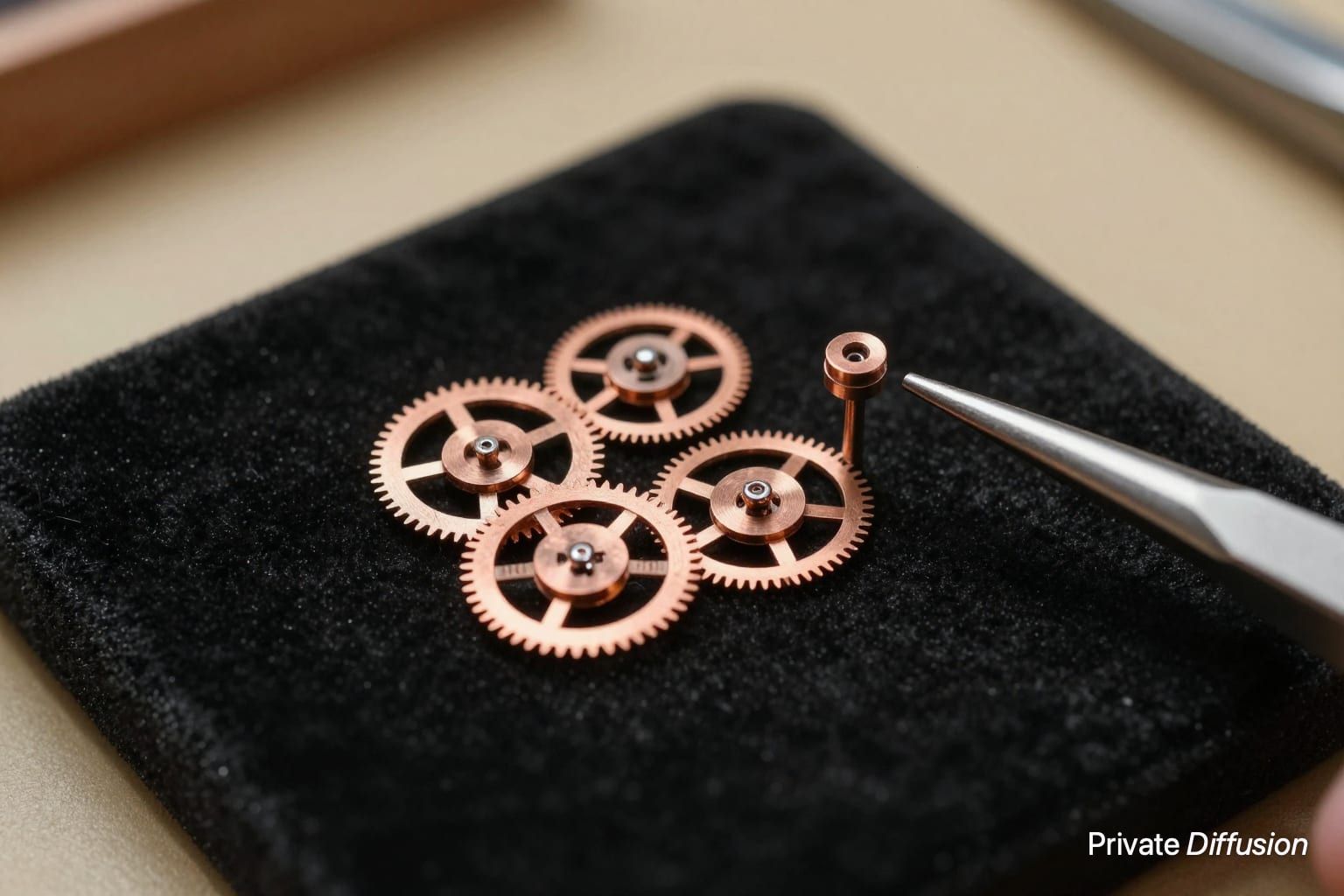
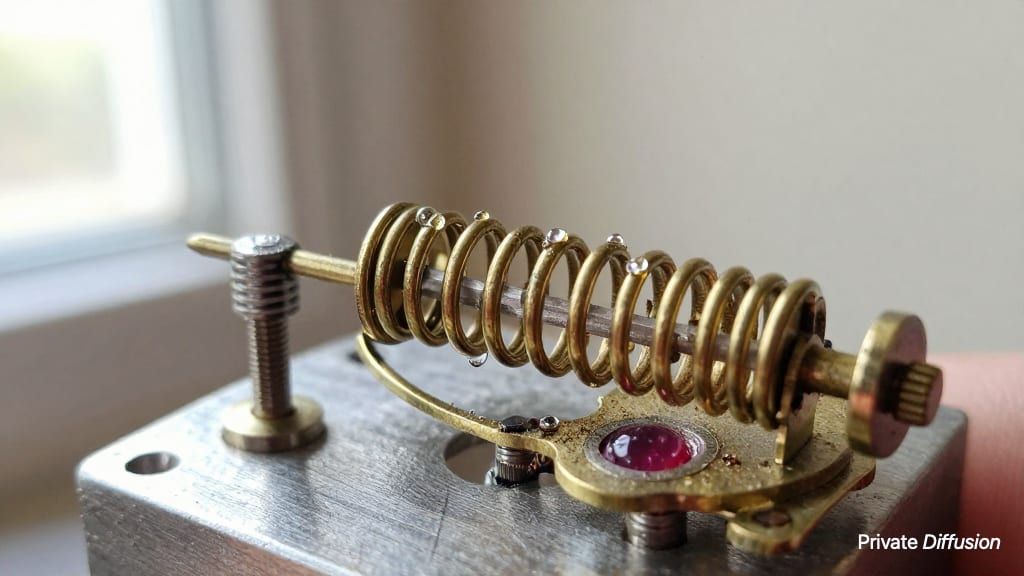
Watch gears beside a ruby bearing
- Model Z-Image-Turbo
- Portrait 2:3
- 1024 × 1536 · XL
- 9 steps
- Max quality
- Mac

Prompt and Settings
Tiny brass watch gears surround a red ruby bearing on a brushed steel plate. A pair of fine tweezers lifts one gear just above its axle while oil glints in a shallow cup. The work surface sits under a bench lamp with dark felt beyond the focal plane. A 2:3 macro camera frames the lifted gear and jewel at extreme close range. Focused lamp light creates sharp metal highlights. Technical macro photography, clean machining, precise reflections, shallow depth, crisp edges.
Negative Prompt
brand marks, readable text, rust, warped teeth, extra tweezers, watermark, motion blur, dust clumps, plastic metal
- Seed
- 1474715764
- Steps
- 9
- Quality
- Max
- Size
- 1024 × 1536
- Made With
- Private Diffusion on a Mac with Apple Silicon
Didn't Open in the App?
Private Diffusion turns prompts like this one into images on your Mac with 24 GB or more. Nothing you type reaches our servers.


Have the app? In another app's browser, open this page in Safari first. On iPhone or iPad, go back to the prompt in Safari and press and hold Open in Private Diffusion, then pick the app from the menu.
Make it on your own Mac with 24 GB or more. Nothing you type reaches our servers.
 Open in Private Diffusion
Send to iPhone
Point your iPhone camera here to open this prompt in Private Diffusion.
Couldn't draw the QR code. Open this page on your iPhone and tap Open in Private Diffusion.
Why This Prompt Works
This macro prompt is about precision mechanics, a subject with its own contrast range and story. The lifted gear and jewel carry the composition, placing the viewer at the exact point of assembly. Focused lamp light helps Z-Image-Turbo render brass, steel, and the ruby bearing as separate materials, while the shallow depth keeps the tiny watch components readable in a tall frame.
Recreate It in Private Diffusion
- Paste the prompt into Studio and choose Z-Image-Turbo.
- Set Size to XL and Aspect Ratio to Portrait 2:3.
- Type 1474715764 into Seed. On a Mac, switch off Randomize first.
- Paste the negative prompt into Negative prompt.
- Switch off Rewrite Prompt so Studio keeps the prompt word for word.
- Switch on Max quality (slower).
Those are the settings that made this picture, and they run on your own Mac with 24 GB or more, with nothing sent to our servers.
More Like This