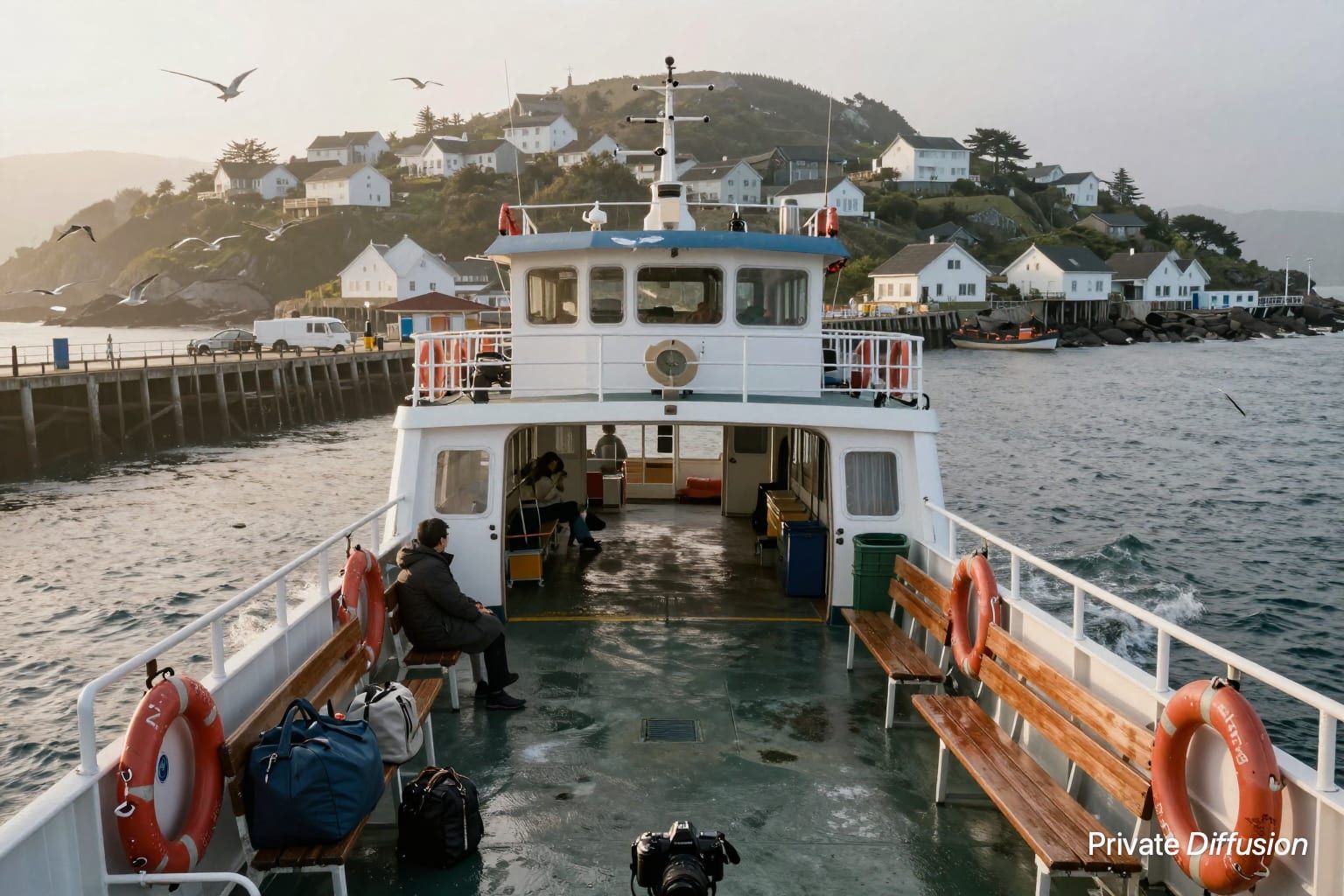
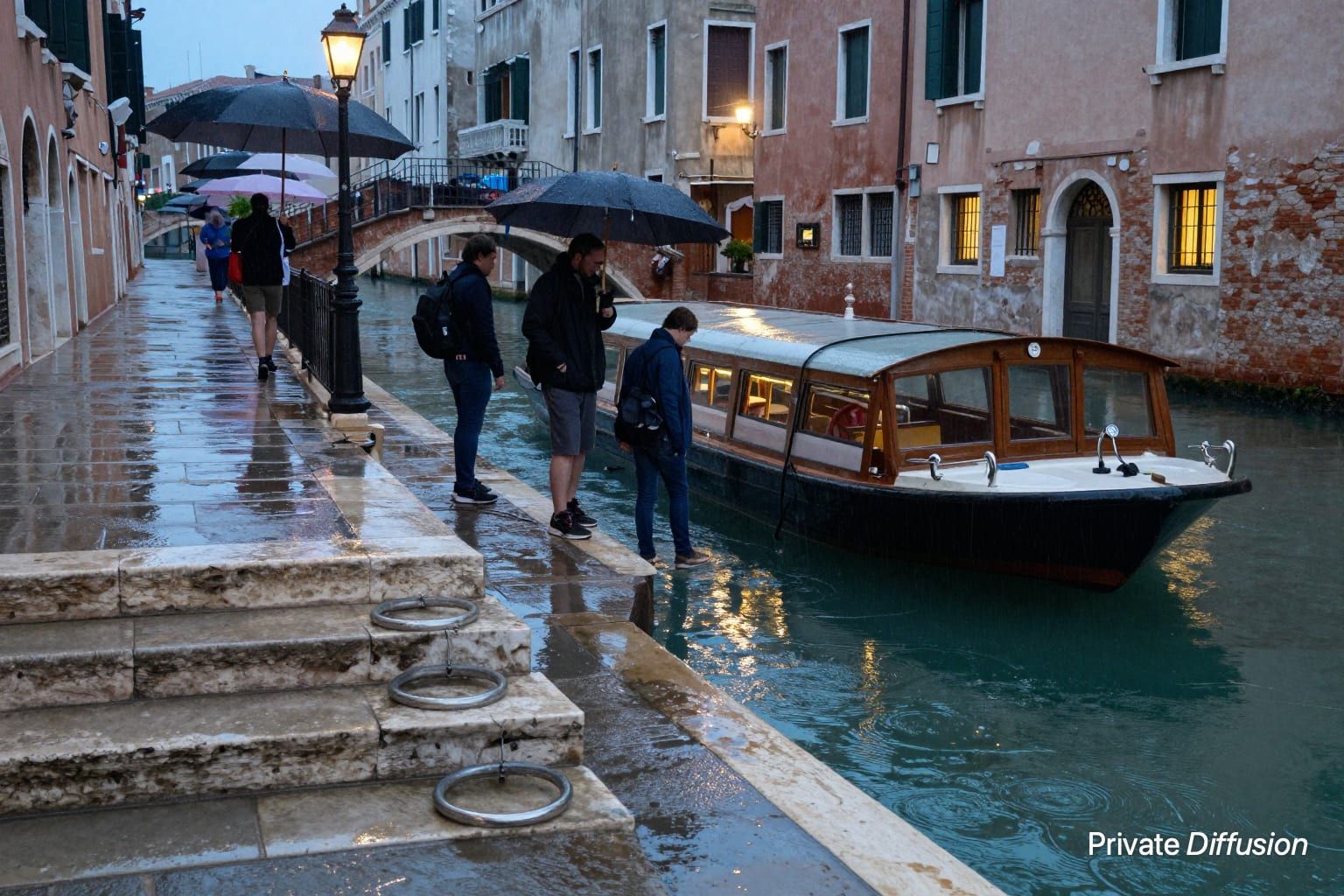
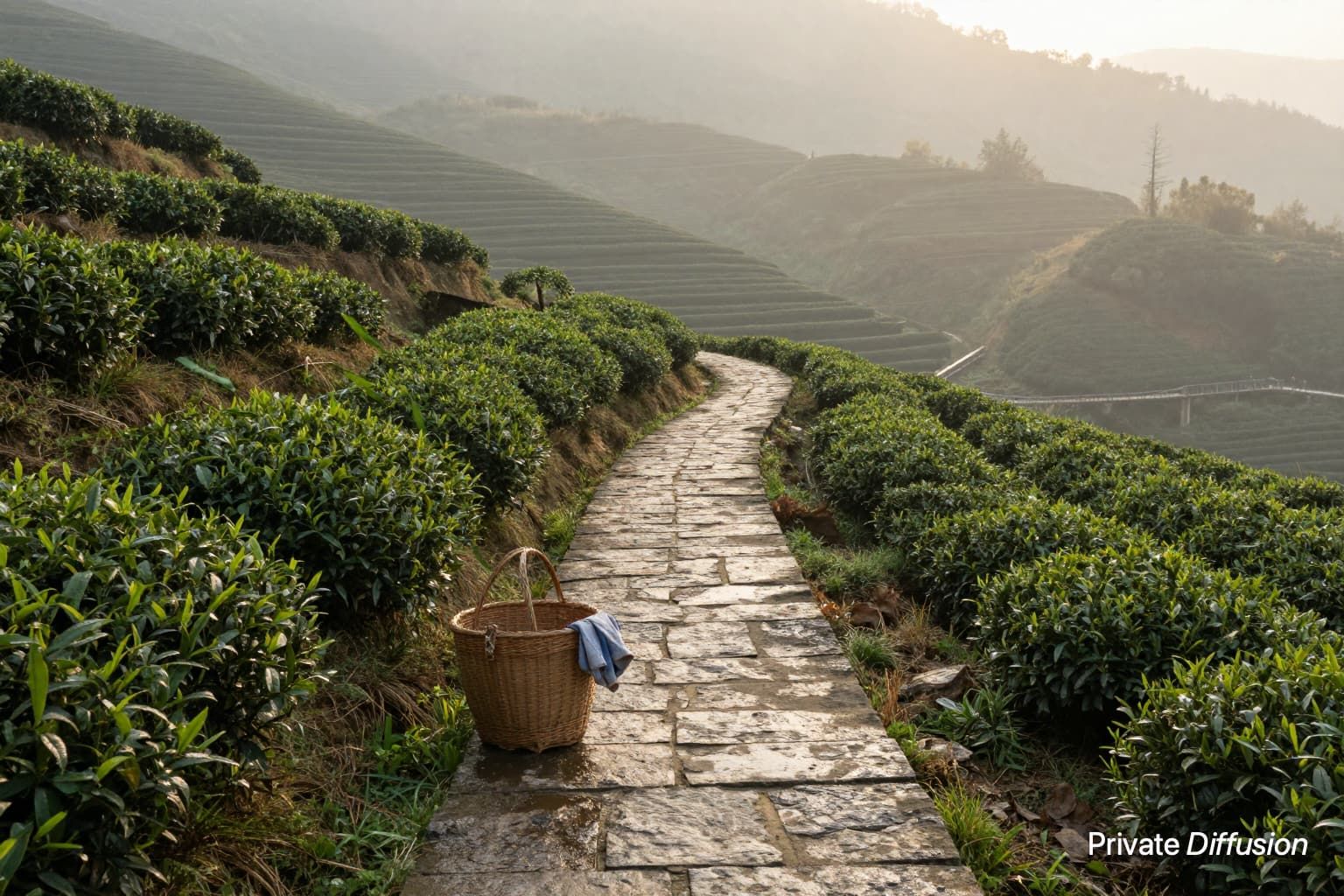
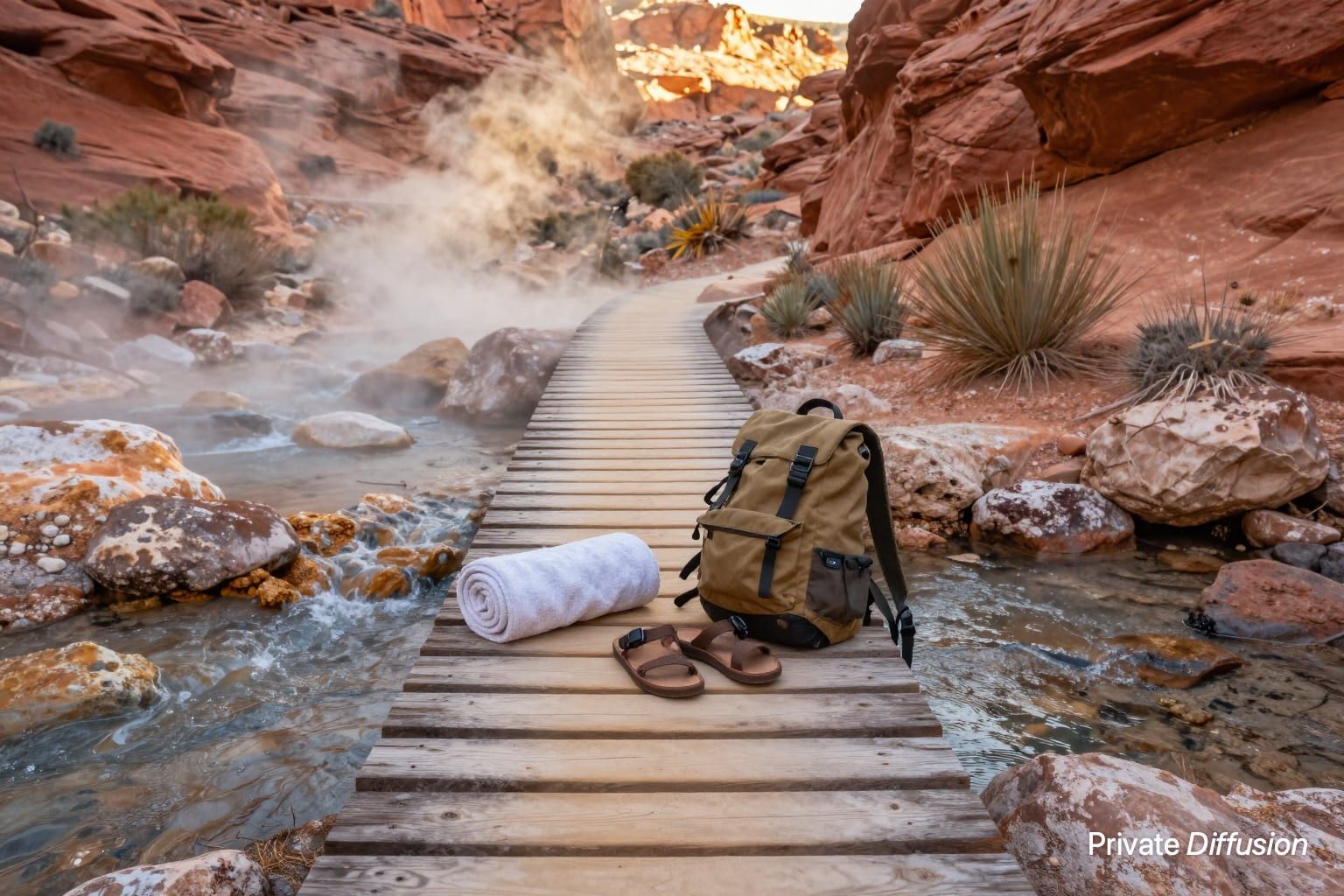
Mountain ferry dock in clear weather
- Model Z-Image-Turbo
- Wide 16:9
- 1024 × 576 · L
- 9 steps
- Max quality
- iPhoneiPadMac

Prompt and Settings
A small mountain ferry dock with rope posts, weathered planks, stacked luggage, and a covered ticket booth with no readable marks. Show travelers boarding a narrow lake boat while ripples move under the pier. Place the dock beside a glacial lake ringed by pine slopes and snowfields. Use a 16:9 travel photograph from pier height. Add clear morning light with bright reflections. Keep the style documentary, detailed, and natural, with crisp wood, fabric, and water texture.
Negative Prompt
readable text, logos, watermarks, distorted faces, extra limbs, warped boat, blurry mountains, oversharpening, crowd clutter
- Seed
- 1541826240
- Steps
- 9
- Quality
- Max
- Size
- 1024 × 576
- Made With
- Private Diffusion on a Mac with Apple Silicon
Didn't Open in the App?
Private Diffusion turns prompts like this one into images on your iPhone or iPad with 12 GB or more, or any Mac. Nothing you type reaches our servers.


Have the app? In another app's browser, open this page in Safari first. On iPhone or iPad, go back to the prompt in Safari and press and hold Open in Private Diffusion, then pick the app from the menu.
Make it on your own iPhone or iPad with 12 GB or more, or any Mac. Nothing you type reaches our servers.
 Open in Private Diffusion
Send to iPhone
Point your iPhone camera here to open this prompt in Private Diffusion.
Couldn't draw the QR code. Open this page on your iPhone and tap Open in Private Diffusion.
Why This Prompt Works
This travel scene centers on the act of boarding, giving the image a clear journey moment rather than a postcard-only view. Z-Image-Turbo gets strong guidance from the pier-height camera and the phrase about ripples under the pier, which links foreground detail to the lake. Morning reflections, luggage, rope posts, and snowfields provide readable cues for place, scale, and atmosphere while keeping the scene grounded.
Recreate It in Private Diffusion
- Paste the prompt into Studio and choose Z-Image-Turbo.
- Set Size to L and Aspect Ratio to Wide 16:9.
- Type 1541826240 into Seed. On a Mac, switch off Randomize first.
- Paste the negative prompt into Negative prompt.
- Switch off Rewrite Prompt so Studio keeps the prompt word for word.
- Switch on Max quality (slower).
Those are the settings that made this picture, and they run on your own iPhone or iPad with 12 GB or more, or any Mac, with nothing sent to our servers.
More Like This