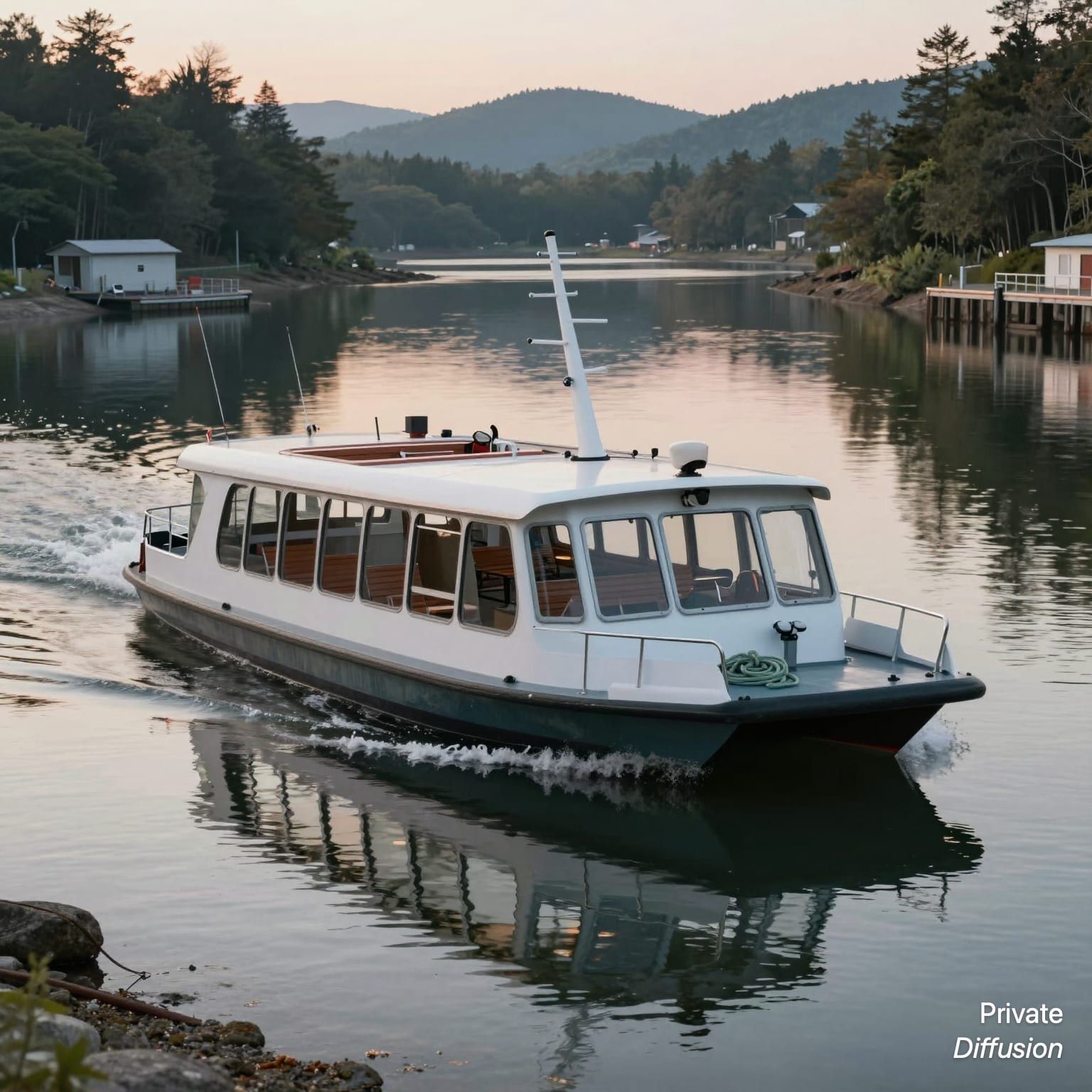
Solar ferry crossing a calm harbor
- Model Z-Image-Turbo
- Landscape 3:2
- 1536 × 1024 · XL
- 9 steps
- Max quality
- iPhoneiPadMac
Prompt and Settings
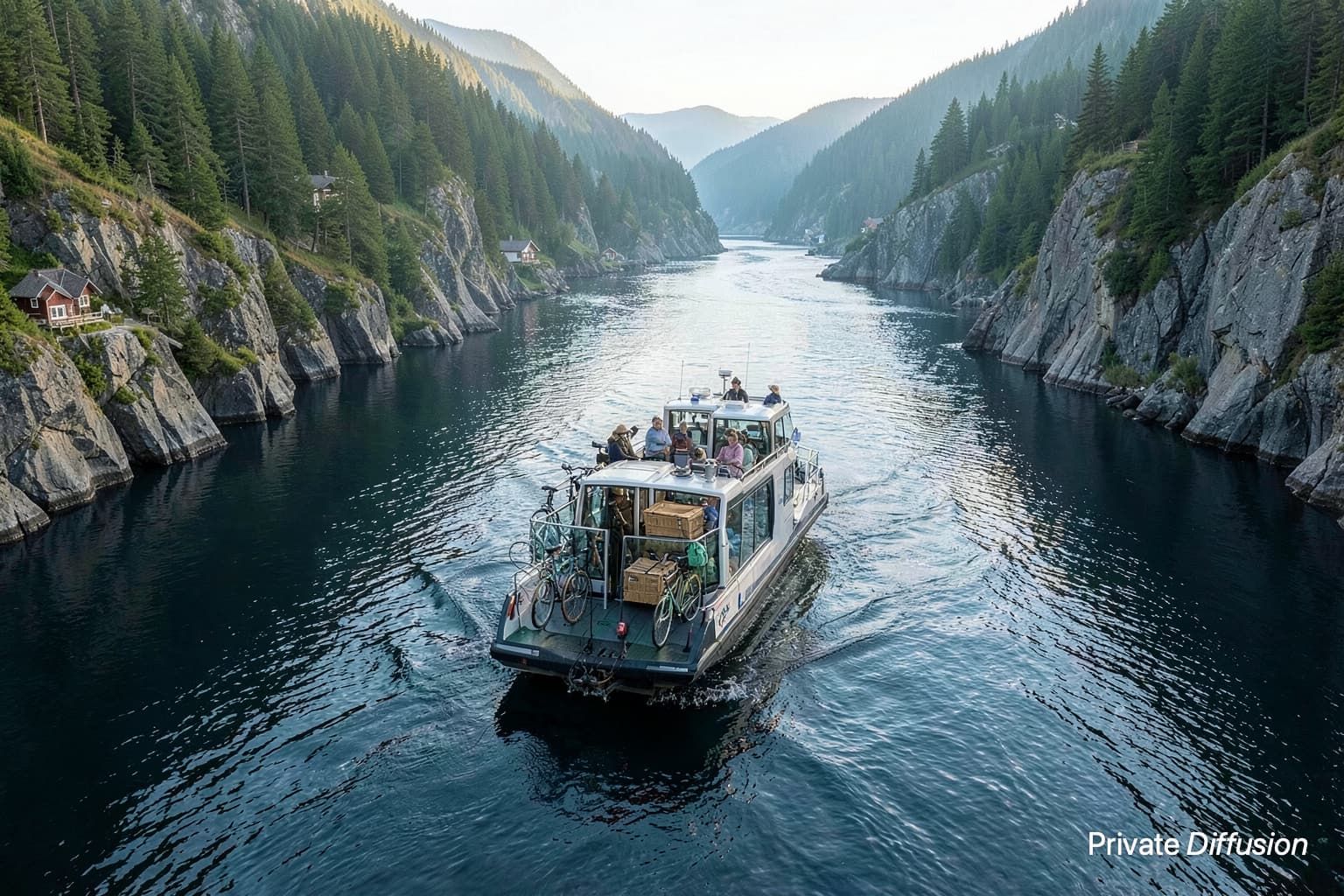
A compact solar ferry with glass canopy and roof panels glides across a sheltered harbor, leaving a soft wake beside floating docks and moored sailboats. The scene sits under a wide sky with low warehouses and cranes on the far shore. A 3:2 frame uses a three-quarter front view from water level with a 35mm lens. Morning light reflects from ripples, and Z-Image-Turbo renders clean photoreal detail, crisp metal rails, tempered glass, and wet hull surfaces.
Negative Prompt
blurry edges, extra wheels, distorted hull, warped reflections, duplicate boats, unreadable markings, logos, text, watermark, oversaturated sky
- Seed
- 1711754673
- Steps
- 9
- Quality
- Max
- Size
- 1536 × 1024
- Made With
- Private Diffusion on a Mac with Apple Silicon
Make it on your own Mac with 24 GB or more. Nothing you type leaves the device.


Why This Prompt Works
This image centers on an electric harbor ferry, a vehicle subject with clear shape, scale, and motion. The phrase about a three-quarter front view from water level carries the composition, while morning reflections give Z-Image-Turbo strong light cues to resolve glass, metal, and water. The clean photoreal detail direction suits the model's rendering strengths without relying on logos, markings, or written signage.
Recreate It in Private Diffusion
- Paste the prompt into Studio and choose Z-Image-Turbo.
- Set Size to XL and Aspect Ratio to Landscape 3:2.
- Type 1711754673 into Seed. On a Mac, switch off Randomize first.
- Paste the negative prompt into Negative prompt.
- Switch off Rewrite description (Rewrite Prompt on a Mac) so Studio keeps the prompt word for word.
- Switch on Max quality (slower).
Those are the settings that made this picture, and they run on your own Mac with 24 GB or more, with nothing uploaded.